Phone Stand
Desk stands for phones and small tablets
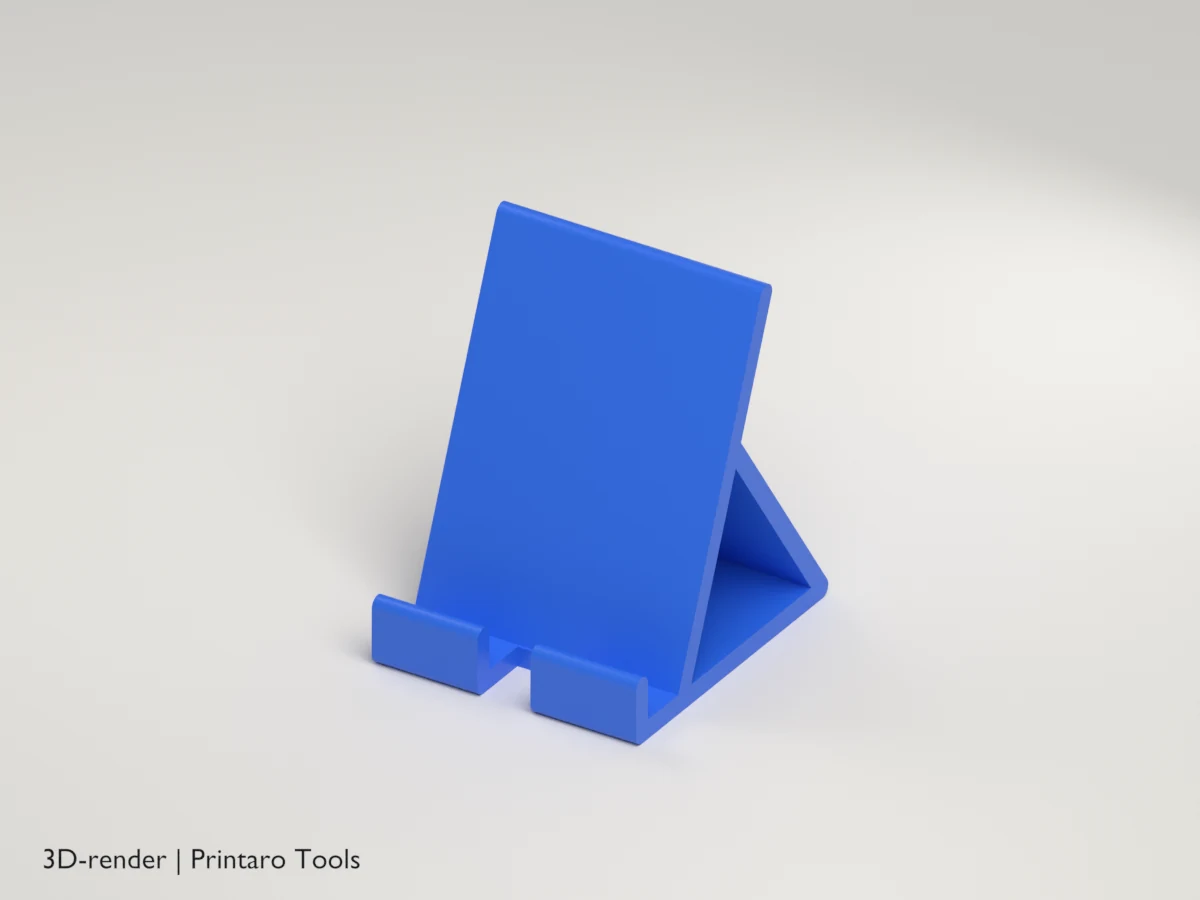
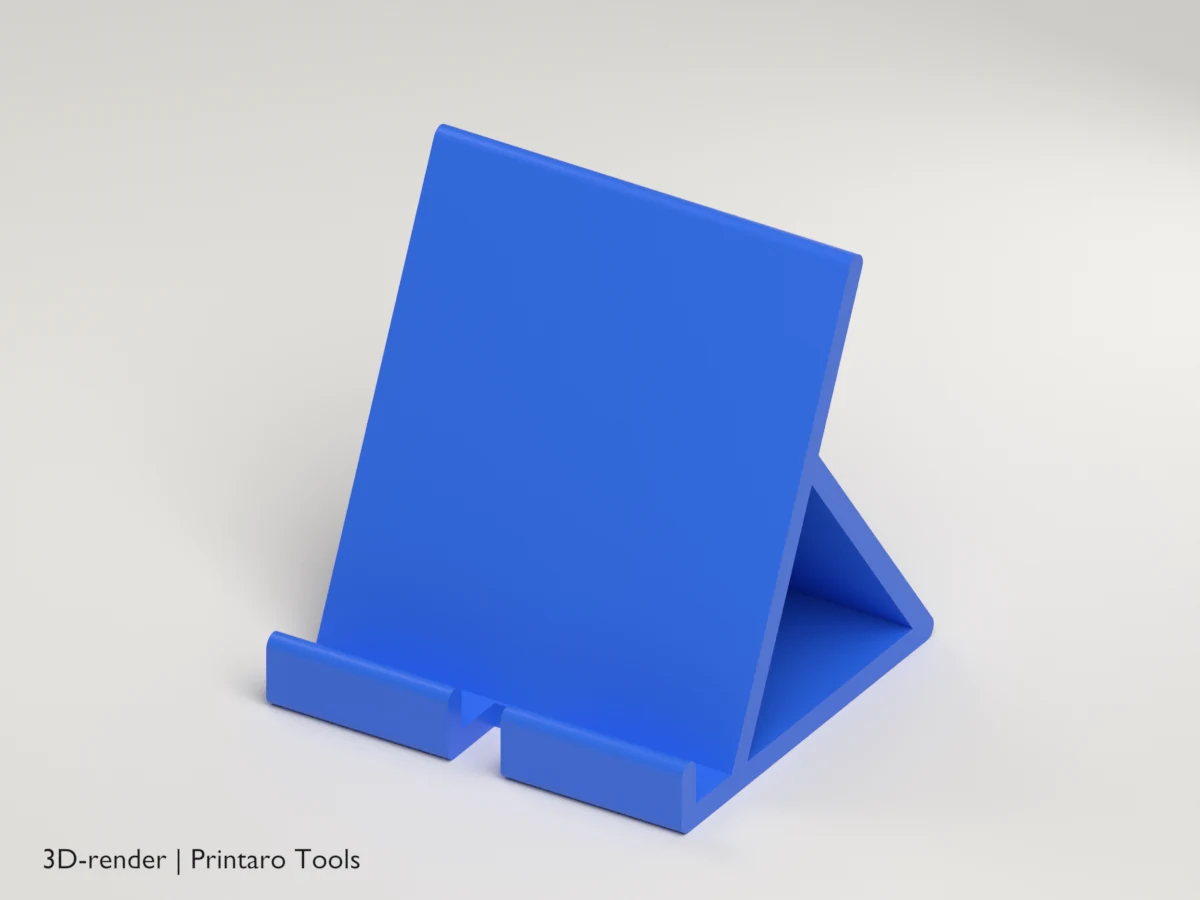
Set the viewing angle and your phone's thickness including the case. The stand has a cable slot so you can charge while it stands.
Examples
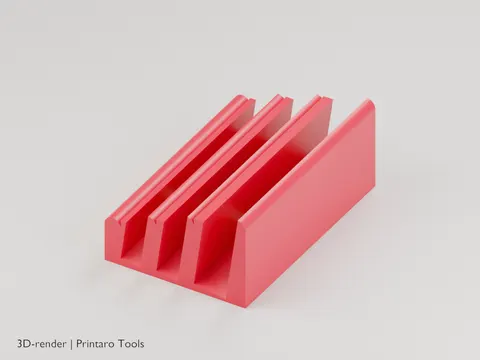
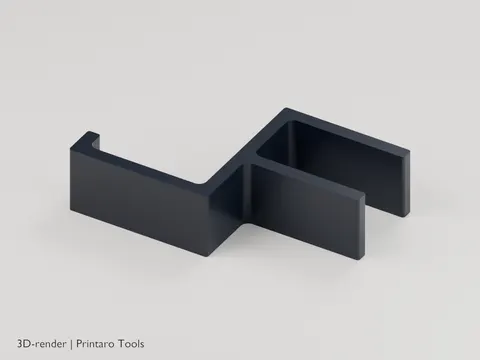
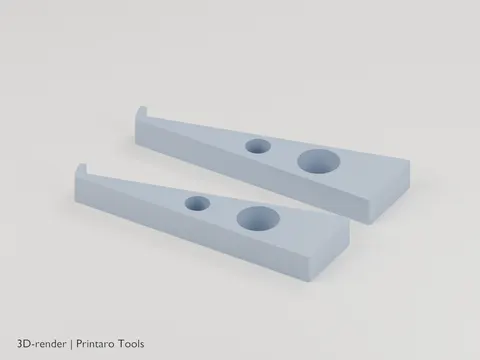
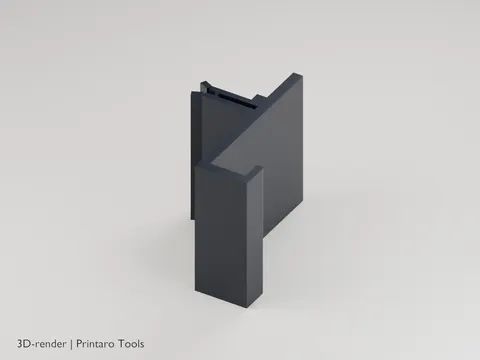
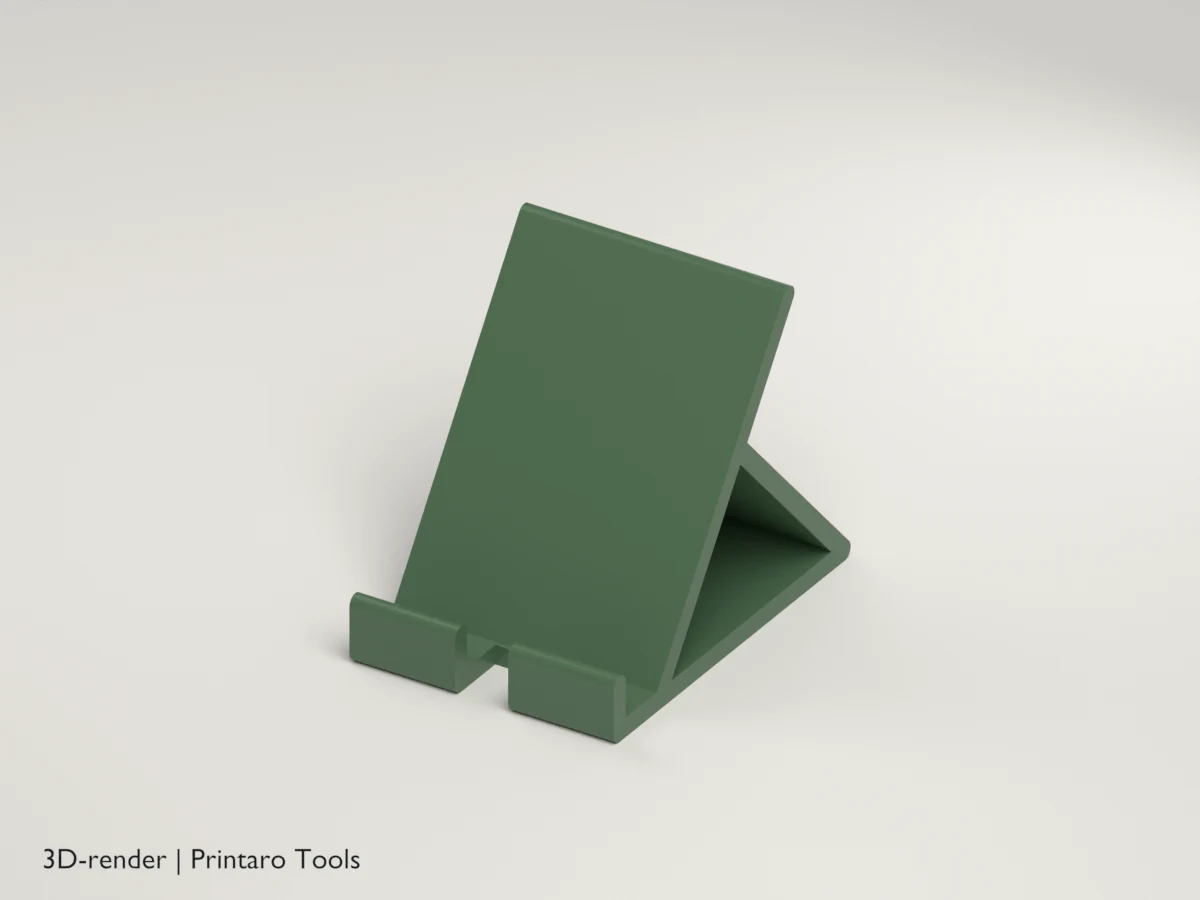
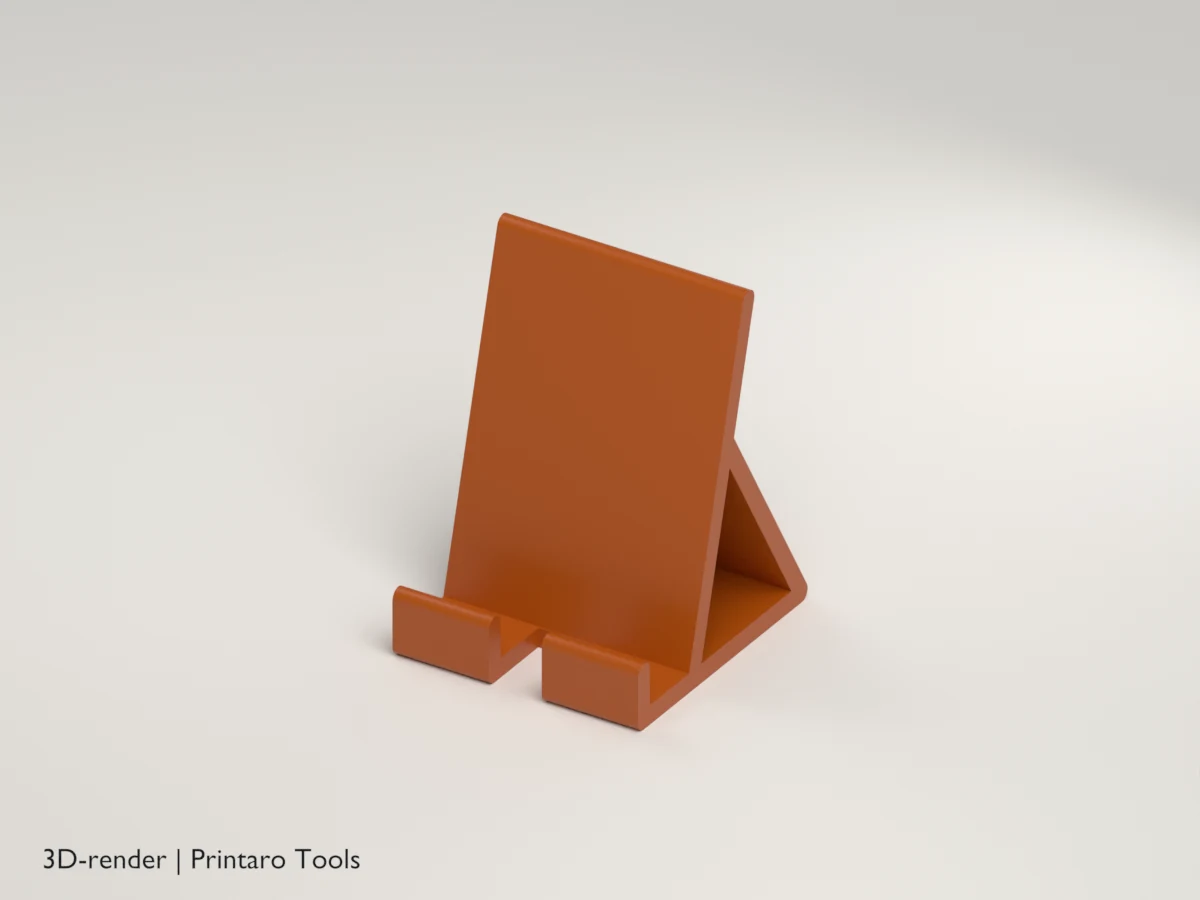
Examples made with this generator. These are 3D renders, not photos of prints.
No printer?
Printaro can print this design for you. Copy the link to your design and paste it in your message, so we know exactly which settings you chose.
Want your own printer? See which Bambu Lab printer to buy.
Keep the tools free
Found this useful?
These generators are free to use. If one saved you time, a small Ko-fi donation helps pay for hosting, rendering and new tools.
About this generator
A sturdy desk stand for your phone or a small tablet, with adjustable angle, a lip for thick cases and a slot for the charging cable.
How to use
- Measure your phone's thickness including the case.
- Choose the viewing angle and stand width.
- Print on its side as exported.
Settings that matter most
- Phone thickness (with case): the gap between the front lip and the back support, measured at the bottom. It is exactly the number you enter; no extra room is added. Measure the phone with its case on.
- Angle: how steep the back support stands, from 50° to 80° from the desk. Lower angles lean the phone back further.
- Width: how wide the stand is. The stand prints on its side, so this is also how tall the print is on the bed.
- Support length: how far up the back support reaches (50 to 160 mm). The base gets longer with it.
- Front lip height: how much of the bottom edge the lip covers (4 to 25 mm). Lower it if it covers buttons or the screen.
- Charging cable slot: a 14 mm wide opening in the middle of the lip and the base, so a cable can stay plugged into the bottom of the phone.
Phone or tablet
The default settings are for a phone: 70 mm wide, a 95 mm support and a 12 mm gap. The Tablet preset changes five settings at once: 140 mm wide, a 150 mm support, a 14 mm gap, 6 mm thick and a 65° angle. Start from the one closest to your device and adjust.
The model doesn't calculate whether a device tips over. A large or heavy tablet on a short support can fall backwards; check it with your own device before leaving it on the stand.
In the slicer
- The download is a single-color STL, lying on its side as it should print.
- Because it prints on its side, the Width you set is the print height. Check that against your printer's build height for a wide tablet stand.
Printing tips
- Print on its side as exported: no supports, strong layers.
- Add rubber feet or a strip of silicone so it doesn't slide.
Helpful guides
Frequently asked questions
Will it hold a tablet?
Small tablets, yes: increase the width and support length, and use a 6 mm thickness.
Does it need supports?
No. It prints on its side as exported, which also makes it stronger.