Headphone Hanger
Under-desk headphone holder, no screws
Keep your headset off the desk and within reach. Measure your desk thickness and slide it on.
Examples
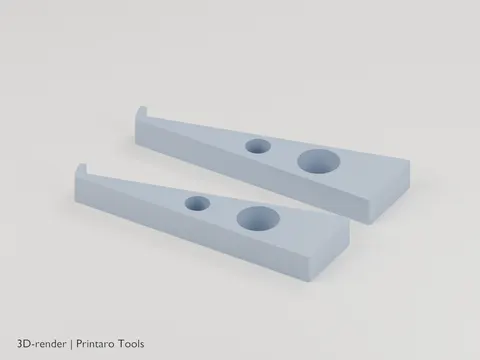
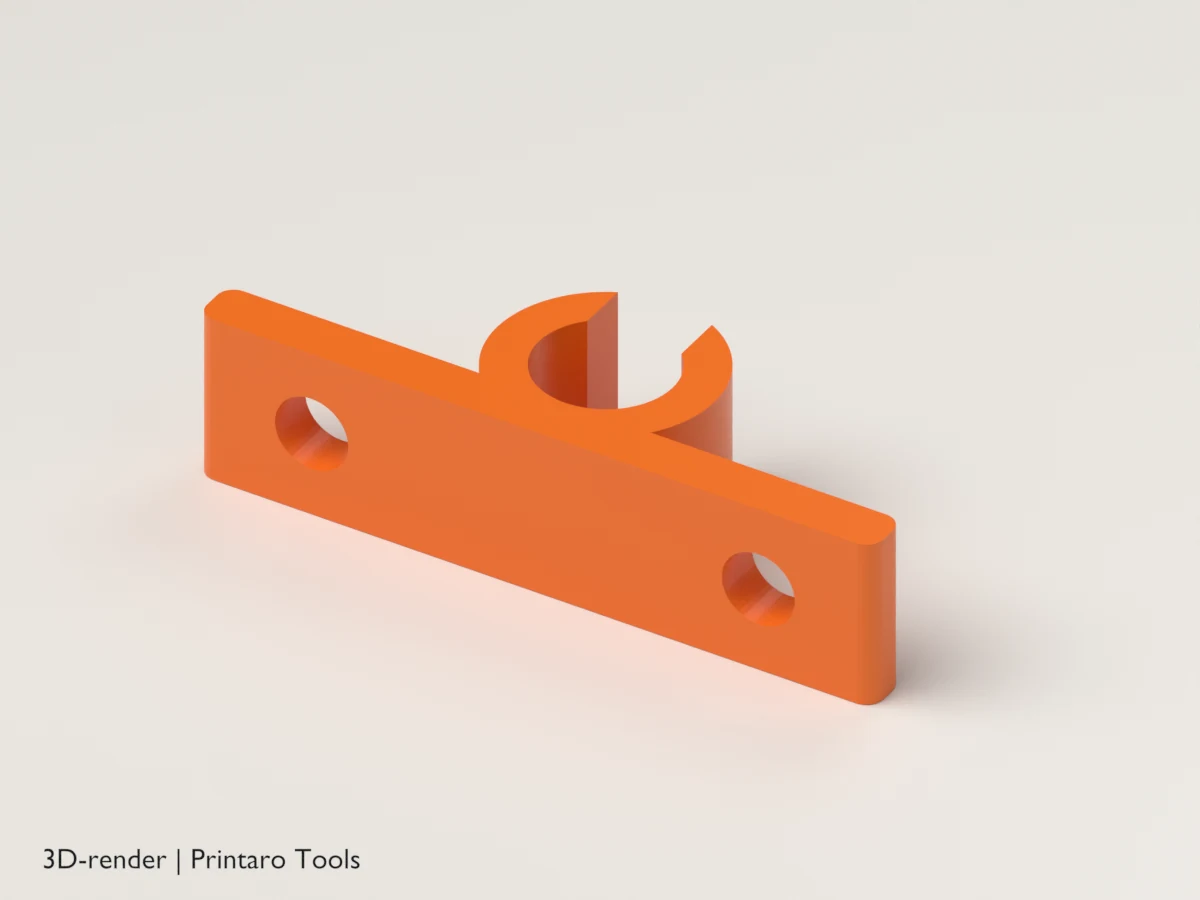
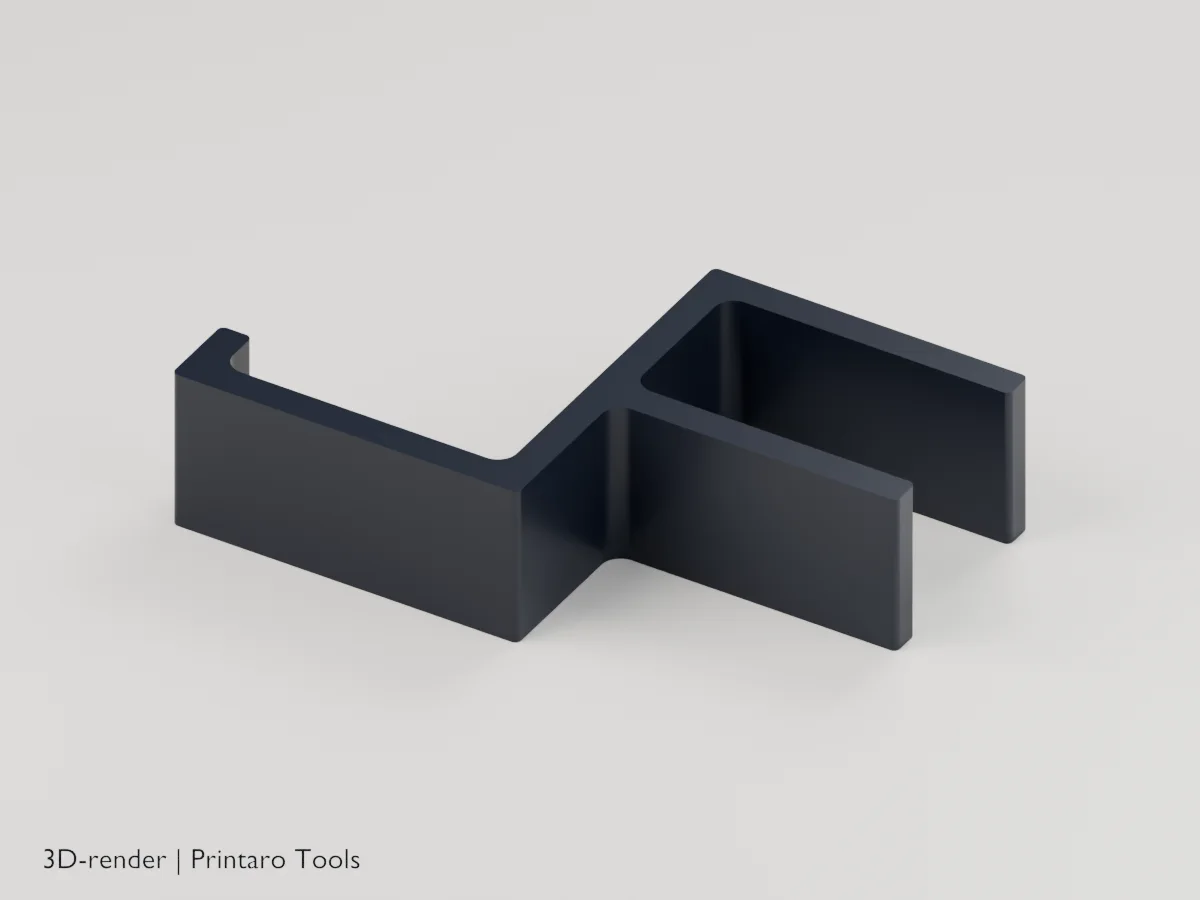
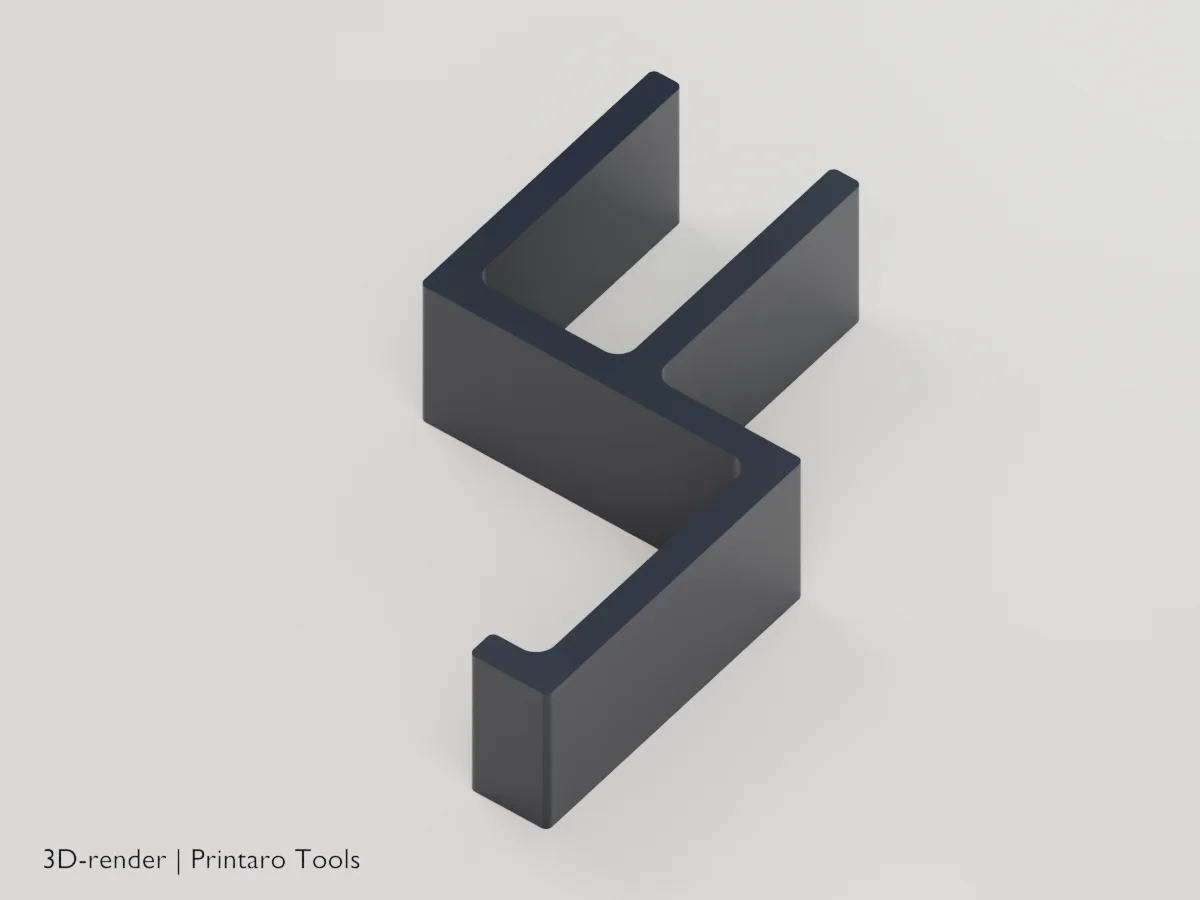
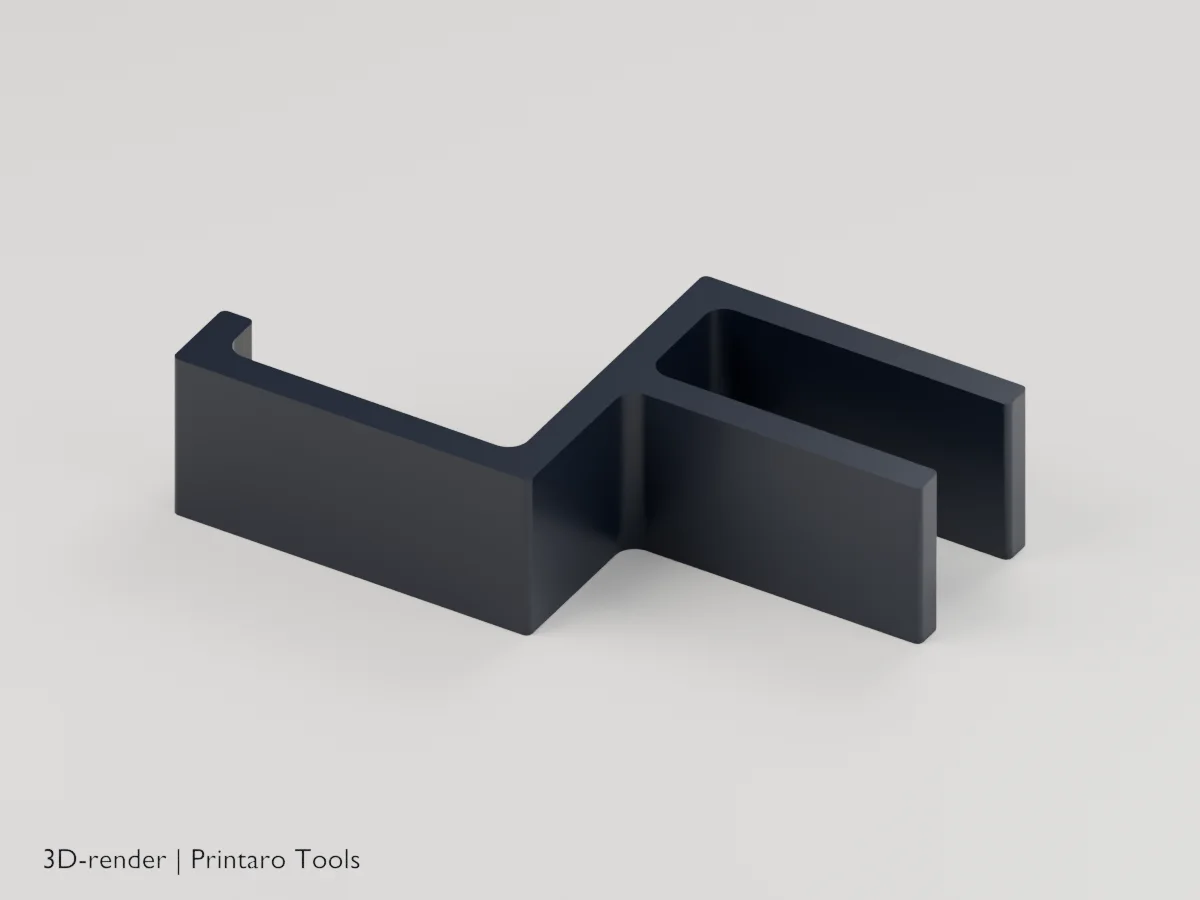
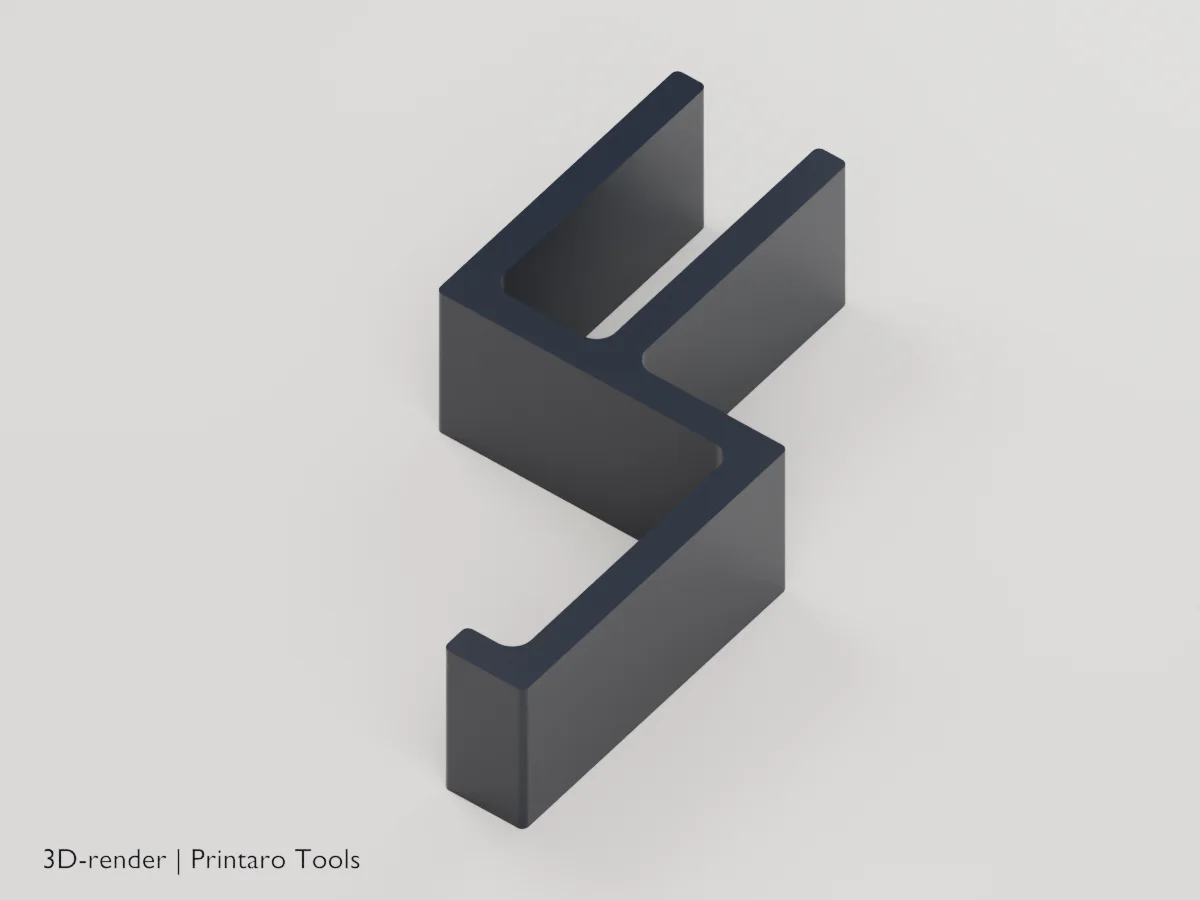
Examples made with this generator. These are 3D renders, not photos of prints.
No printer?
Printaro can print this design for you. Copy the link to your design and paste it in your message, so we know exactly which settings you chose.
Want your own printer? See which Bambu Lab printer to buy.
Keep the tools free
Found this useful?
These generators are free to use. If one saved you time, a small Ko-fi donation helps pay for hosting, rendering and new tools.
About this generator
Clamps onto the edge of your desk and holds headphones underneath. Sized to your desk thickness.
How to use
- Measure the desk thickness.
- Print on its side as exported.
- Slide it onto the desk edge.
Will your desk take it?
- The hanger needs a free edge. A frame, drawer or rail directly under the desktop can block the lower arm, which goes back as far as Clamp depth (45 mm by default).
- The space between the arms is your desk thickness minus 0.4 mm, so it grips. Measure at the edge. If the first one is too tight or loose, change Desk thickness by half a millimeter.
- A very smooth or rounded edge holds less well. The clamp relies on friction only.
Hook size
Hook length has to be wider than your headband, and 50 mm suits most. Space under the desk is the gap above the hook bar. Raise it if thick ear cushions or a wide headband don't slide in. The bar ends in an 8 mm lip that stops the headphones sliding off.
Printing
It prints on its side, so the Width becomes the print height and the layers follow the curve of the profile. That is the strong direction for a hook. It is meant for headphones: don't hang bags on it.
Printing tips
- Print as exported (on its side) for strength.
- PETG holds its grip better over time.
Helpful guides
Frequently asked questions
How does it attach?
It clamps onto the edge of the desk, no screws needed. Set Desk thickness to the thickness of your desk top.
Which filament holds best?
PETG. It keeps its grip on the desk better over time than PLA.