Bearing Generator
Roller and ball bearings in any size
A bearing straight off the printer. The roller version needs no assembly: break it loose and it spins.
Examples
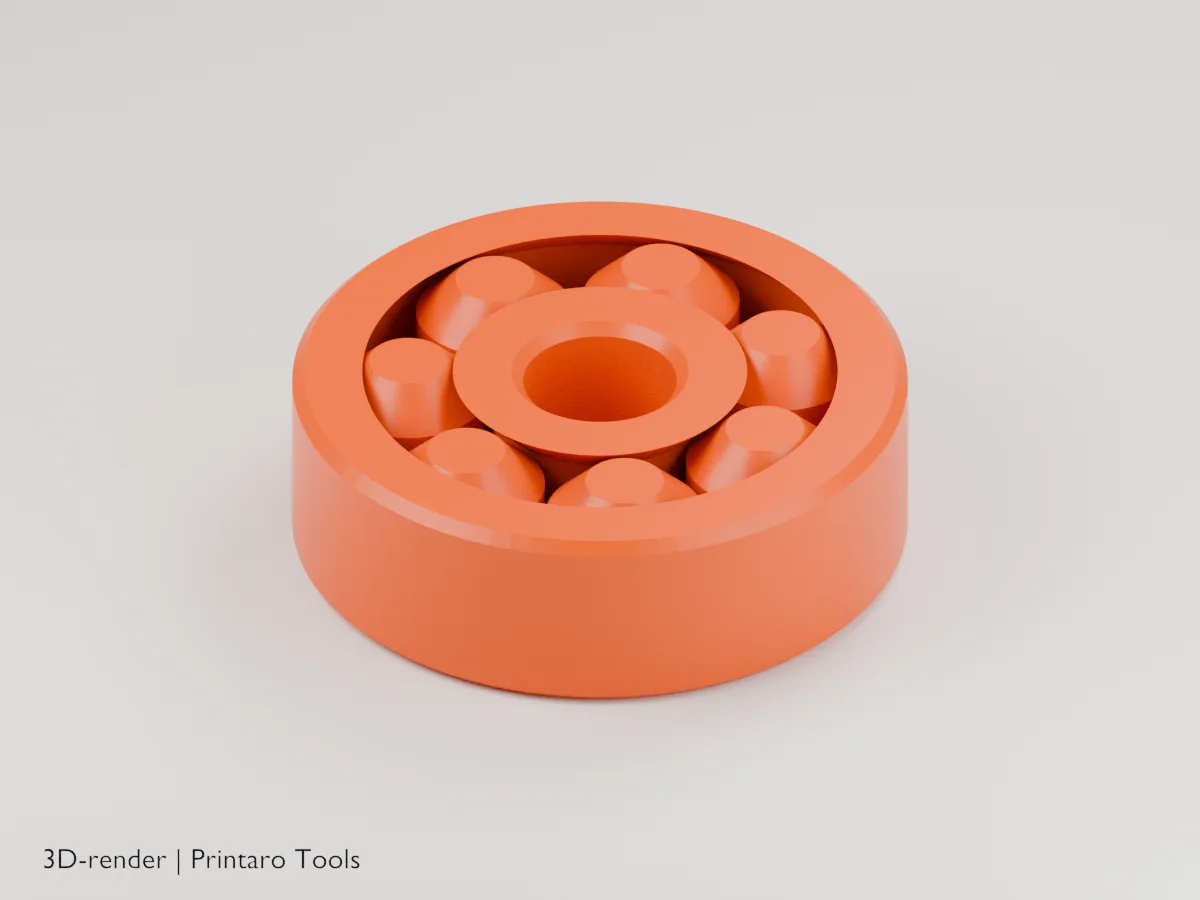
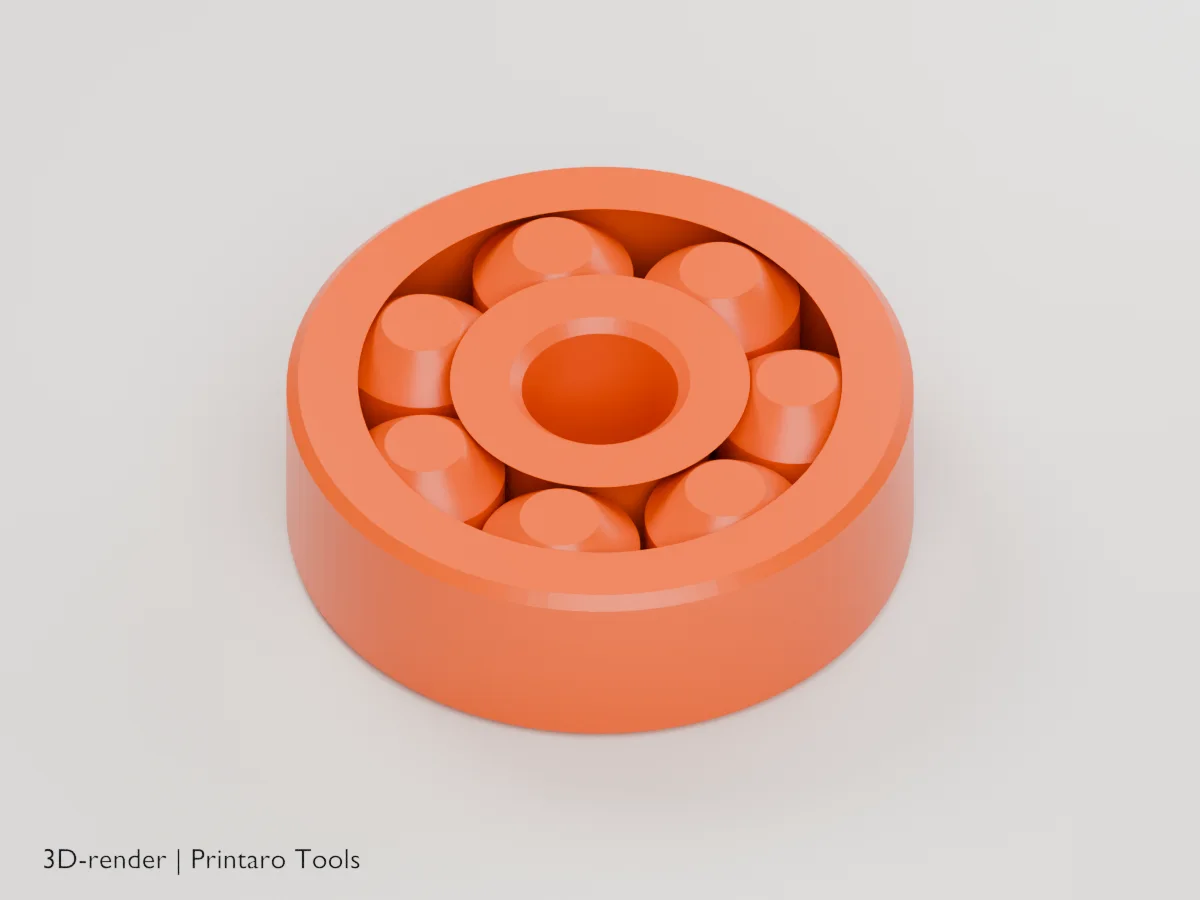
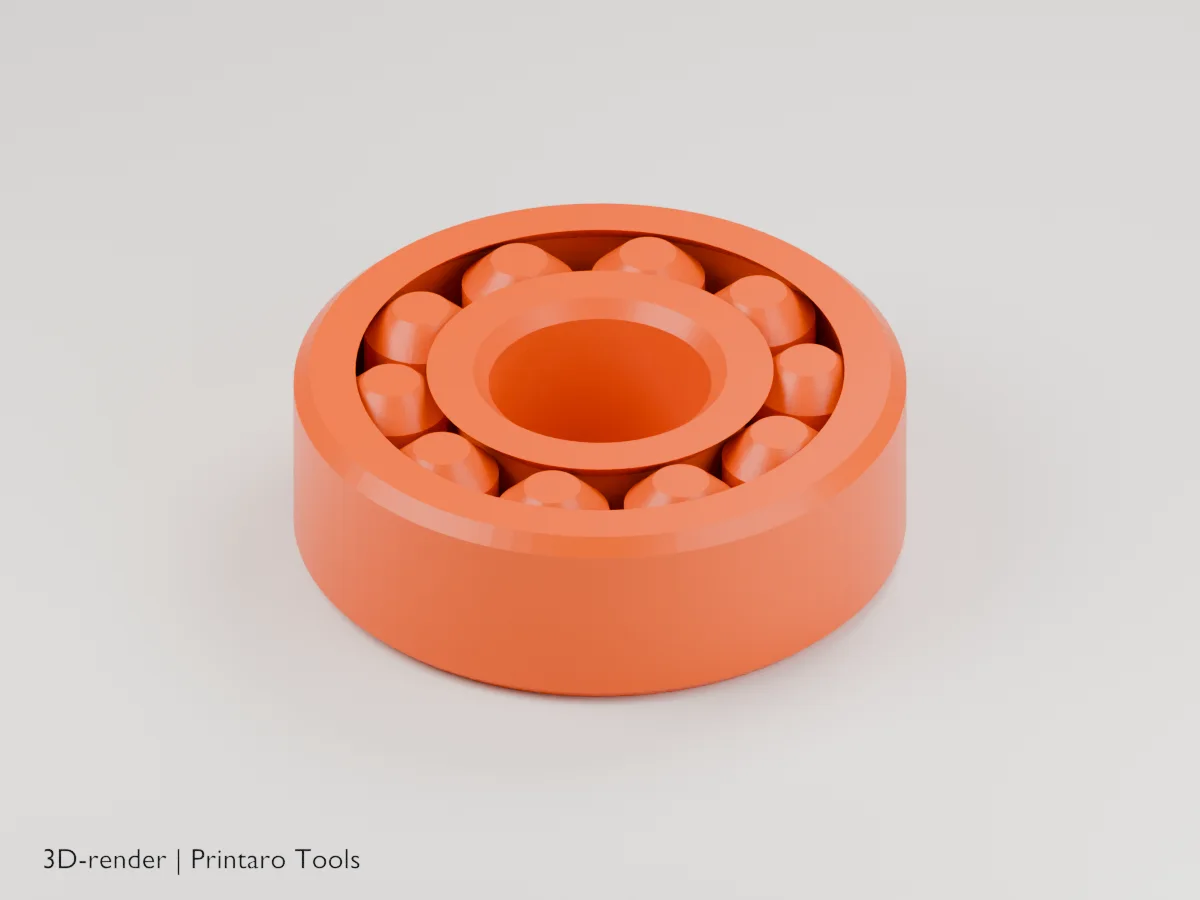
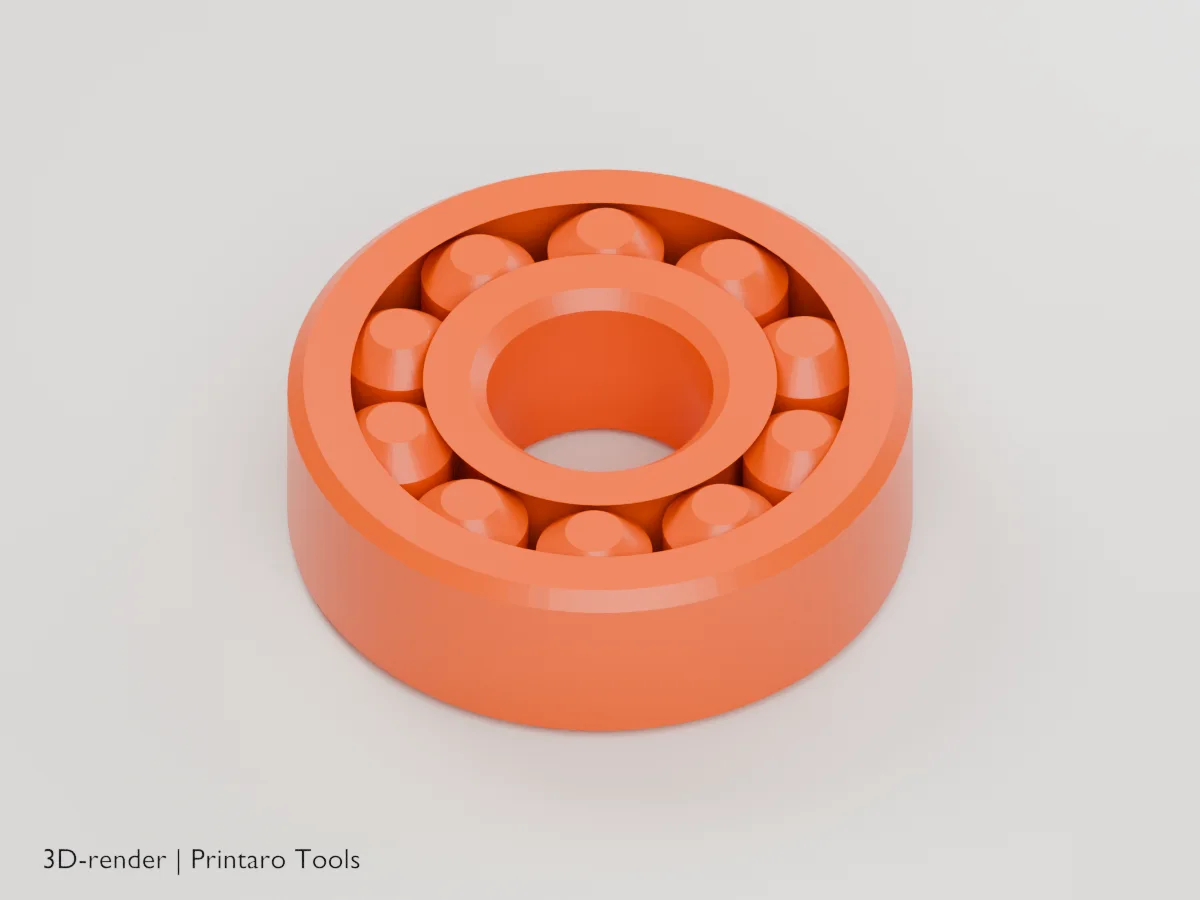
Examples made with this generator. These are 3D renders, not photos of prints.
No printer?
Printaro can print this design for you. Copy the link to your design and paste it in your message, so we know exactly which settings you chose.
Want your own printer? See which Bambu Lab printer to buy.
Keep the tools free
Found this useful?
These generators are free to use. If one saved you time, a small Ko-fi donation helps pay for hosting, rendering and new tools.
About this generator
Bearings in any size. A roller bearing that prints in place, fully assembled, or ball bearing races for bought balls. Type the bore, outer diameter and width.
How to use
- Type the bore, outer diameter and width. For a standard 608 that is 8, 22 and 7.
- Print it. For rollers: twist the inner ring firmly to break the rollers loose, then spin it in.
- For balls: drop the balls in through the notch and turn the ring to spread them.
Settings that matter most
- Type: rollers print inside the bearing and come off the bed assembled; the ball version is a pair of races for balls you buy.
- Bore, Outer diameter and Width: 3 to 60 mm, 16 to 120 mm and 5 to 40 mm. The presets fill in standard sizes such as 608 (8 × 22 × 7) and 6204 (20 × 47 × 14).
- Clearance: the gap between the moving parts, 0.15 to 0.6 mm. This decides whether rollers come loose after printing.
- Ball diameter (ball version only): 3 to 12 mm.
When the tool says no
- "The bearing is too thin": the ring between bore and outer diameter has no room. Make the outer diameter bigger or the bore smaller.
- "No room for rollers": make the bearing wider or lower the clearance.
- "The balls don't fit": choose smaller balls or a bigger bearing.
Test small first
Whether the rollers come loose depends on your printer's first layer. Print the default size (the Demo bearing preset) with your clearance before printing a large bearing, and change the clearance from there.
Printing tips
- Print flat, without supports. Use 0.2 mm layers or finer.
- Elephant foot on the first layer can fuse the rollers. Use your slicer's elephant foot compensation, or raise Clearance.
- A drop of oil or dry PTFE lubricant makes a big difference.
- Printed bearings are for low speeds and light loads: lazy Susans, spool holders, toys, models.
Helpful guides
Frequently asked questions
The rollers will not come loose. What now?
Raise Clearance by 0.05 to 0.1 mm and print again. Squished first layers are the usual cause.
Which balls fit?
Any balls of the diameter you set. Airsoft BBs are 6 mm and cheap; steel balls run smoother.
Can I use it instead of a metal bearing?
For light, slow use, yes. Not for anything fast, hot or safety-critical.
Related tools
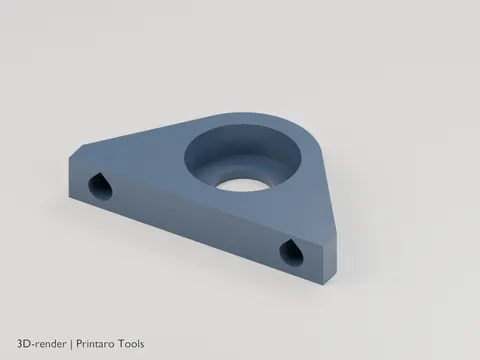
Bearing Holder
Pillow blocks and flanges for ball bearings
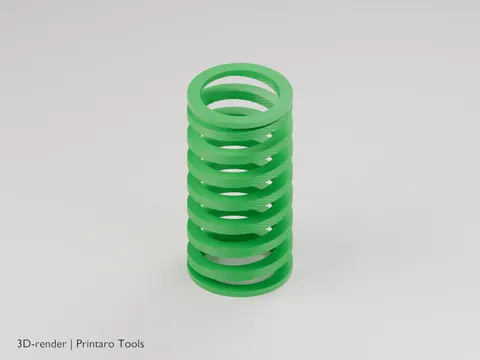
Spring Generator
Compression springs that print standing up
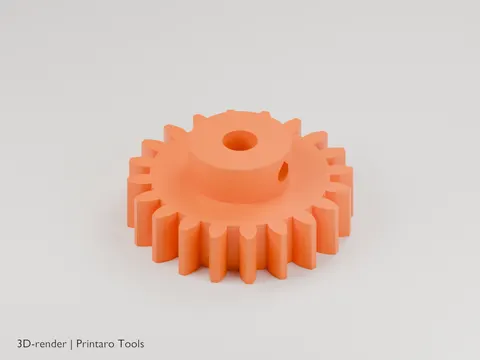
Spur Gear
Involute gears with any number of teeth
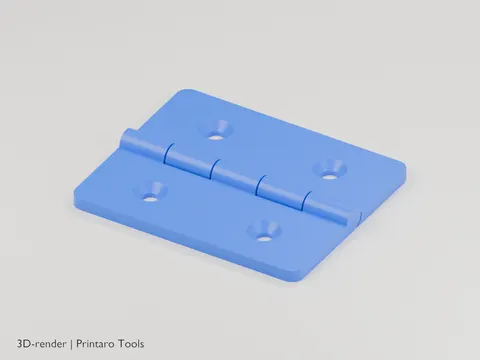
Print-in-Place Hinge
Working hinges that print in one piece
Slinky Ghost
A ghost with a spiral body that stretches and bounces
Flexi Bone Snake
A print-in-place skeleton snake with a skull for a head