Telescoping Sword
A toy sword that flicks out of its handle
One solid body, no colors. Works with every slicer.
Examples
Two example settings, each from two angles. These are 3D renders of the model this page generates, not photos of prints.
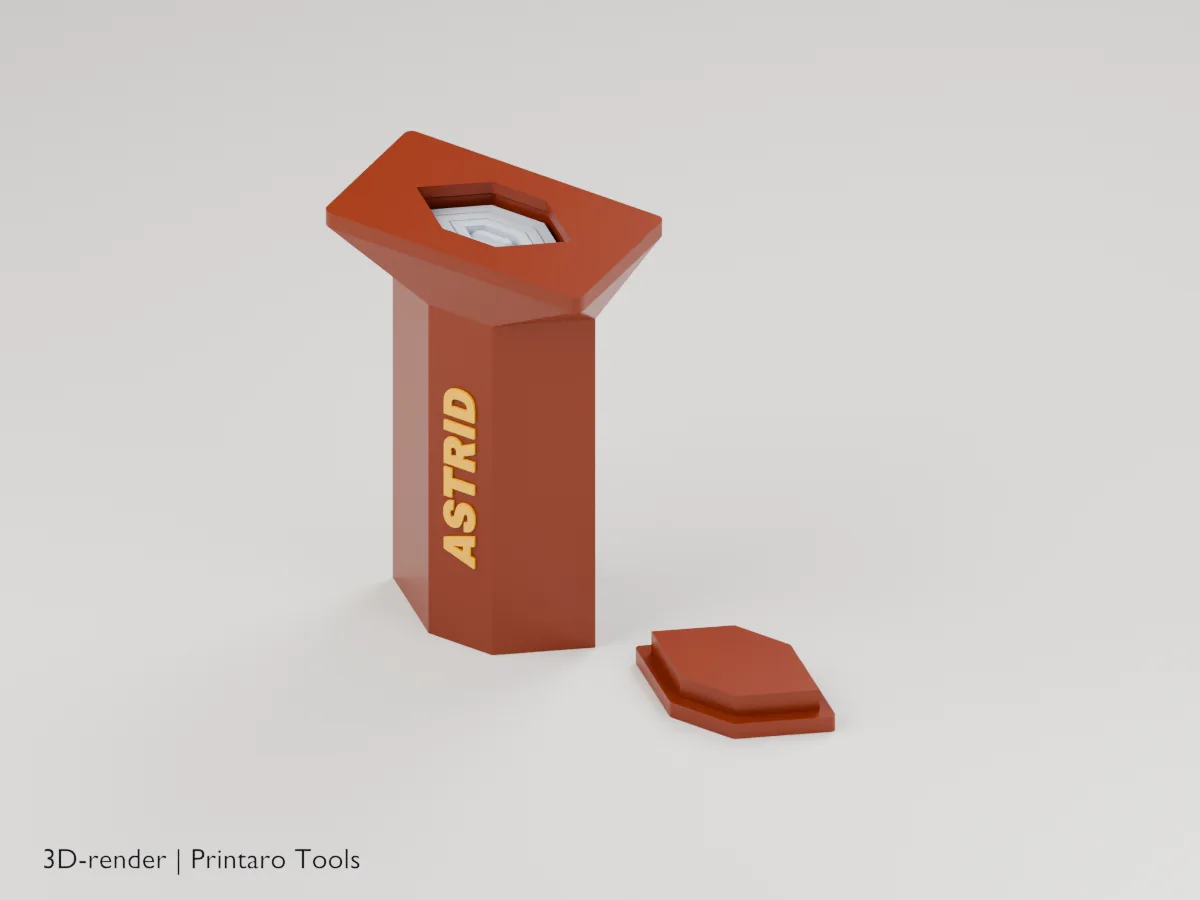
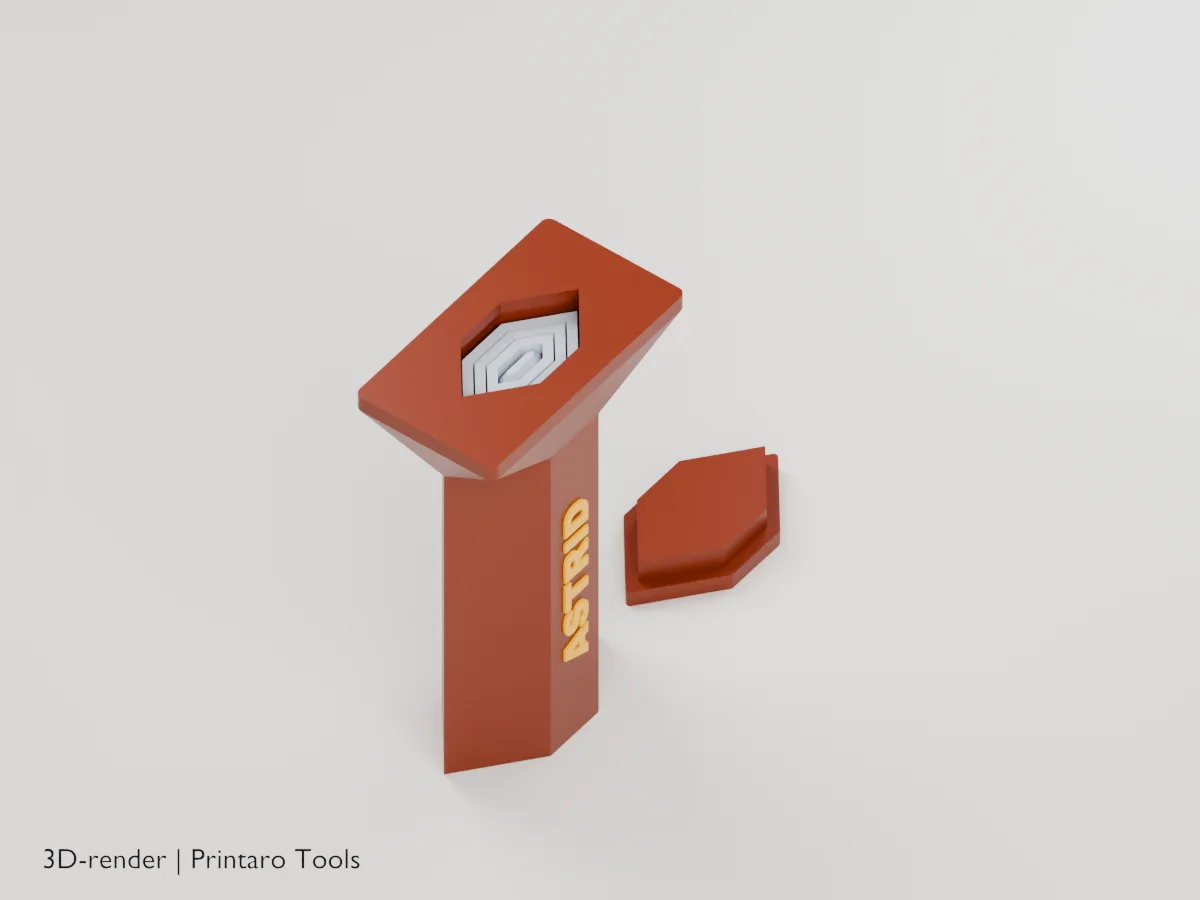
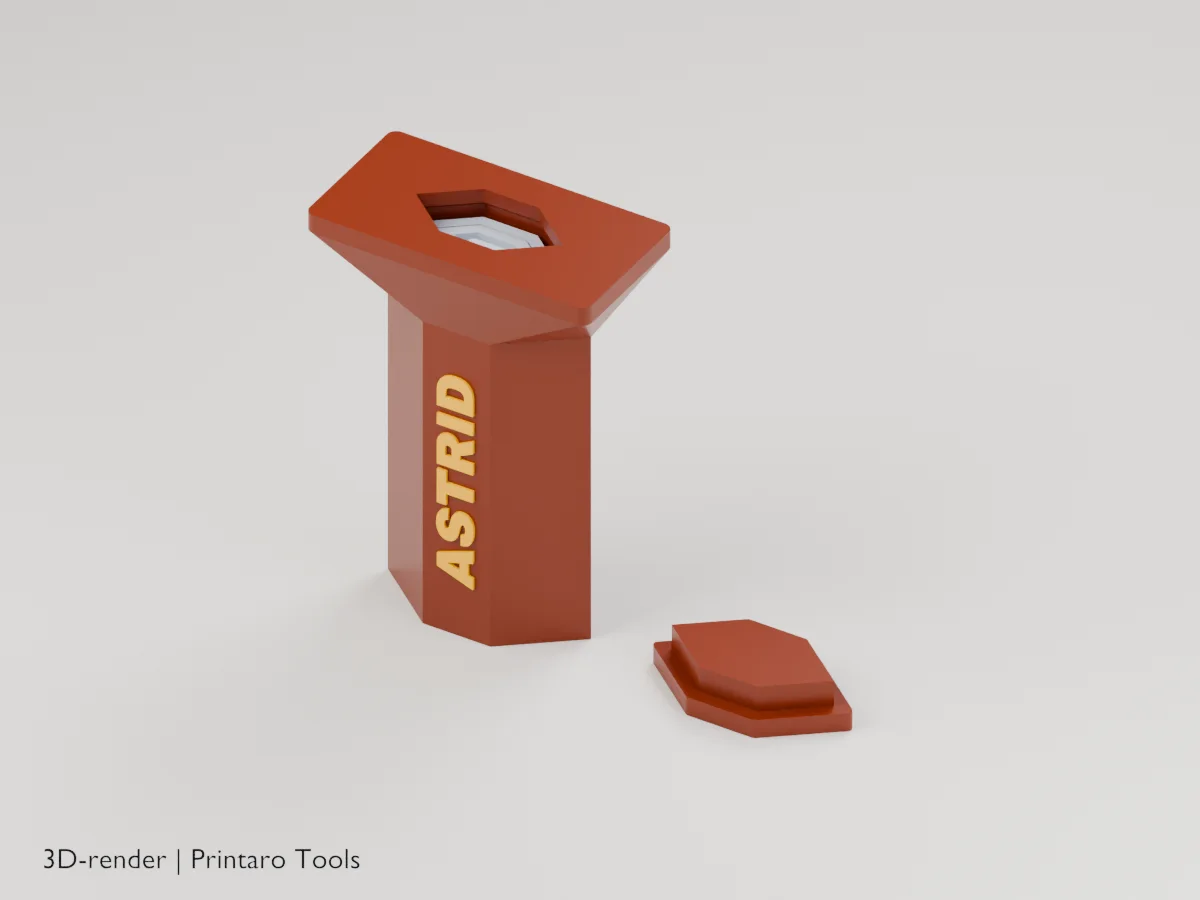
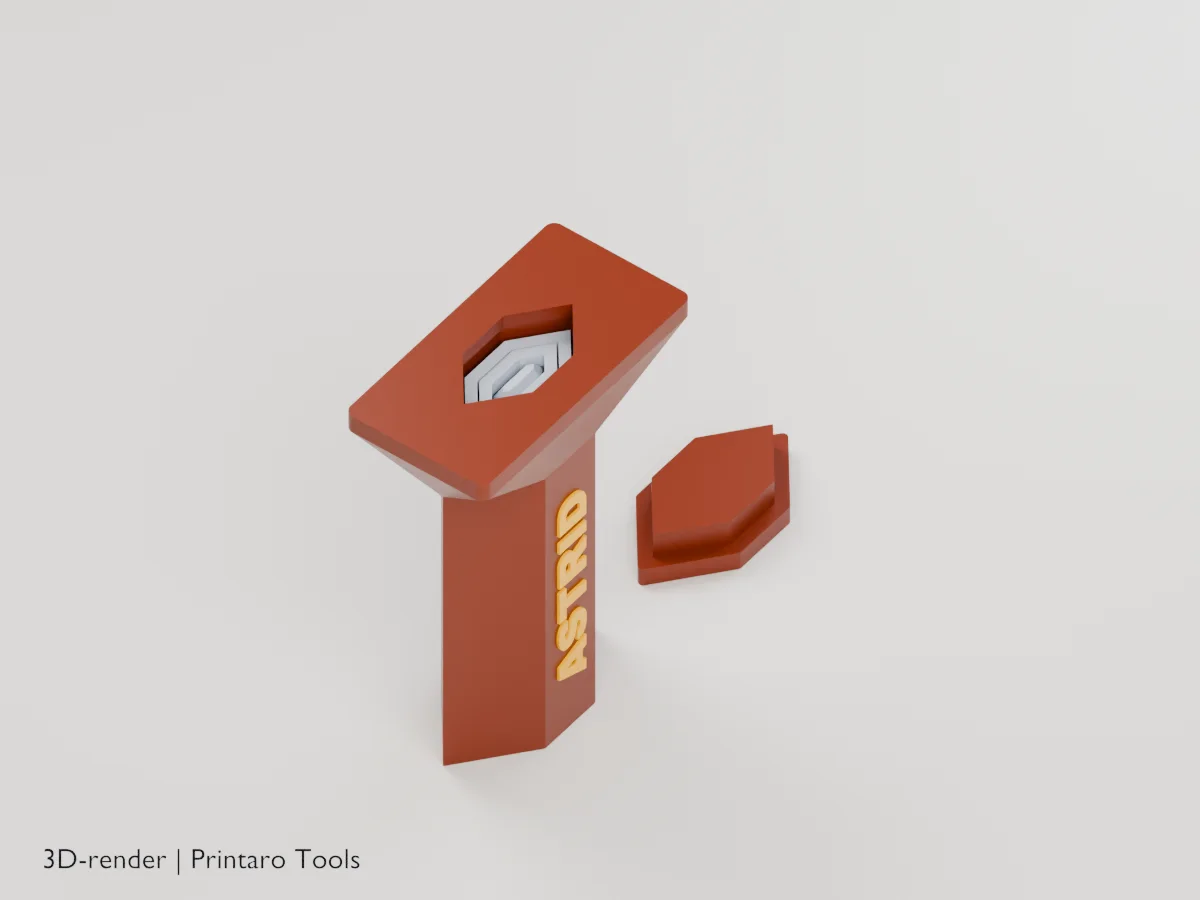
No printer?
Printaro can print this design for you. Copy the link to your design and paste it in your message, so we know exactly which settings you chose.
Keep the tools free
Found this useful?
These generators are free to use. If one saved you time, a small Ko-fi donation helps pay for hosting, rendering and new tools.
About this generator
Flick your wrist and the blade shoots out: every section prints inside the next one, ready to slide.
How to use
- Choose the number of sections, their length and the blade shape.
- Add a name for the handle.
- Print standing up, as exported, with the pommel cap beside it.
- Press the cap into the bottom of the handle, then flick the sword forward to open it.
Printing tips
- Print with 3 walls and 15% infill; the sections are thin.
- A brim on the handle only helps it stand; keep it away from the blade gaps.
- Silk or metallic filament makes the blade shine.
Helpful guides
Frequently asked questions
The sections don't slide out.
Push the tip from the bottom side with a pencil before fitting the cap, and twist gently. If they are fused, raise Clearance by 0.05 mm and print again.
Is it safe?
It is a toy: the tip is blunt and chamfered. Don't hit people or pets with it.
How do I close it again?
The modeled detents are intended to resist collapse, but retention and release force have not been physically tested. Retract the sections gently by hand; do not slam the tip against a table or force a binding section.
The sections don't stay out.
Do not flick harder. First inspect for first-layer flare, fused gaps, rough surfaces or binding, and gently check each section by hand before use. Reprint if sections bind. The detents are digitally modeled but physically untested: retention and release force are not verified.
Why is there a separate cap?
The sections start on the print bed, so the handle can't have a bottom under them. The cap closes it after printing.
Related tools
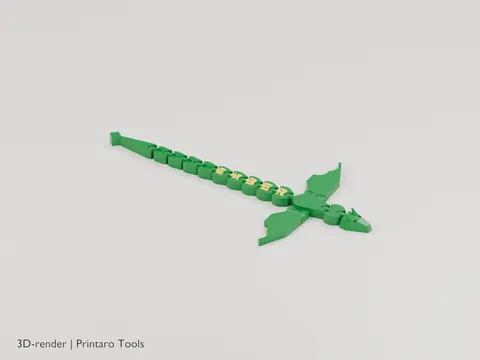
Name Dragon
An articulated dragon with your name along its back
3D renderGames & Hobby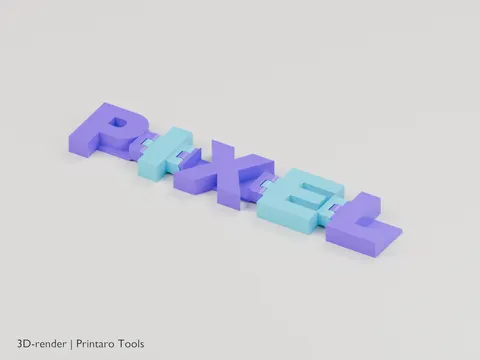
Flexi Name
Your name as hinged letters that fold and wiggle
3D renderGames & Hobby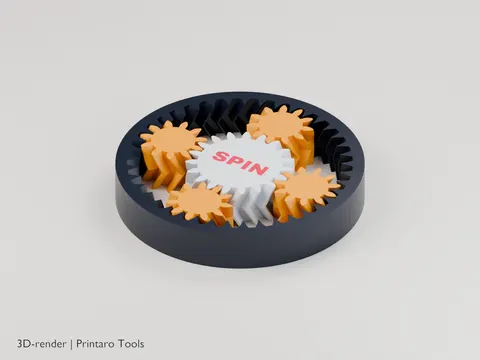
Planetary Gear Fidget
A print-in-place planetary gear set to spin with your thumb
3D renderGames & Hobby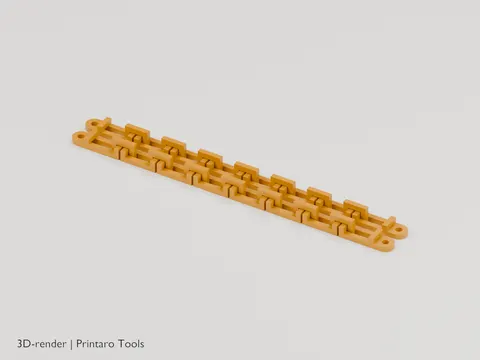
Chain Generator
A chain that prints fully linked, without supports
3D renderGames & Hobby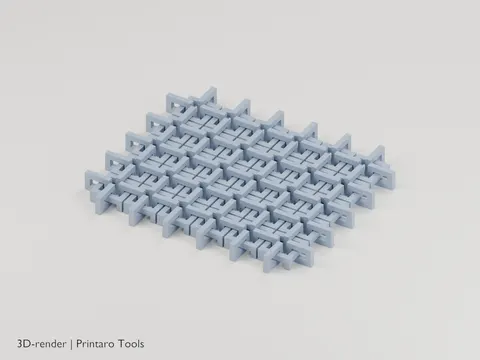
Chainmail Sheet
Flexible chainmail that prints in one piece
3D renderGames & Hobby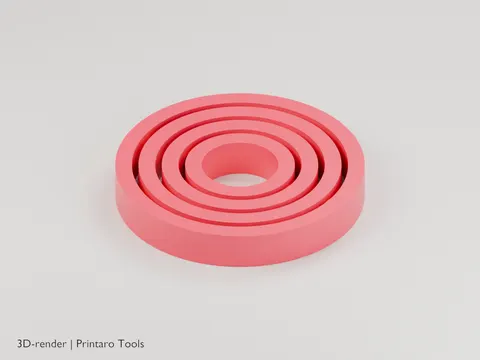
Gyro Rings
A print-in-place gyroscope of nested rings
3D renderGames & Hobby