Name Dragon
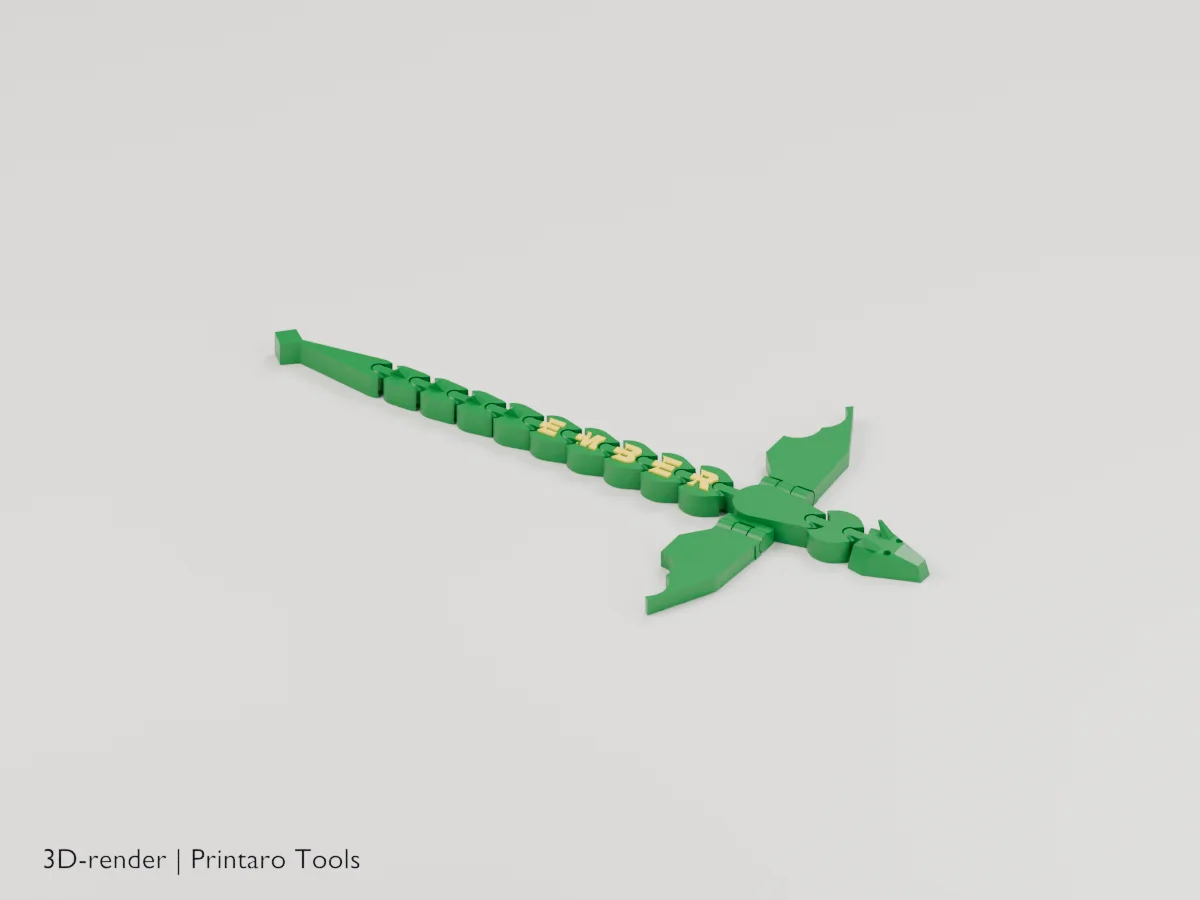
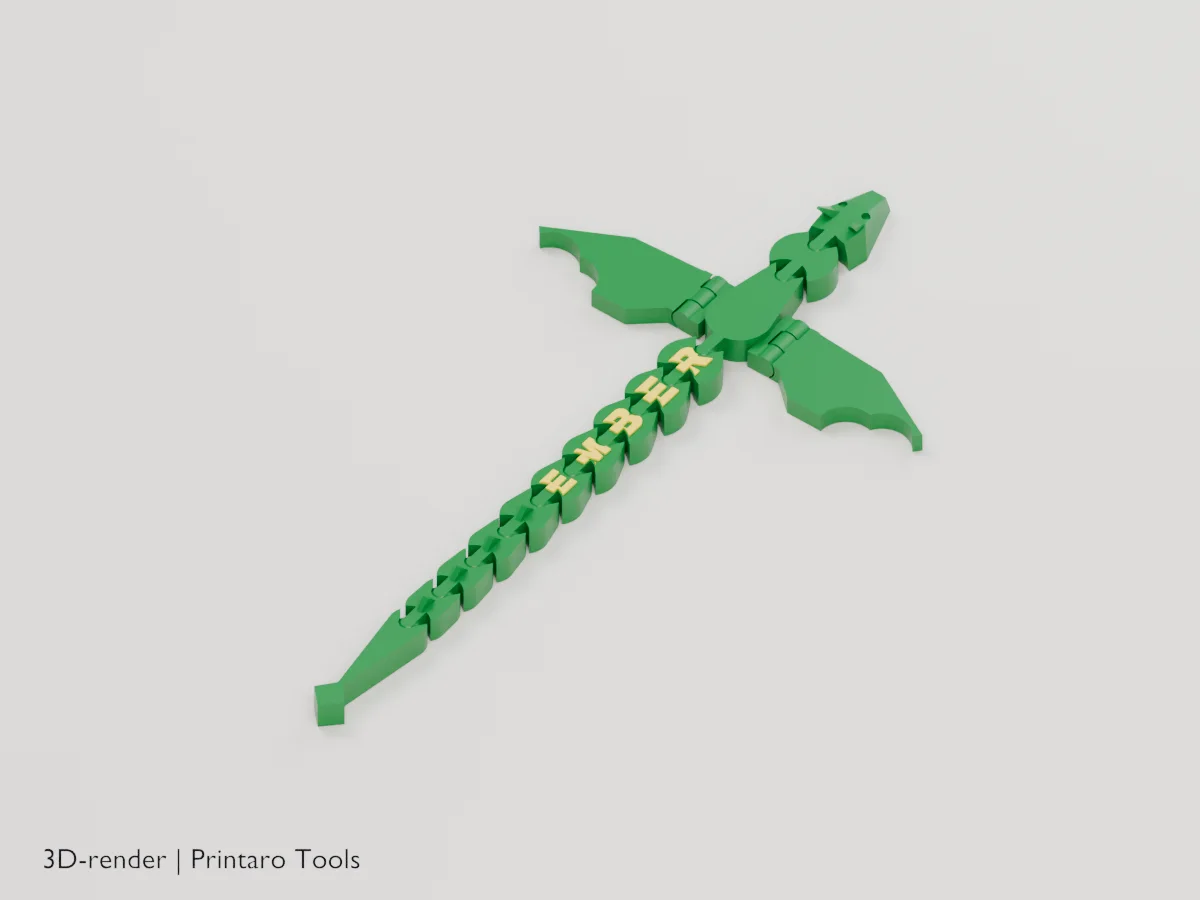
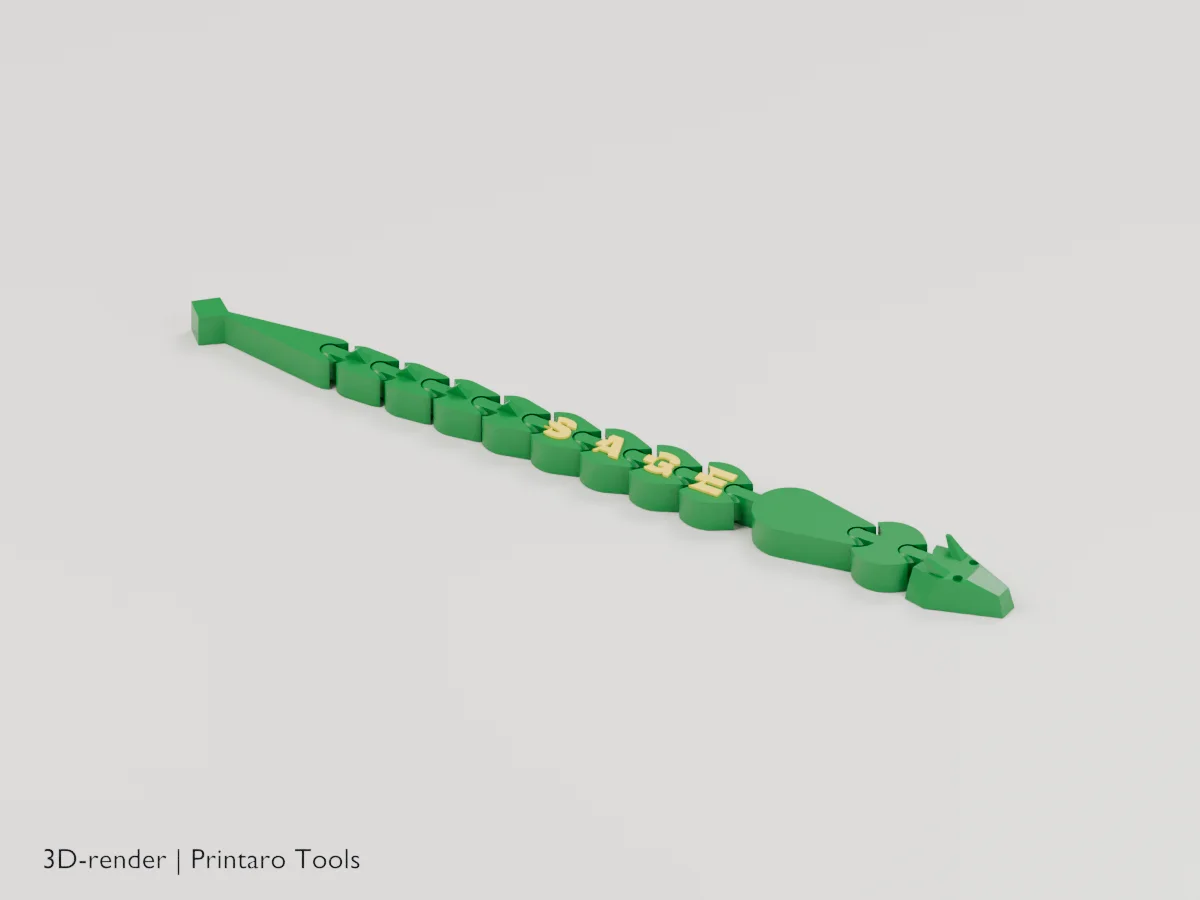
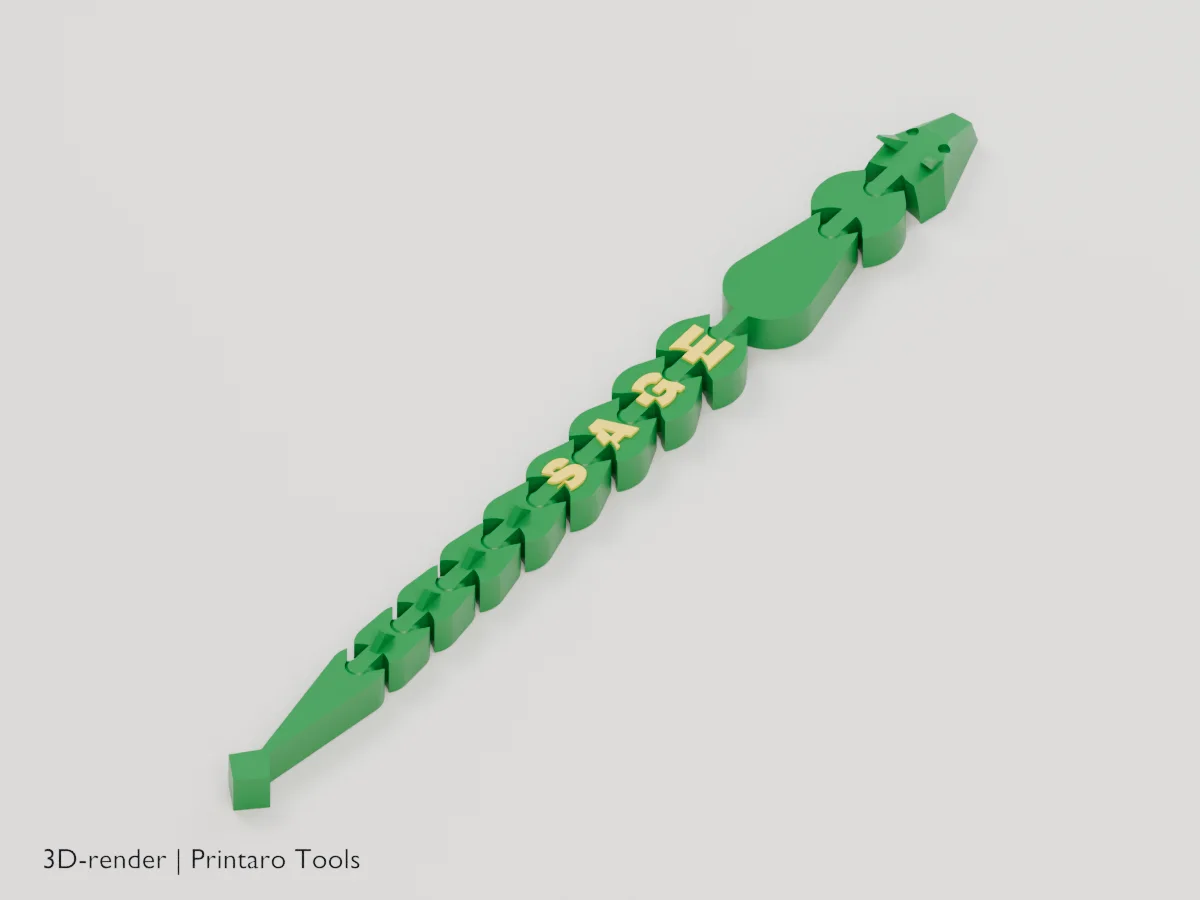
An articulated dragon with your name along its back
One solid body, no colors. Works with every slicer.
Examples
Two example settings, each from two angles. These are 3D renders of the model this page generates, not photos of prints.
No printer?
Printaro can print this design for you. Copy the link to your design and paste it in your message, so we know exactly which settings you chose.
Keep the tools free
Found this useful?
These generators are free to use. If one saved you time, a small Ko-fi donation helps pay for hosting, rendering and new tools.
About this generator
A print-in-place dragon prototype with a name on its back and folding wings. Geometry is digitally checked; physical release, fit and hinge strength still need print testing.
How to use
- Type a name (one letter per back segment).
- Pick a head, wings and size.
- Print flat, as exported, without supports or a brim.
- Flex every joint and fold each wing up gently to free them.
Printing tips
- Silk, rainbow or color-shift filament makes the dragon shine.
- 0.2 mm layers and a clean first layer keep the joints free.
- No brim: it glues the joint gaps.
- Unprinted prototype: joint release, fit and hinge strength have not been physically tested. Wing hinges may be fragile, especially in brittle or silk filament. Thicker socket walls are digitally checked only; free hinges gently and stop if they bind. Disable wings for a less delicate print.
Helpful guides
Frequently asked questions
A joint is stuck.
Bend it gently from side to side. If it stays stuck, raise Joint clearance by 0.05 mm and print again.
How far do the wings fold?
From flat up to straight up (90 degrees).
Can I make it longer?
Add tail segments, or type a longer name: every letter adds a segment.
Related tools
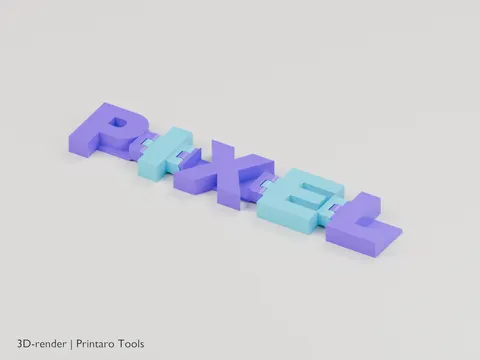
Flexi Name
Your name as hinged letters that fold and wiggle
3D renderGames & Hobby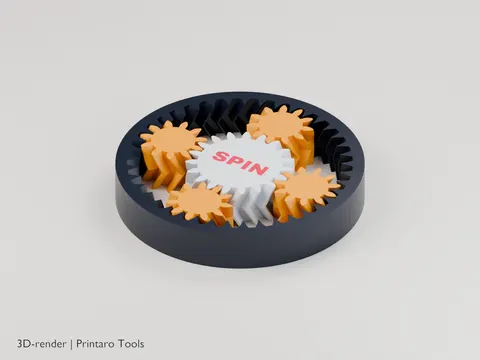
Planetary Gear Fidget
A print-in-place planetary gear set to spin with your thumb
3D renderGames & Hobby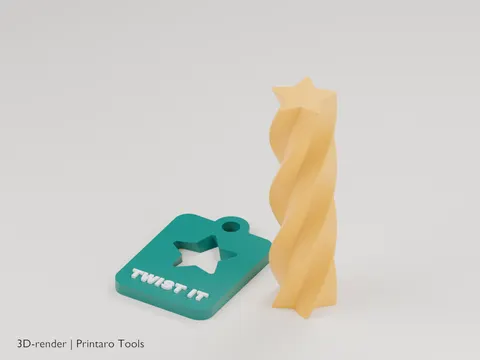
Impossible Passthrough
A twisted bar that screws through a slot that looks too small
3D renderGames & Hobby
Telescoping Sword
A toy sword that flicks out of its handle
3D renderGames & Hobby
Chain Generator
A chain that prints fully linked, without supports
3D renderGames & Hobby
Chainmail Sheet
Flexible chainmail that prints in one piece
3D renderGames & Hobby