Planetary Gear Fidget
A print-in-place planetary gear set to spin with your thumb
One solid body, no colors. Works with every slicer.
Examples
Two example settings, each from two angles. These are 3D renders of the model this page generates, not photos of prints.
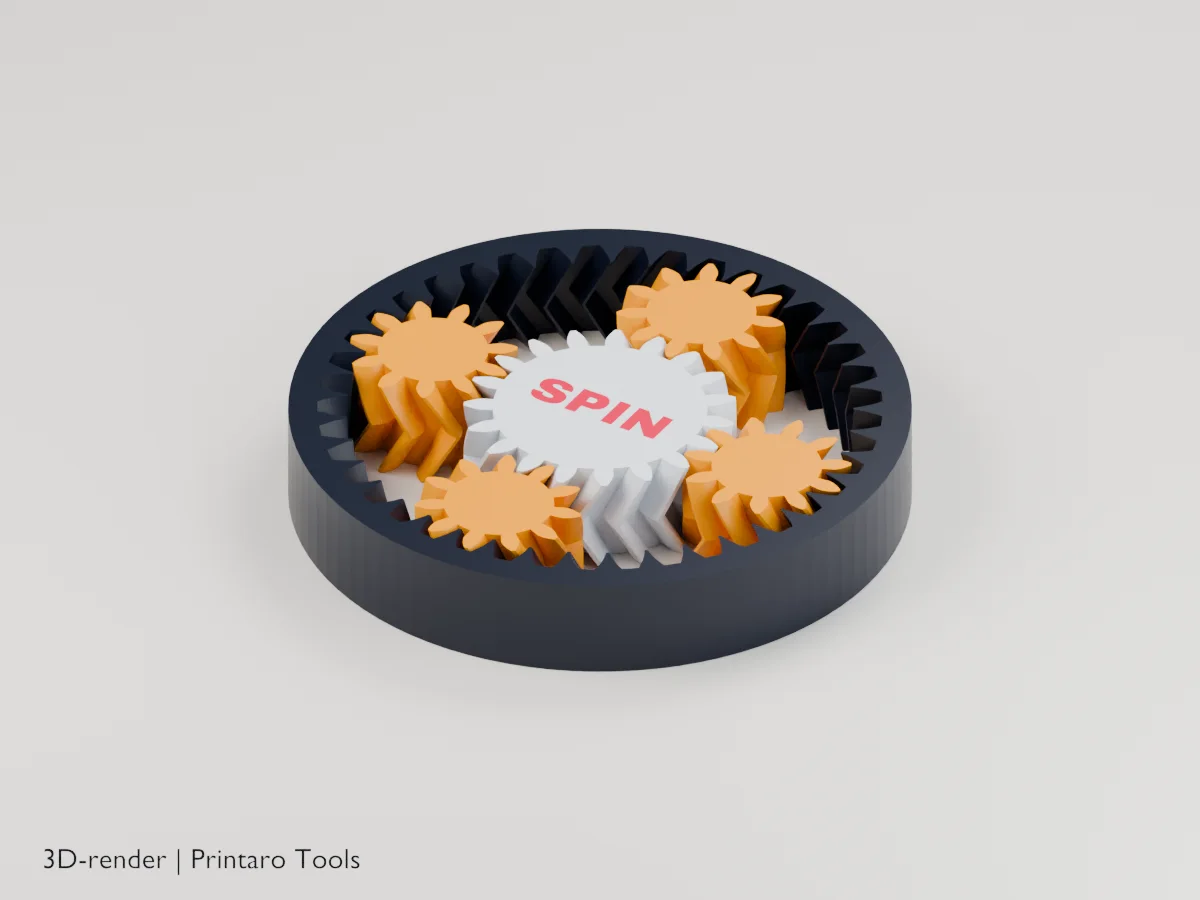
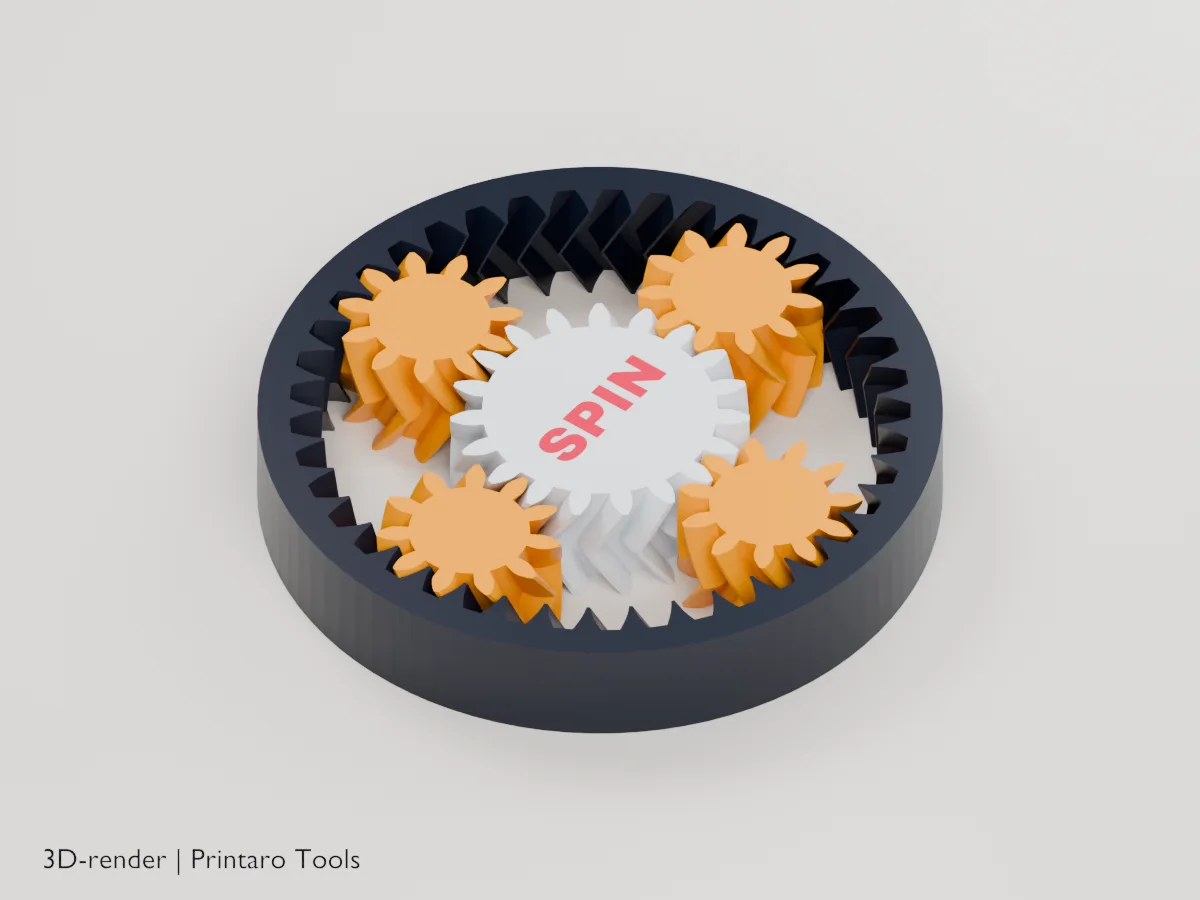
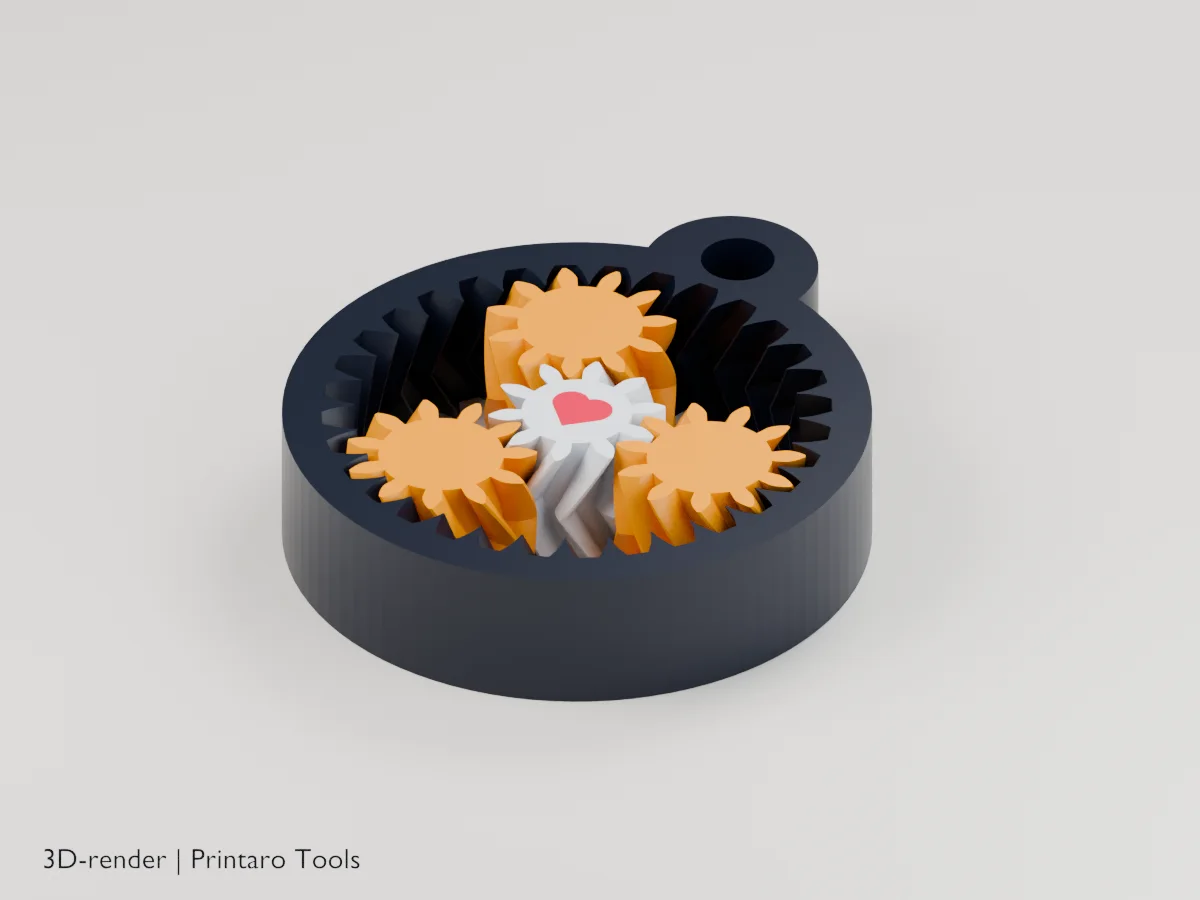
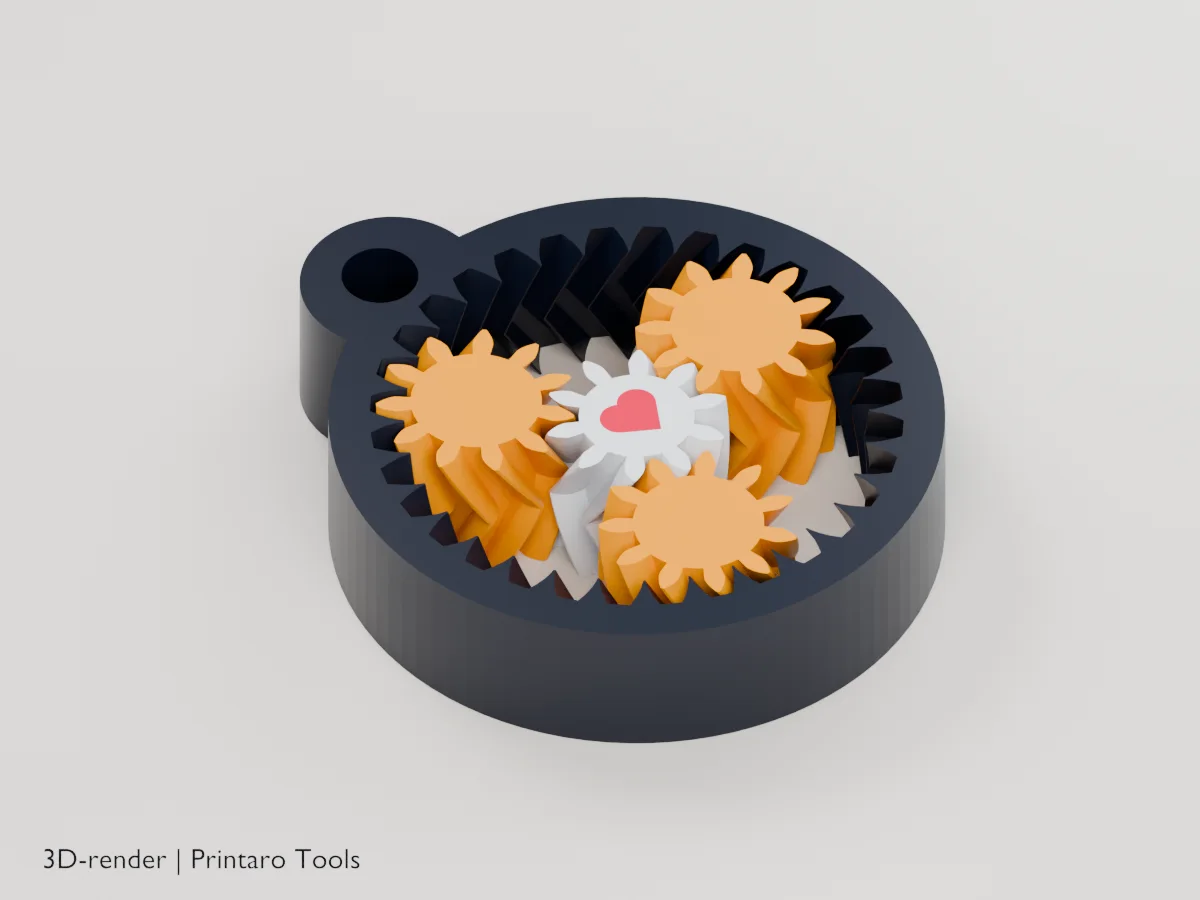
No printer?
Printaro can print this design for you. Copy the link to your design and paste it in your message, so we know exactly which settings you chose.
Keep the tools free
Found this useful?
These generators are free to use. If one saved you time, a small Ko-fi donation helps pay for hosting, rendering and new tools.
About this generator
Gears that turn the moment they come off the bed: spin the ring and watch the planets orbit the sun.
How to use
- Pick a size and the number of planets.
- Add a short text or a symbol for the middle.
- Print flat, as exported, without a brim.
- Twist the sun and ring against each other a few times to free the teeth.
Printing tips
- A good first layer matters most: elephant's foot can glue the teeth together. Lower the first-layer flow if they stick.
- 0.2 mm layers or finer.
- No brim and no supports.
Helpful guides
Frequently asked questions
The gears are stuck.
Hold the ring and turn the sun firmly a few times. If it won't free up, raise Clearance by 0.05 mm and print again.
Why the V-shaped teeth?
They are herringbone teeth. The V holds every gear in place up and down, so the set needs no cover.
Why do the tooth counts change?
A planetary set only fits together with certain tooth counts. The model picks the largest set that fits your diameter and planet count.
Related tools
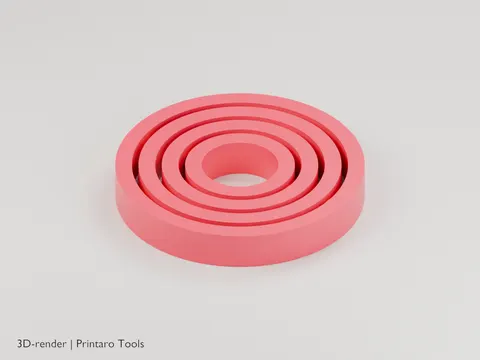
Gyro Rings
A print-in-place gyroscope of nested rings
3D renderGames & Hobby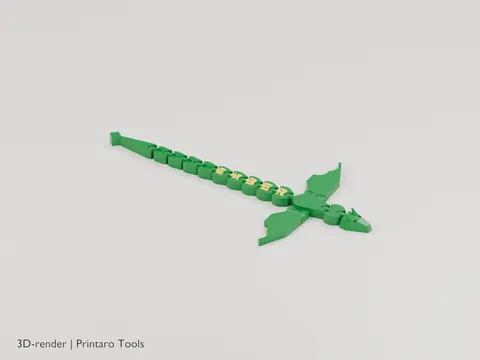
Name Dragon
An articulated dragon with your name along its back
3D renderGames & Hobby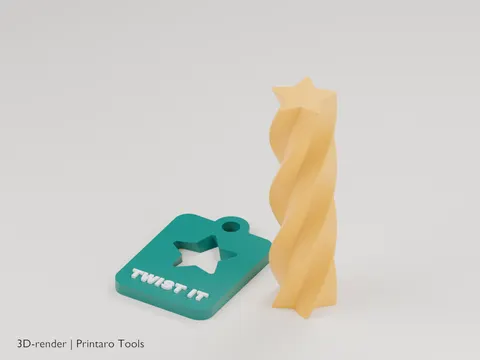
Impossible Passthrough
A twisted bar that screws through a slot that looks too small
3D renderGames & Hobby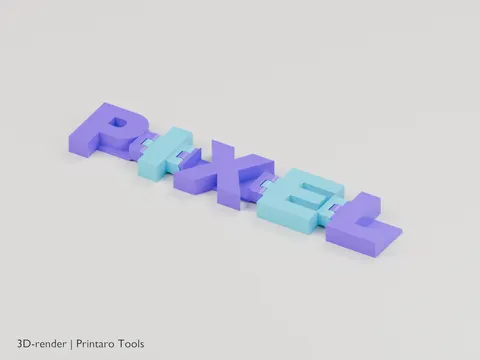
Flexi Name
Your name as hinged letters that fold and wiggle
3D renderGames & Hobby
Telescoping Sword
A toy sword that flicks out of its handle
3D renderGames & Hobby
Chain Generator
A chain that prints fully linked, without supports
3D renderGames & Hobby