Iris Box
A round box that opens like an iris when you turn the ring
One solid body, no colors. Works with every slicer.
Examples
Two example settings, each from two angles. These are 3D renders of the model this page generates, not photos of prints.
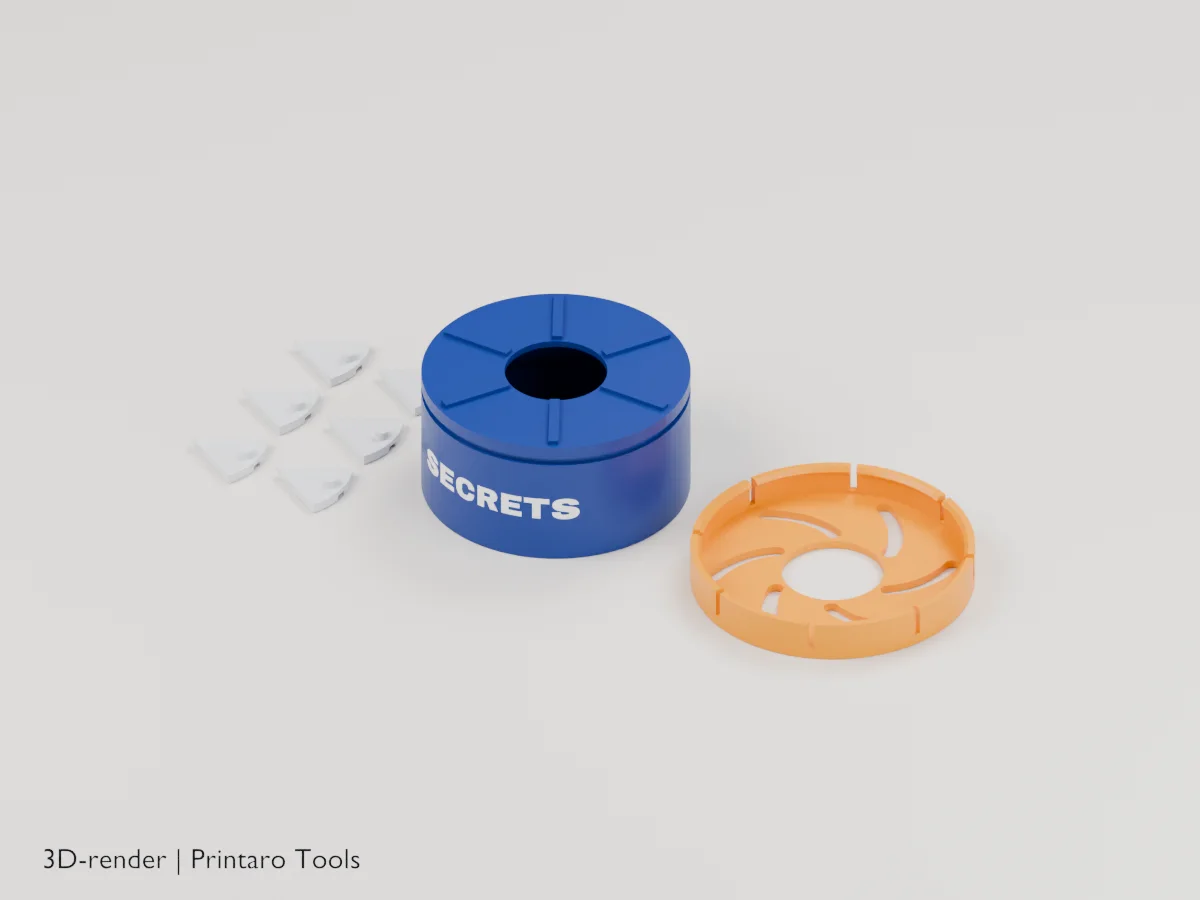
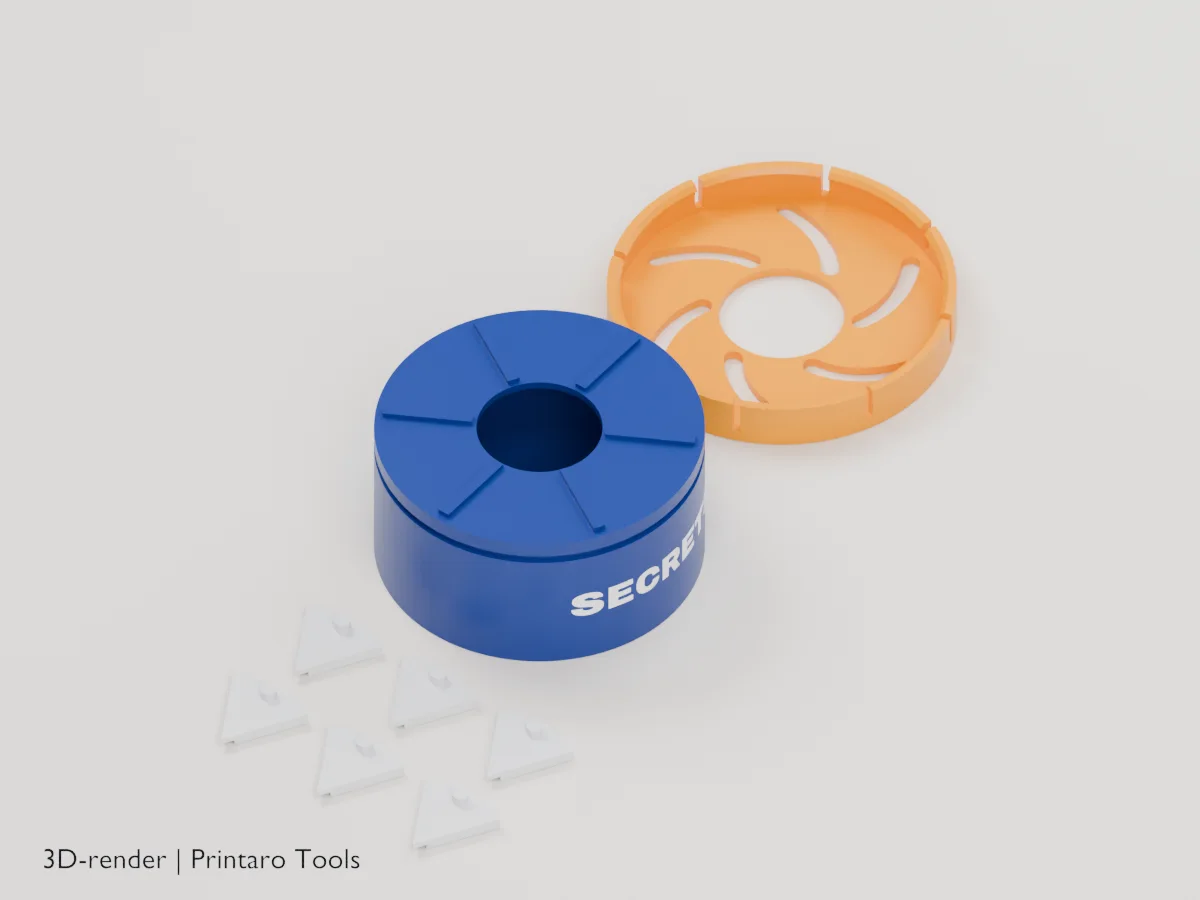
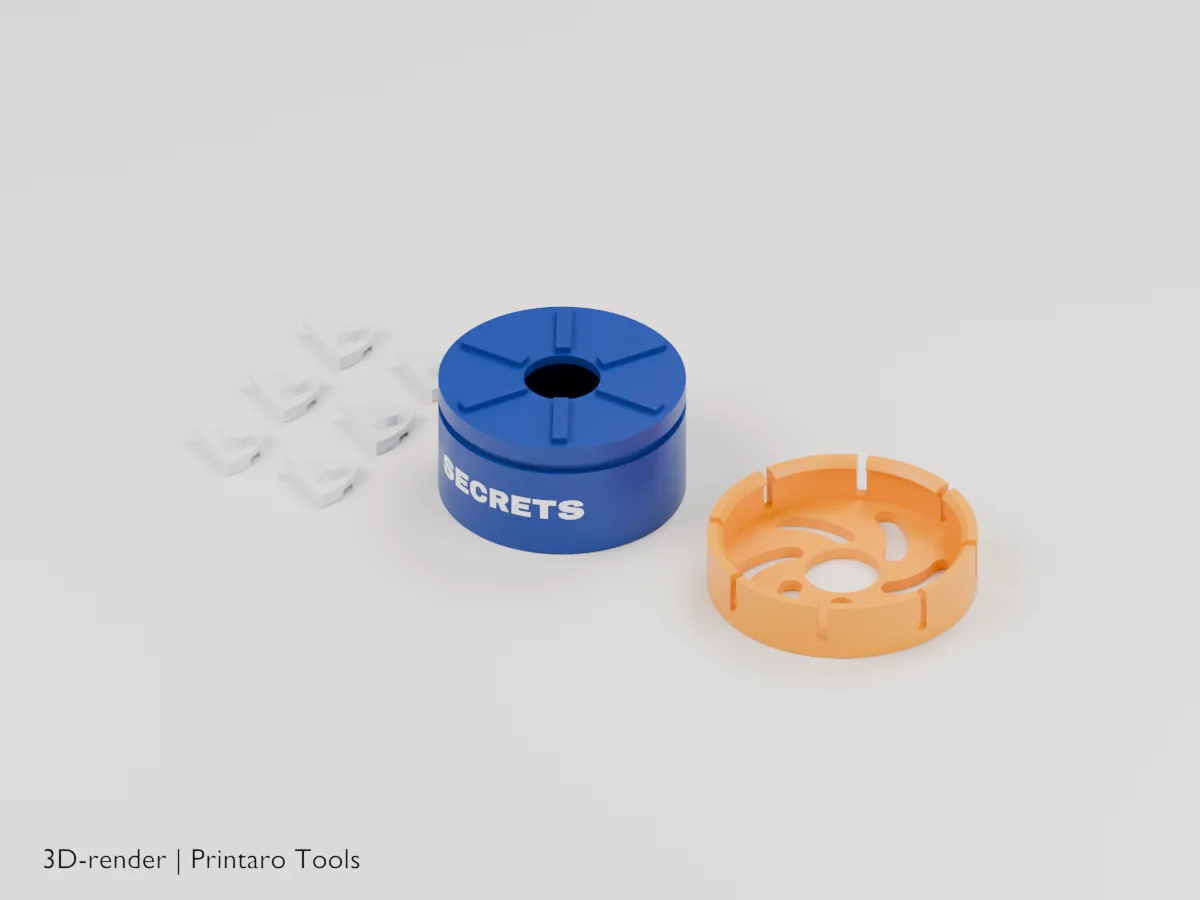
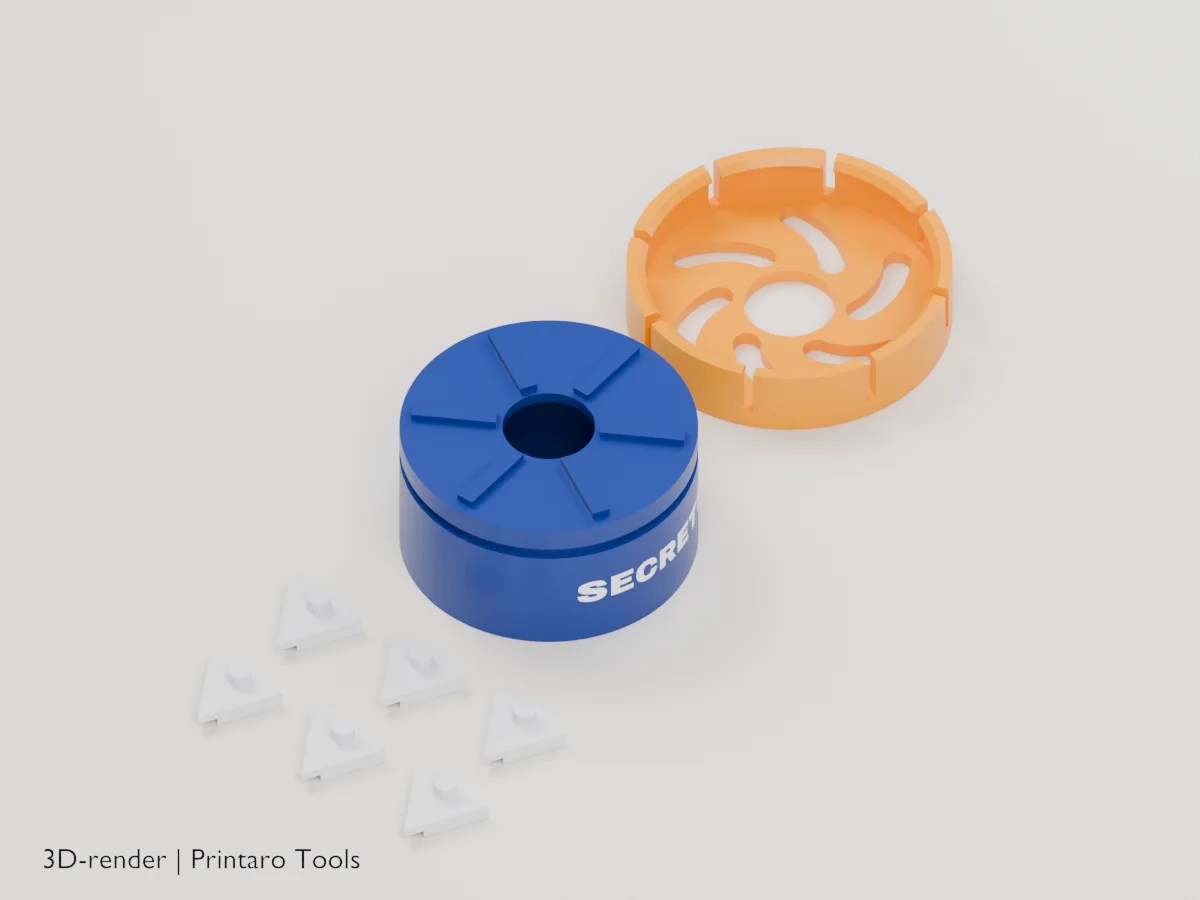
No printer?
Printaro can print this design for you. Copy the link to your design and paste it in your message, so we know exactly which settings you chose.
Keep the tools free
Found this useful?
These generators are free to use. If one saved you time, a small Ko-fi donation helps pay for hosting, rendering and new tools.
About this generator
Turn the ring and watch the lid open from the middle: a box that is fun to open again and again.
How to use
- Pick the size and the number of wedges.
- Add a label for the side or the ring.
- Print the box upright, the ring plate down and the wedges flat, as exported.
- Lay each wedge on its rib with the pin up, then press the ring over the rim until it clicks. Turn it to open.
Printing tips
- Print the ring and wedges in PLA with 3 walls; the pins carry the load.
- If the ring is stiff, sand the pins lightly or raise Clearance by 0.05 mm.
- A contrasting ring color makes the opening show well on video.
Helpful guides
Frequently asked questions
The ring won't snap on.
Inspect the rim and lip for first-layer flare or roughness and check alignment before pressing gently and evenly. Stop if it binds or cracks: the snap fit has not been physically tested. Do not heat or force the parts to make them fit.
How do I put the wedges in?
Turn the ring so that it is open, then place the wedges with their pins in the spiral slots before you press the ring down. Keep the box upright: wedges first on their ribs, pins up, then the ring.
Why isn't it print in place?
Separate printing avoids unsupported wedges above the deck and lets you inspect each part before assembly. This is an unprinted prototype: snap fit, friction and reliable motion still need physical testing and may require tuning for your printer.
Why is the opening not round?
It is a sliding iris, so the wedges move outward and form a star-shaped gap. The fixed circular throat limits the usable opening to (Diameter / 2 - 9.5) mm across: only 15.5 mm for Small 50, 30.5 mm at the default 80 mm, and 50.5 mm at 120 mm. Check your object against this throat, not the outside box diameter.
Related tools
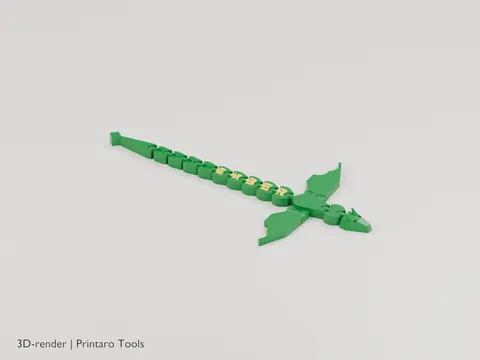
Name Dragon
An articulated dragon with your name along its back
3D renderGames & Hobby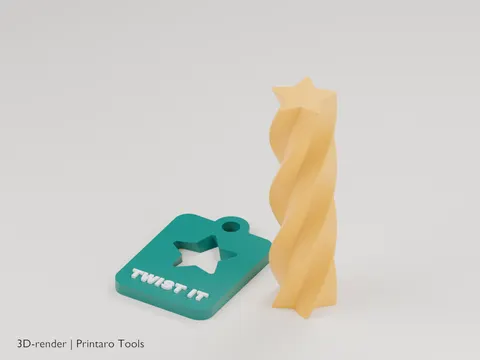
Impossible Passthrough
A twisted bar that screws through a slot that looks too small
3D renderGames & Hobby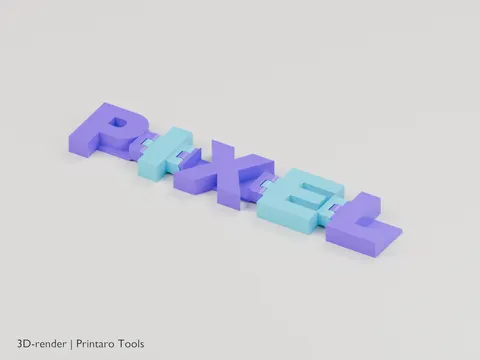
Flexi Name
Your name as hinged letters that fold and wiggle
3D renderGames & Hobby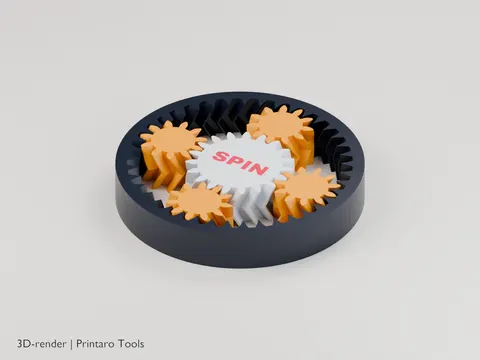
Planetary Gear Fidget
A print-in-place planetary gear set to spin with your thumb
3D renderGames & Hobby
Folding Box
A box that prints flat and folds up
3D renderOrganization
Cryptex
A letter lock with your own code word and a hidden compartment
3D renderPersonalization