Cryptex
A letter lock with your own code word and a hidden compartment
One solid body, no colors. Works with every slicer.
Examples
Two example settings, each from two angles. These are 3D renders of the model this page generates, not photos of prints.
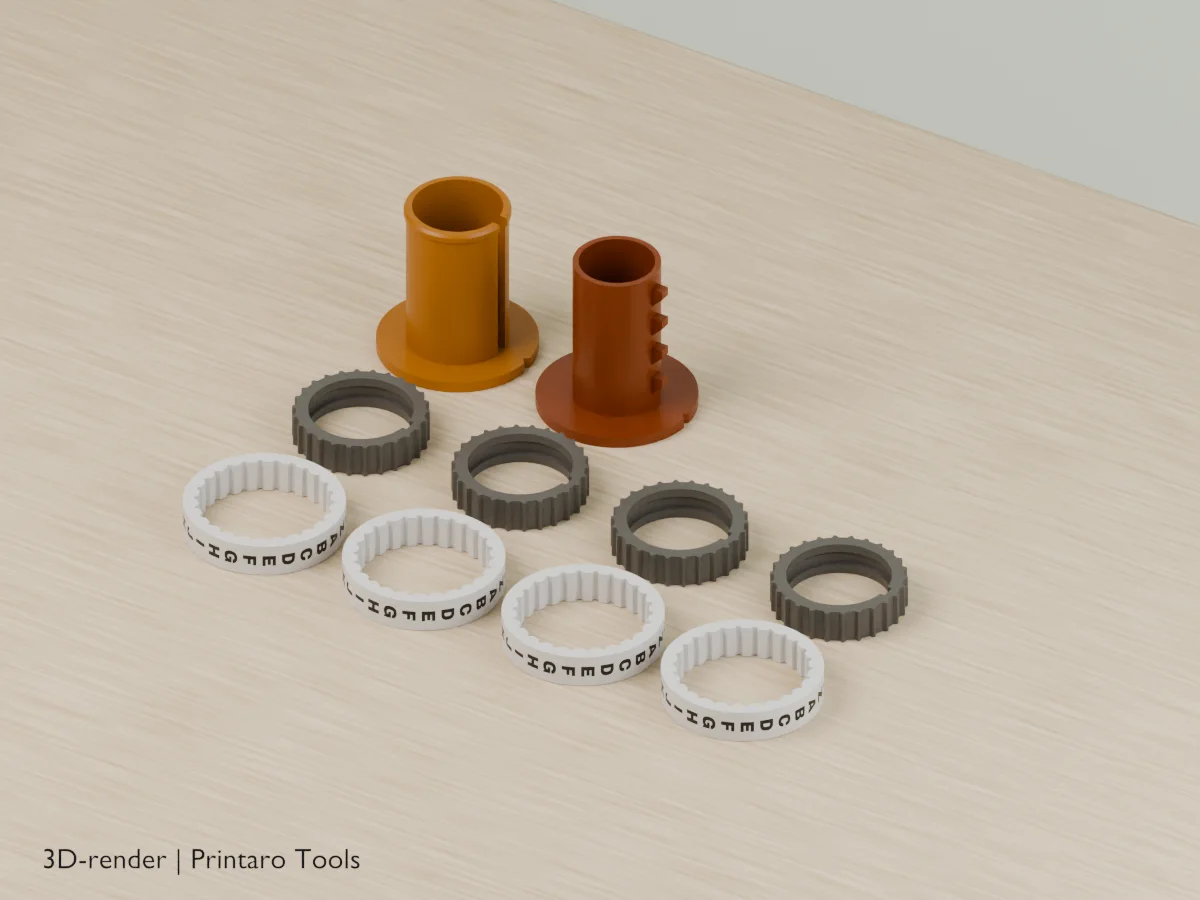
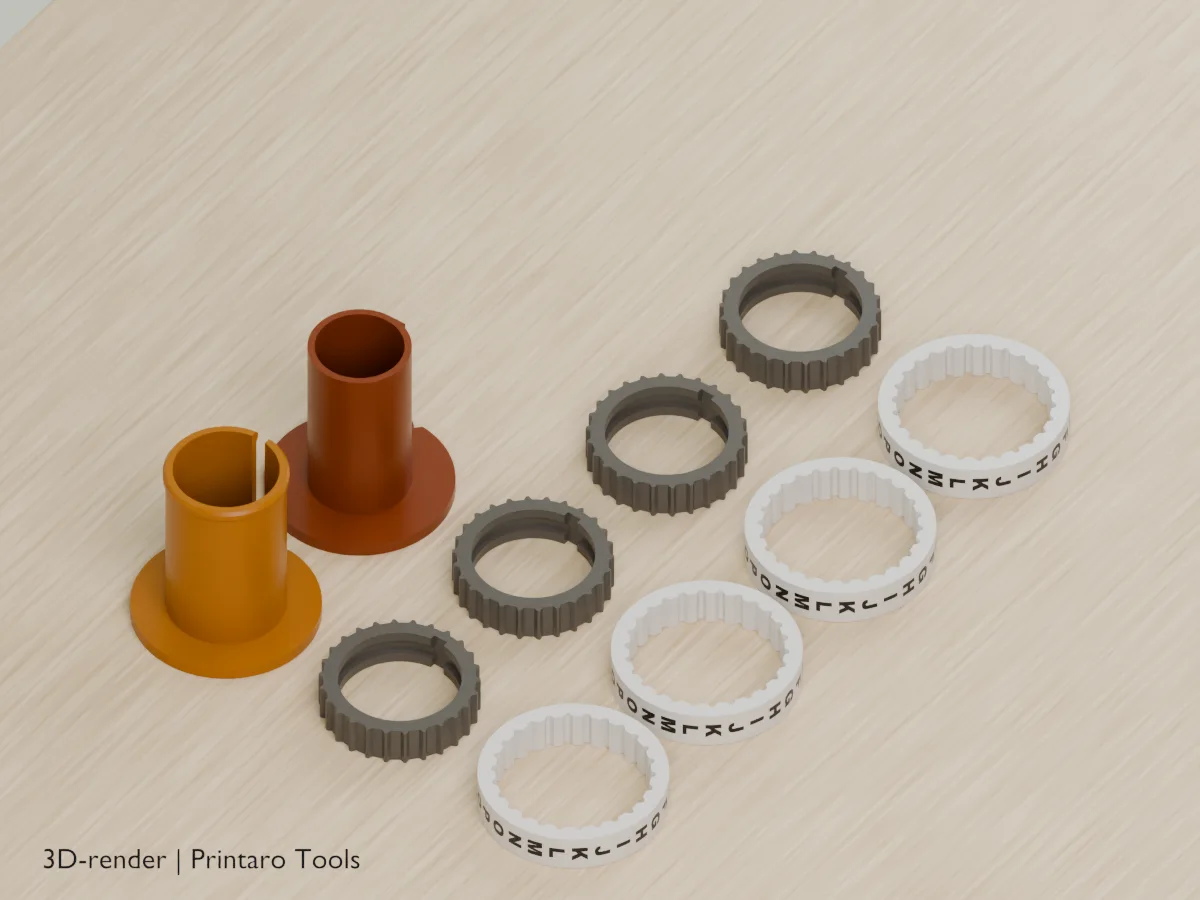
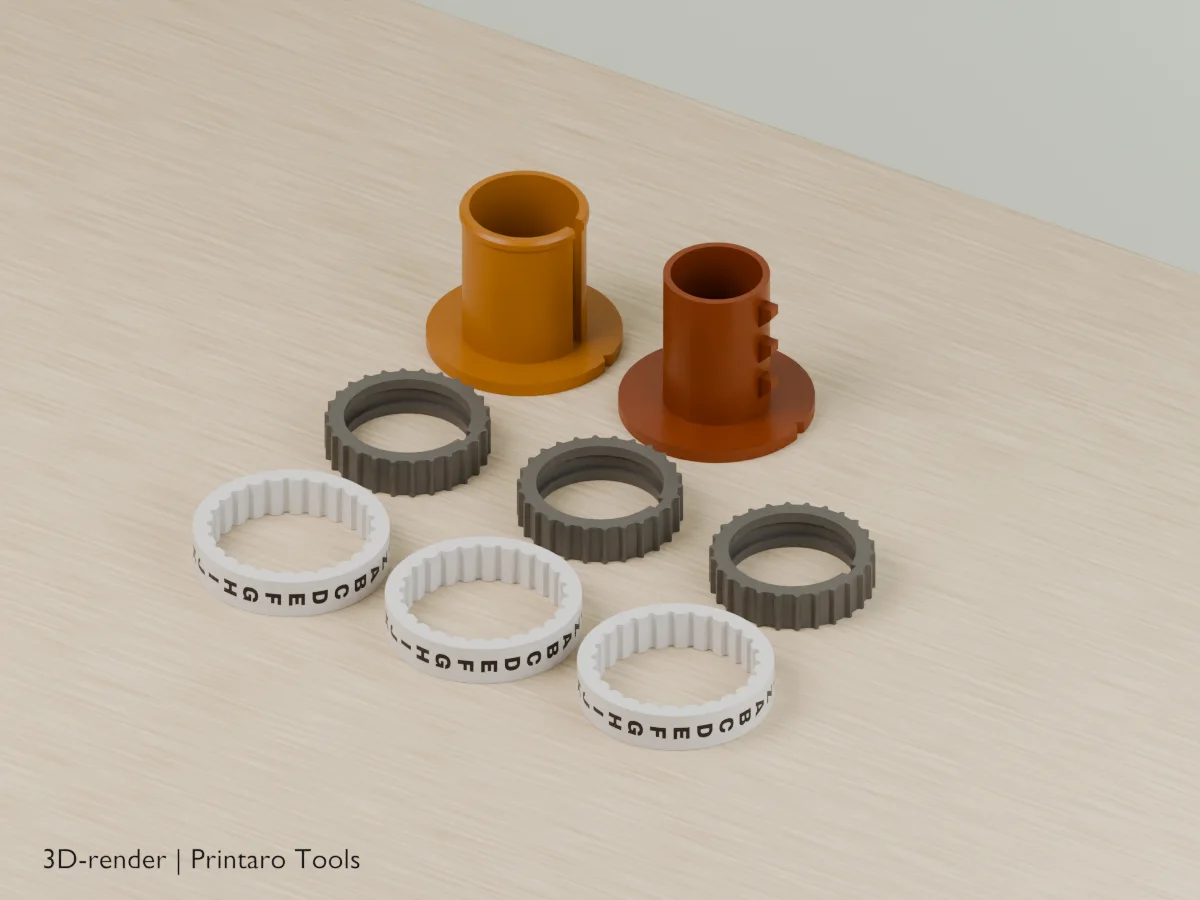
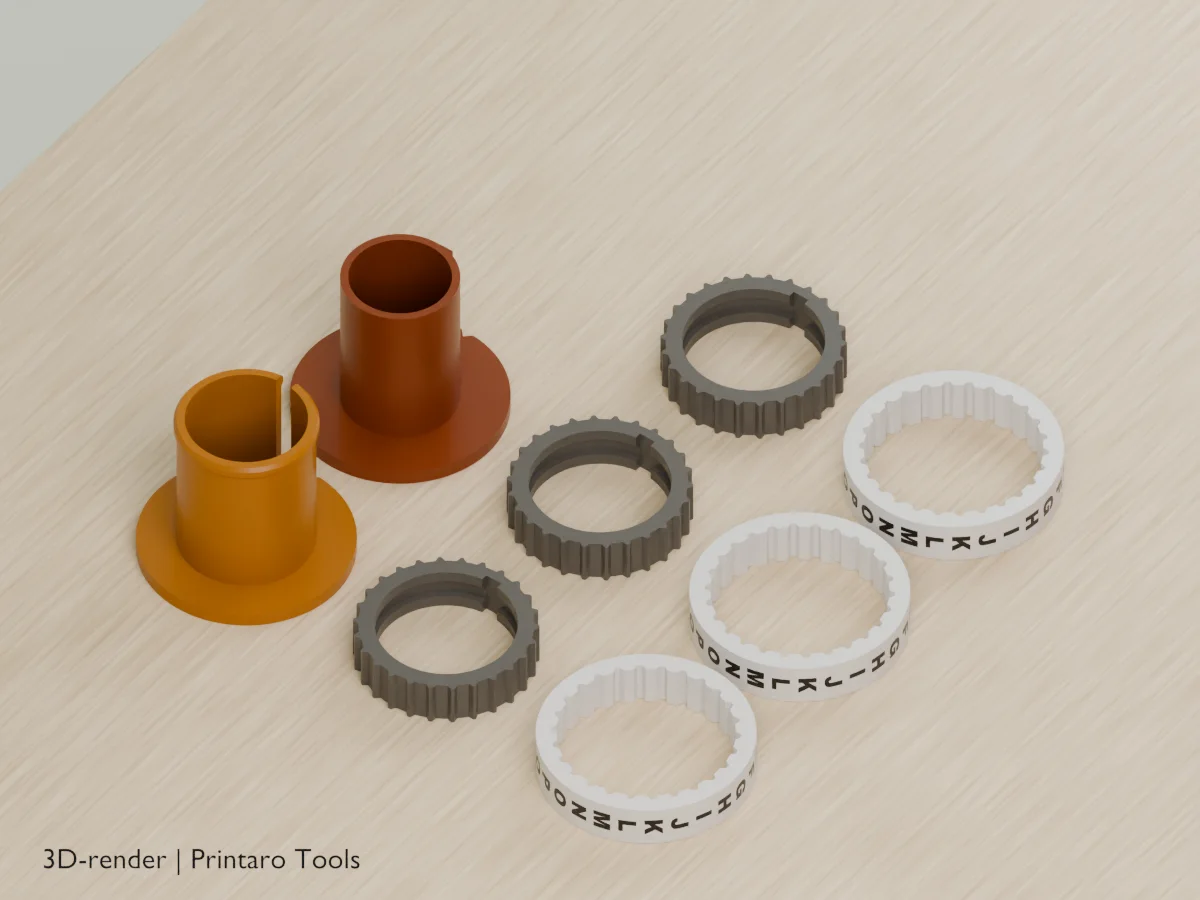
No printer?
Printaro can print this design for you. Copy the link to your design and paste it in your message, so we know exactly which settings you chose.
Keep the tools free
Found this useful?
These generators are free to use. If one saved you time, a small Ko-fi donation helps pay for hosting, rendering and new tools.
About this generator
A secret to open: the tube only comes out when every ring shows the right letter.
How to use
- Type the code word and choose letters or digits.
- Print the parts as exported: the rings upside down, the sleeve cap down, the core cap down.
- Push each inner ring into an outer ring with its code letter over the notch. Slide the last code letter onto the sleeve first, toward the sleeve cap, then work backward to the first letter at the open retaining-ridge end.
- Turn every ring to the mark on the caps and pull the core out.
Printing tips
- Print rings with 3 walls and 0.2 mm layers. For contrasting inlays, export 3MF and assign the Letters and Letter rings parts to different filaments in a multi-material slicer. Radial inlays share layers with the ring bodies: a first-layer filament swap cannot color just the letters.
- The first code letter goes at the open retaining-ridge end, next to the core cap, opposite the sleeve cap. Slide the last letter onto the sleeve first, toward its cap, then work backward to the first letter. Read from the core cap toward the sleeve cap.
- The combined single-color STL intentionally omits inlays, leaving engraved letters. Keep 3MF parts registered as one multi-part assembly; do not auto-arrange the Letters part separately.
- Put the core in only after all rings are on and turned to the code.
Helpful guides
Frequently asked questions
How do I set or change the code?
Pull an outer ring off its inner ring, turn it so the new letter sits over the notch in the inner ring, and push it back. The spline has one tooth per letter.
The core won't slide out.
Check that every ring shows its letter exactly at the marks on the two caps. If it is still stiff, raise Clearance by 0.05 mm.
Is it secure?
No, it is a puzzle and a nice way to give a present. Anyone determined can break it open.
Related tools
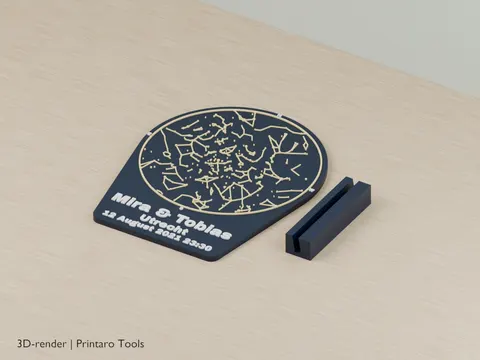
Star Map Night Sky
The real night sky of your date and place
3D renderPersonalization
Shadow Name Projector
Put it on a phone light and your name shows up on the ceiling
3D renderPersonalization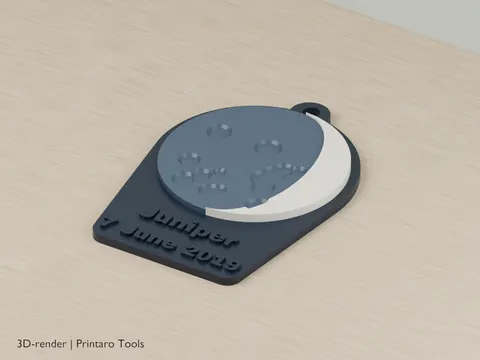
Birthday Moon
An approximate moon phase for your date
3D renderPersonalization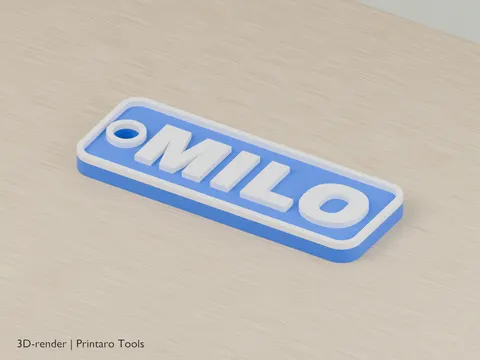
Keychain Generator
Create a custom text keychain
3D renderPersonalization
Bookmark
Personalized bookmarks with your text
3D renderPersonalization
Sweeping Name Plate
A desk name plate with letters that sweep down to the base
3D renderPersonalization