Bookmark
Personalized bookmarks with your text
A personal bookmark makes a great small gift. Type a name or short quote and it runs along the length of the bookmark.
One solid body, no colors. Works with every slicer.
Examples
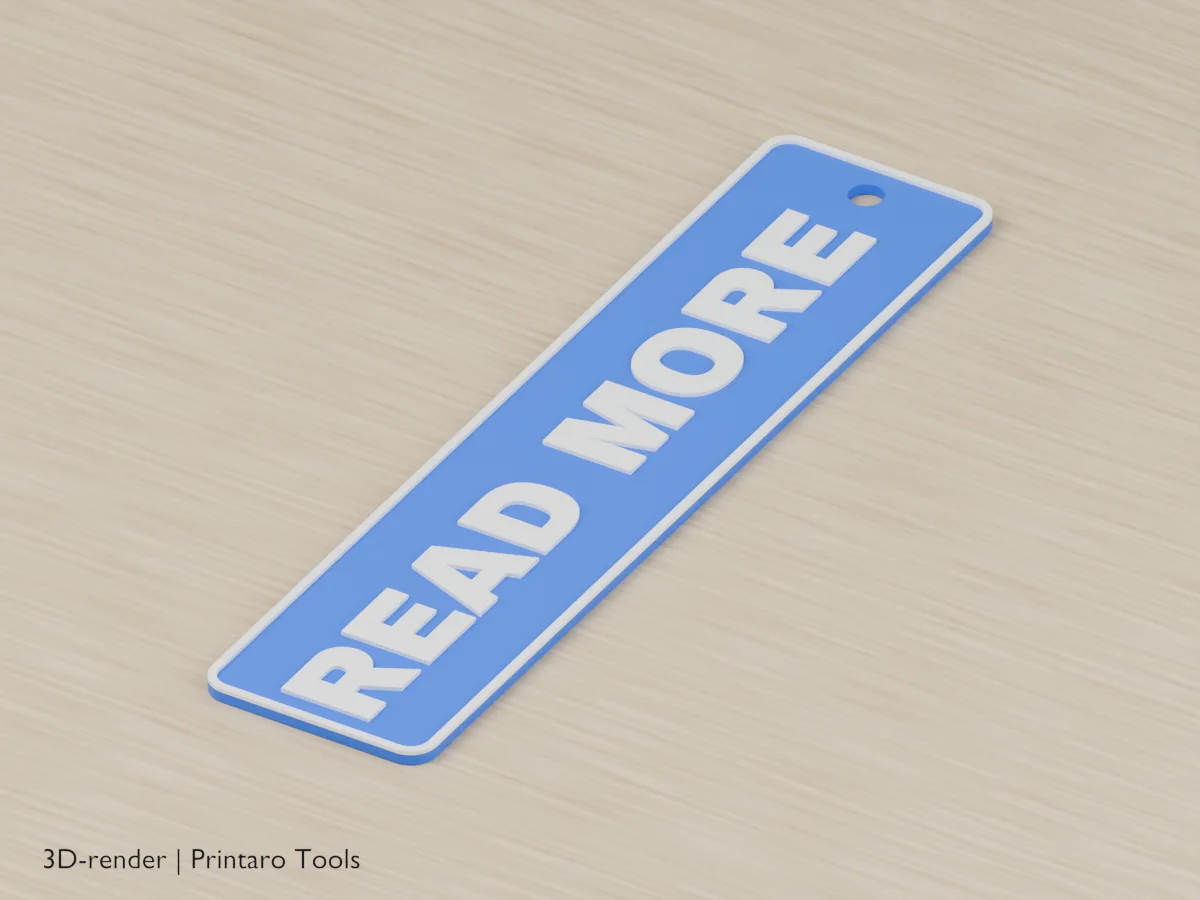
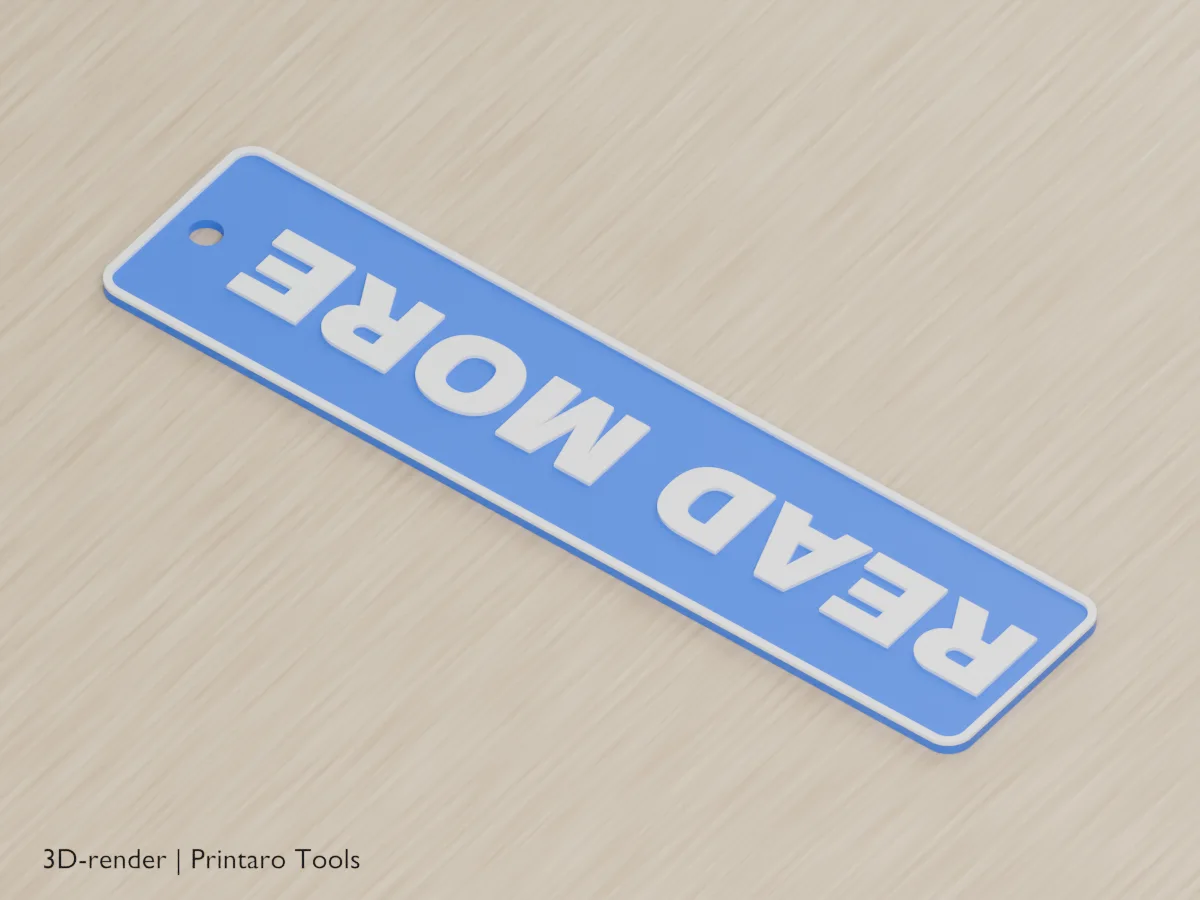
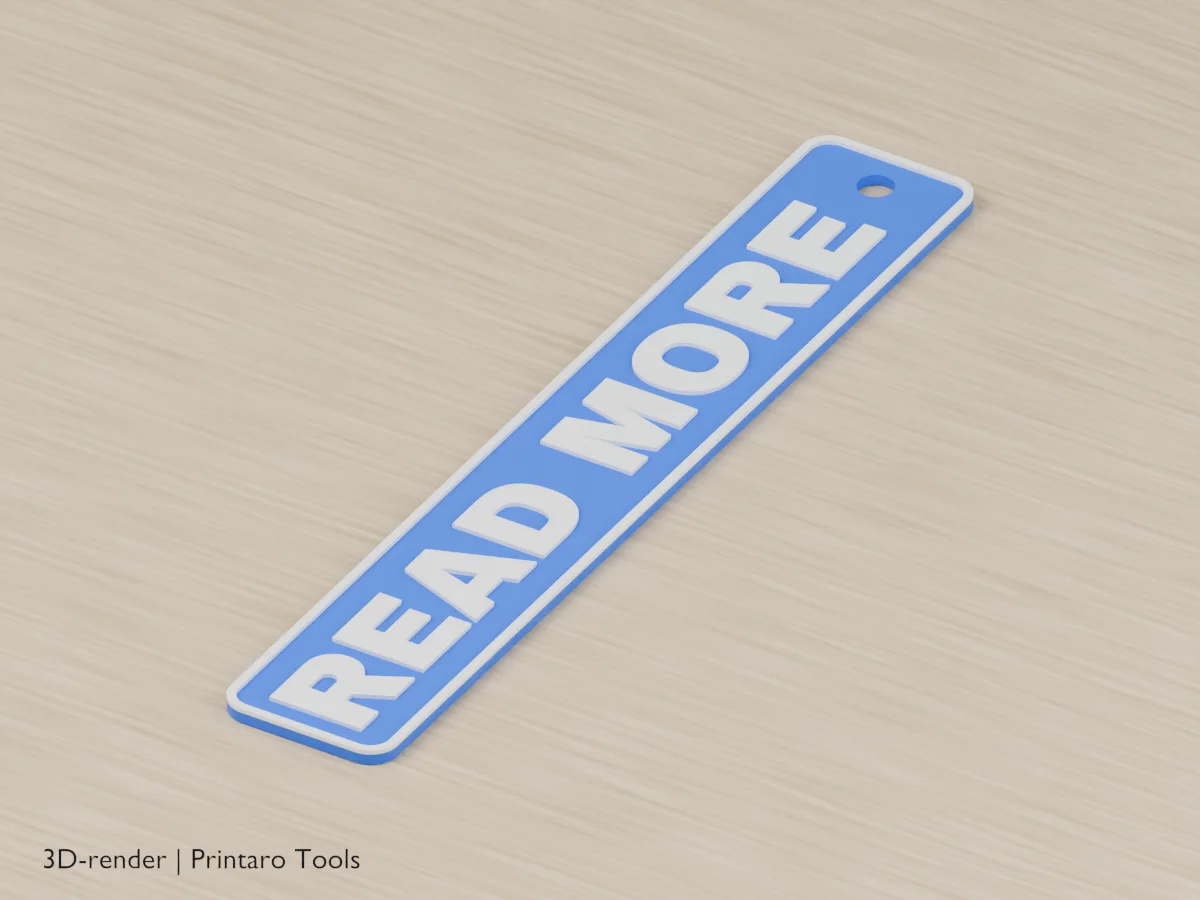
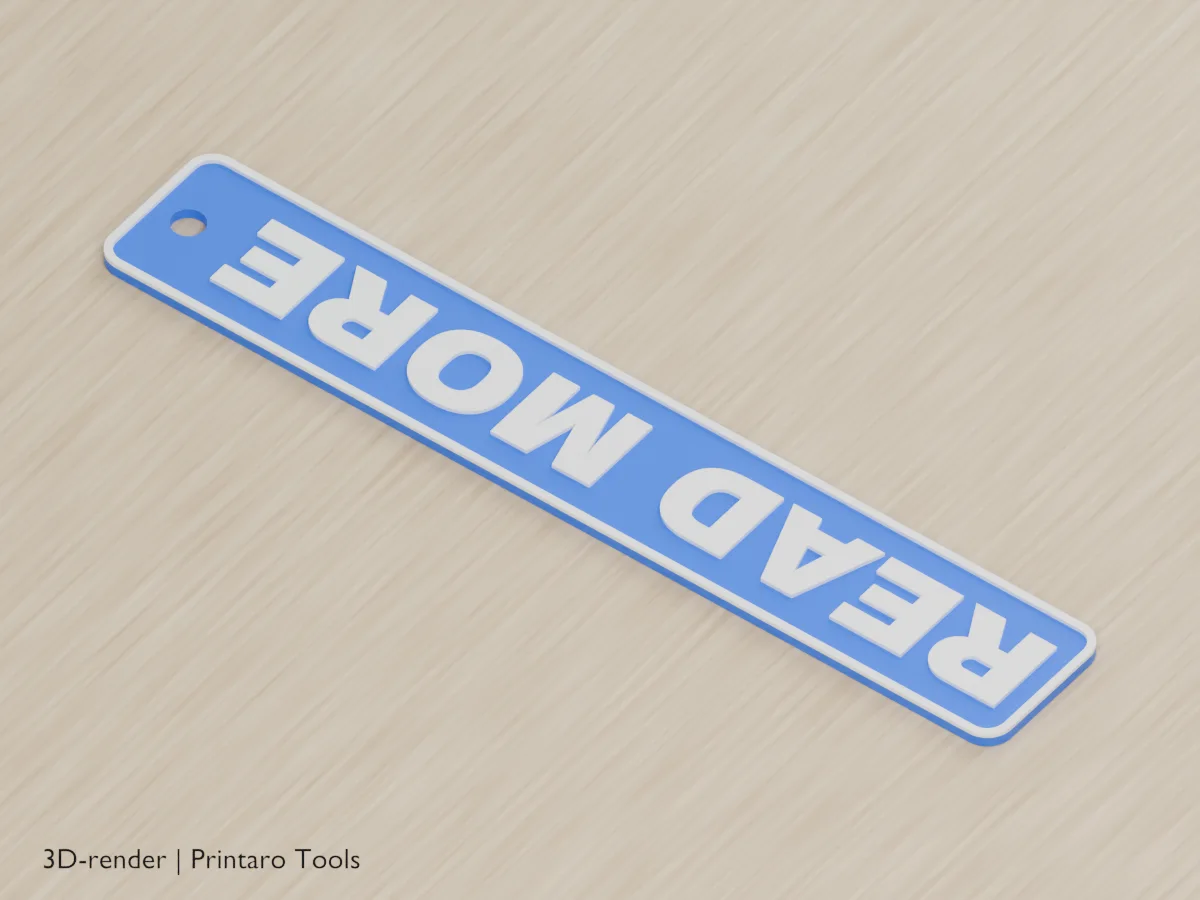
Examples made with this generator. These are 3D renders, not photos of prints.
No printer?
Printaro can print this design for you. Copy the link to your design and paste it in your message, so we know exactly which settings you chose.
Want your own printer? See which Bambu Lab printer to buy.
Keep the tools free
Found this useful?
These generators are free to use. If one saved you time, a small Ko-fi donation helps pay for hosting, rendering and new tools.
About this generator
A thin bookmark with your name or a quote along its length, raised or engraved, with an optional tassel hole.
How to use
- Type the text.
- Choose length, width and thickness.
- Generate STL, or 3MF for a two-color print.
Settings that matter most
- Text: up to 30 characters along the length.
- Length and Width: 80 to 200 mm by 20 to 60 mm. The text sizes itself to the space.
- Thickness: 1 to 3 mm. Engraved letters must leave at least 0.8 mm underneath, so engraved text needs a thicker bookmark.
- Tassel hole and Hole diameter (3 to 8 mm): the tool warns when the hole is too big for the width.
- Corner radius: at most half the width.
Two colors
The 3MF has two parts, the bookmark and the text, each with its own filament slot. With one nozzle and raised letters, change filament at the thickness you set.
Printing tips
- 1.2–1.6 mm thick bookmarks are flexible enough and won't damage books.
- Change filament at the base thickness for colored letters.
Helpful guides
Part of a project
- Small items for a market stall: Personalized prints that are quick to make, light to ship and easy to price.
Frequently asked questions
Can I add a tassel?
Yes: keep the tassel hole on and thread a tassel or ribbon through it.
How thick should a bookmark be?
1.2–1.6 mm is flexible enough and won't leave a mark in the book. Thicker bookmarks are stiffer and feel sturdier, but press into thin books.
Related tools
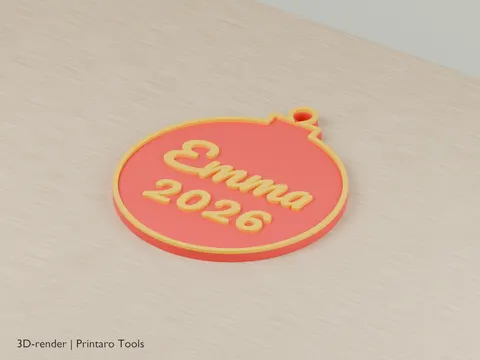
Christmas Ornament
Ornaments with a name and year
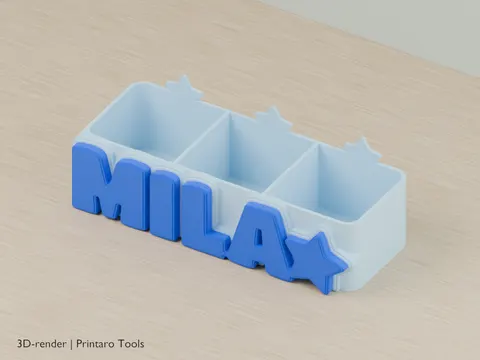
Name Pen Holder
A desk organizer with a name and a symbol across the front
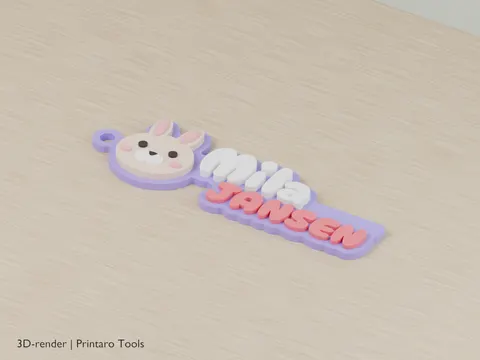
Animal Double Name Keychain
First and last name with an animal head, in up to six colors
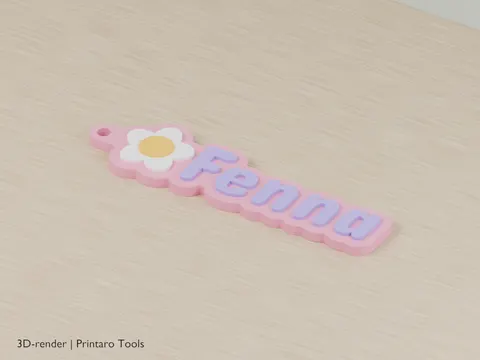
Daisy Name Keychain
A name with a daisy in front, petals you can count
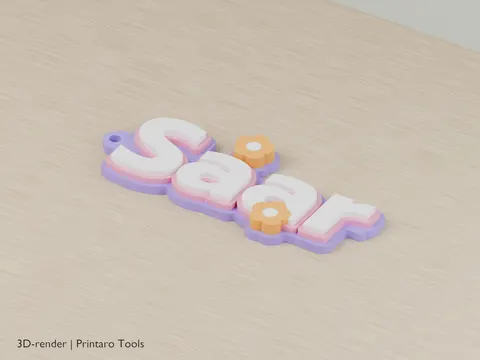
Flower Name Keychain
A name in three layers with two little flowers
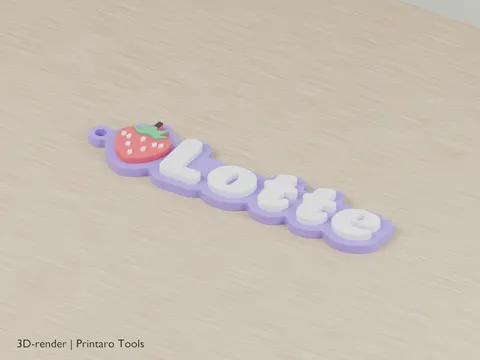
Fruit Name Keychain
A name with a fruit in front, in up to five colors