Christmas Ornament
Ornaments with a name and year
Print one for everyone in the family: each ornament gets a name and the year.
One solid body, no colors. Works with every slicer.
Examples
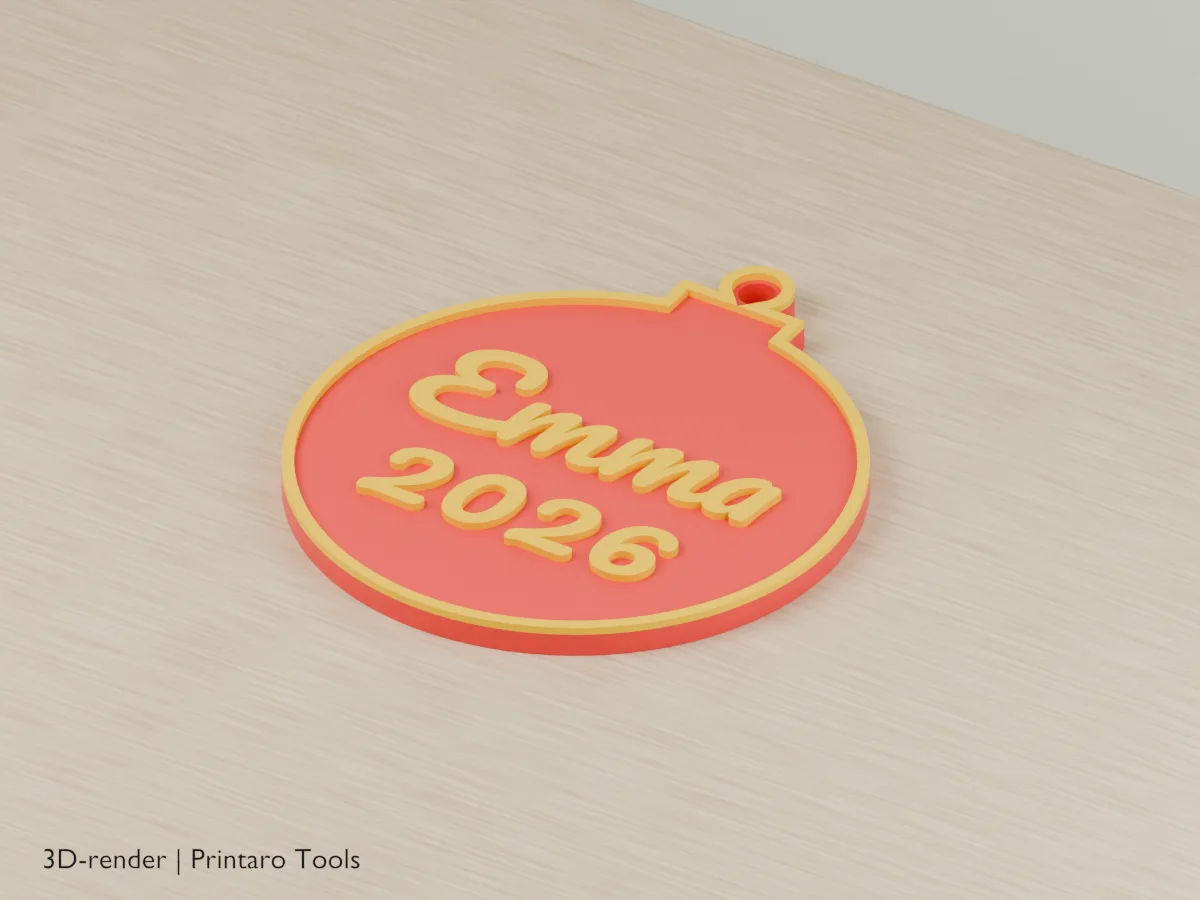
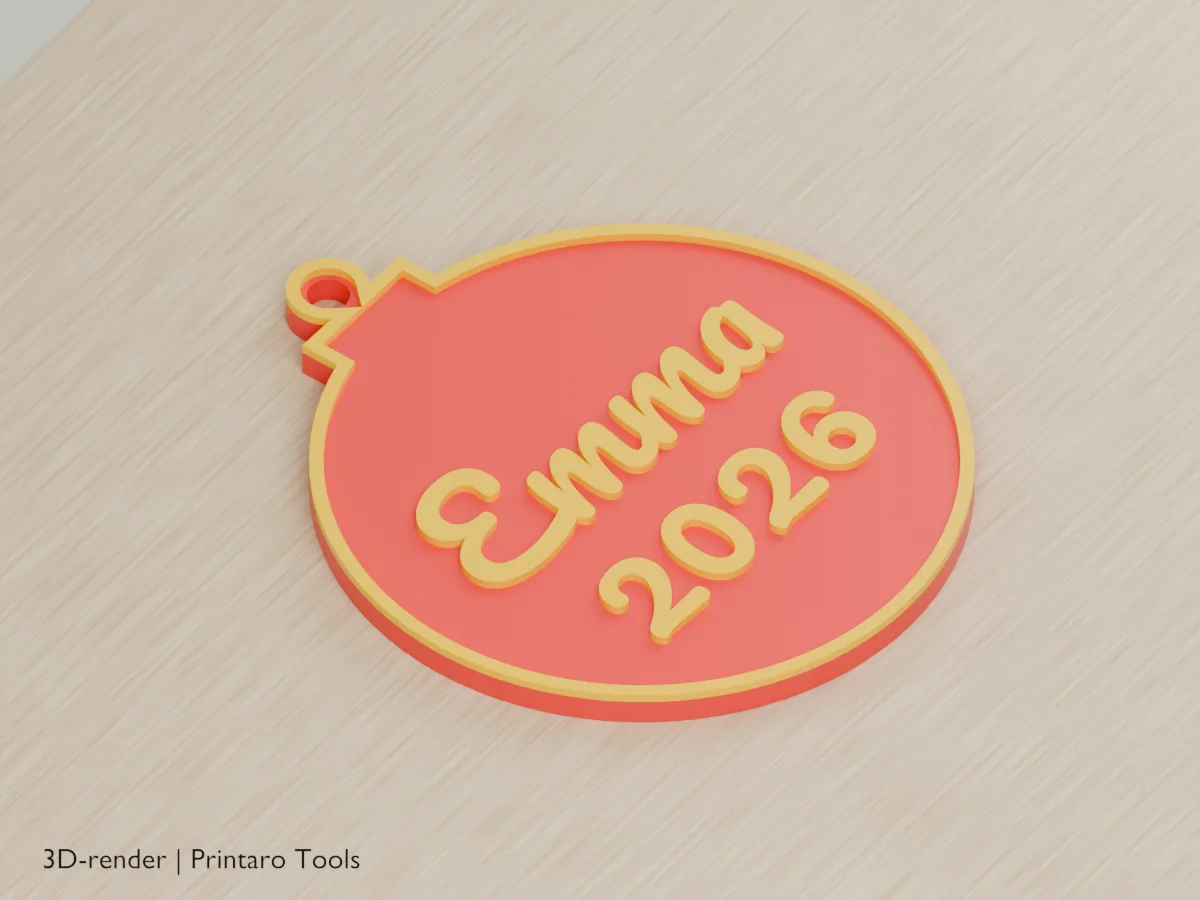
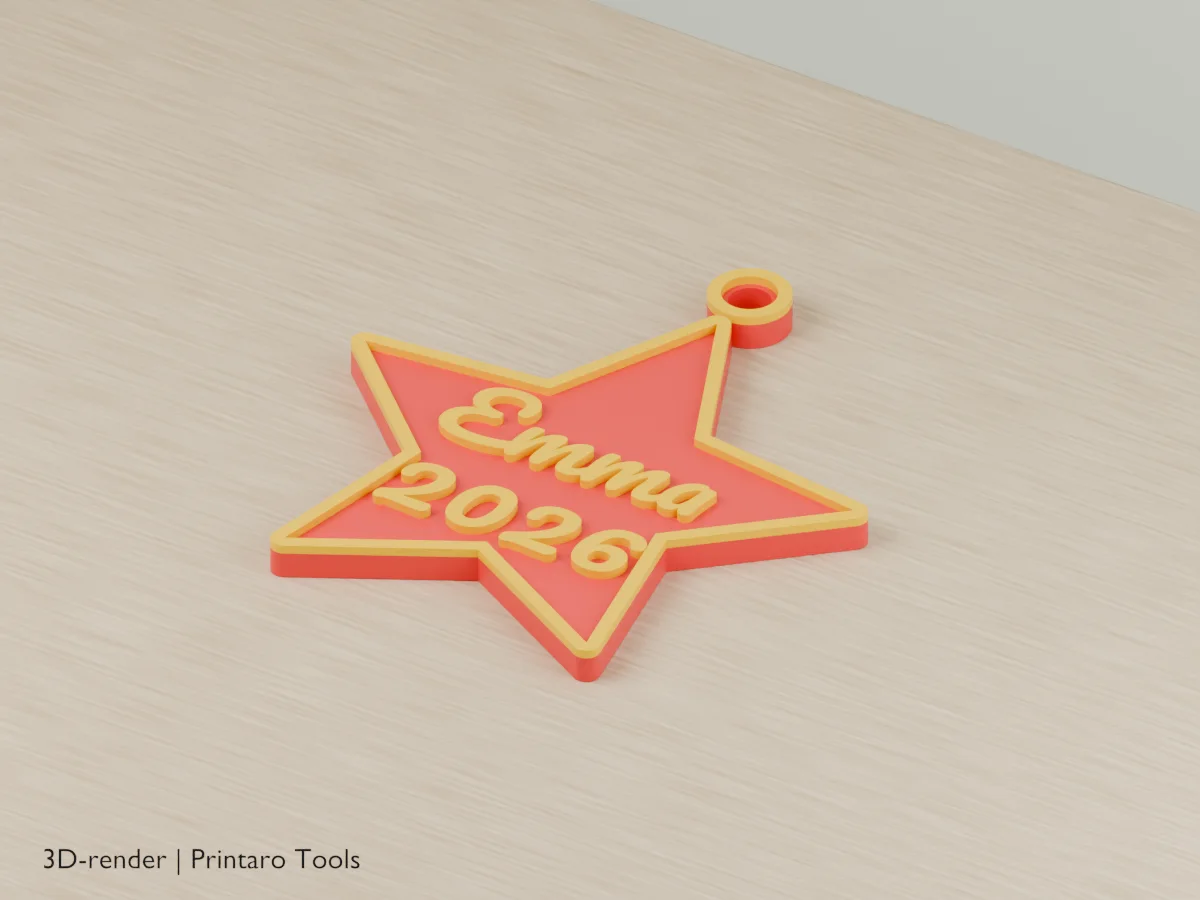
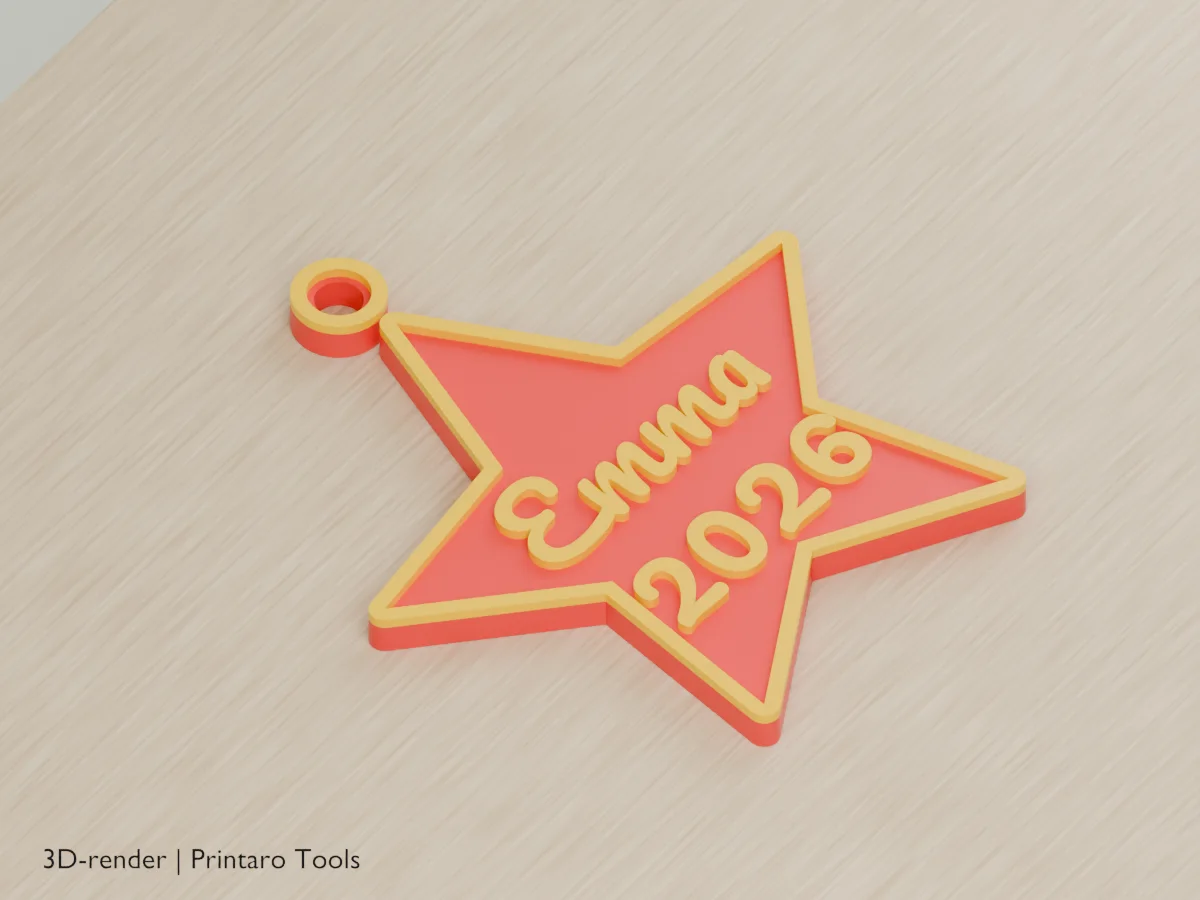
Examples made with this generator. These are 3D renders, not photos of prints.
No printer?
Printaro can print this design for you. Copy the link to your design and paste it in your message, so we know exactly which settings you chose.
Want your own printer? See which Bambu Lab printer to buy.
Keep the tools free
Found this useful?
These generators are free to use. If one saved you time, a small Ko-fi donation helps pay for hosting, rendering and new tools.
About this generator
Flat Christmas ornaments shaped like a ball, star or tree, with a name and year and a hanging loop.
How to use
- Pick ball, star or tree.
- Enter a name and the year.
- Print and hang it with a ribbon through the loop.
Shape and name length
Each shape has a different amount of room for the text. A ball gives 70% of the size in width and 48% in height, a star 46% and 36%, and a tree 42% and 40%. Long names work best on a ball. On a 70 mm star, the text area is only about 32 mm wide, so use a larger size or a short name.
The default font is a script. A bolder font holds up better on small ornaments.
Colors
The letters and border stand on top of the ornament, so a filament swap at the layer where the body ends gives two colors without a multi-color printer: 3 mm by default. The 3MF does the same on a multi-color printer.
Hanging
The loop has a hole of about 4.6 mm, which fits a ribbon or an ornament hook. The loop adds about 7 mm above the shape, so check the total height on the bed. Keep ornaments away from hot tree lights, because PLA softens with heat.
Printing tips
- Glitter or silk PLA looks great on the tree.
- Swap filament at the base thickness for two-color letters.
Helpful guides
Frequently asked questions
Can I make a whole set at once?
Generate one per name, then arrange them together in your slicer.
How do I hang it?
Every ornament has a loop on top. Thread a ribbon, string or ornament hook through it.
Related tools
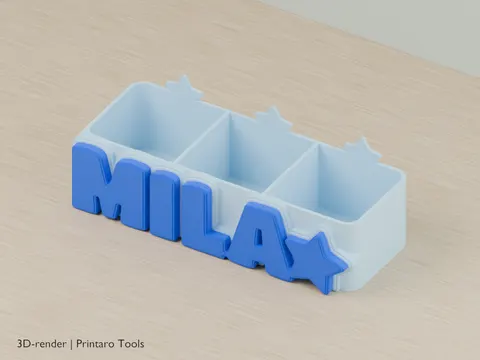
Name Pen Holder
A desk organizer with a name and a symbol across the front
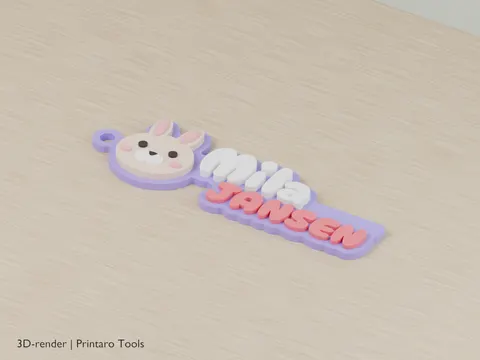
Animal Double Name Keychain
First and last name with an animal head, in up to six colors
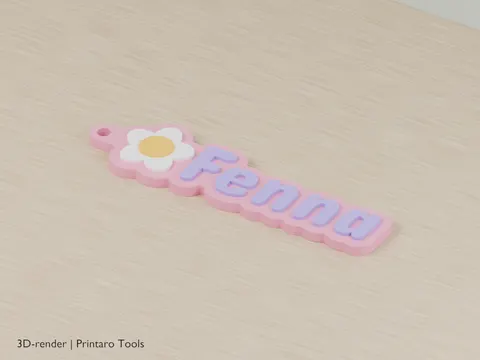
Daisy Name Keychain
A name with a daisy in front, petals you can count
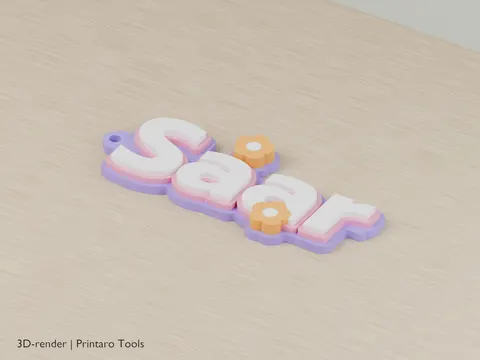
Flower Name Keychain
A name in three layers with two little flowers
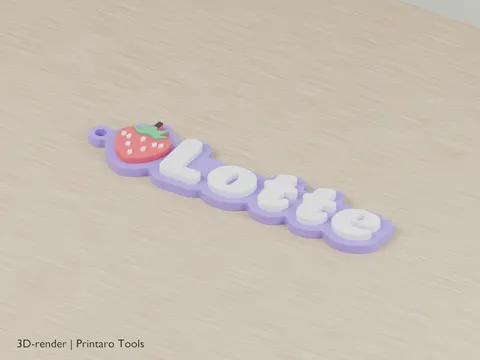
Fruit Name Keychain
A name with a fruit in front, in up to five colors
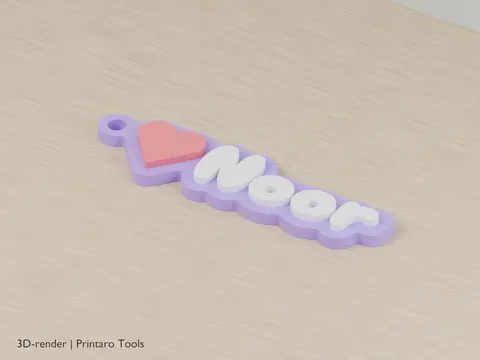
Heart Name Keychain
A name with a heart in front, in three colors