Bottle Opener Keychain
A keychain opener that uses a coin
Plastic alone can't open a bottle for long, but a coin can. The coin slides into the slot and does the work.
Examples
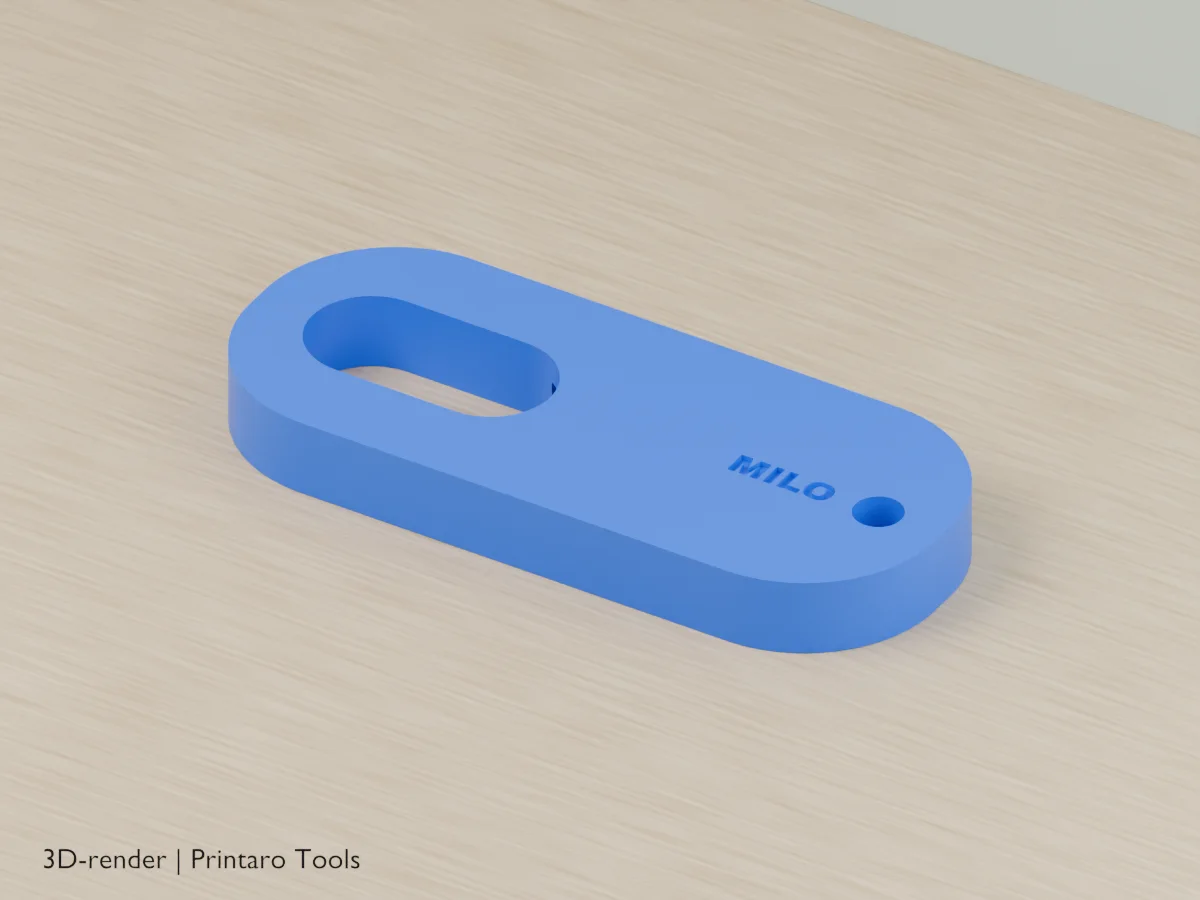
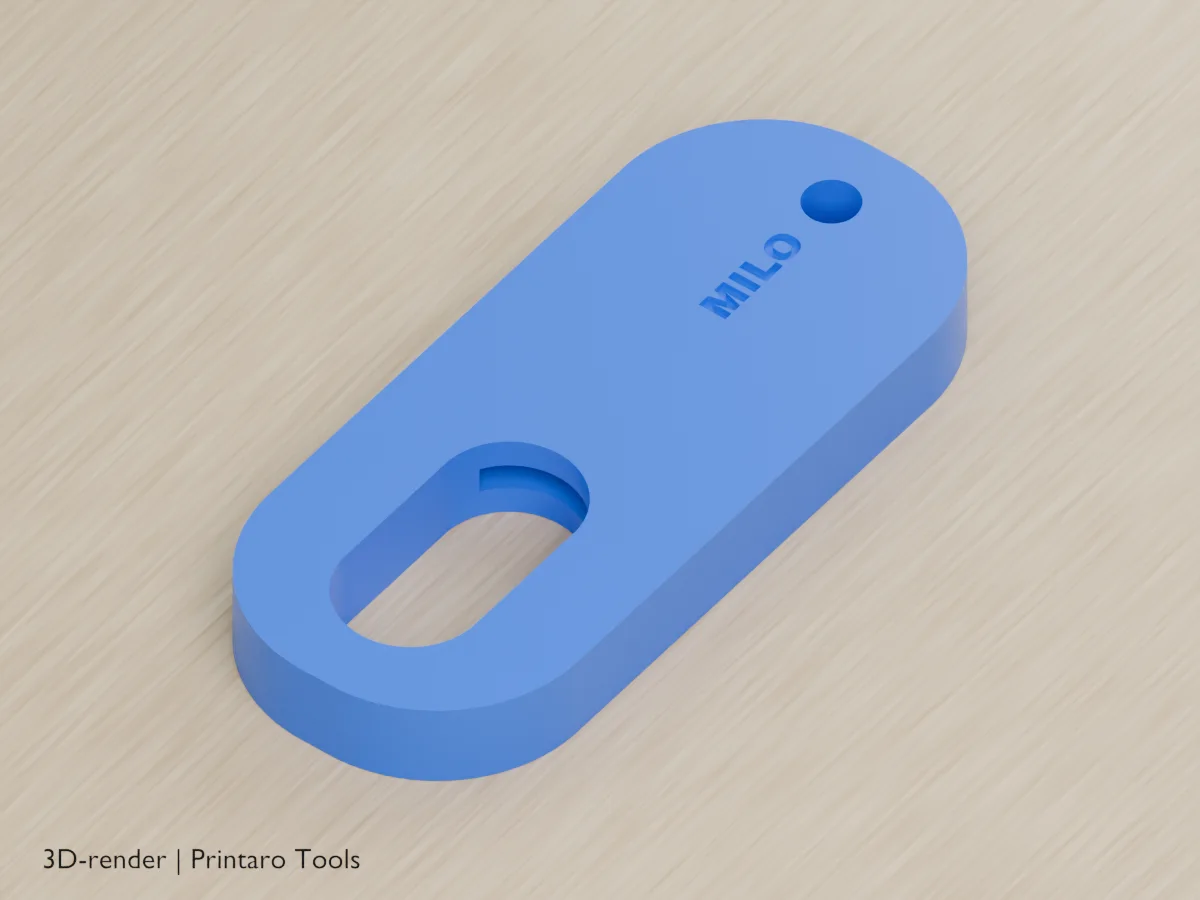
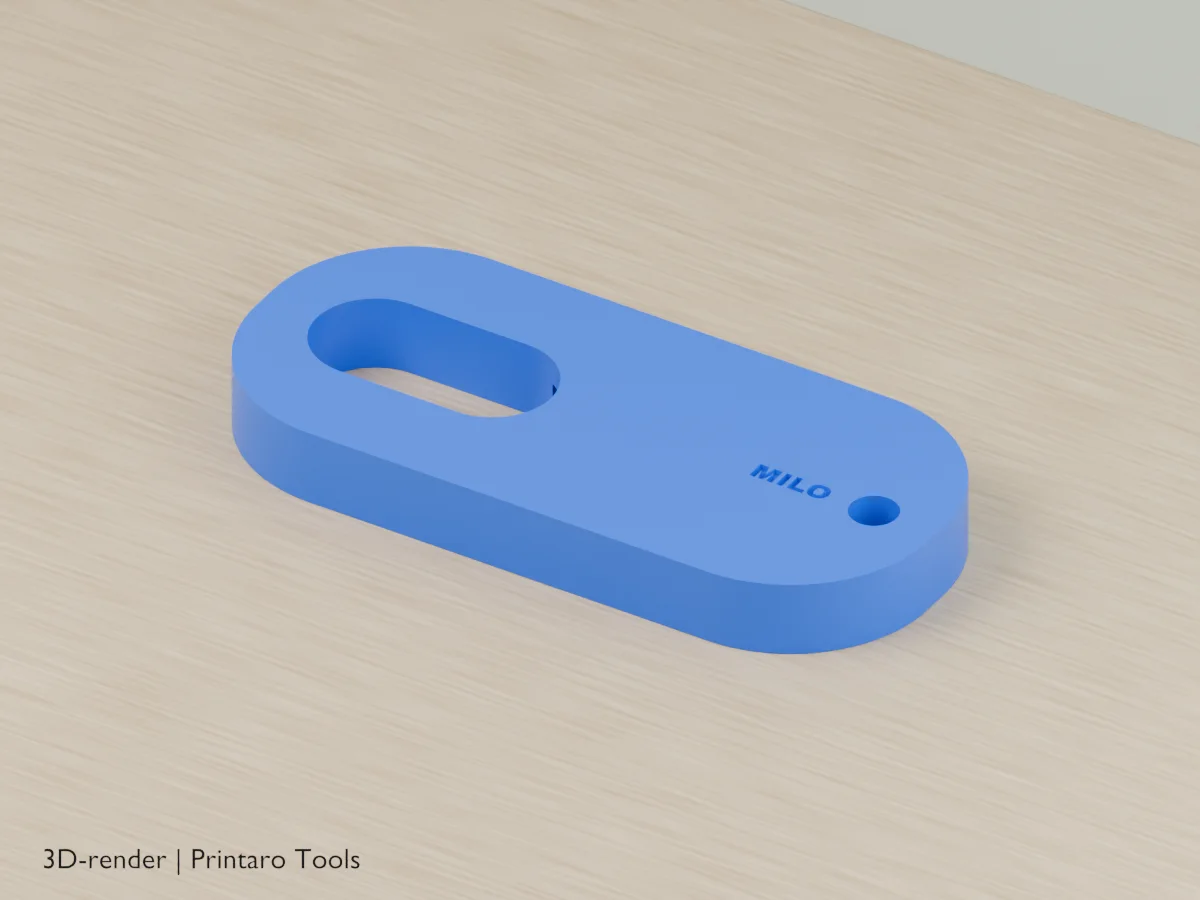
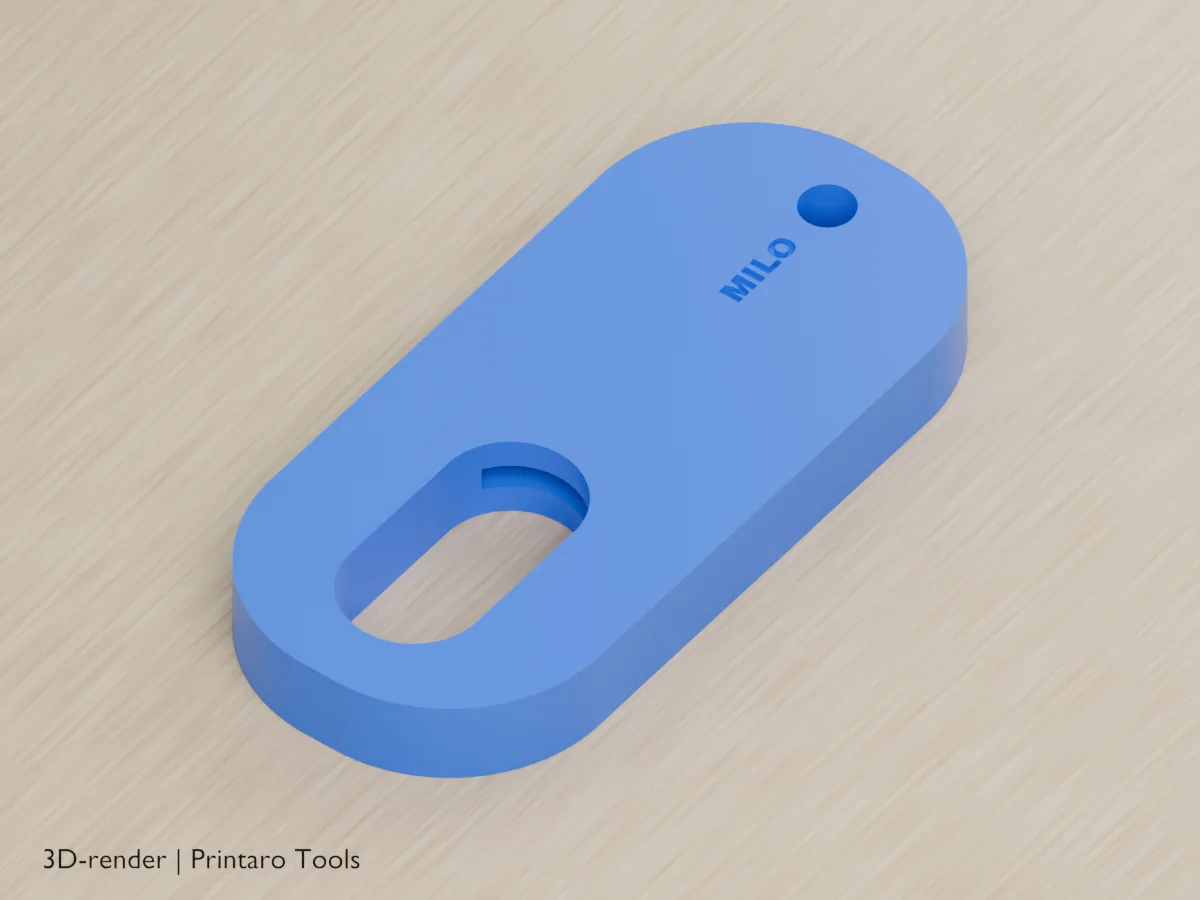
Examples made with this generator. These are 3D renders, not photos of prints.
No printer?
Printaro can print this design for you. Copy the link to your design and paste it in your message, so we know exactly which settings you chose.
Want your own printer? See which Bambu Lab printer to buy.
Keep the tools free
Found this useful?
These generators are free to use. If one saved you time, a small Ko-fi donation helps pay for hosting, rendering and new tools.
About this generator
A keychain bottle opener: push a coin into the slot and its edge lifts the cap. Name engraved on top.
How to use
- Pick the coin you'll use.
- Add a name.
- Print flat and slide the coin in from the side.
The coin decides the slot
- Coin: €1, €2, a US quarter or a UK £1. The slot is sized for the coin you pick.
- Custom: enter the diameter (18 to 30 mm) and thickness (1.4 to 3.2 mm) of another coin, measured with calipers.
- Text: up to 12 characters, engraved on top. Length: 65 to 110 mm.
Before you print a batch
The slot is 0.2 mm thicker and 0.3 mm wider than the coin; how that feels depends on how your printer prints narrow slots. Print one, slide the coin in and try it on a bottle before printing more. If the coin is loose, choose Custom and enter your coin's size a little smaller; if it doesn't go in, a little larger.
Printing tips
- Use PETG for strength.
- Hook the coin edge under the cap and lever upwards.
Helpful guides
Frequently asked questions
How does it open a bottle?
Slide a coin into the slot from the side. Its edge sticks into the opening and works as the lever: hook it under the cap and lift.
Which coin should I choose?
The coin you will use. The slot is sized for that coin's diameter and thickness. For any other coin, choose Custom and enter its size, measured with calipers.
Is PLA strong enough?
For now and then, yes. PETG is tougher and the better choice for an opener on your keys that gets used often.
Related tools
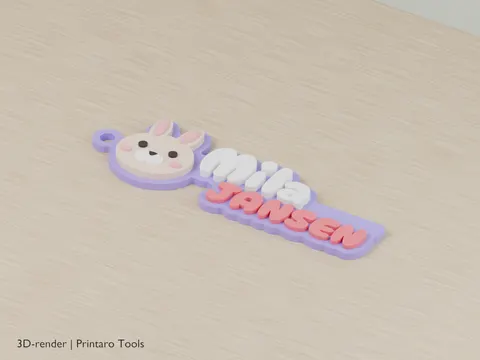
Animal Double Name Keychain
First and last name with an animal head, in up to six colors
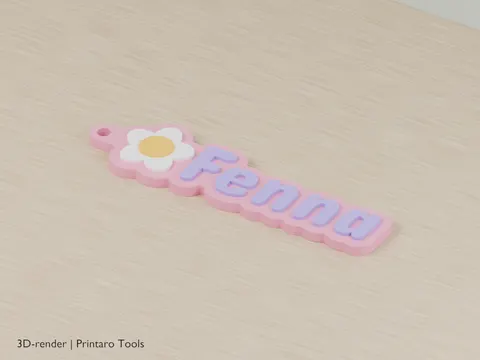
Daisy Name Keychain
A name with a daisy in front, petals you can count
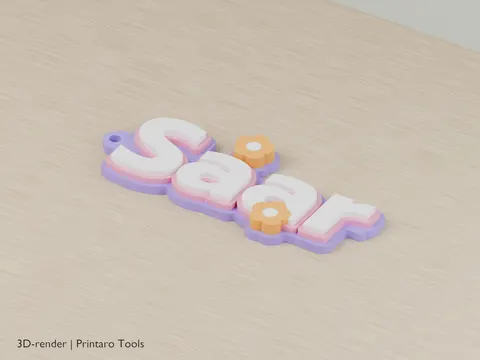
Flower Name Keychain
A name in three layers with two little flowers
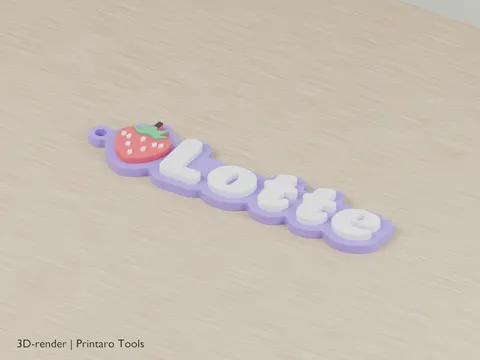
Fruit Name Keychain
A name with a fruit in front, in up to five colors
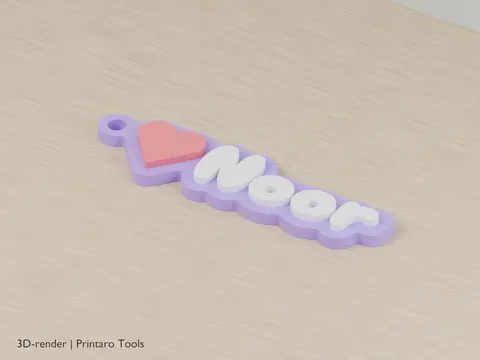
Heart Name Keychain
A name with a heart in front, in three colors
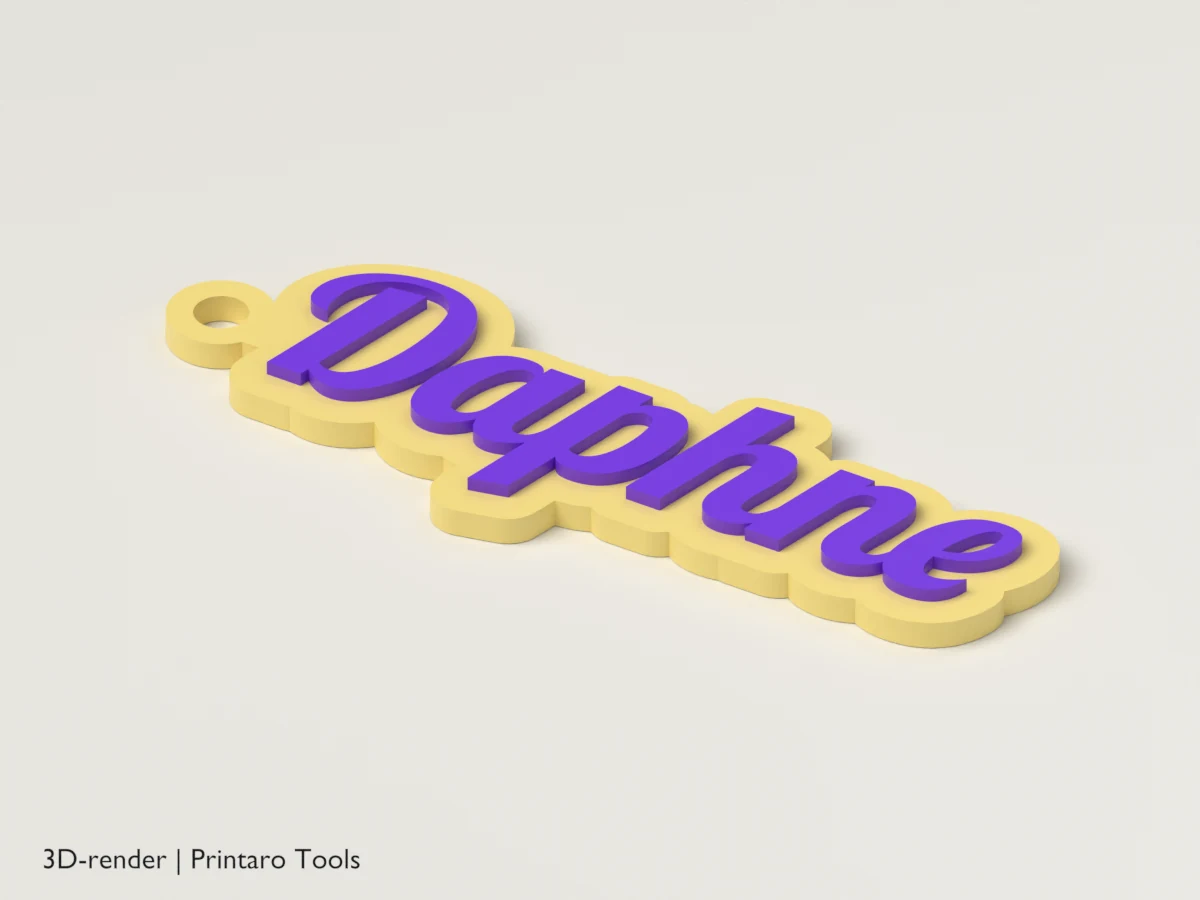
Name Keychain
A keychain in the shape of the name itself