Birthday Moon
An approximate moon phase for your date
One solid body, no colors. Works with every slicer.
Examples
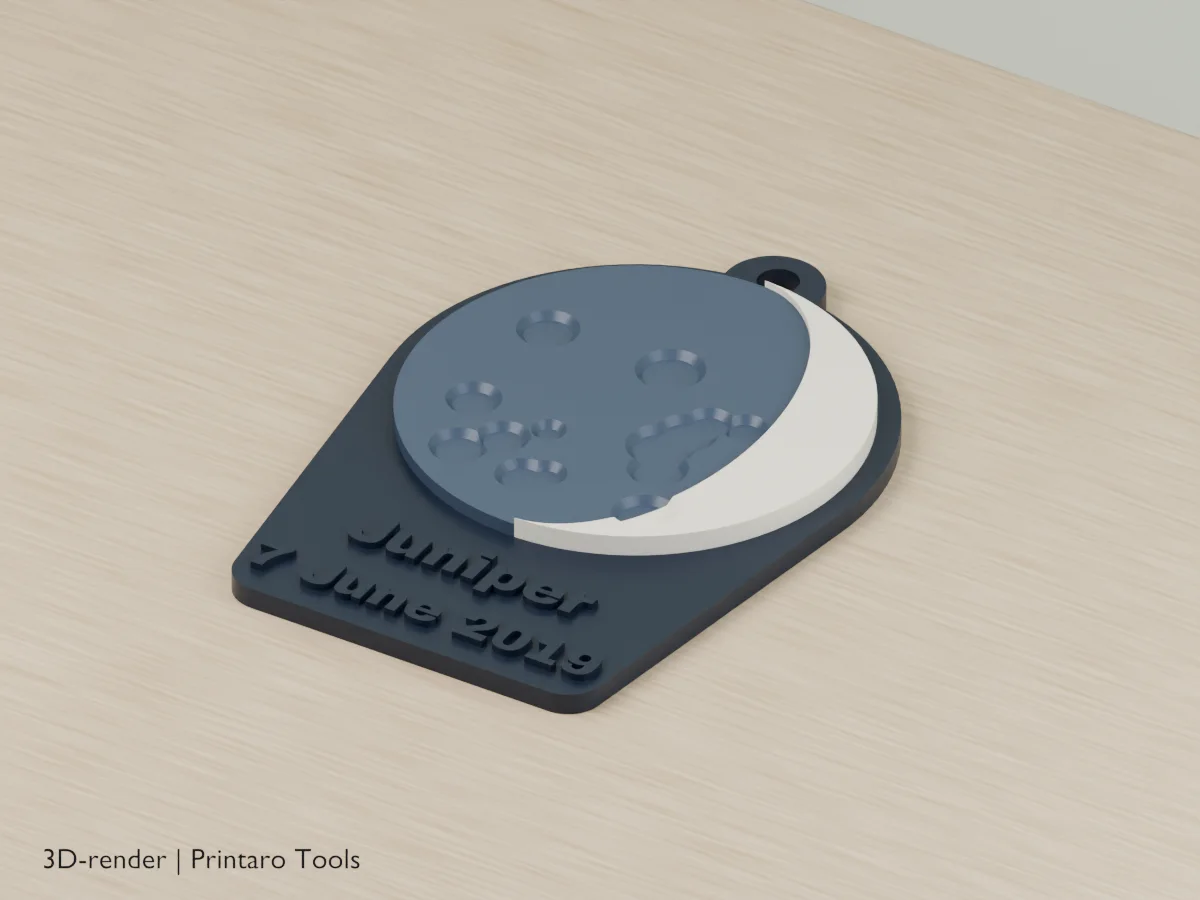
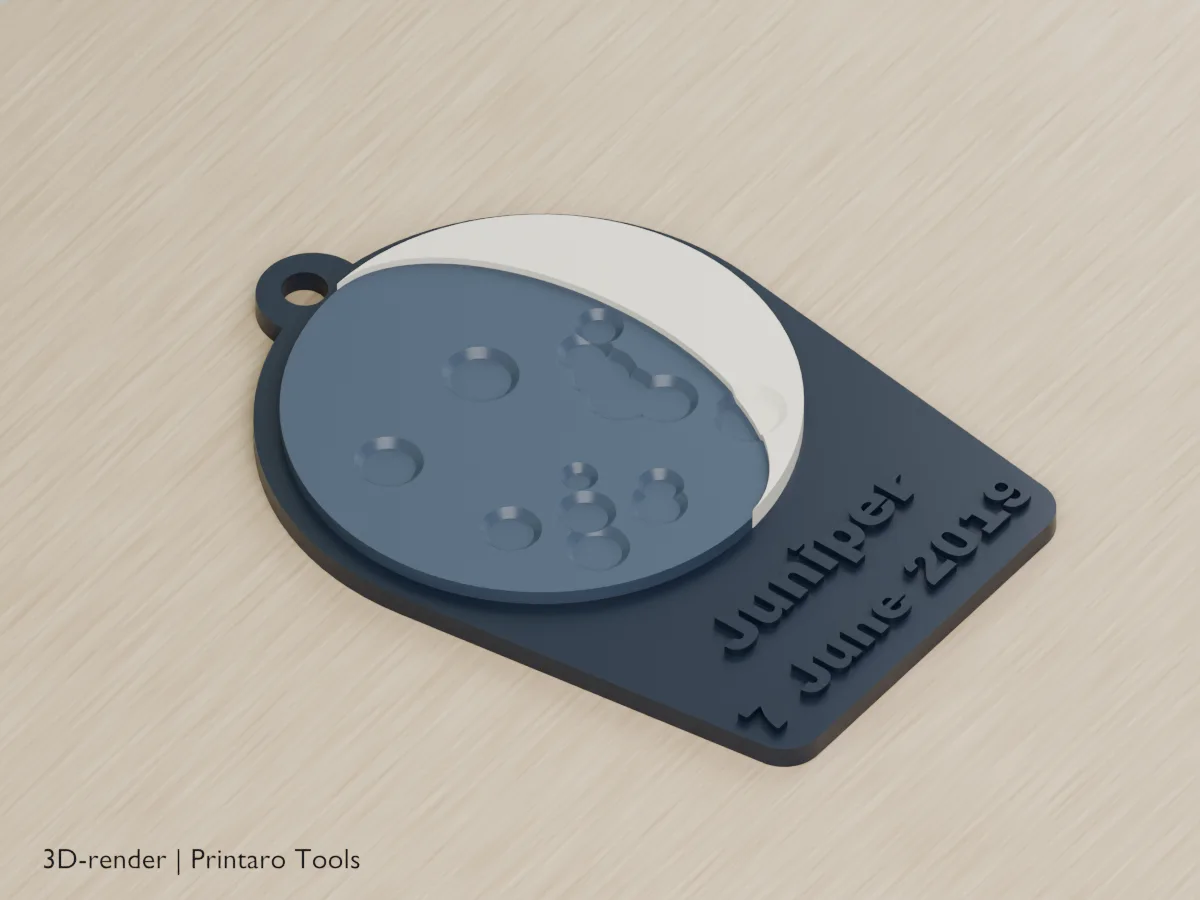
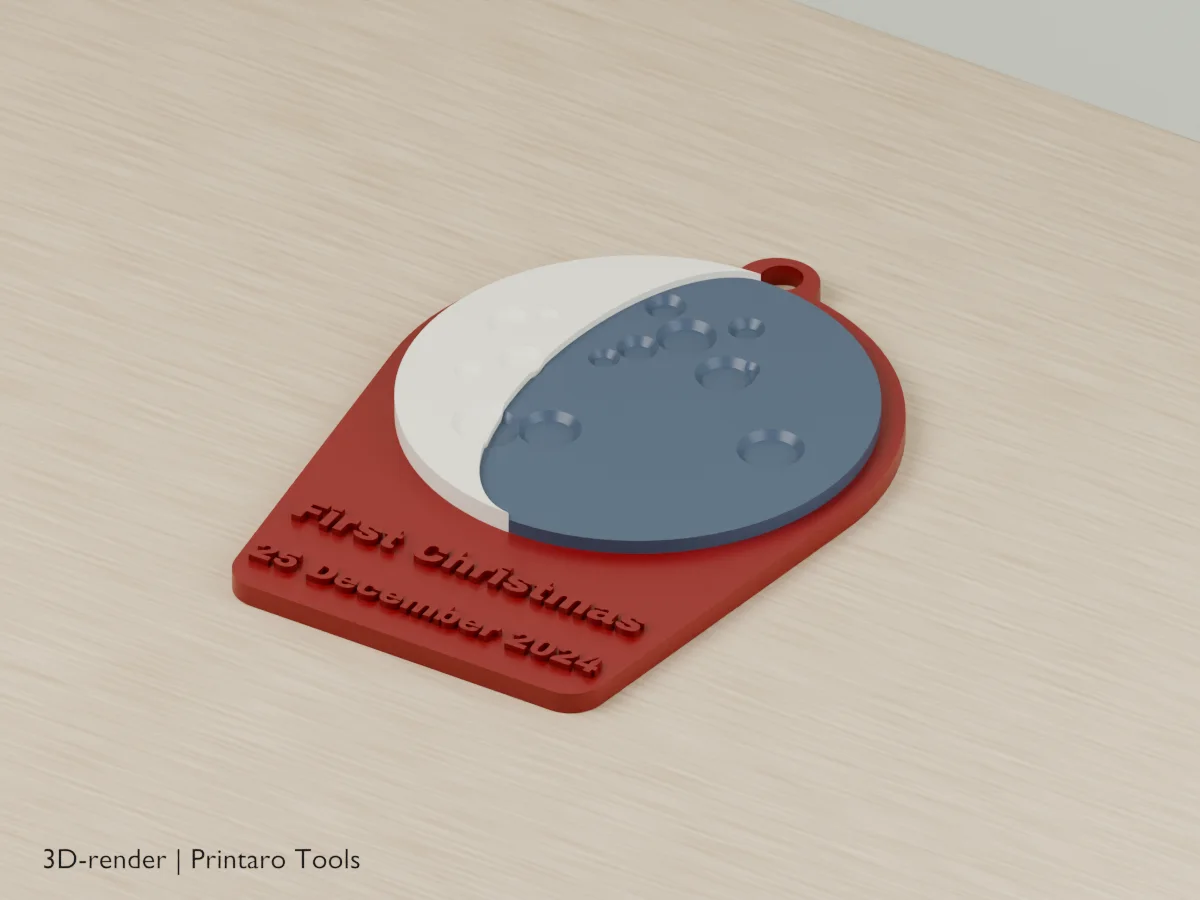
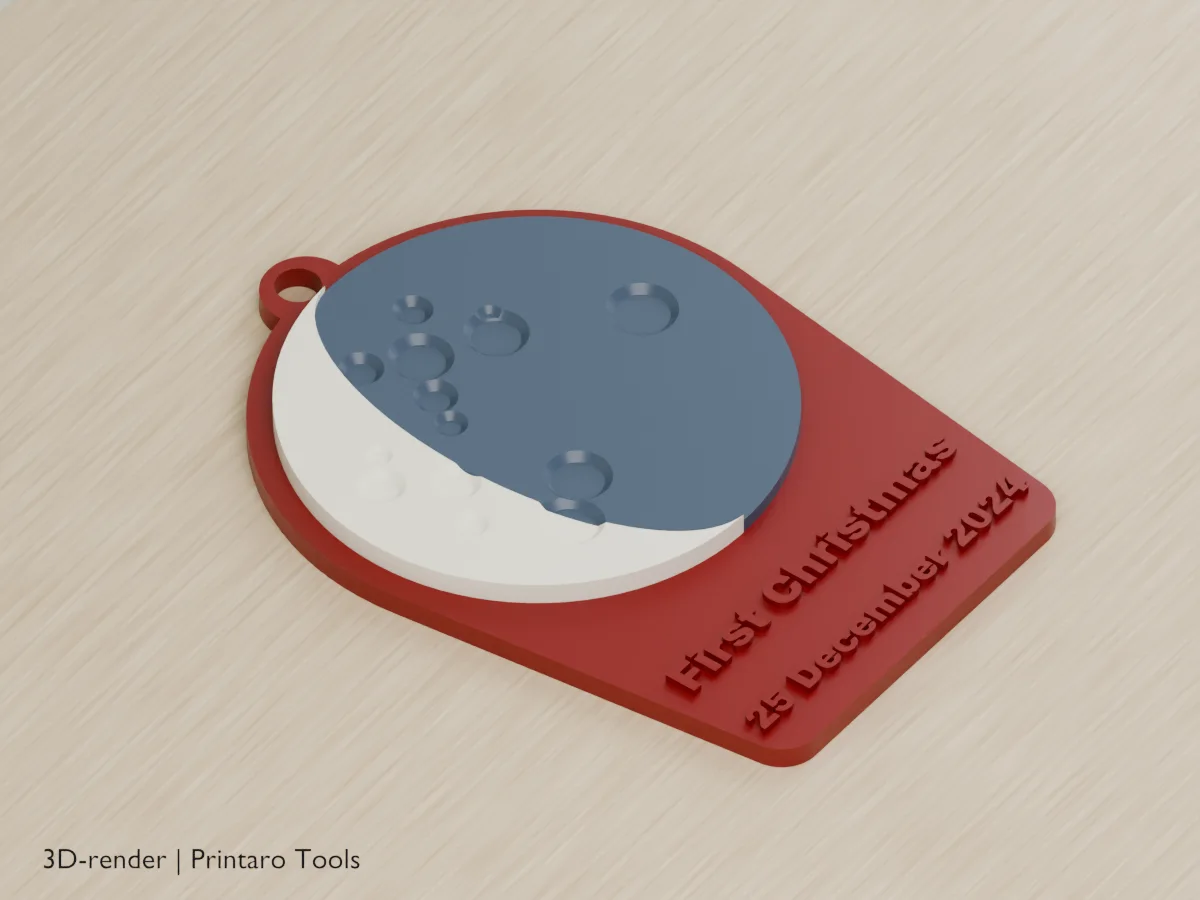
Two example settings, each from two angles. These are 3D renders of the model this page generates, not photos of prints.
No printer?
Printaro can print this design for you. Copy the link to your design and paste it in your message, so we know exactly which settings you chose.
Keep the tools free
Found this useful?
These generators are free to use. If one saved you time, a small Ko-fi donation helps pay for hosting, rendering and new tools.
About this generator
Pick a date and see the moon of that night: a full moon, a thin crescent or anything in between.
How to use
- Enter the date and a name.
- Choose a keychain, ornament, plaque or magnet.
- Print in three colors (lit side, dark side, base), or in one: the lit side then stands out in relief.
Printing tips
- Change filament at the moon's height for a cheap two-color print on a single-nozzle printer.
- The magnet base has a rear blind pocket, nominally 10.3 mm across and 3.2 mm deep, with a 1.2 mm roof, for a 10 x 3 mm magnet. Check your printer's fit before gluing; physical fit is not verified.
- A white or glow-in-the-dark lit side looks great.
Helpful guides
Frequently asked questions
Which time of day is used?
12:00 UTC on the date you enter. The moon changes slowly, so the time hardly shows.
How exact is the phase?
It is an approximate phase at 12:00 UTC, not an exact view of the moon. The crater pattern is decorative, not a map of the lunar surface.
The date gives an error.
The date doesn't exist, for example 31 April or 29 February in a year that is not a leap year.
Related tools
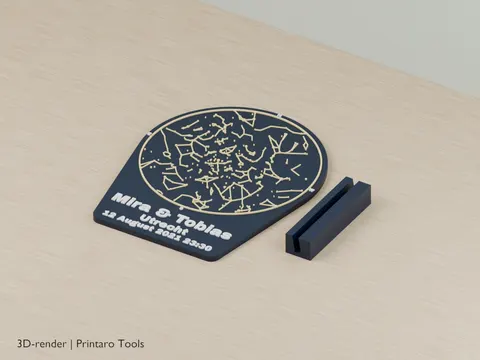
Star Map Night Sky
The real night sky of your date and place
3D renderPersonalization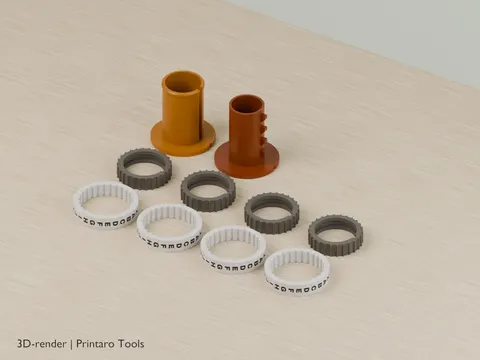
Cryptex
A letter lock with your own code word and a hidden compartment
3D renderPersonalization
Shadow Name Projector
Put it on a phone light and your name shows up on the ceiling
3D renderPersonalization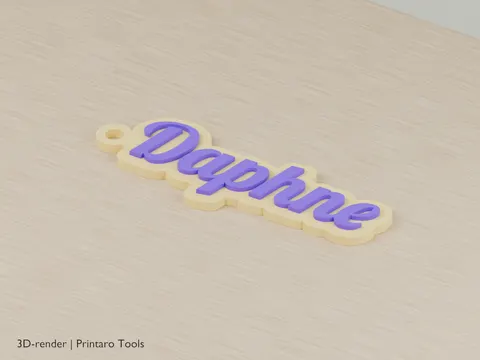
Name Keychain
A keychain in the shape of the name itself
3D renderPersonalization
Keychain Generator
Create a custom text keychain
3D renderPersonalization
Bookmark
Personalized bookmarks with your text
3D renderPersonalization