Cable Tie Mount
Anchors for zip ties
Route cables along walls, desks and inside cabinets with zip ties held exactly where you want them.
Examples
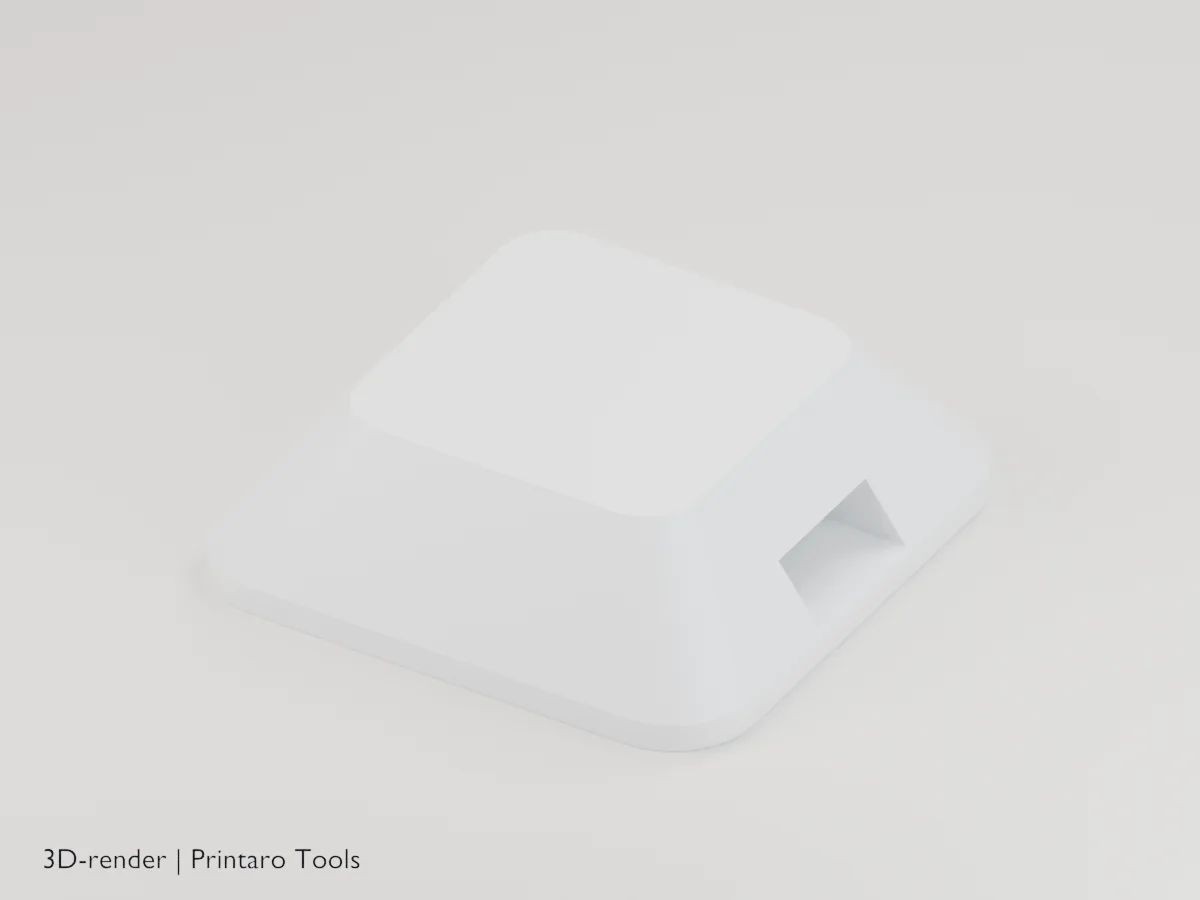
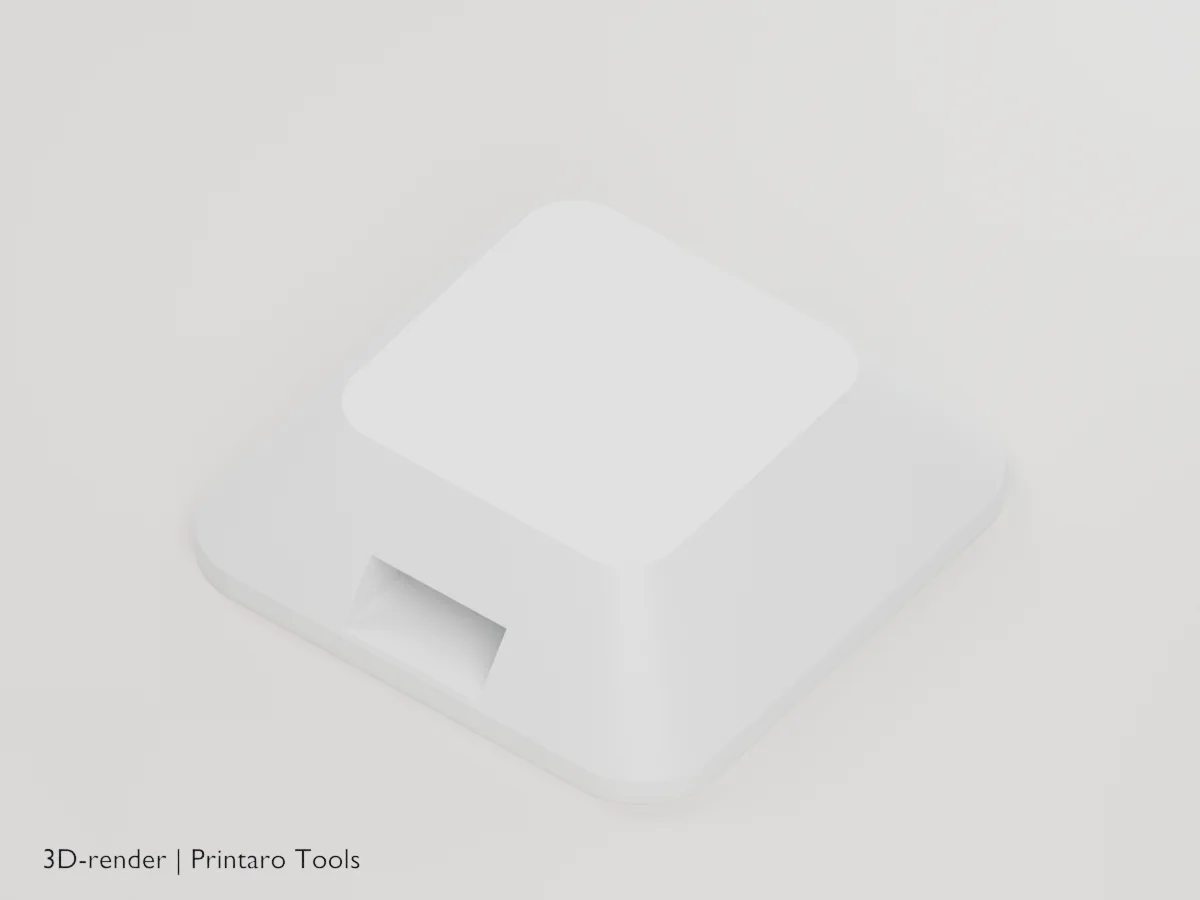
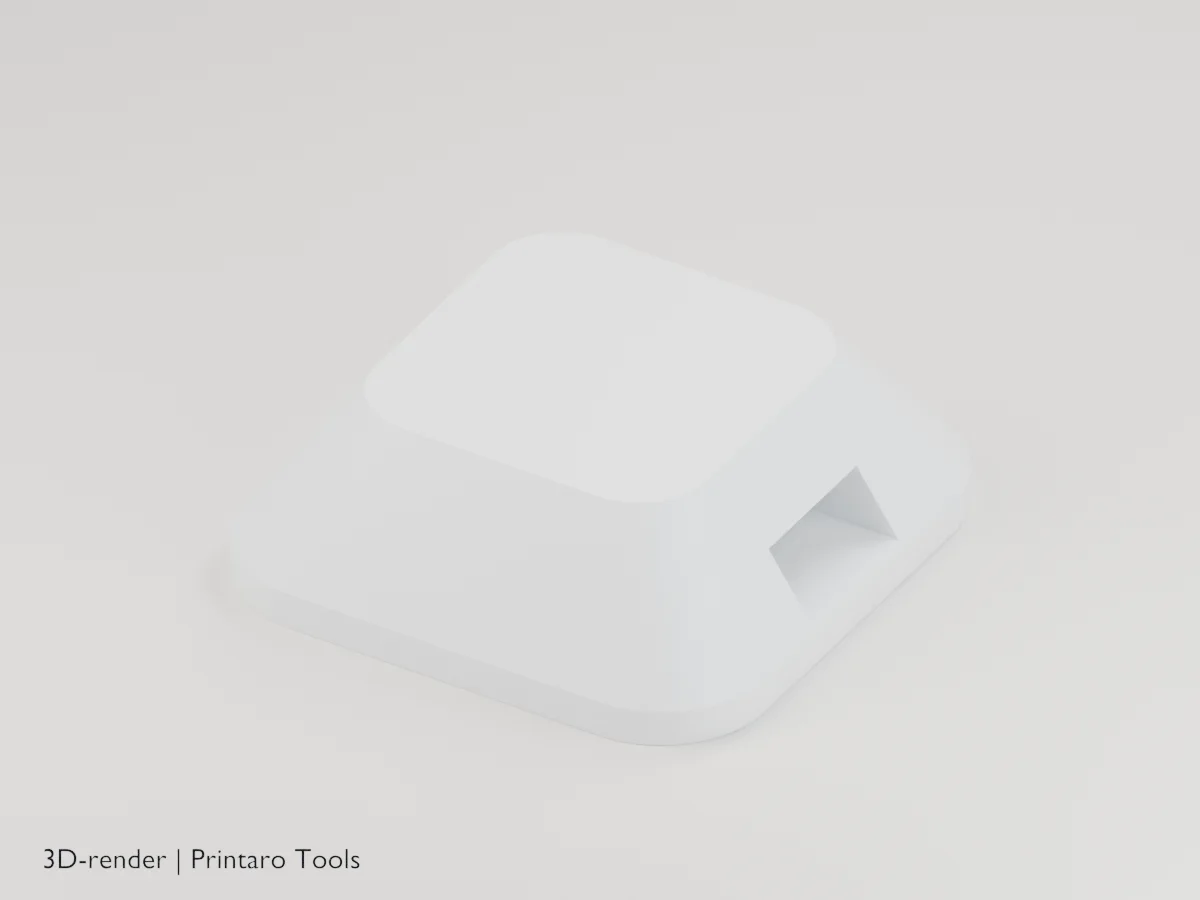
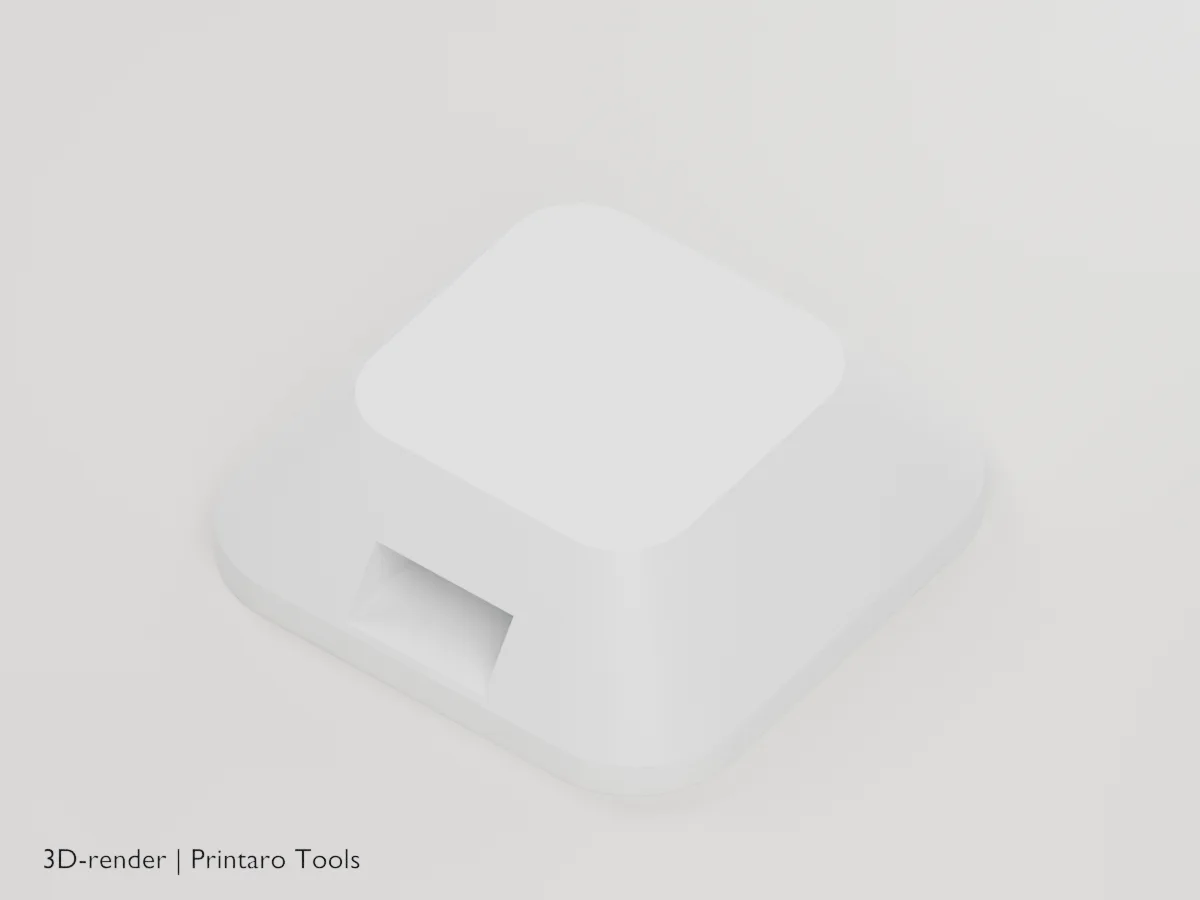
Examples made with this generator. These are 3D renders, not photos of prints.
No printer?
Printaro can print this design for you. Copy the link to your design and paste it in your message, so we know exactly which settings you chose.
Want your own printer? See which Bambu Lab printer to buy.
Keep the tools free
Found this useful?
These generators are free to use. If one saved you time, a small Ko-fi donation helps pay for hosting, rendering and new tools.
About this generator
A mount for zip ties that you stick on with tape or screw down, with one or two crossing tie channels.
How to use
- Measure your zip ties.
- Choose tape or screw mounting.
- Print a batch.
Sizing it to your ties
The channel is 0.6 mm wider and taller than the tie you enter, so a 4.8 × 1.5 mm tie gets a channel of 5.4 × 2.1 mm. Measure the tie itself rather than going by the size on the bag.
The crossing channel lets you run the tie in two directions, which helps when you don't know yet how the cables will go.
Tape or screw
- Tape: the base is flat, so double-sided foam tape or VHB fits well. A larger base gives the tape more area. Clean the surface first.
- Screw: the hole goes through the middle, so the screw head sits in the tie channel. A tall head blocks the tie. Use a flat head, and check the channel height against it.
Printing a batch
The channel is a short bridge, and on a small part it can sag. If ties won't pass, raise the channel size by entering a slightly thicker tie. Print one mount before filling the whole bed.
Printing tips
- Use VHB tape for a strong hold.
- Print flat: the tie channel bridges without supports.
Helpful guides
Frequently asked questions
Which zip ties fit?
Set Zip tie width and thickness to the ties you have. 4.8 mm is the common medium size; small ties are about 2.5–3.6 mm wide.
How do I attach it?
With strong double-sided tape such as VHB, or choose Screw under Mounting and screw it down.
Related tools
Device Wall Mount
Wall brackets for routers and power strips
LED Strip Clip
Mounting clips for LED strips
Cable Clip
Generate clips for any cable diameter
Desk Grommet
Cable pass-throughs for any desk hole
Power Strip Holder
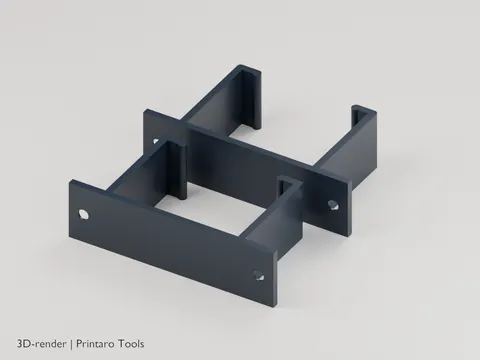
Brackets that hold a power strip under the desk
Cable Raceway
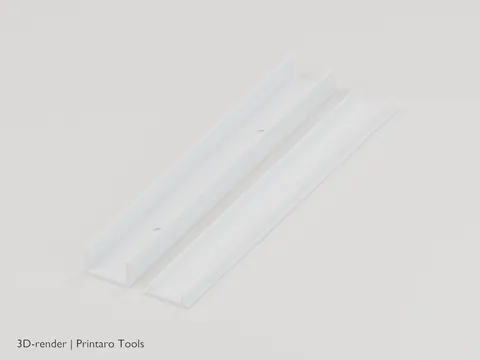
A cable channel with a snap-on cover