Measuring Scoop
Scoops that hold an exact volume
Coffee, protein powder, pet food or detergent: always the same amount.
Examples
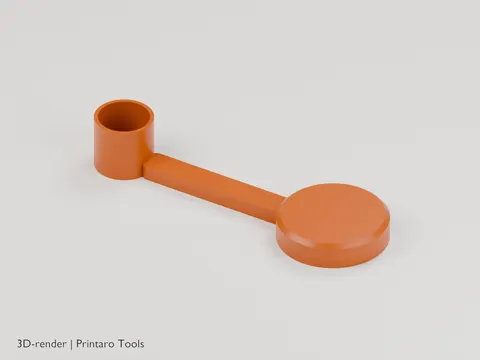
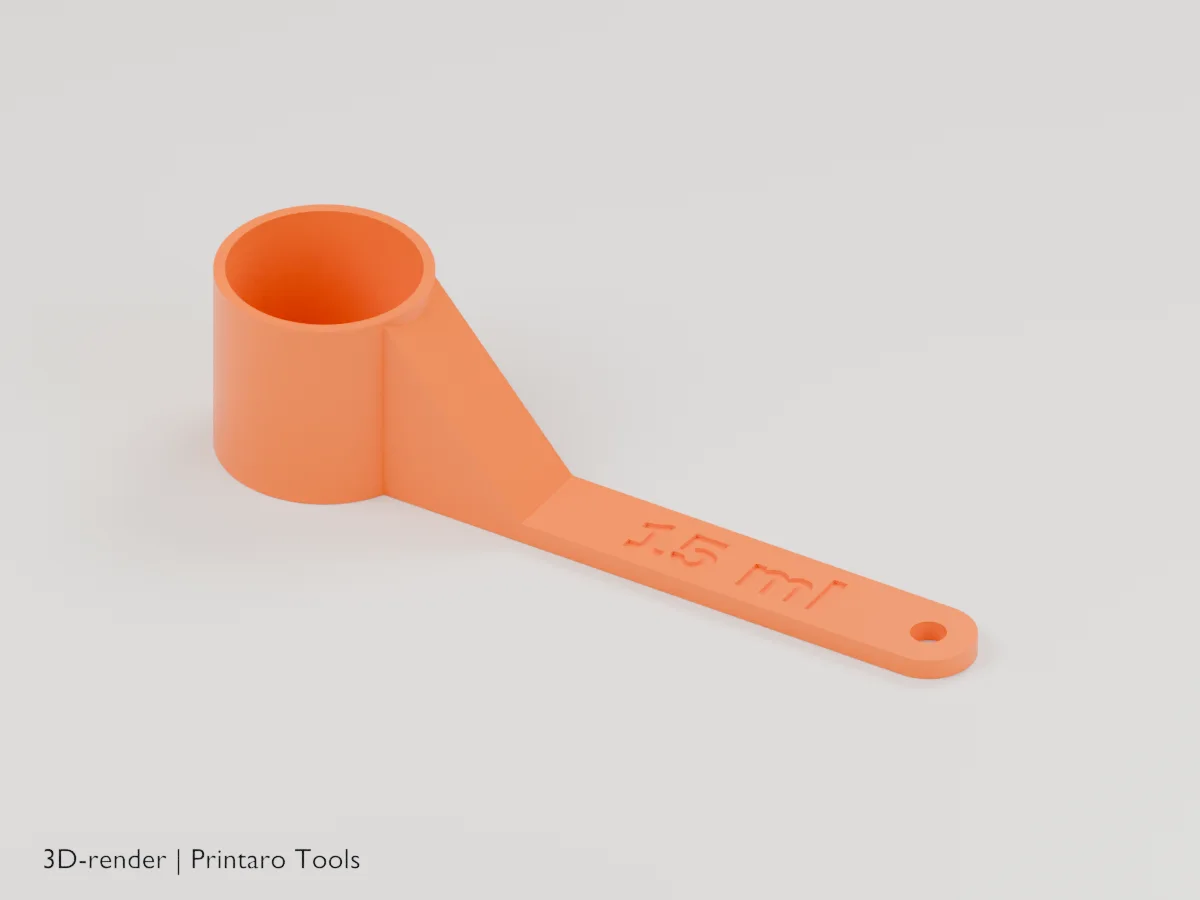
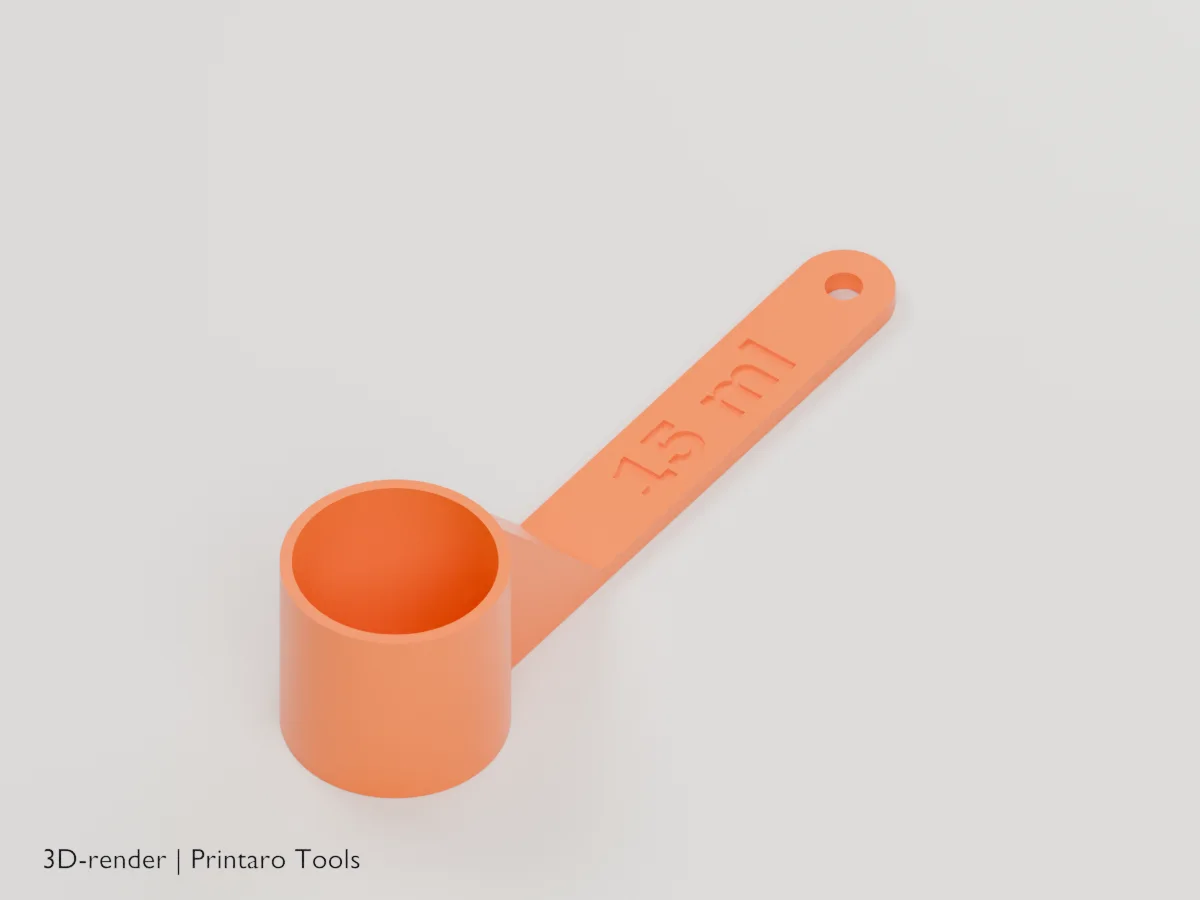
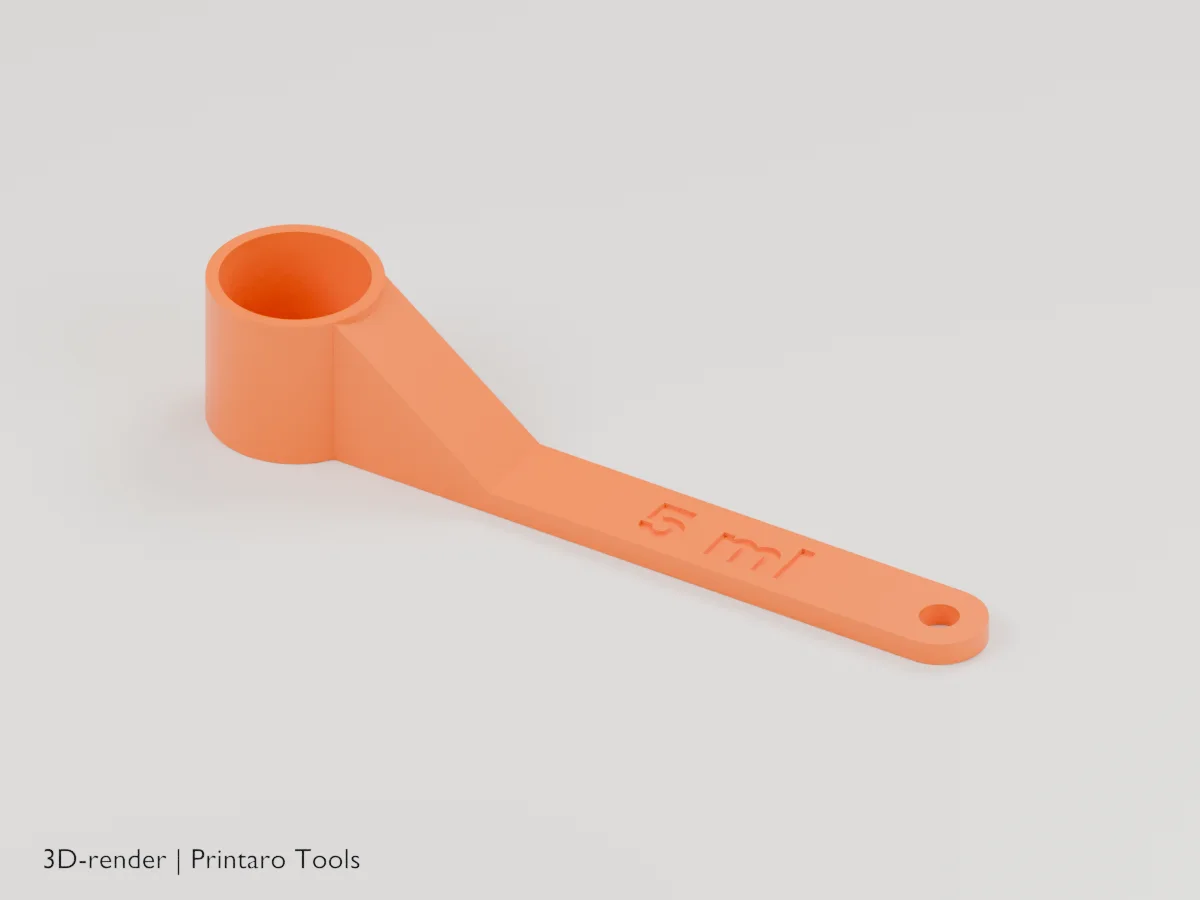
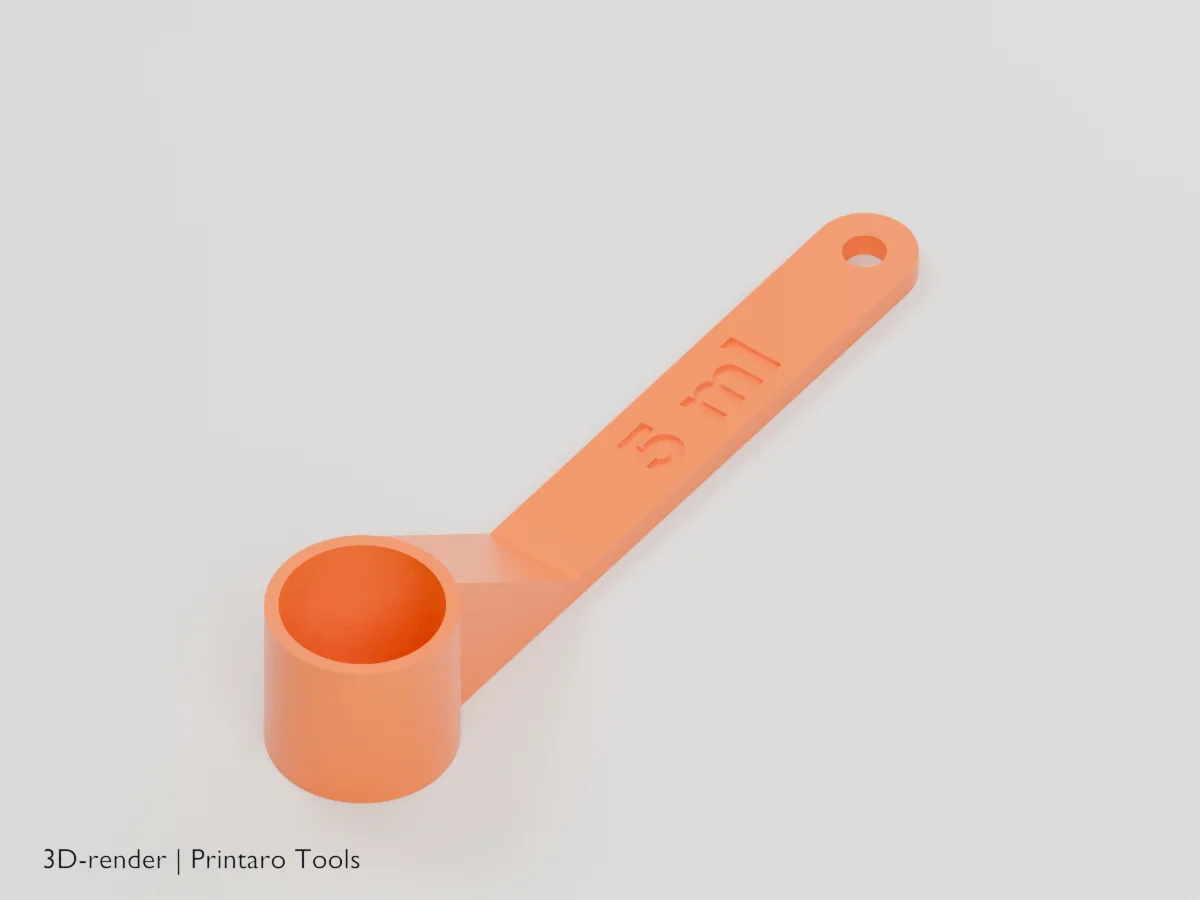
Examples made with this generator. These are 3D renders, not photos of prints.
No printer?
Printaro can print this design for you. Copy the link to your design and paste it in your message, so we know exactly which settings you chose.
Want your own printer? See which Bambu Lab printer to buy.
Keep the tools free
Found this useful?
These generators are free to use. If one saved you time, a small Ko-fi donation helps pay for hosting, rendering and new tools.
About this generator
A measuring scoop sized to an exact volume (ml), with the volume engraved on the handle.
How to use
- Enter the volume in ml.
- Set the label text.
- Print upright as exported.
What each volume looks like
The inside of the cup is a cylinder as wide as it is deep, so its size follows from the volume alone: about 18.5 mm for 5 ml, 26.7 mm for 15 ml, 42.4 mm for 60 ml and 68.3 mm for 250 ml. The outside adds two walls. If the scoop has to go into a tin or jar, compare that outside size with the opening.
Checking the real volume
The model's inside is exact, but a print comes out slightly different. Small scoops feel it most, because a fraction of a millimeter is a larger share of a small cup. To check yours, weigh it empty, fill it level with water and weigh it again: 1 ml of water weighs about 1 g. If it matters, adjust Volume a little and print again.
The label
The label is free text of up to 10 characters, engraved 0.6 mm into the handle. It doesn't follow the volume, so change both together. The handle is 12 to 20 mm wide depending on the size of the cup, and has a 5 mm hanging hole at the end.
Printing tips
- Level it off with a knife for an exact measure.
- The inner diameter equals the inner height, which keeps it compact.
Helpful guides
Frequently asked questions
How exact is it?
The inside holds the volume you set, in milliliters. Fill it and level it off with a knife for an exact measure.
Does the label change with the volume?
No, the label is free text. Change it yourself when you change the volume.