Filament Clip
Hold the loose filament end on the spool
Measure the thickness of your spool's rim and print a few clips: the filament snaps into the top.
Examples
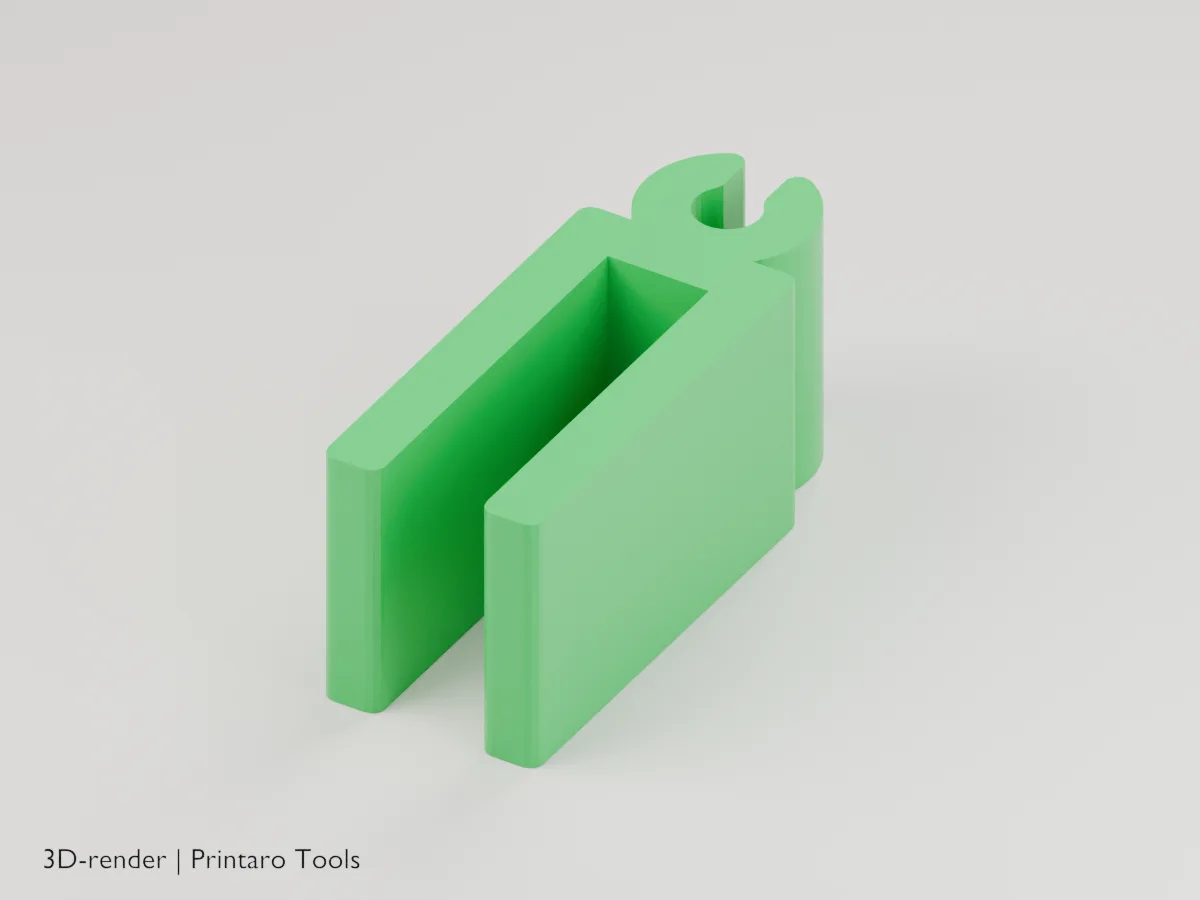
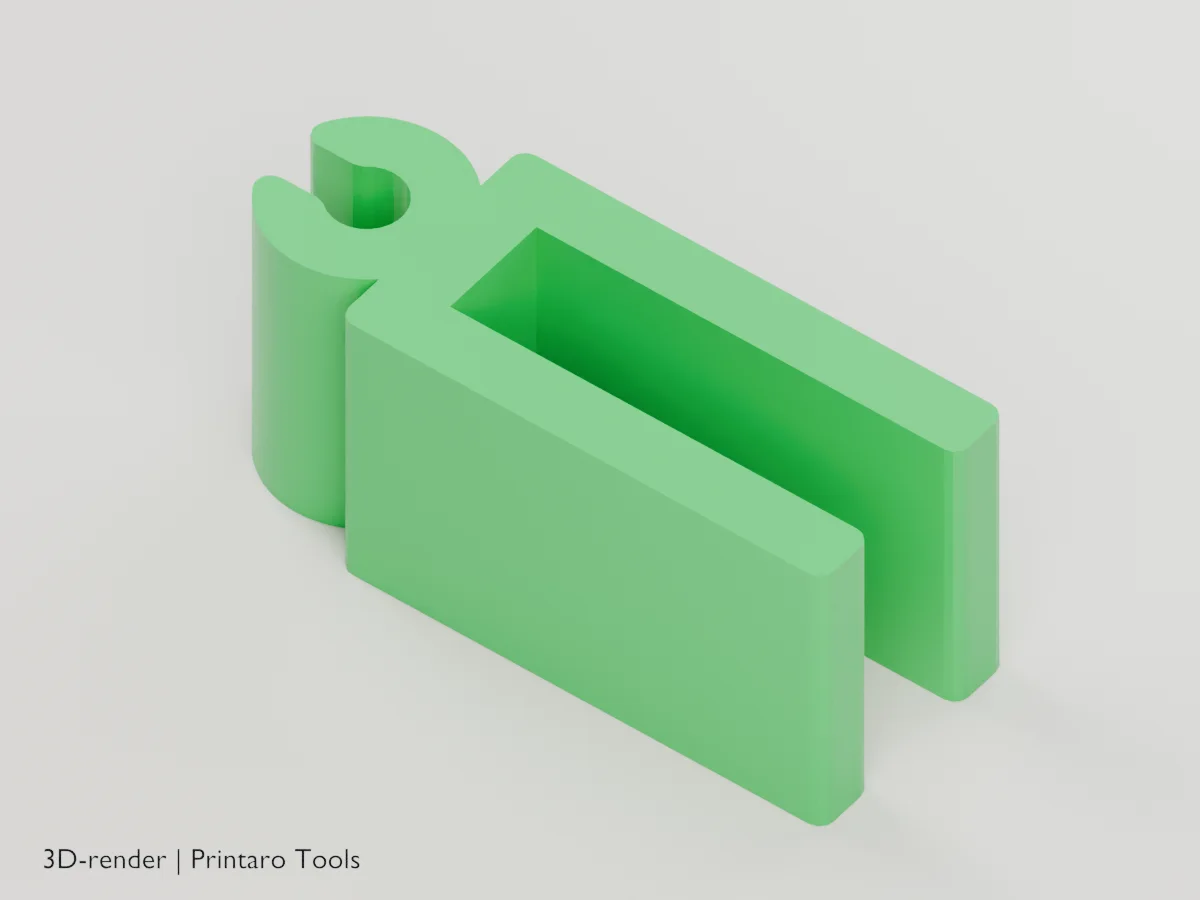
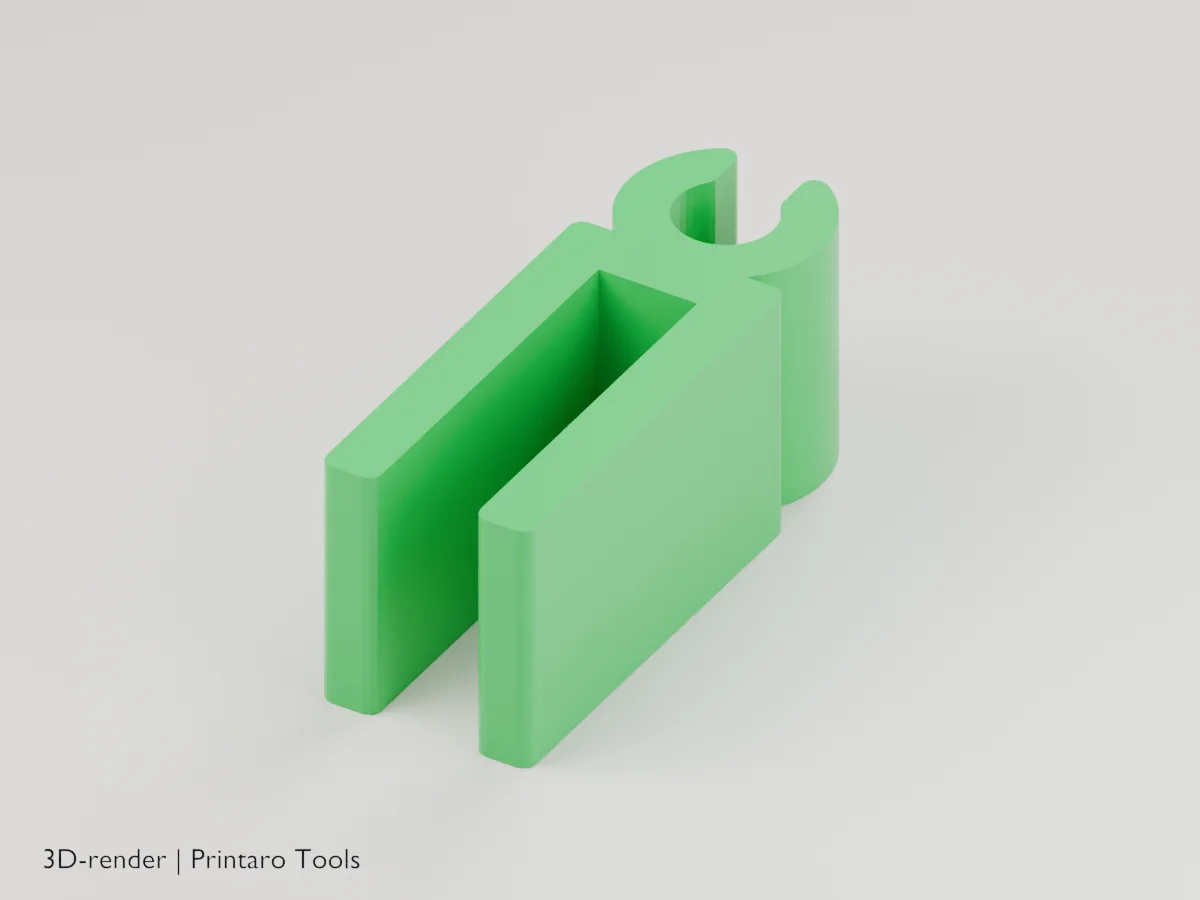
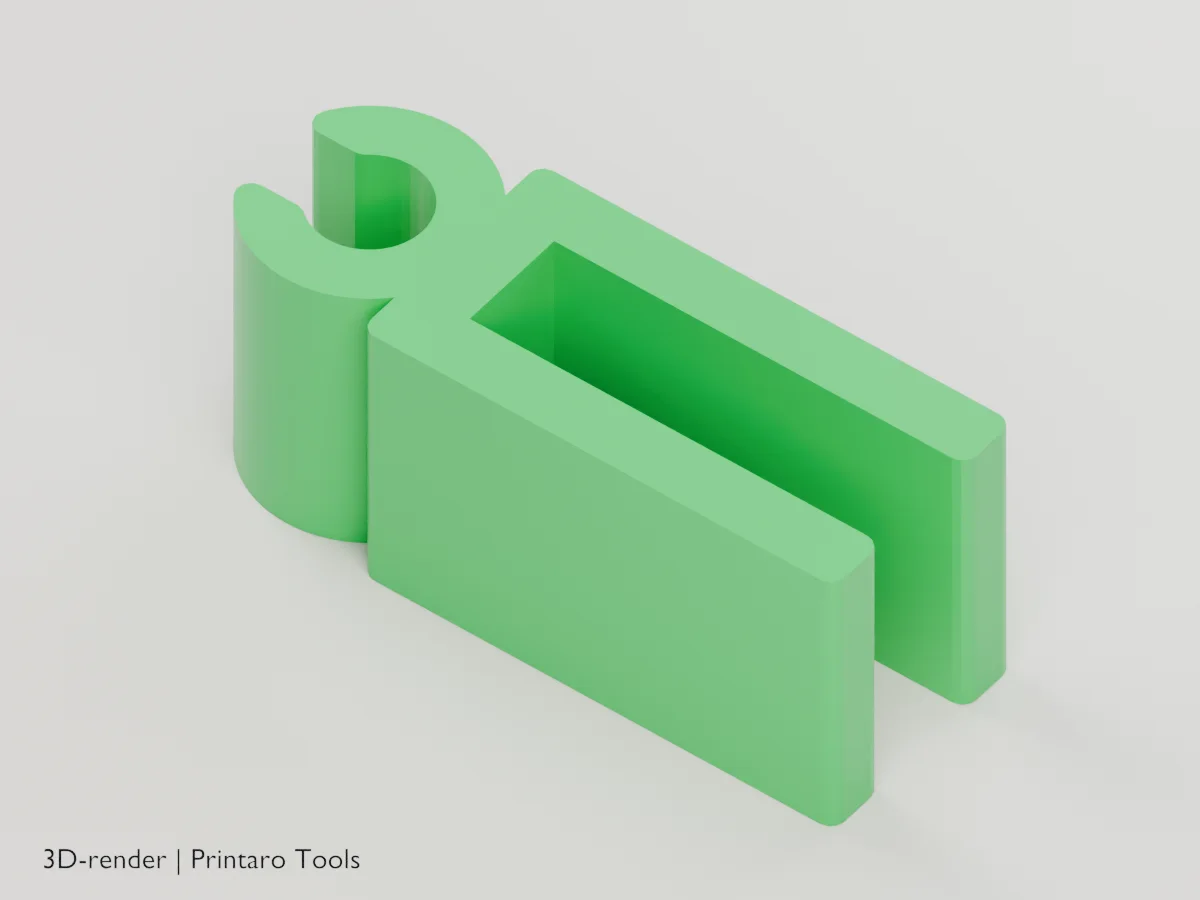
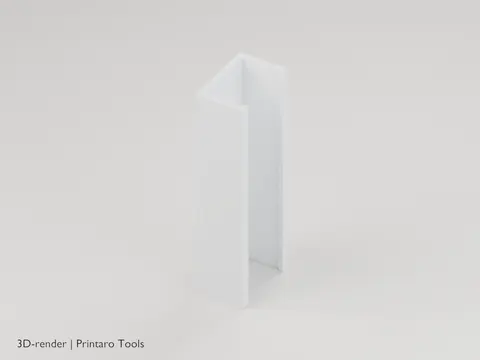
Examples made with this generator. These are 3D renders, not photos of prints.
No printer?
Printaro can print this design for you. Copy the link to your design and paste it in your message, so we know exactly which settings you chose.
Want your own printer? See which Bambu Lab printer to buy.
Keep the tools free
Found this useful?
These generators are free to use. If one saved you time, a small Ko-fi donation helps pay for hosting, rendering and new tools.
About this generator
A clip that slides onto the spool rim and holds the filament end so it never tangles.
How to use
- Measure the spool rim thickness.
- Choose your filament diameter.
- Print on its side as exported.
Measuring the rim
The gap is your rim thickness minus 0.3 mm, so it grips. Spool rims differ between brands, and cardboard spools are softer and thicker than plastic ones. Measure one with calipers at the outer edge. If you use several brands, print a few at different thicknesses.
Arm length decides how far down the rim the clip sits. Longer arms hold better on a smooth rim, up to 20 mm.
Holding the filament
The holder at the top has a hole 0.25 mm wider than the filament and a snap slit at 76% of its diameter, so the filament pushes in and stays. Choose the diameter you actually use, as 1.75 mm filament is loose in a 2.85 mm clip. Bend the very end of the filament a little if it keeps sliding out.
Printing
It prints on its side, so the Clip width is the print height and the arms flex along the layers. Print a handful in one go, as they are small and easy to lose. PETG lasts longer than PLA when you clip them on and off a lot.
Printing tips
- Print a handful in one go.
- PETG clips last longer than PLA.
Helpful guides
Frequently asked questions
How do I measure the spool rim?
Measure the thickness of the spool's side wall at the edge, where the clip goes.
Can I print several at once?
Yes. Copy it a few times in your slicer and print a handful. PETG clips last longer than PLA.
Related tools
Temperature Tower
Find the best temperature for a filament
Swatch Box
A card-index box for filament sample cards
Filament Swatch
Sample cards for your filament collection
Spool Holder Adapter
Fit any spool on your spool holder
Shelf Edge Label
Labels that clip onto a shelf edge
Custom Box
Generate a box in any size