Fan Grill
Finger guards for 40–140 mm fans
Protect fingers, cables and cats from spinning fan blades. Screw holes match the standard fan sizes.
Examples
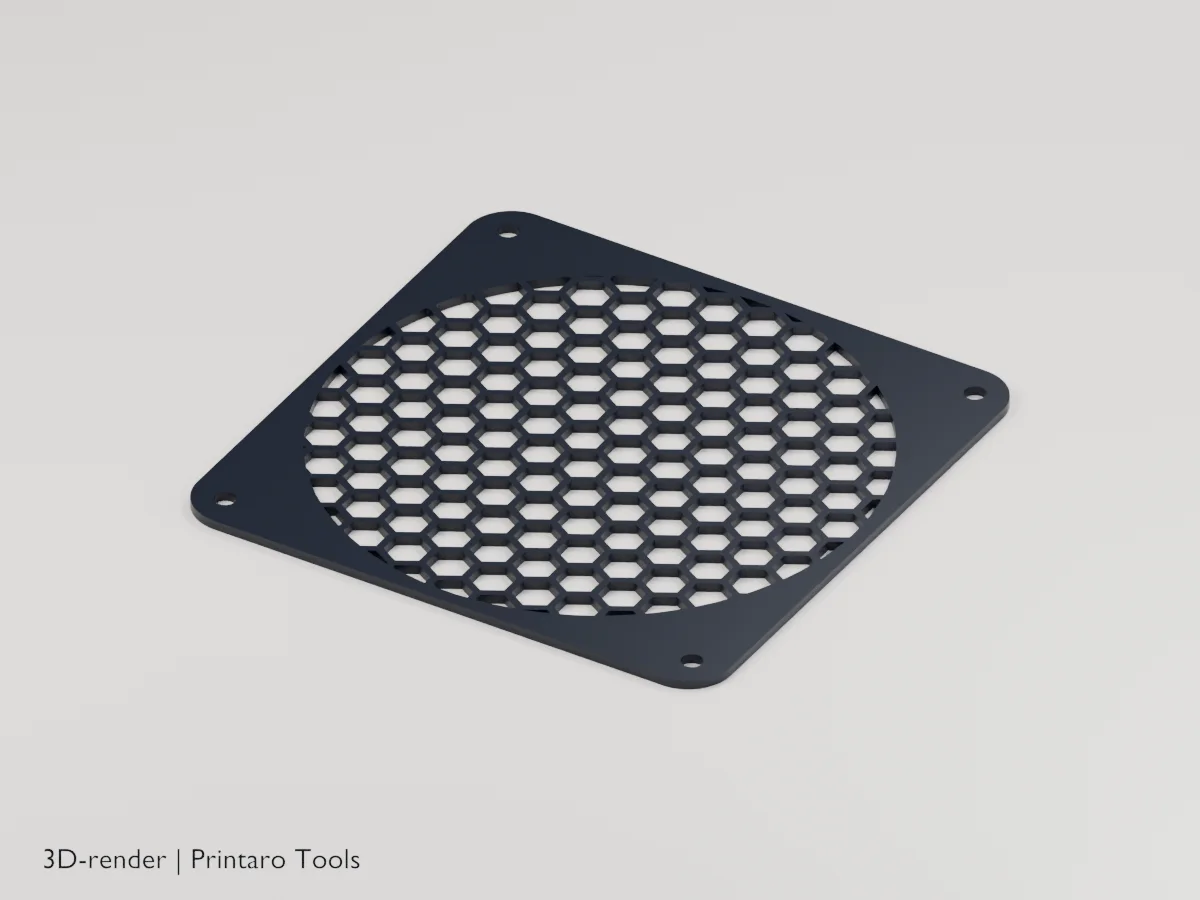
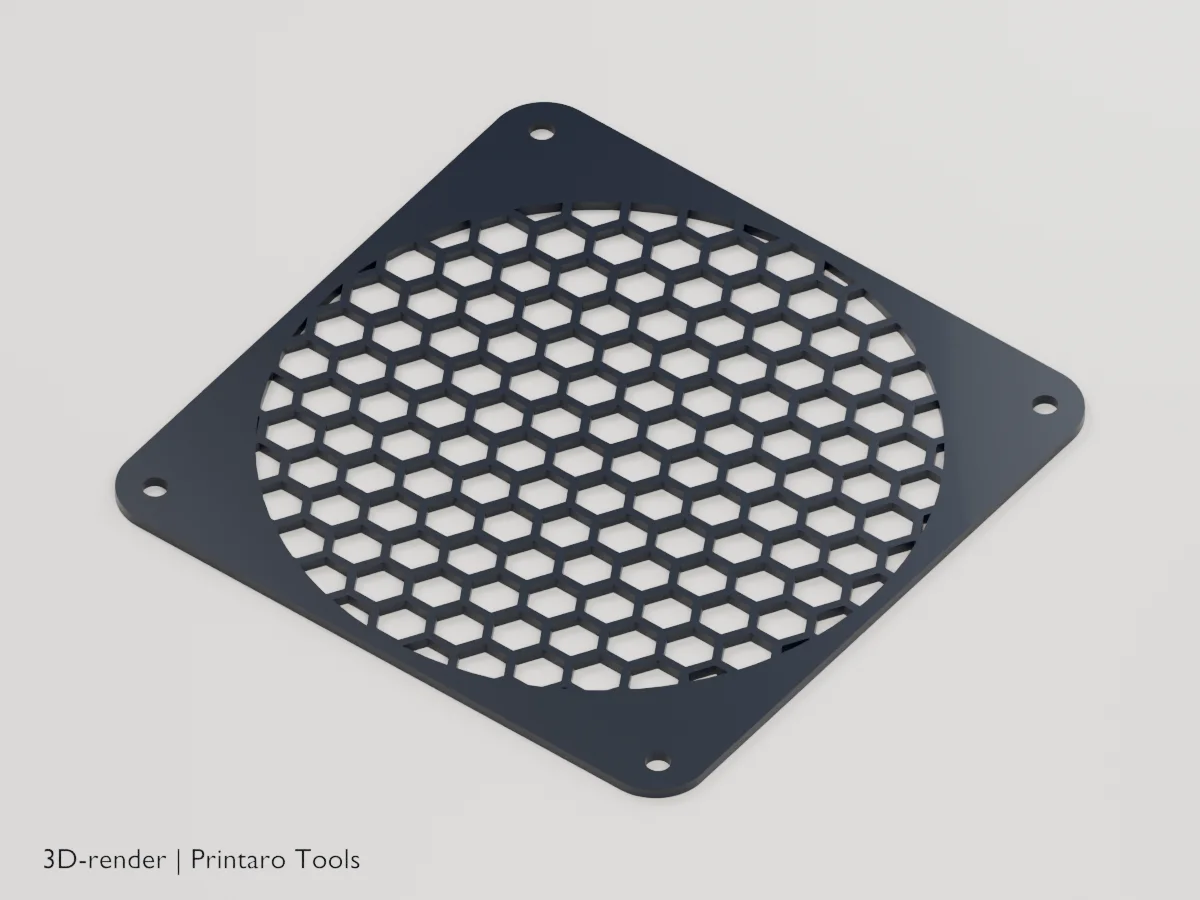
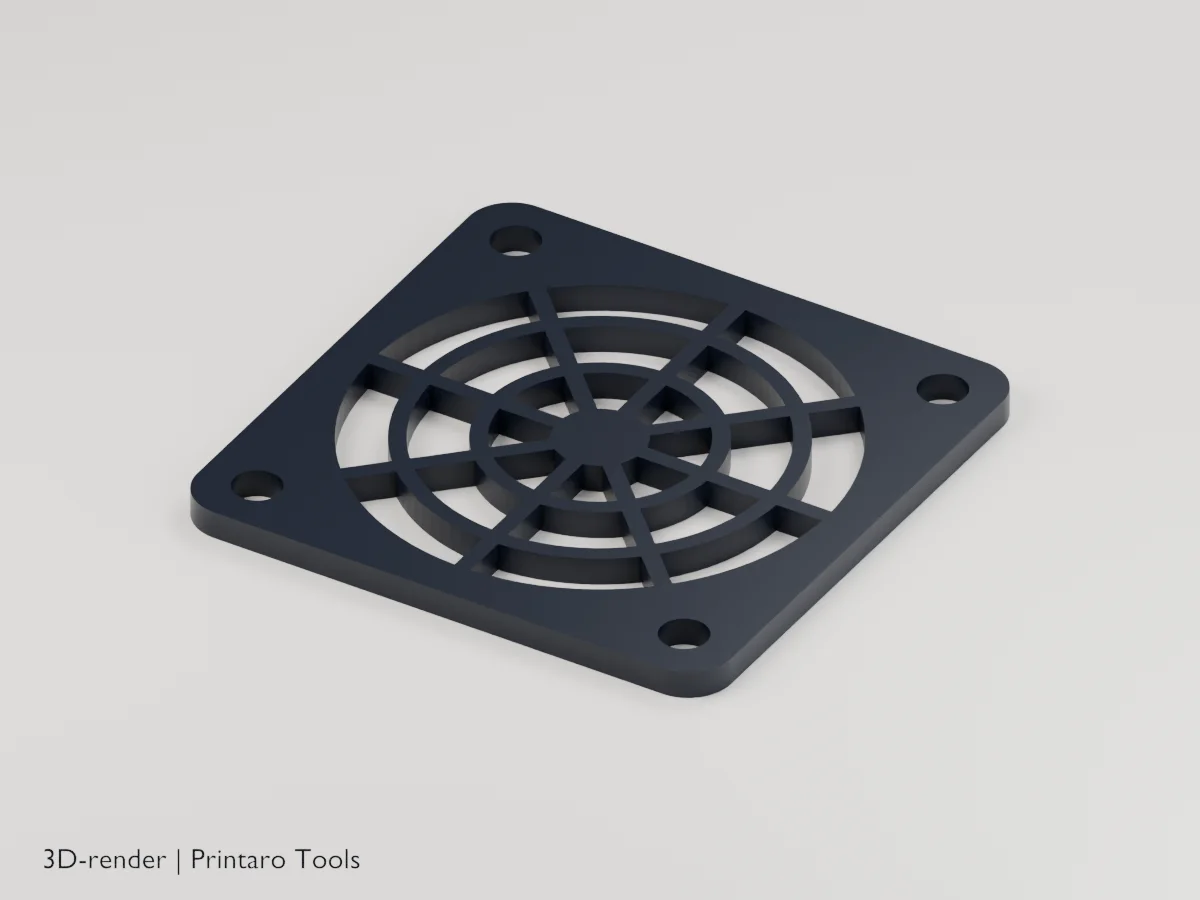
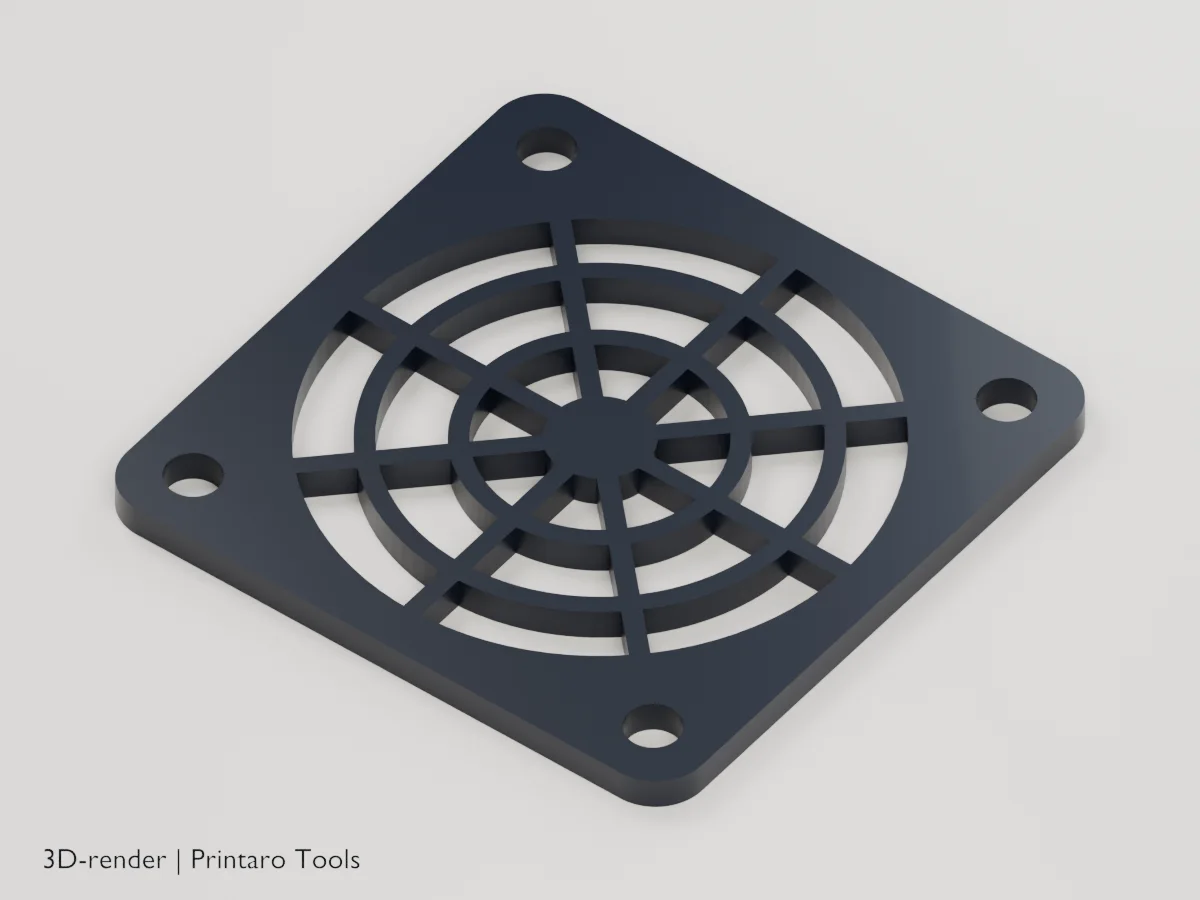
Examples made with this generator. These are 3D renders, not photos of prints.
No printer?
Printaro can print this design for you. Copy the link to your design and paste it in your message, so we know exactly which settings you chose.
Want your own printer? See which Bambu Lab printer to buy.
Keep the tools free
Found this useful?
These generators are free to use. If one saved you time, a small Ko-fi donation helps pay for hosting, rendering and new tools.
About this generator
A fan guard for standard fans from 40 to 140 mm, with a honeycomb, ring, slot or grid pattern and the right screw hole spacing.
How to use
- Pick your fan size.
- Choose a pattern and hole size.
- Mount it with the fan's own screws.
Screw spacing per fan size
Fan size is the width of the square frame. The hole spacing follows from it: 32 mm for 40 mm fans, 40 mm for 50, 50 mm for 60, 61.5 mm for 70, 71.5 mm for 80, 82.5 mm for 92, 105 mm for 120 and 124.5 mm for 140. Holes are 3.4 mm up to 92 mm fans and 4.4 mm above that.
The grill adds its Thickness to the screw stack, so the fan's original screws may now be too short. Check them before mounting.
Airflow against protection
- Hole size: larger holes let more air through but let more in. This tool has no safety rating, so for fans that fingers can reach, keep the holes small.
- Bar width: thinner bars block less air. Below about 1.2 mm, the bars get fragile on a 0.4 mm nozzle.
- Frame width: the opening is the fan size minus twice the frame, so a wider frame blocks more of the fan.
- Pattern: Slots have only one crossbar, so at thin bar widths they are less stiff than a grid or honeycomb.
Printing tips
- Bigger holes and thinner bars mean more airflow.
- Print flat; no supports needed.
Helpful guides
Frequently asked questions
Which screws?
Holes are 3.4 mm for fans up to 92 mm and 4.4 mm for 120 and 140 mm fans.
Which pattern lets through the most air?
Bigger holes and thinner bars give more airflow, whichever pattern you choose.
Related tools

Honeycomb Wall Storage
Hexagonal wall shelves in clusters

Basket Generator
Baskets with honeycomb, diamond or slotted walls
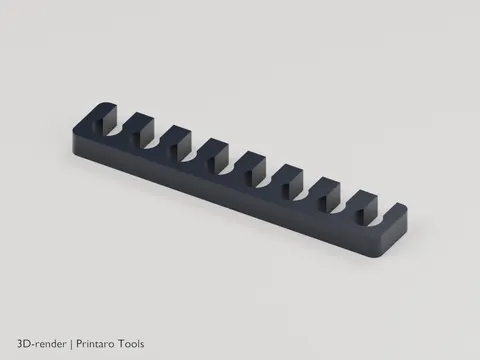
Cable Comb
Keep cable bundles neat and parallel

PCB Standoff
Standoffs for circuit boards, M2 to M4

Cable Tie Mount
Anchors for zip ties

Cord Winder
Tangle-free storage for earbuds and cables