Honeycomb Wall Storage
Hexagonal wall shelves in clusters
Hexagonal cubbies for the wall: plants, small tools, sunglasses or desk supplies.
Examples
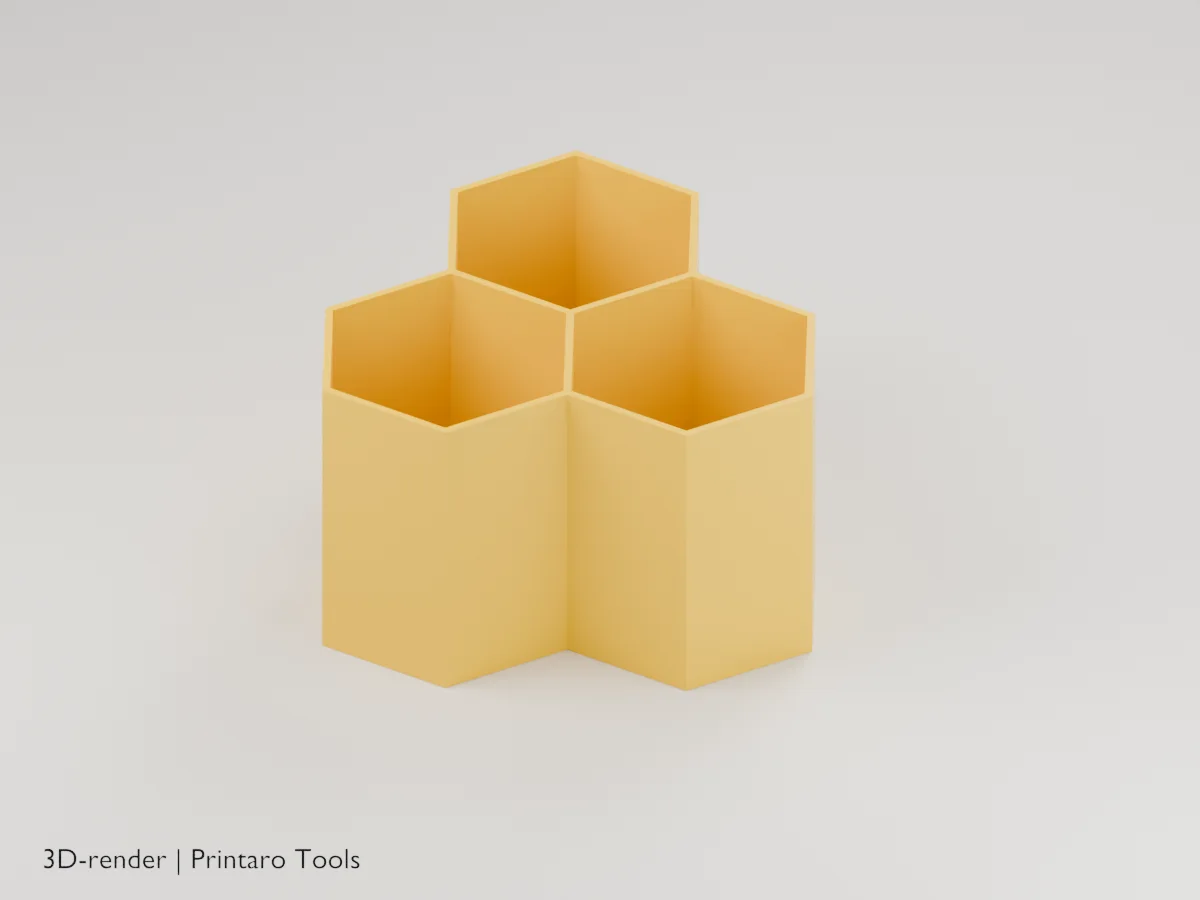
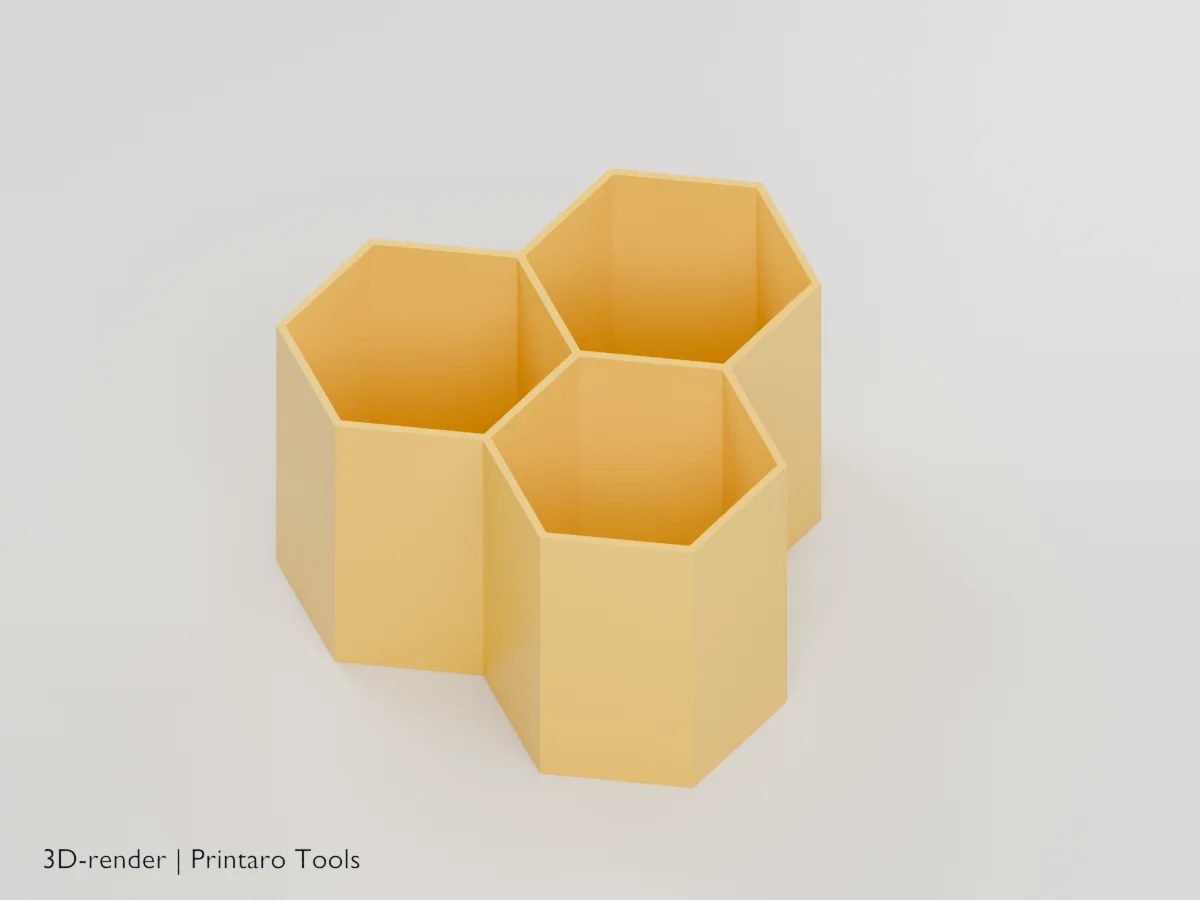
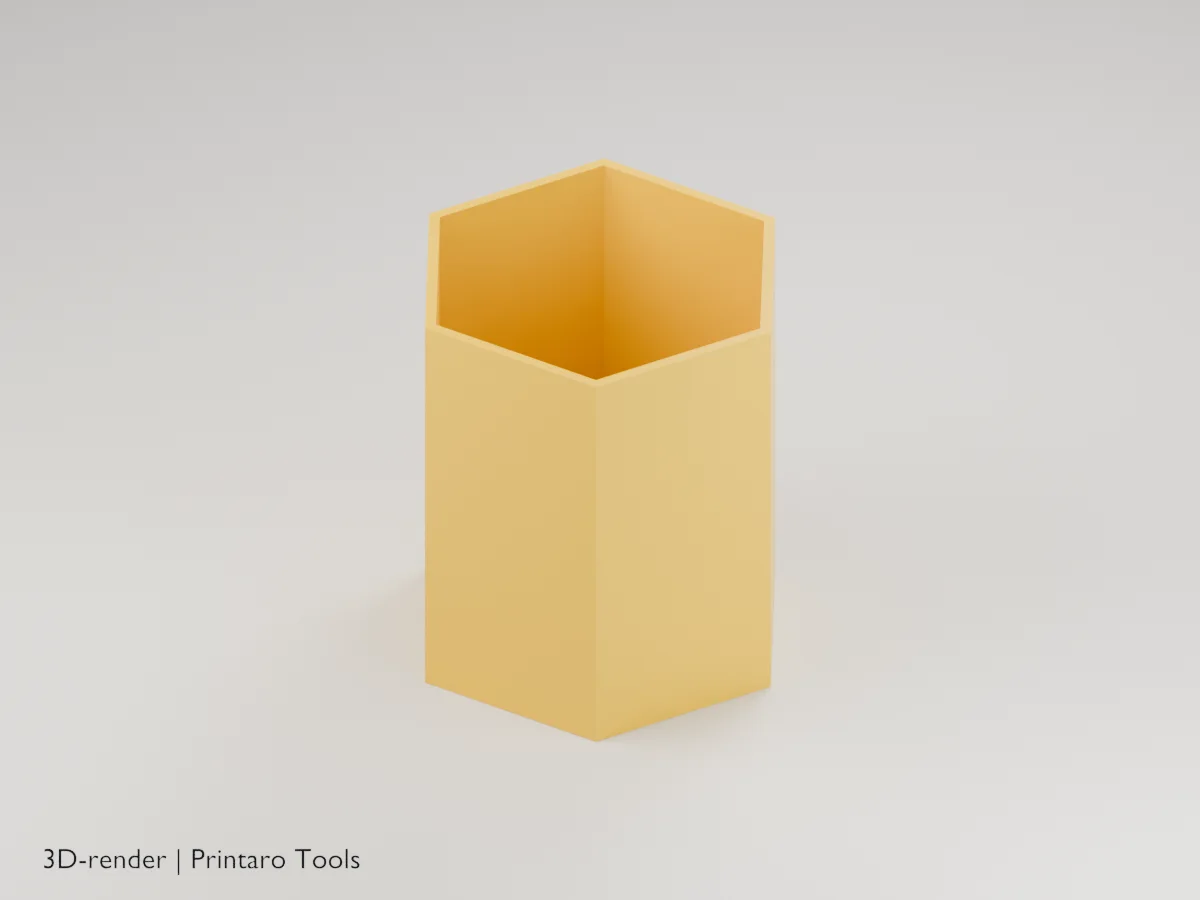
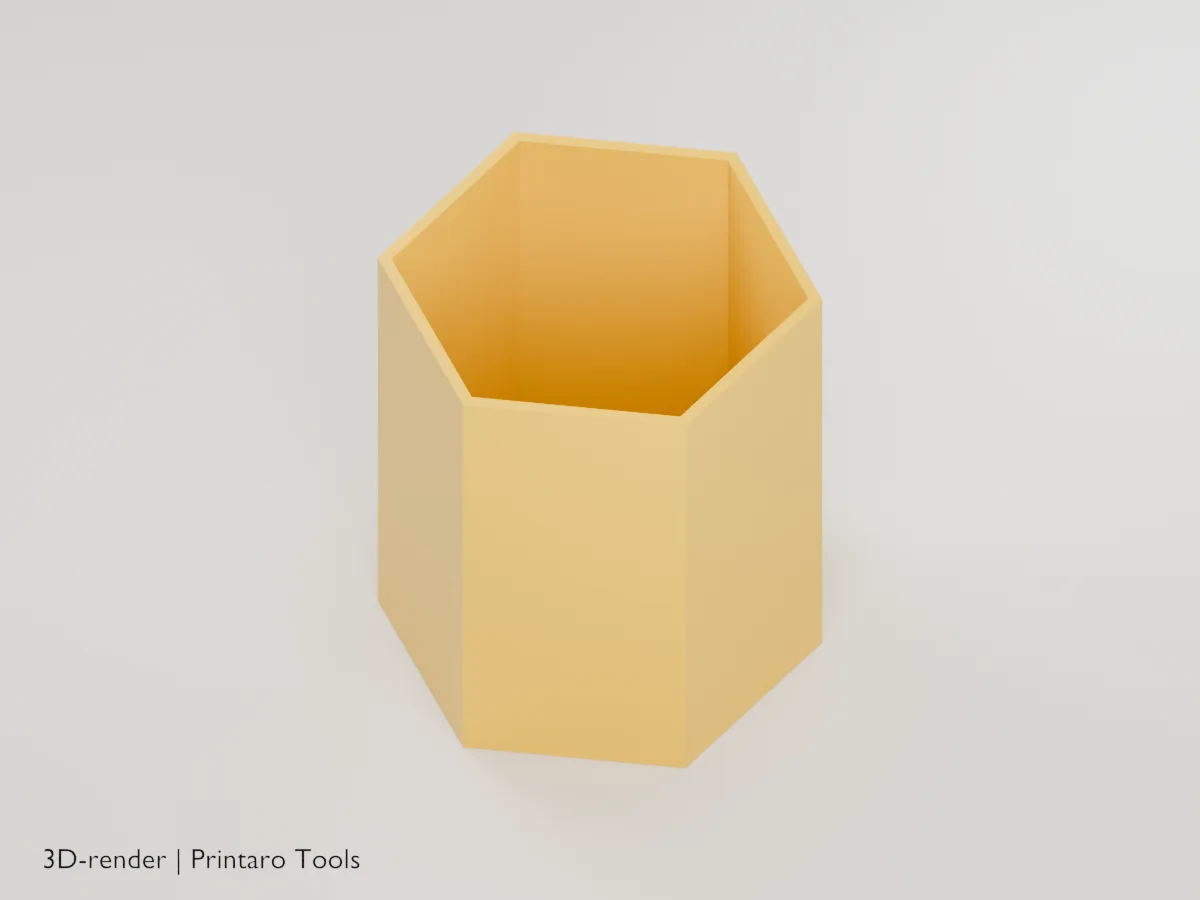
Examples made with this generator. These are 3D renders, not photos of prints.
No printer?
Printaro can print this design for you. Copy the link to your design and paste it in your message, so we know exactly which settings you chose.
Want your own printer? See which Bambu Lab printer to buy.
Keep the tools free
Found this useful?
These generators are free to use. If one saved you time, a small Ko-fi donation helps pay for hosting, rendering and new tools.
About this generator
Hexagonal wall shelves in a cluster of 1–7 cells, with a back wall and countersunk screw holes.
How to use
- Choose the number of cells and their size.
- Set the depth.
- Print standing on the back wall and screw to the wall.
How the sizes work
Cell size is the inside measured between two flat sides, and each cell has a flat floor and ceiling. Check it against what you want to store: a 60 mm cell is about 69 mm from corner to corner, but things stand on the flat floor, which is only about 35 mm wide.
Neighboring cells share a wall, so a cluster takes up less room than single cells side by side. A cluster of seven 50 mm cells is about 158 mm tall.
Printing
It prints standing on its back wall, so Depth is the print height, up to 200 mm. Tall, thin walls can wobble toward the top, so go slower or raise Wall thickness on deep cells.
On the wall
Each cell has one countersunk hole for a 4 mm screw, in the middle of a 2.4 mm back wall. Use wall plugs in brick or drywall. The tool doesn't calculate how much it can carry: a deep cell pulls harder on its screw than a shallow one with the same load, so keep heavy things close to the wall.
Printing tips
- Print several clusters and combine them on the wall.
- Use wall plugs for drywall.
Helpful guides
Frequently asked questions
How do I mount it?
The back wall has screw holes. Use wall plugs in drywall or brick.
Does it need supports?
No. It prints standing on its back wall.
Related tools
Jewelry Tray
Trays with ring slots and earring holes
Basket Generator
Baskets with honeycomb, diamond or slotted walls
Organizer Tray
Drawer inserts with a grid of compartments
SKÅDIS Accessory
Hooks and holders for IKEA SKÅDIS
Gridfinity Label Tab
Clip-on labels for Gridfinity bins
Gridfinity Divider Bin
A bin with dividers you can move