Jewelry Tray
Trays with ring slots and earring holes
Rings, earrings, necklaces and watches all get their own place on the dresser.
Examples
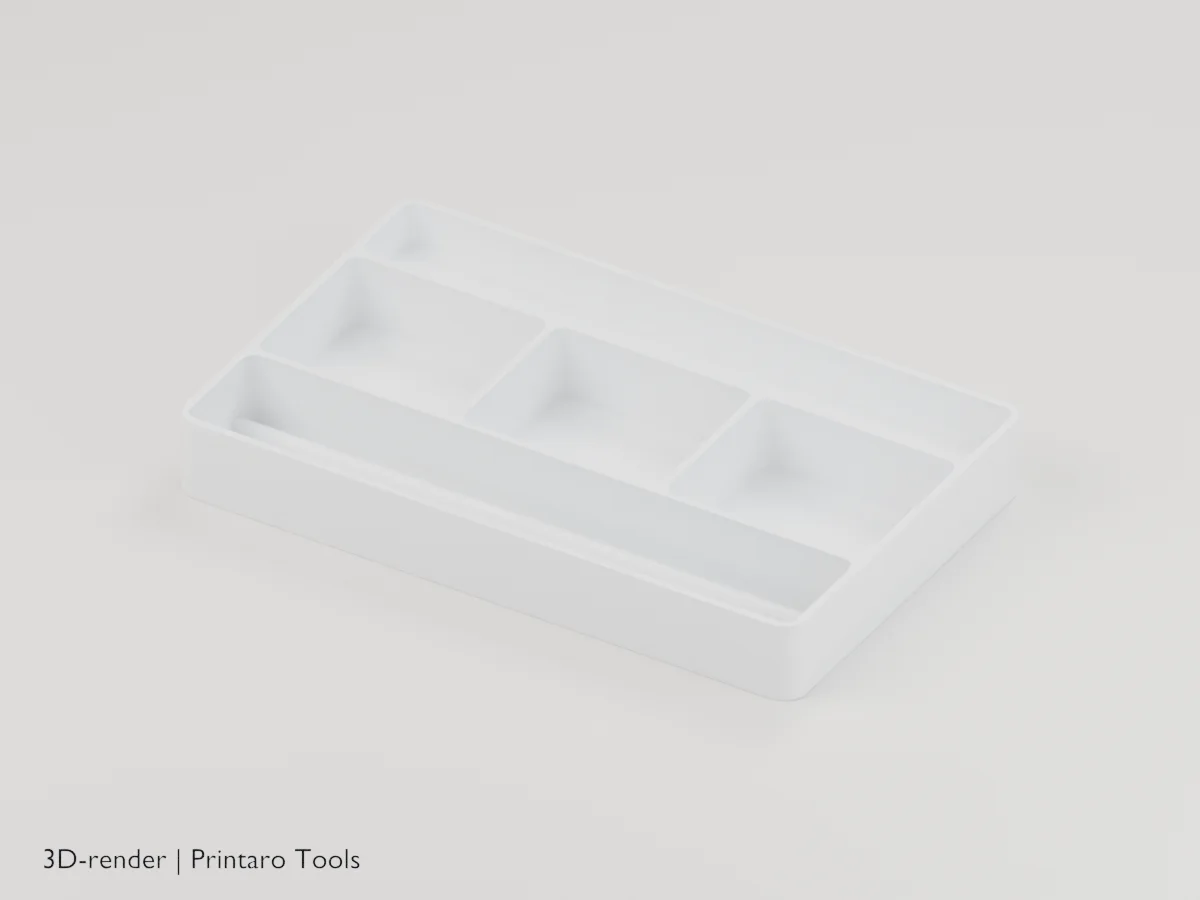
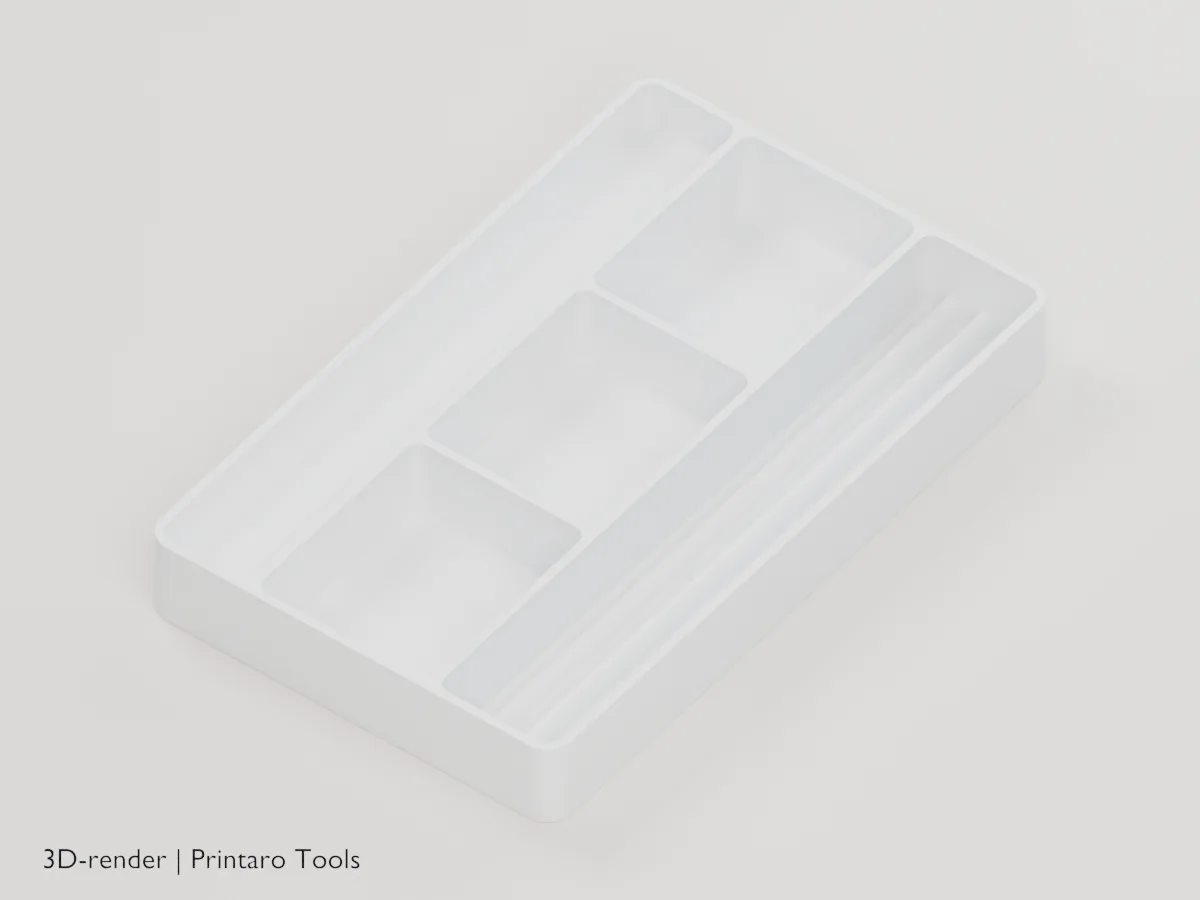
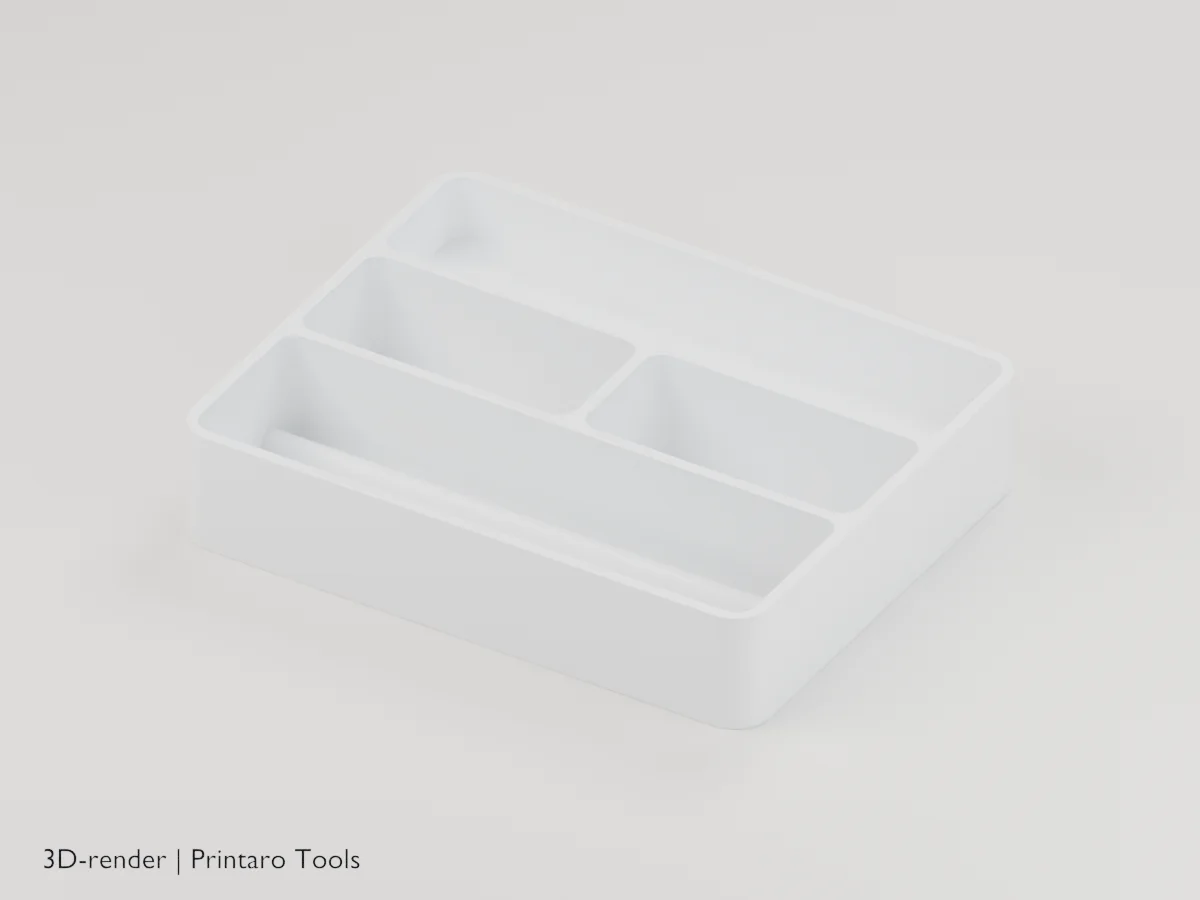
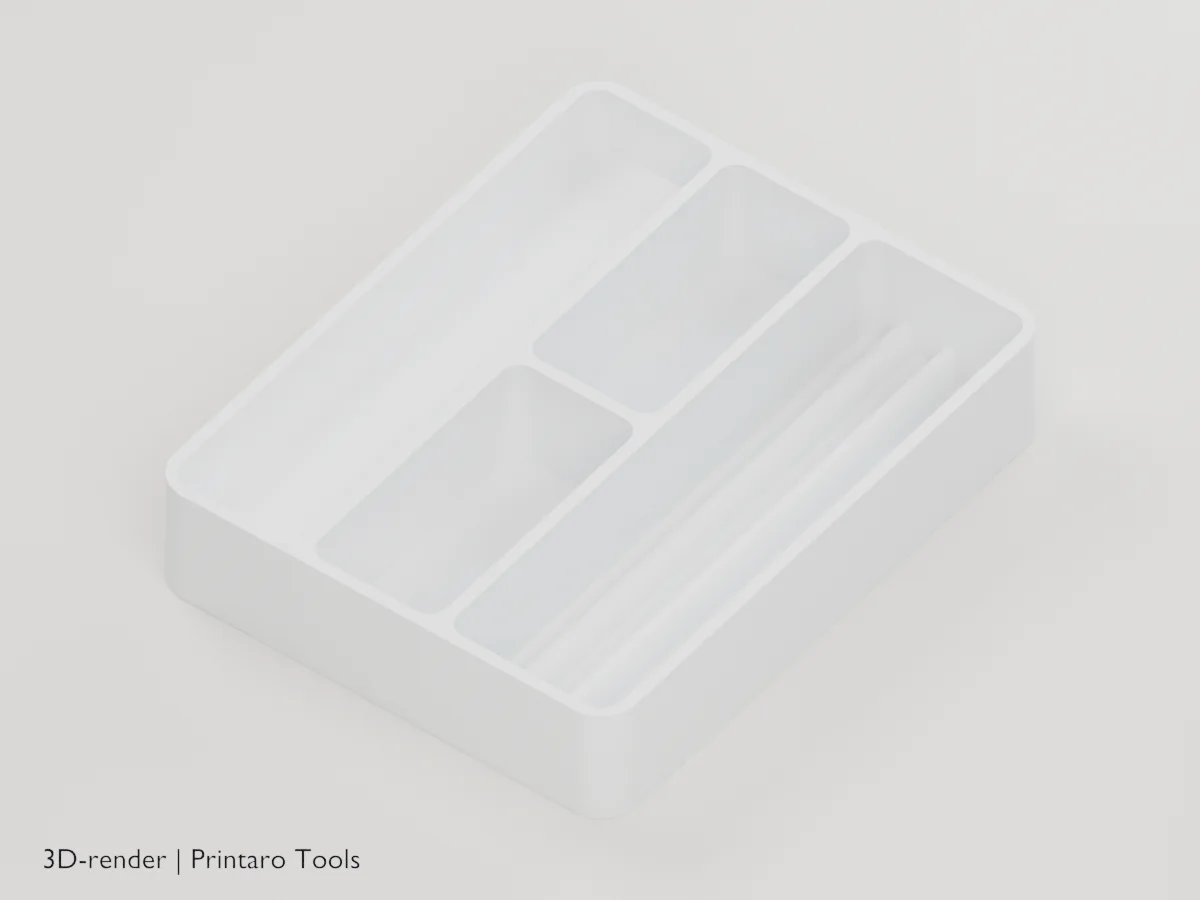
Examples made with this generator. These are 3D renders, not photos of prints.
No printer?
Printaro can print this design for you. Copy the link to your design and paste it in your message, so we know exactly which settings you chose.
Want your own printer? See which Bambu Lab printer to buy.
Keep the tools free
Found this useful?
These generators are free to use. If one saved you time, a small Ko-fi donation helps pay for hosting, rendering and new tools.
About this generator
A jewelry tray with small compartments, a row of ring slots and a strip of earring holes. Turn each section on or off.
How to use
- Set the tray size.
- Choose the sections you want.
- Print upright as exported.
What the sections hold
- Ring slots: rounded ridges with gaps of about 3.5 mm. Thin bands sit between them. Wide bands rest on top.
- Earring strip: a raised plate with a grid of 1.6 mm holes, 6 mm apart, for posts and studs. Hoops hang better elsewhere.
- Compartments: the columns and rows split the space evenly. Width and depth decide how big each one gets.
Finishing
Earring holes are small and a little stringing can block them. Clear them with a pin after printing. A piece of felt in the compartments stops things sliding and protects soft metals.
Printing tips
- Silk filaments give a nice sheen.
- Line the compartments with felt for delicate pieces.
Helpful guides
Frequently asked questions
Can I leave out the ring slots or earring holes?
Yes. Each section can be turned on or off. With both off you get a tray with only compartments.
How do I protect delicate jewelry?
Line the compartments with a piece of felt. It also stops small pieces from rattling.
Related tools
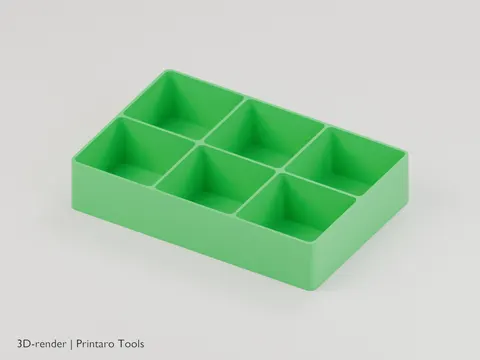
Organizer Tray
Drawer inserts with a grid of compartments
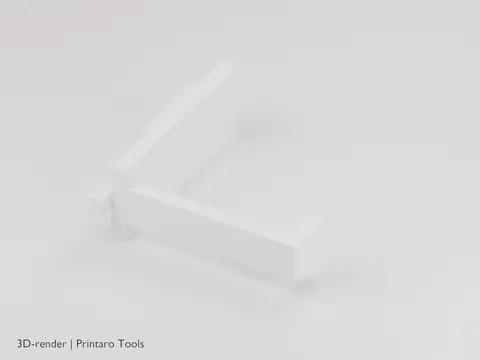
SKÅDIS Accessory
Hooks and holders for IKEA SKÅDIS
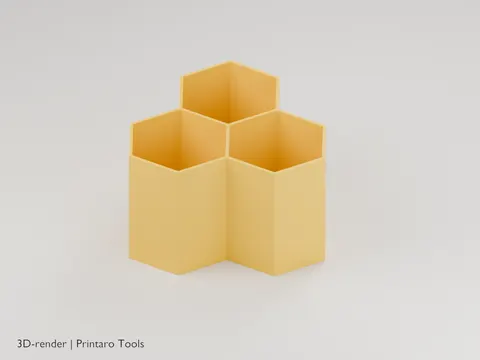
Honeycomb Wall Storage
Hexagonal wall shelves in clusters
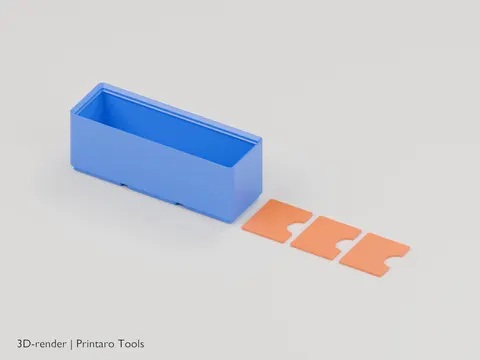
Gridfinity Divider Bin
A bin with dividers you can move
Spice Rack Riser
Tiered shelves for spice jars
Hex Key Holder
Stand for your Allen key set