Stepped Hill
Hill made of flat levels for the wargame table
Add height to the table: models on a hill see further and are harder to reach.
Examples
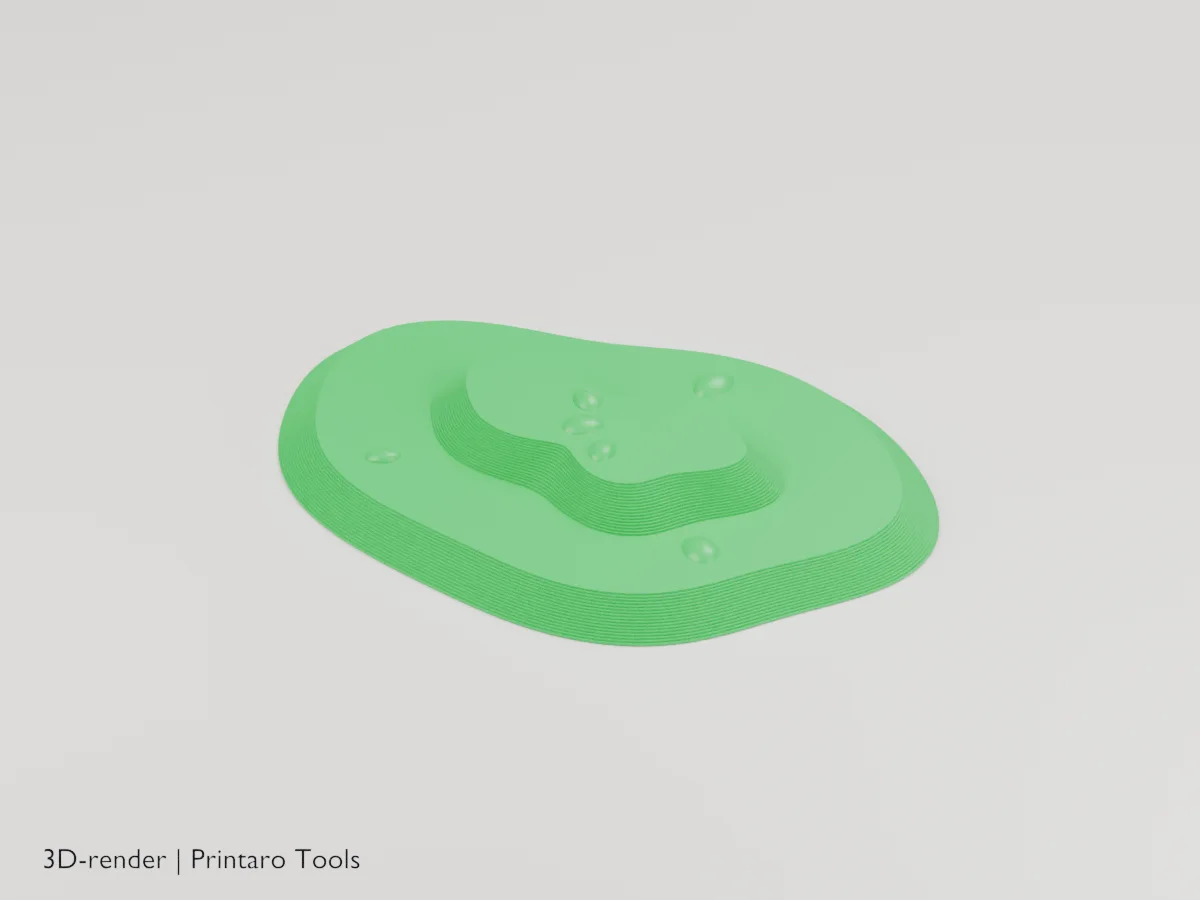
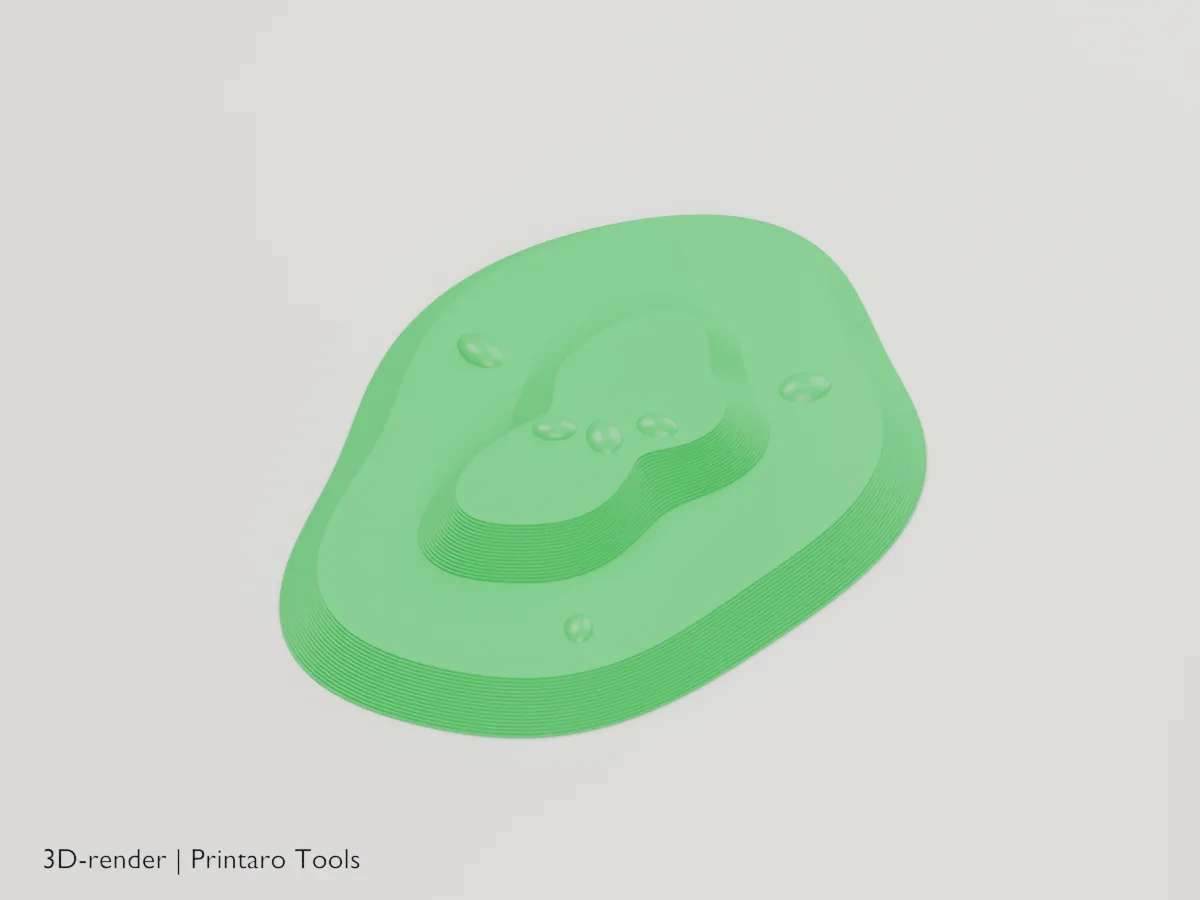
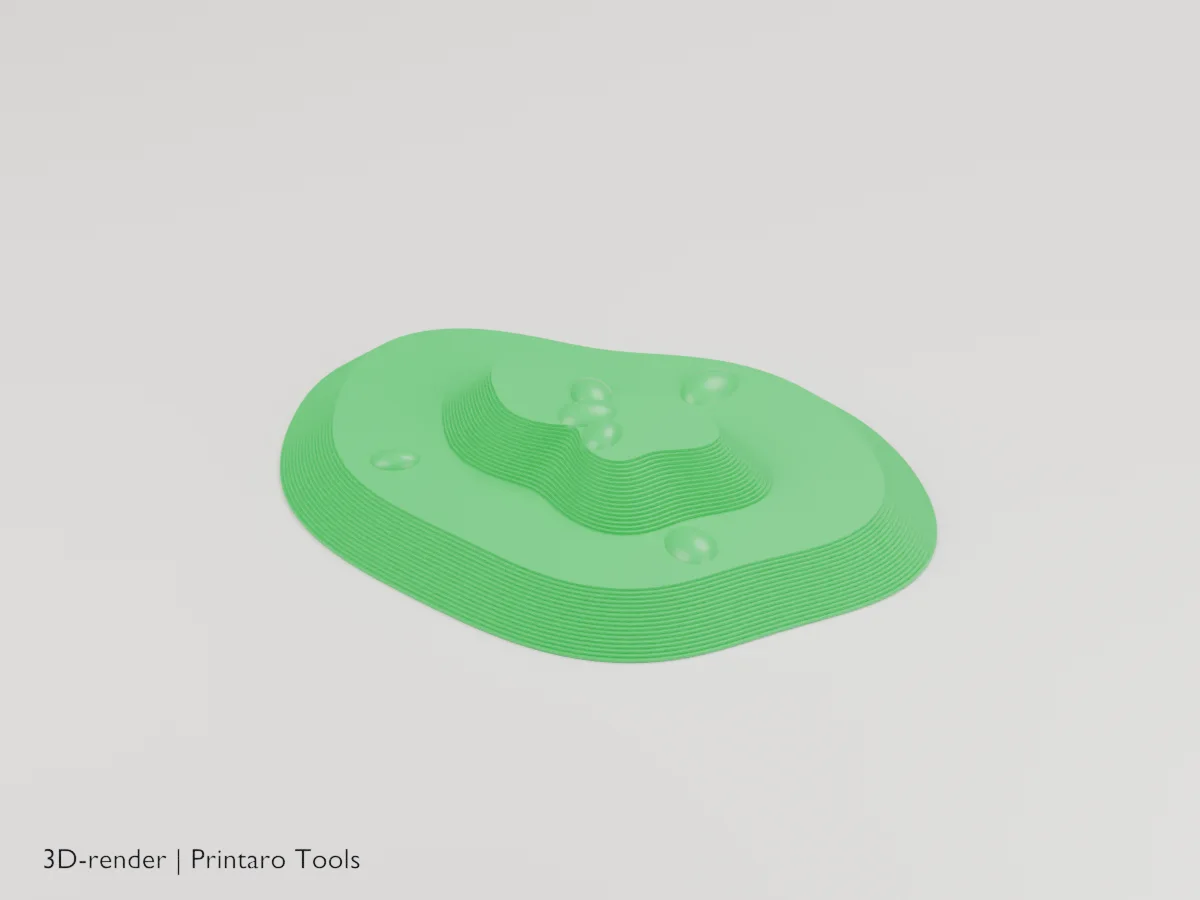
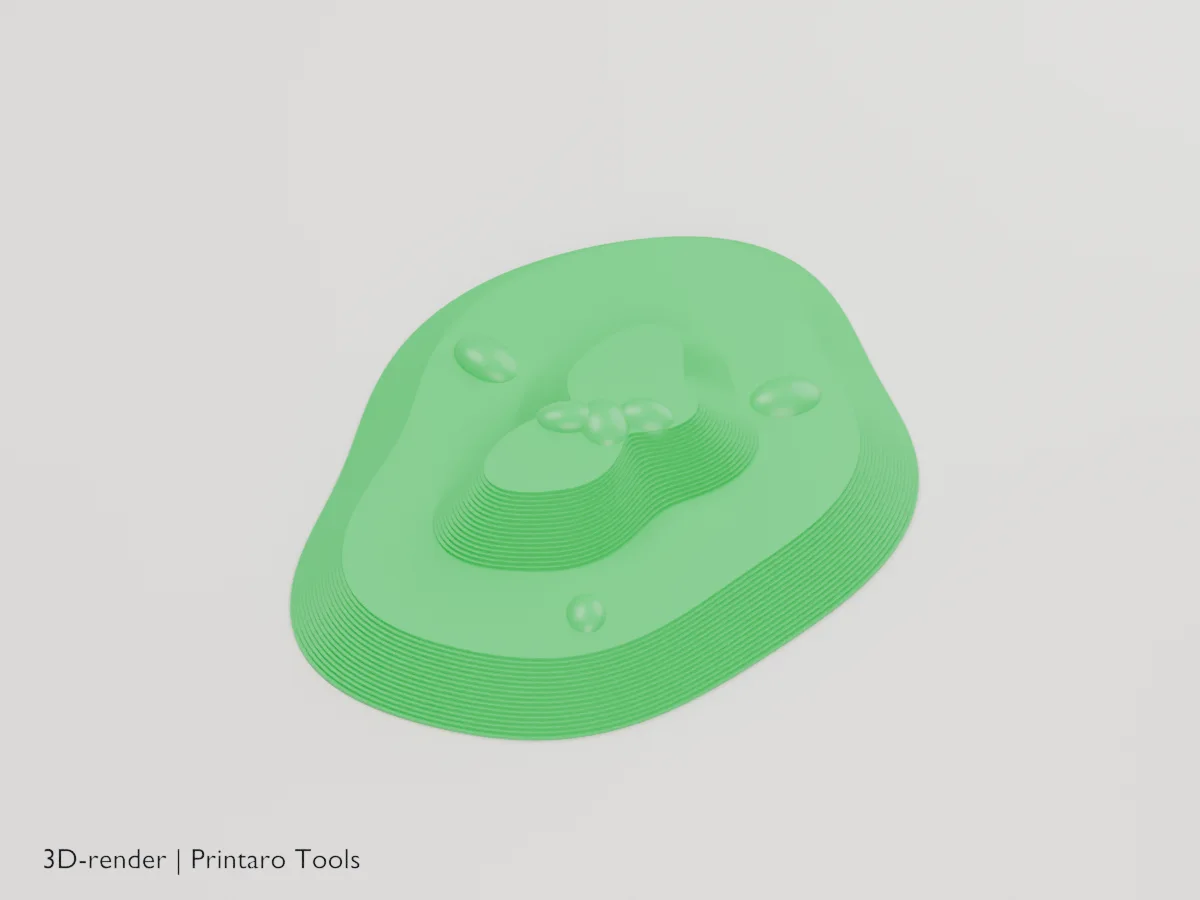
Examples made with this generator. These are 3D renders, not photos of prints.
No printer?
Printaro can print this design for you. Copy the link to your design and paste it in your message, so we know exactly which settings you chose.
Want your own printer? See which Bambu Lab printer to buy.
Keep the tools free
Found this useful?
These generators are free to use. If one saved you time, a small Ko-fi donation helps pay for hosting, rendering and new tools.
About this generator
A hill for the wargame table made of flat levels, so models stand on every step. Organic or oval outline.
How to use
- Set the size and the number of levels.
- Try a few variation numbers for the organic shape.
- Print flat.
Will a model stand on the steps?
Each level steps in by Step width, but part of that is a sloped edge. The slope takes half the step or one level height, whichever is less. With the defaults (40 mm step, 10 mm levels), the flat ledge is about 28 mm across, so a 25 mm base has room on most of it. On the organic outline the ledge runs at an angle in places and narrows to about 20 mm at its tightest. On the oval outline it stays 28 to 30 mm all the way around.
A wide step uses up the hill quickly, which is why the default has two levels. A third level at this step needs a hill about 240 mm wide. For 32 mm bases, use a Step width of about 45 mm: the top level gets small, so use a bigger hill or the oval outline. The Small hill preset has a ledge of about 19 mm, so it suits smaller bases. If the top would get too small, the tool says so.
Size and filament
Height is levels × level height: 20 mm by default. A hill is mostly volume, so a full 250 mm hill takes a lot of filament. Use 5 to 10% infill and enough top layers to close the surface, and check the slicer's estimate before you start.
Variation and boulders
Variation changes the organic outline and where the boulders lie. The same number always gives the same hill. Boulders sit on the terraces and take up standing room, so turn them off if your models need the space.
Printing tips
- Use 5–10% infill: a hill is a lot of volume.
- Flock or sand the top surfaces for a natural look.
Helpful guides
Frequently asked questions
Why steps instead of a slope?
Models stand still on flat steps; on a slope they slide off.
It uses a lot of filament.
Lower the infill, or use fewer and lower levels.
Related tools
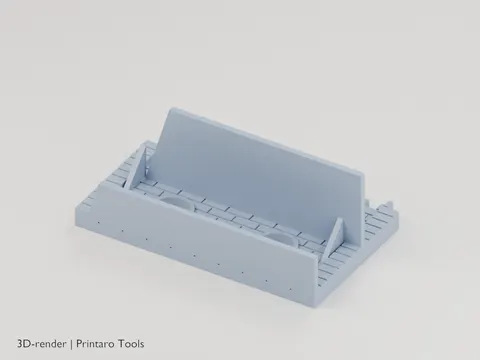
Ruined Wall
Ruined building wall for wargame terrain
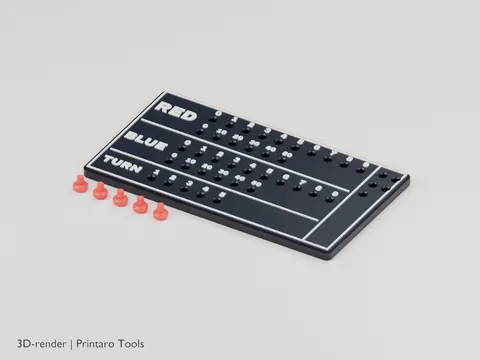
Score Tracker
Peg board for victory points and turns
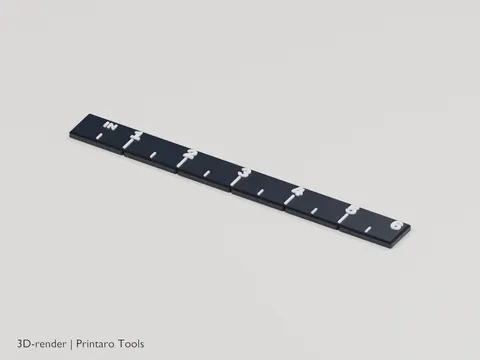
Range Ruler
Measuring stick in inches or centimeters
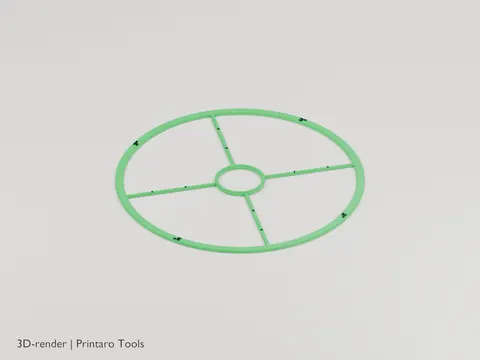
Aura Ring
A ring that shows a range around a model
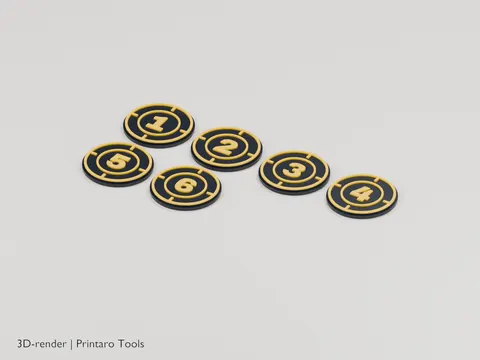
Objective Marker
Numbered markers for wargame objectives
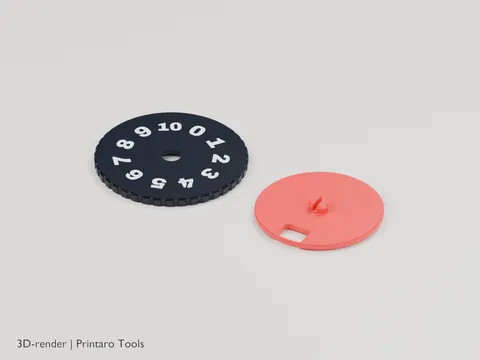
Counter Dial
A numbered dial for wounds or points