Scatter Terrain
Sandbags, tank traps, crates and barrels
Fill the gaps between big terrain with cover that models can hide behind.
Examples
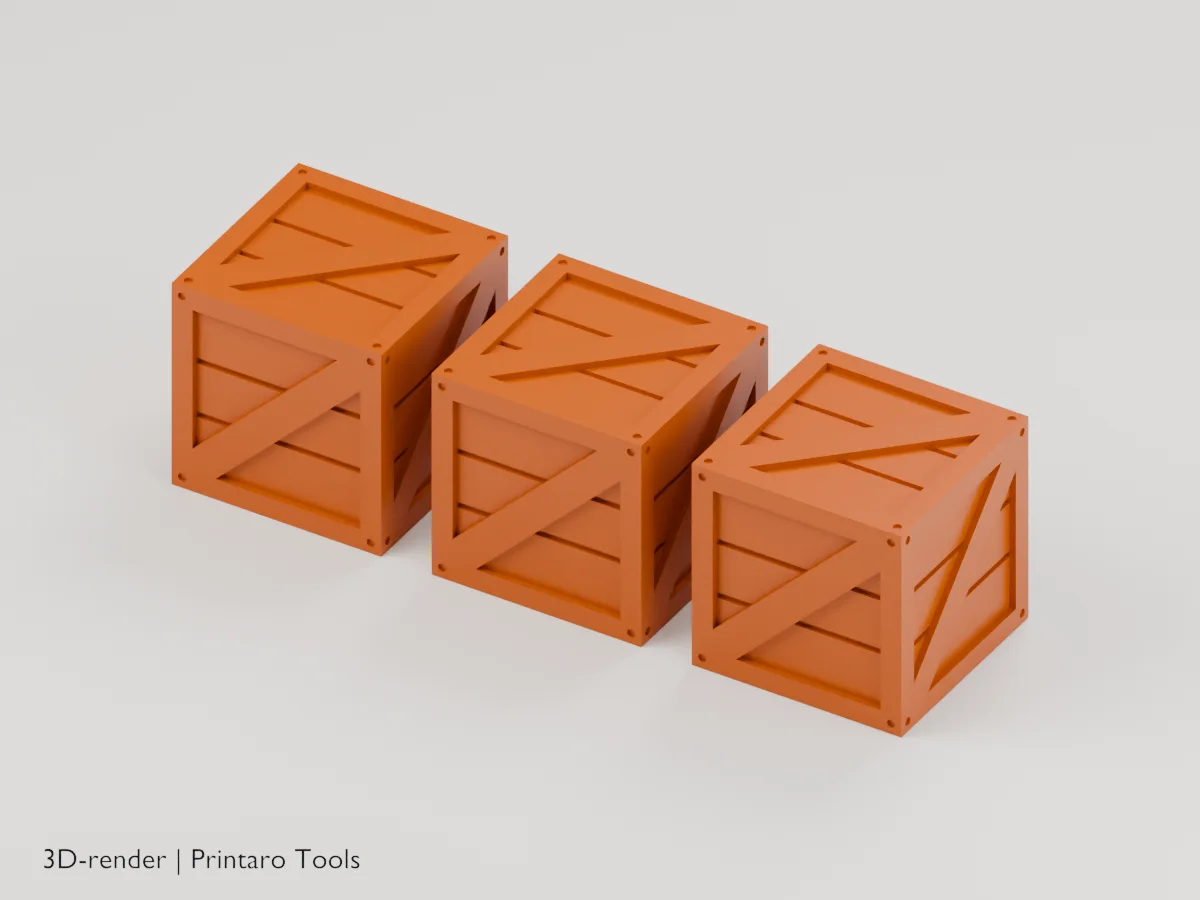
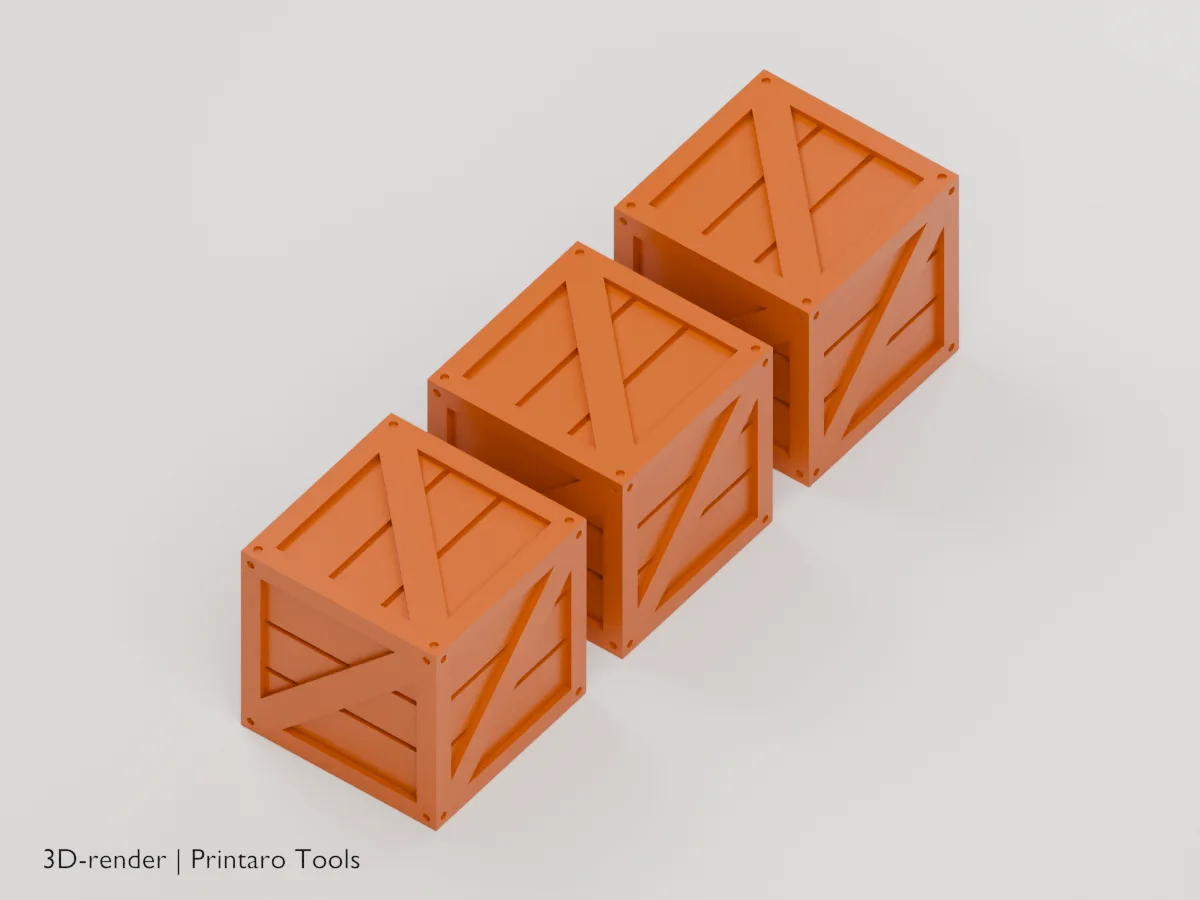
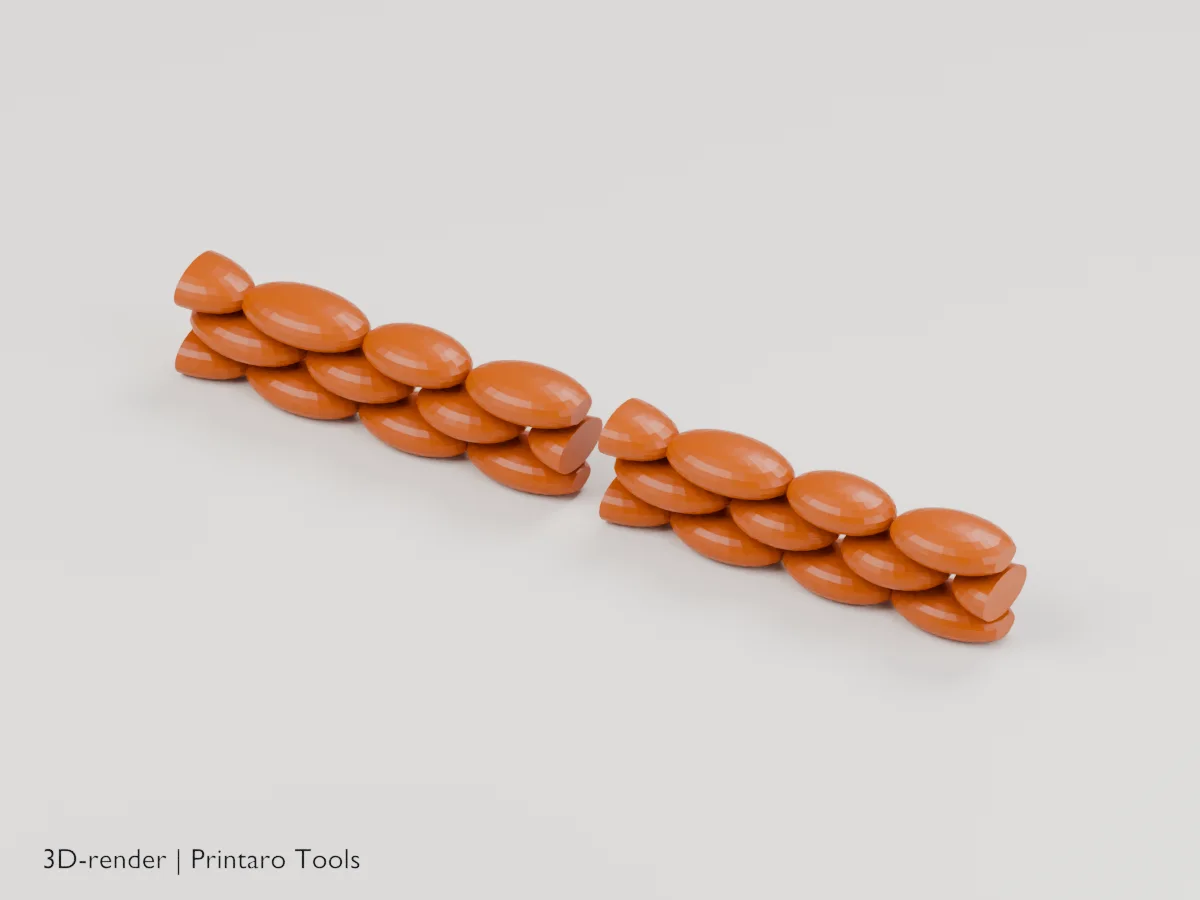
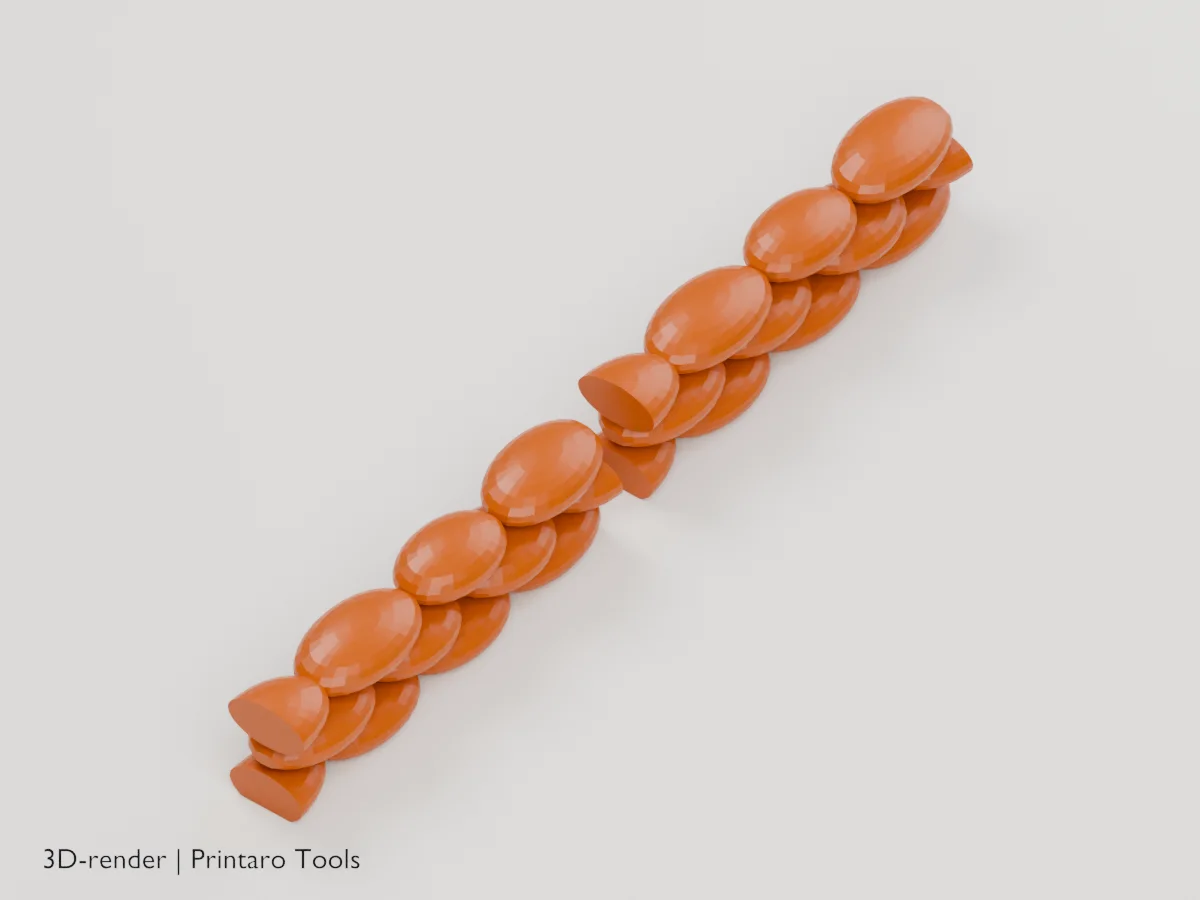
Examples made with this generator. These are 3D renders, not photos of prints.
No printer?
Printaro can print this design for you. Copy the link to your design and paste it in your message, so we know exactly which settings you chose.
Want your own printer? See which Bambu Lab printer to buy.
Keep the tools free
Found this useful?
These generators are free to use. If one saved you time, a small Ko-fi donation helps pay for hosting, rendering and new tools.
About this generator
Small terrain pieces for a wargame table: sandbag walls, tank traps, crates and barrels. Several of one kind per print.
How to use
- Pick a piece and its size.
- Set how many you want.
- Print flat as exported.
What Size means per piece
- Crate: a cube of that size, with recessed panels, braces and nail heads on all four sides and the top.
- Barrel: as tall as Size and about 70% of that wide at its widest.
- Sandbag wall: three rows of bags, Size tall, in the Wall length you set. Every wall with the same size and length comes out the same.
- Tank trap: three crossed angle bars, about Size tall and reaching about 2 × Size across.
Printing
The pieces are laid out in one row with 6 mm between them. Eight 60 mm crates would reach 522 mm, while three 25 mm crates need 87 mm. To fill a plate more neatly, print a few files together in your slicer.
Tank traps stand on three points and have overhangs, so they need supports. Crates and barrels stand flat. The details are small: panels and grooves at 10 mm are close to the limit of a 0.4 mm nozzle, so fine layers help, and at 20 mm and larger they come out better.
Printing tips
- PLA is fine.
- Tank traps have overhangs: tree supports give the cleanest result.
- Paint after priming; a dark wash brings out the details.
Helpful guides
Frequently asked questions
What size fits 28–32 mm miniatures?
Crates of 20–25 mm and barrels of 20 mm look right next to a 28 mm figure.
Can I mix pieces in one print?
Not in one file. Make each kind separately and print them together on one plate in your slicer.
Related tools
Ruined Wall
Ruined building wall for wargame terrain
Stepped Hill
Hill made of flat levels for the wargame table
Score Tracker
Peg board for victory points and turns
Name Dragon
An articulated dragon with your name along its back
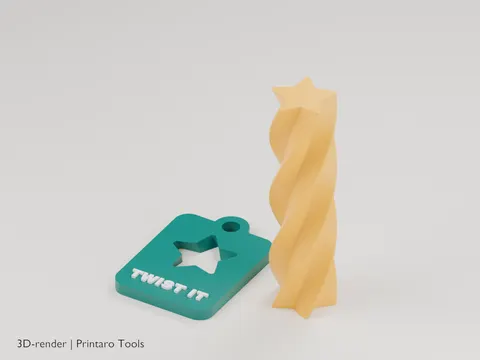
Impossible Passthrough
A twisted bar that screws through a slot that looks too small
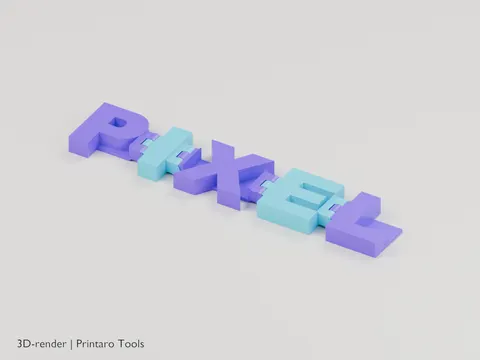
Flexi Name
Your name as hinged letters that fold and wiggle