Spinning Top
A classic toy that prints without supports
A quick, fun print for kids: give the stem a twist and it spins.
Examples
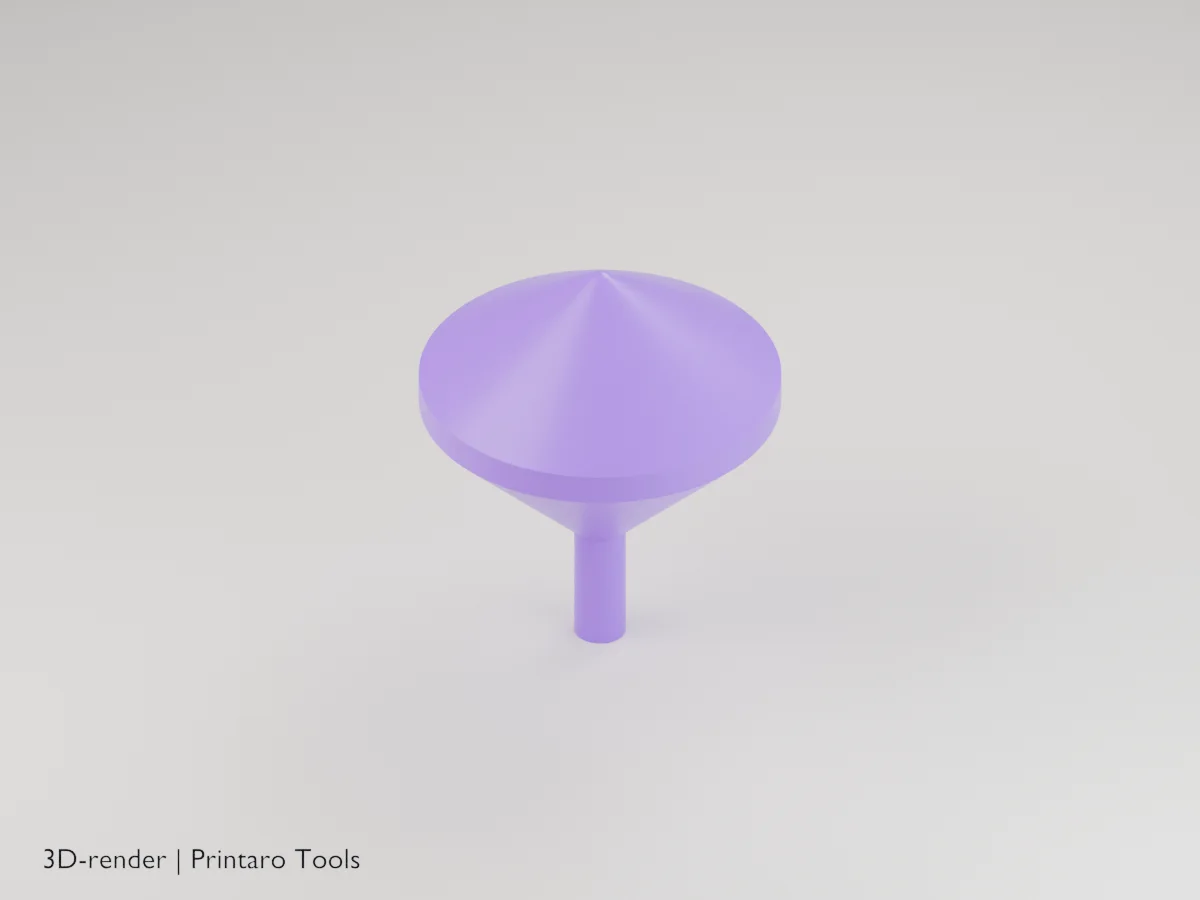
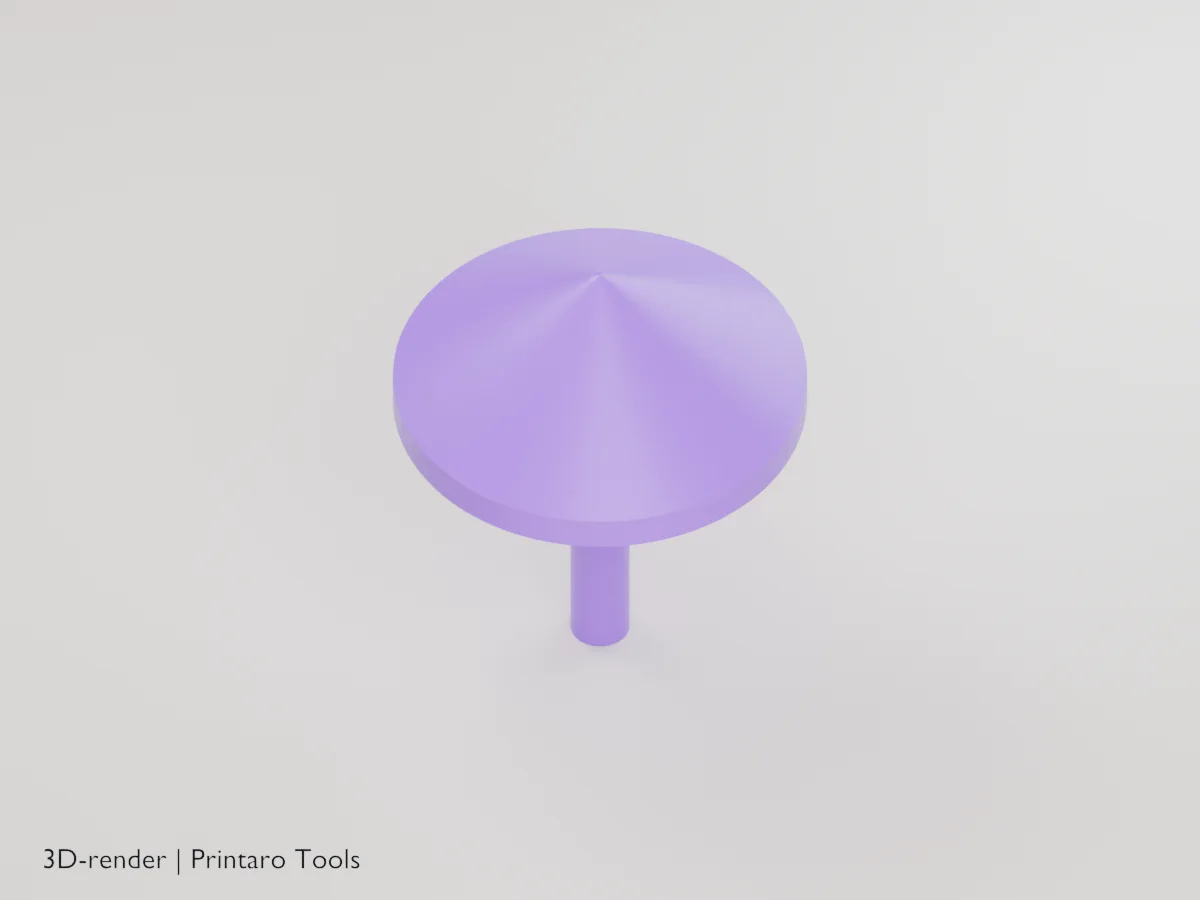
Examples made with this generator. These are 3D renders, not photos of prints.
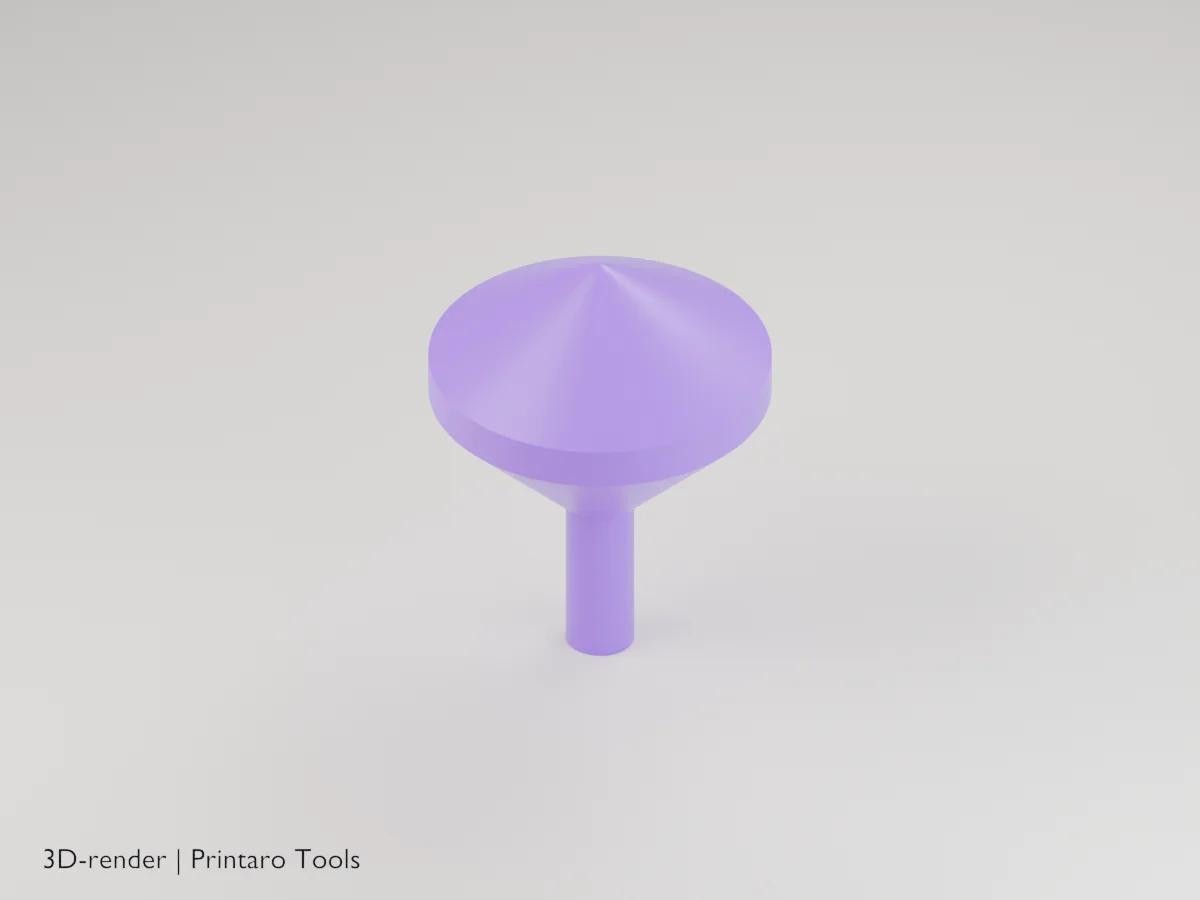
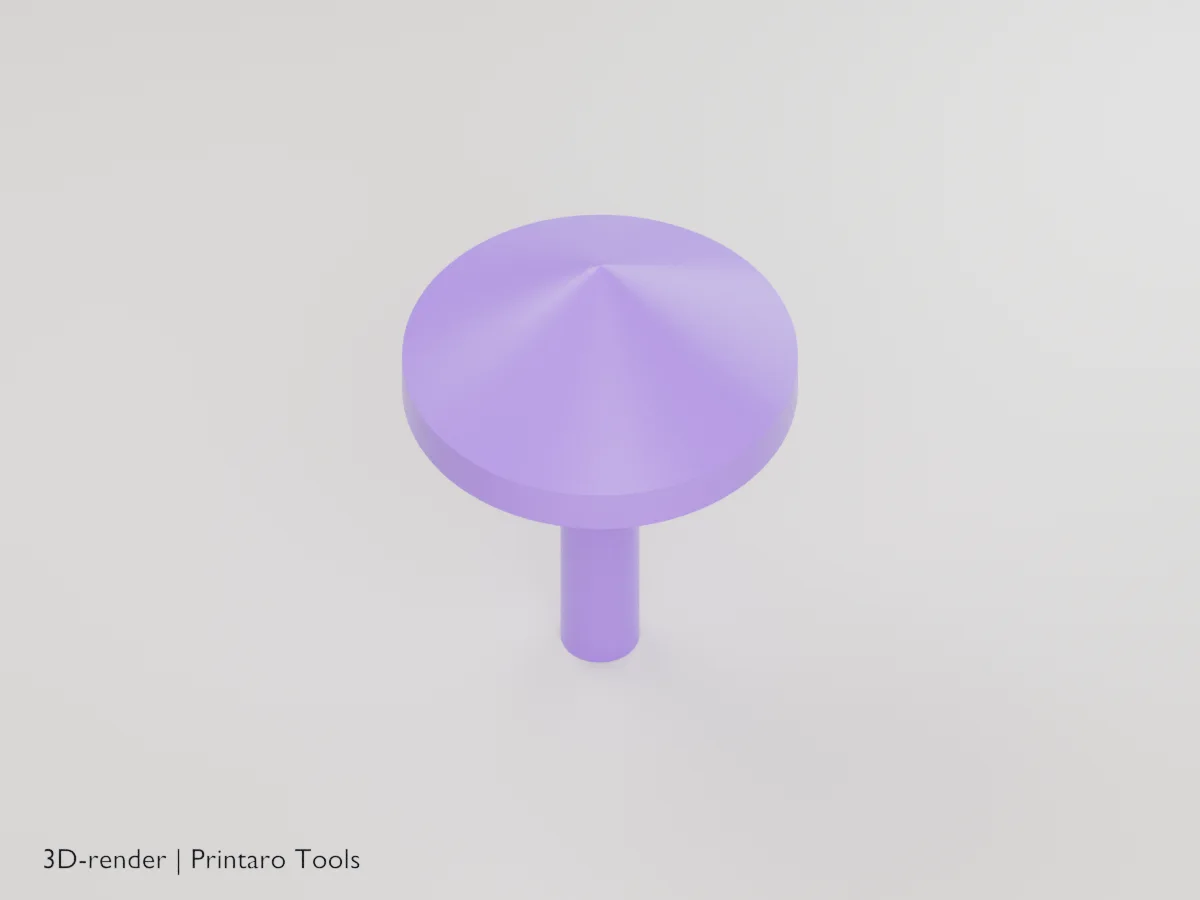
No printer?
Printaro can print this design for you. Copy the link to your design and paste it in your message, so we know exactly which settings you chose.
Want your own printer? See which Bambu Lab printer to buy.
Keep the tools free
Found this useful?
These generators are free to use. If one saved you time, a small Ko-fi donation helps pay for hosting, rendering and new tools.
About this generator
A spinning top in your size. It's modelled upside down so it prints without supports.
How to use
- Pick the size.
- Print as exported, stem down.
- Spin!
What changes the spin
- Diameter: a wider rim carries more weight on the outside, which helps a top keep spinning.
- Tip length: a shorter tip keeps the weight low, and a longer one lets the top lean further before the rim touches. The range is 6 to 40 mm.
- Stem: it needs to suit your fingers. A thicker stem is easier for small hands.
- Rim band: the straight part at the widest point. A wider band adds weight at the rim.
Printing
It prints upside down, standing on the stem. That is a small foot under a tall part, 42 mm high with the defaults, so it can get knocked loose. Clean the bed, slow the first layers and use a brim if it comes off.
The top flares out at 45° from the stem, which is why it needs no supports. The tip is the last thing printed, so a blob there can make the top wobble. Remove it before you spin. Print one to try before making a set.
Printing tips
- Print slowly for a smooth, well-balanced top.
- Silk or rainbow filaments look great while spinning.
Helpful guides
Frequently asked questions
Does it need supports?
No. It's modelled upside down with the stem on the bed, so it prints without supports.
It wobbles when it spins.
Print slowly for an even, balanced top, and check that the first layer isn't squashed.