Gridfinity Lid Generator
Lids for Gridfinity bins
A lid for Gridfinity bins that have a stacking lip. Its underside has the same feet as a bin, so it drops into the lip and stays put. Choose a stackable lid, which has a baseplate grid on top so you can stand more bins on it, or a flat lid with a handle to lift it off. Sizes go from 1×1 to 6×6 grid units. The lid rests in the lip without a catch: it keeps out dust and lets you stack bins, but it does not lock when you carry a bin around.
Examples
Examples made with this generator. These are 3D renders, not photos of prints.
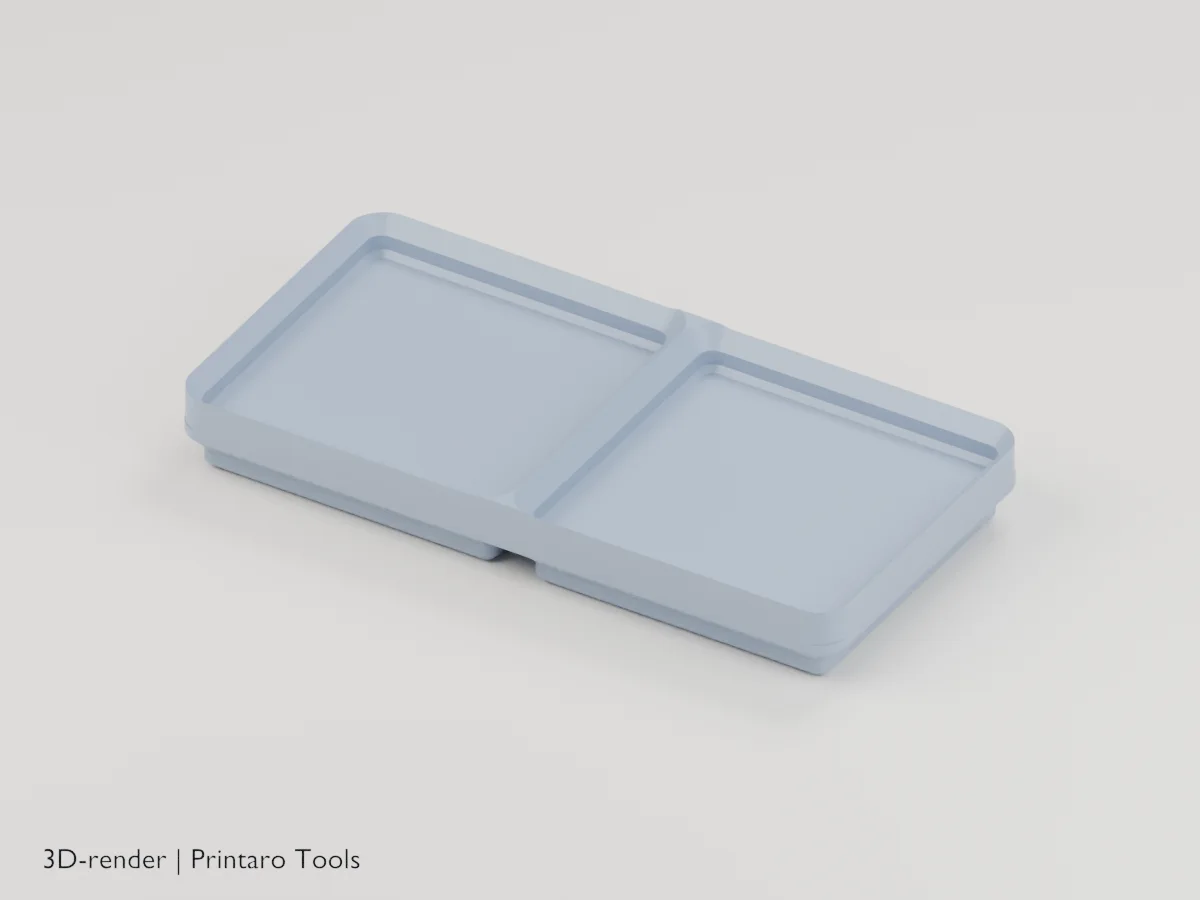
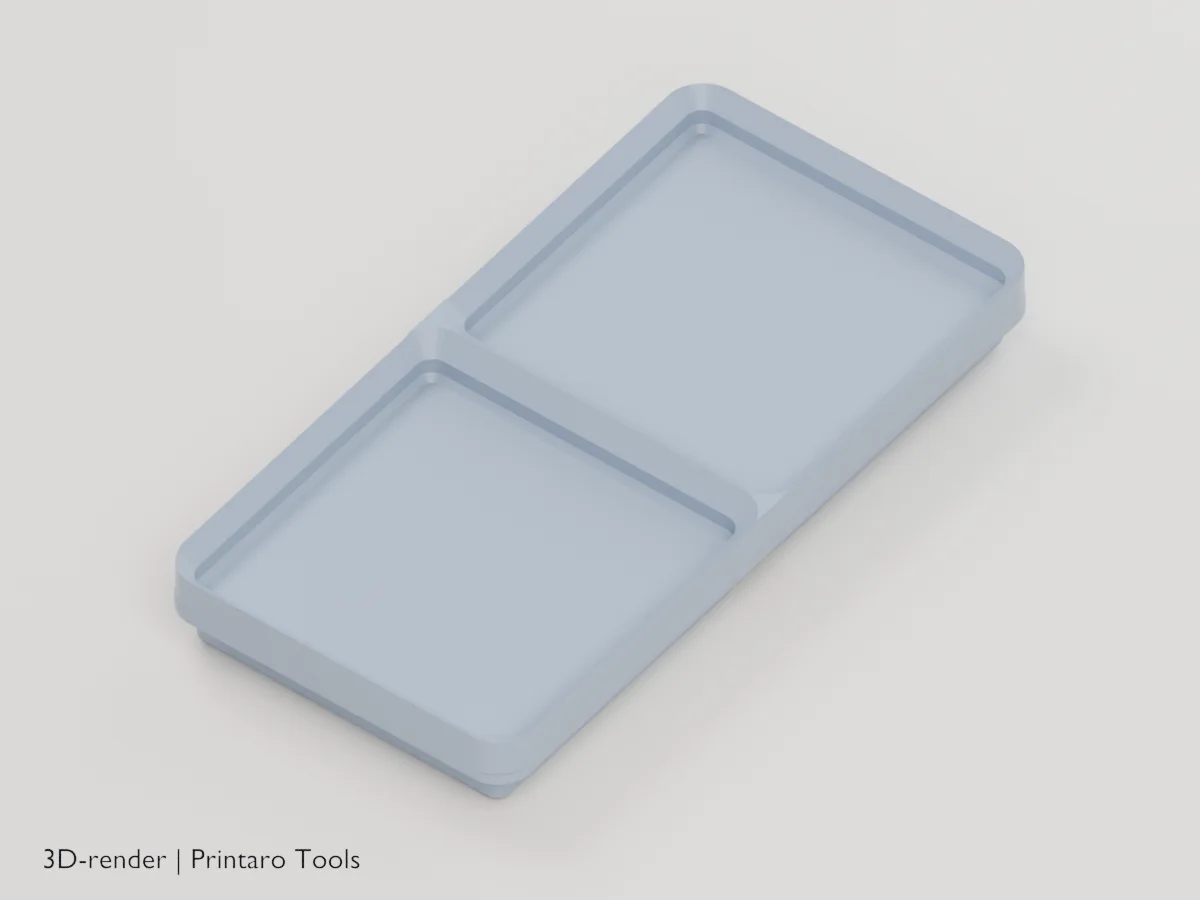
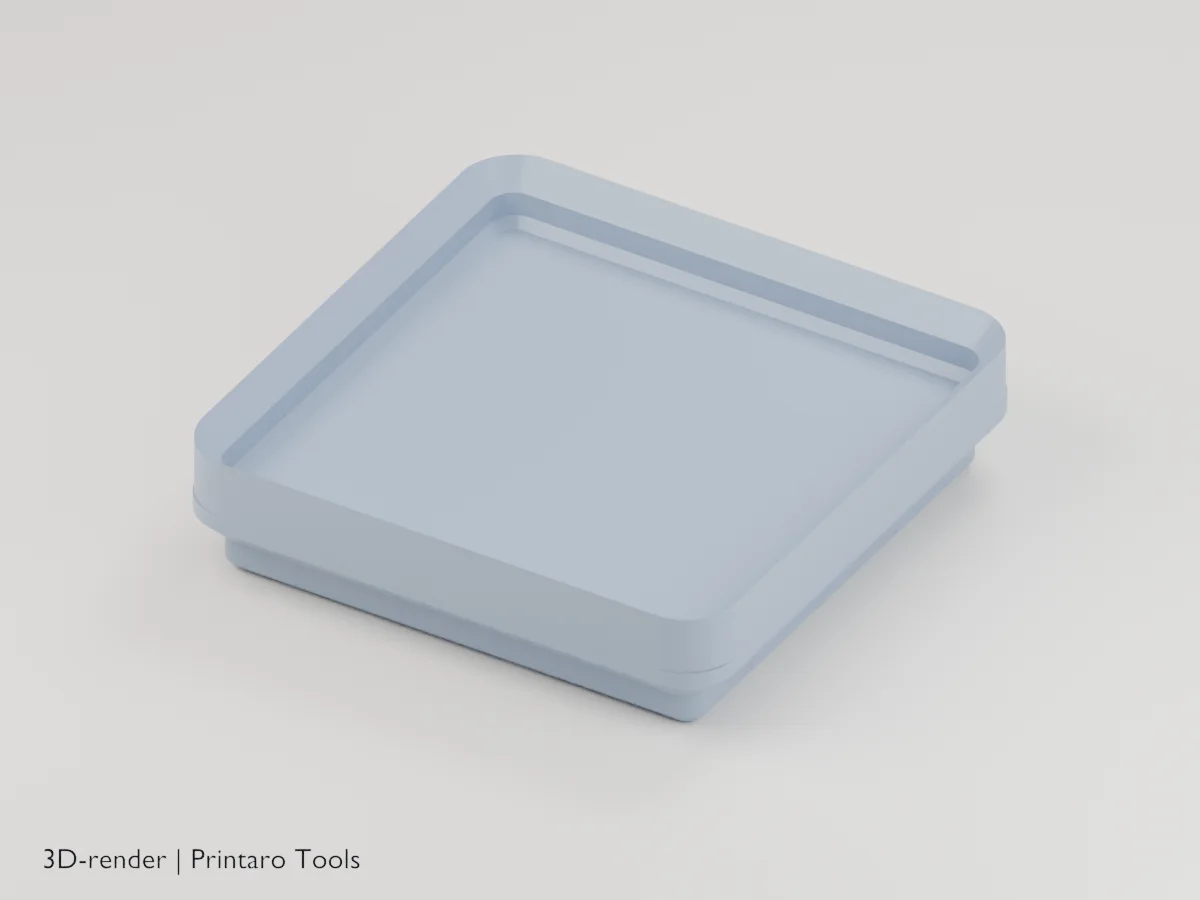
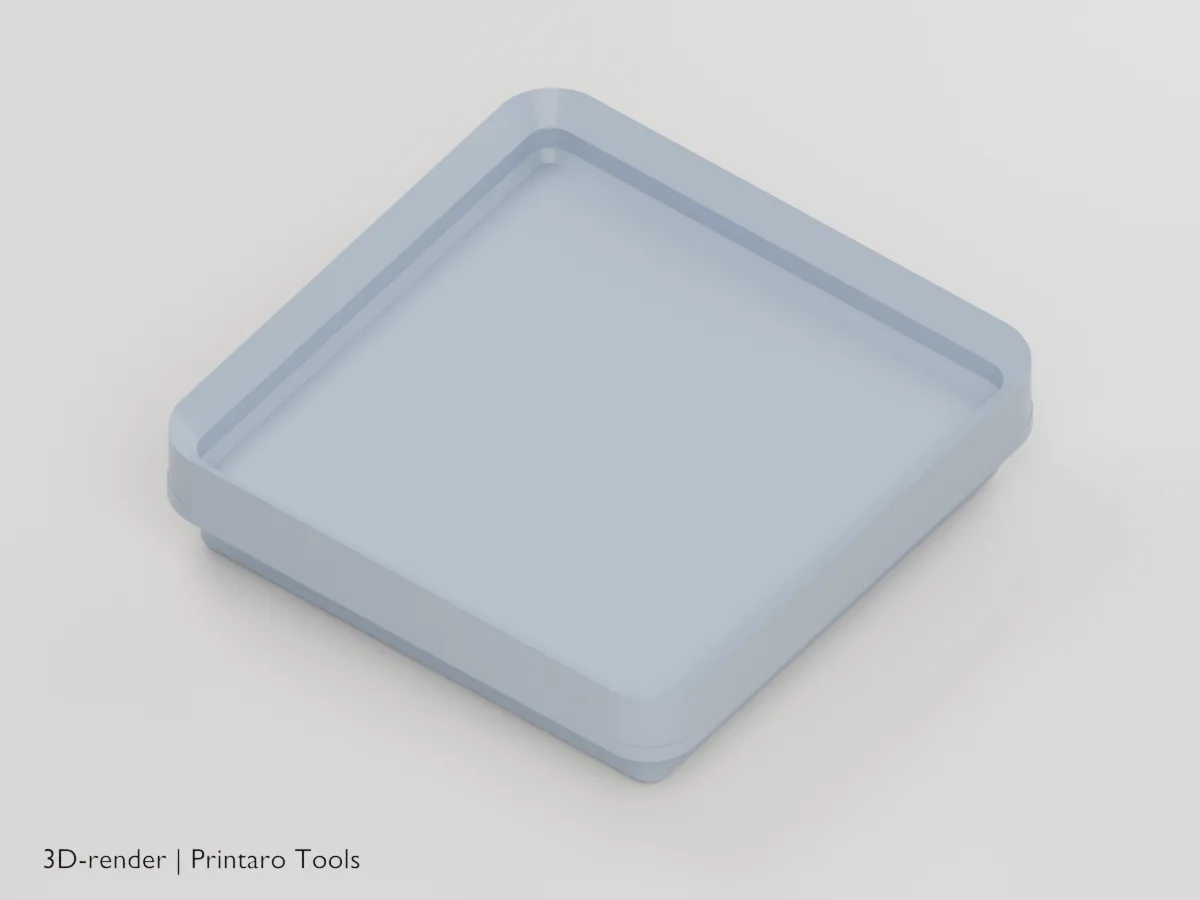
No printer?
Printaro can print this design for you. Copy the link to your design and paste it in your message, so we know exactly which settings you chose.
Want your own printer? See which Bambu Lab printer to buy.
Keep the tools free
Found this useful?
These generators are free to use. If one saved you time, a small Ko-fi donation helps pay for hosting, rendering and new tools.
About this generator
A lid that nests into a Gridfinity bin's stacking lip. The stackable version has a baseplate on top so more bins can stand on it.
How to use
- Set the same grid size as the bin, for example 2×1.
- Choose Stackable for a baseplate grid on top, or switch it off and keep the handle for a plain lid.
- Download the STL and print it flat, feet down.
- Drop it on a bin that has a stacking lip.
Which lid to choose
- Stackable: the top of the lid is a small baseplate, so another bin of the same size stands on it.
- Handle: a grip on top to lift the lid off. You can have both.
- The lid rests on the stacking lip of the bin. It does not snap or lock, so don't carry a full bin upside down.
- Make the lid the same grid size as the bin, from 1×1 to 6×6. Make the bin with the bin generator and keep its stacking lip on.
- Bins from other designs usually fit, but print one lid first to check. See all Gridfinity generators.
Printing tips
- Print feet down with no supports. 0.2 mm layers are fine.
- The lid only fits bins with a stacking lip, of the same grid size.
- Print one lid and test the fit before printing a set; the lip of a bin from another design may be shaped a little differently.
Helpful guides
Frequently asked questions
Which bins does it fit?
Bins of the same grid size that have a standard Gridfinity stacking lip, including the bins from the Gridfinity bin generator on this site. Bins without a lip have nothing for the lid to sit in.
What does Stackable mean?
The top of the lid is a baseplate grid, so other Gridfinity bins stand on it just as they would on a baseplate. You can build a stack of closed bins on a shelf or in a deep drawer.
Does the lid snap or lock shut?
No. It rests in the stacking lip and is held sideways by it, but it lifts straight off. That is fine for keeping dust out and for stacking. For bins you carry around full, use a design with a snap or click catch.
Stackable lid or a lid with a handle?
Stackable if you want to put more bins on top. The handle version is flat with a grip in the middle, which is easier to lift off a bin that sits low in a drawer. The handle is only added when Stackable is off.
Related tools
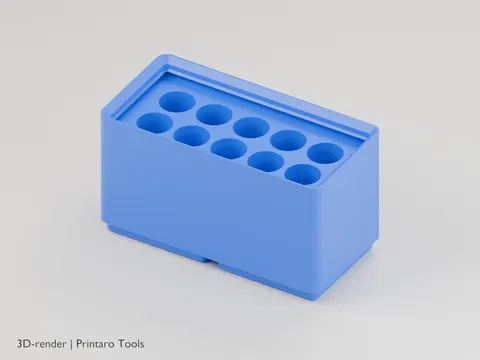
Gridfinity Hole Bin
Bins with holes for pens, tools and brushes
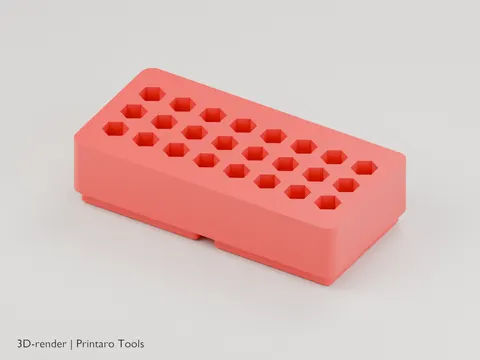
Gridfinity Bit Holder
Bins for 1/4" screwdriver bits
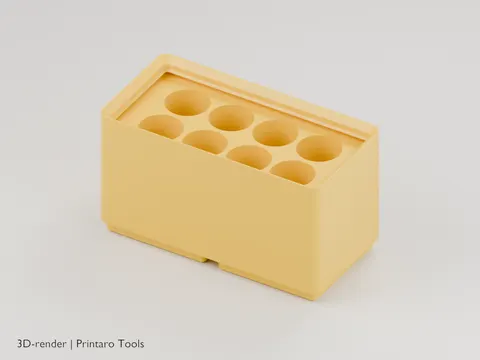
Gridfinity Battery Bin
Gridfinity storage for batteries
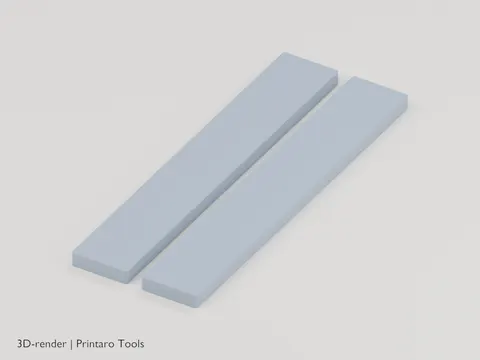
Gridfinity Drawer Filler
Fill the gap around your baseplate
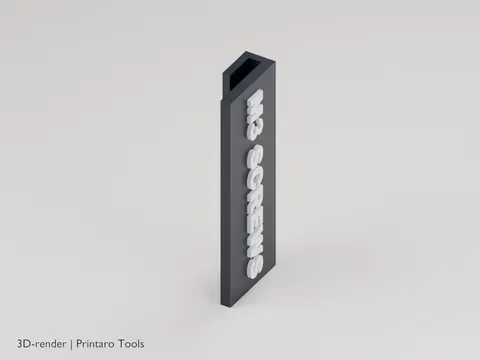
Gridfinity Label Tab
Clip-on labels for Gridfinity bins
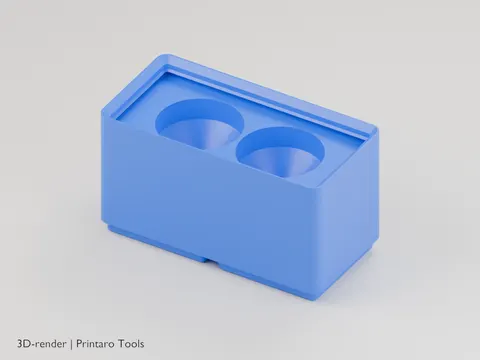
Gridfinity Screwdriver Bin
Screwdrivers stand shaft-down in stepped holes