Gridfinity Drawer Filler
Fill the gap around your baseplate
Measure the gap between baseplate and drawer and print exact spacers so nothing slides around.
Examples
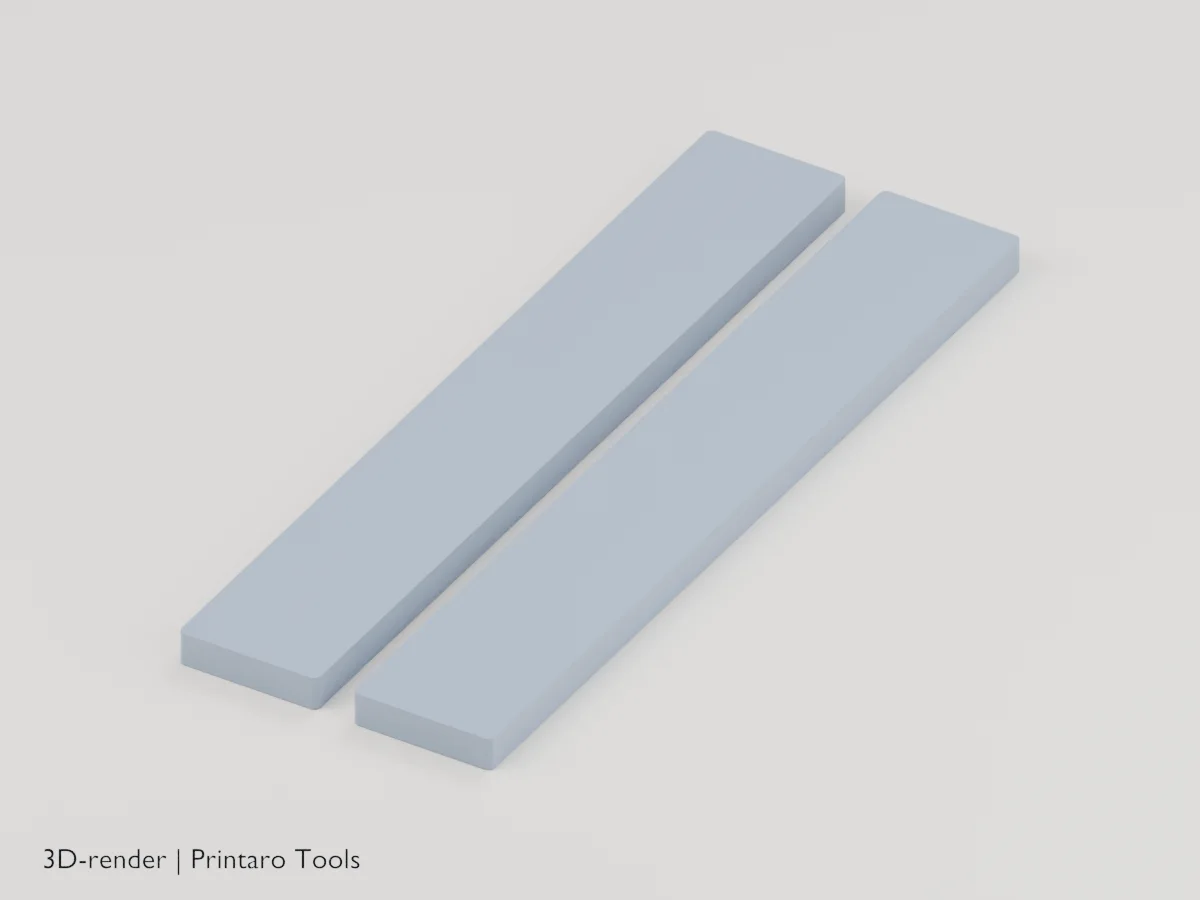
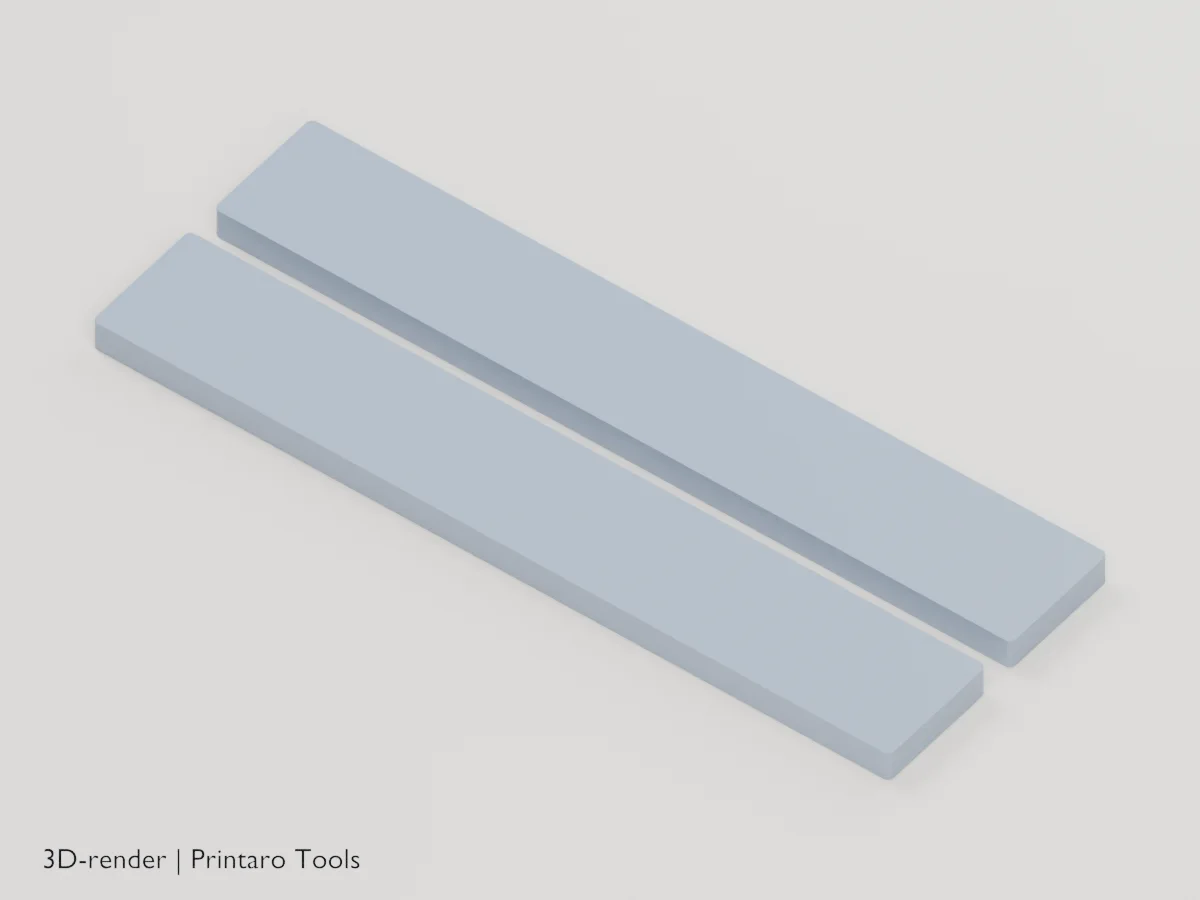
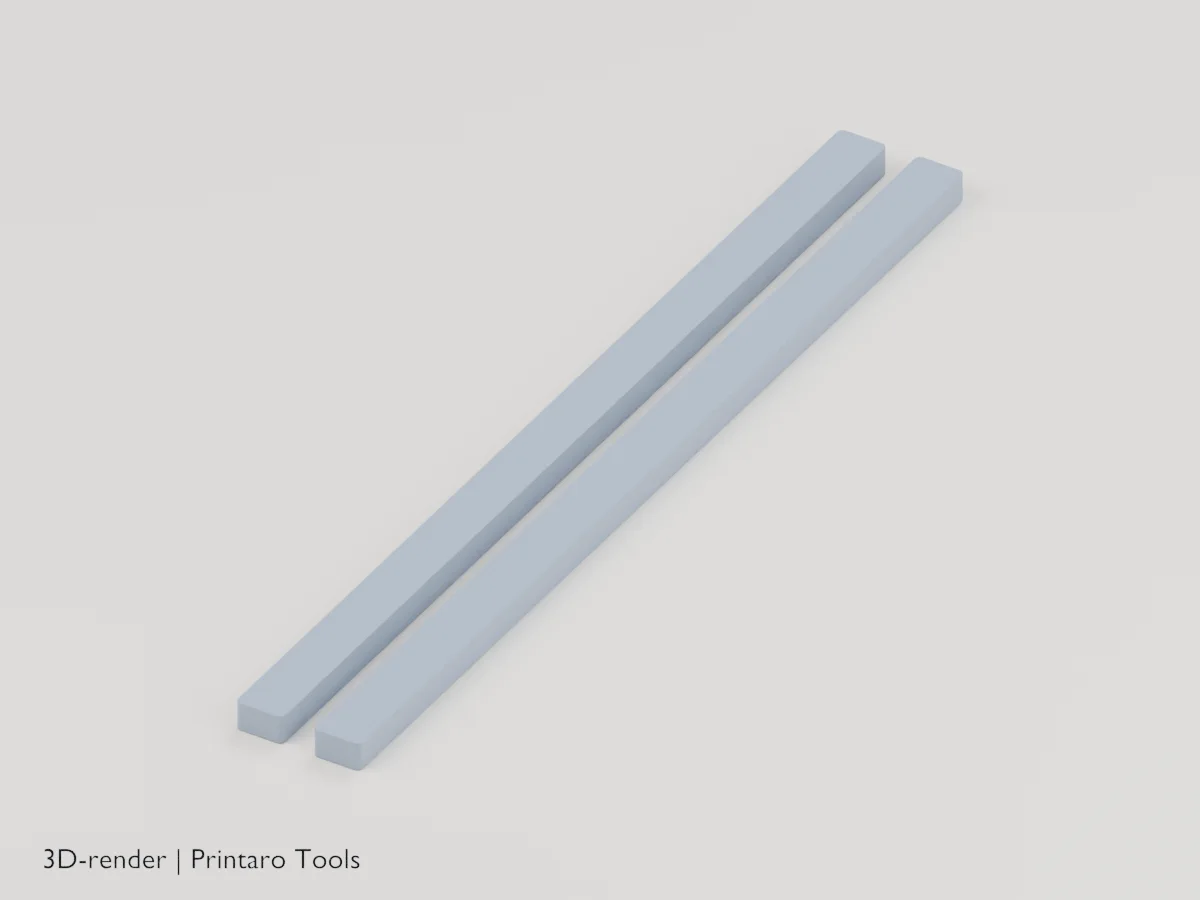
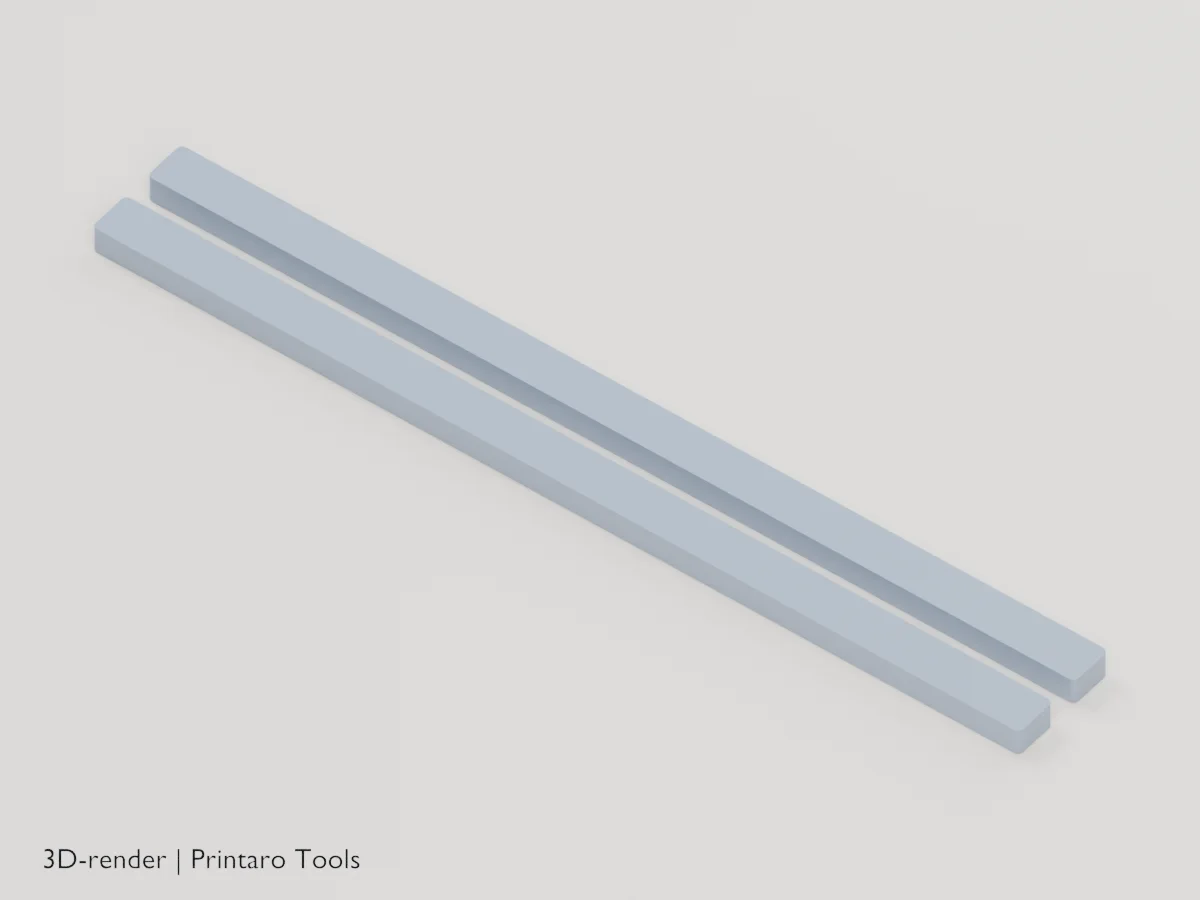
Examples made with this generator. These are 3D renders, not photos of prints.
No printer?
Printaro can print this design for you. Copy the link to your design and paste it in your message, so we know exactly which settings you chose.
Want your own printer? See which Bambu Lab printer to buy.
Keep the tools free
Found this useful?
These generators are free to use. If one saved you time, a small Ko-fi donation helps pay for hosting, rendering and new tools.
About this generator
Spacer blocks that fill the leftover gap between a Gridfinity baseplate and the drawer wall.
How to use
- Measure each gap.
- Enter width and length.
- Print the quantity you need.
Measuring the gaps
Push the baseplate into one corner of the drawer and measure the gap on the two open sides. Measure at both ends, because drawers are not always square. Take off 0.5 mm for an easy fit and enter that as Width. Length is how long the gap is.
Two different gaps need two downloads, since all the pieces in one file are the same size. Quantity lays them side by side with 5 mm between them.
Long strips
Length goes up to 250 mm. Long, thin strips like the 8 × 168 mm preset can lift at the ends on the bed, so a clean plate and a brim help. A strip longer than your bed can be split into two shorter ones, since the pieces only have to fill the space.
The default height of 4.65 mm matches a baseplate without magnets. You can go up to 50 mm if you want the filler to stand taller next to your bins.
Printing tips
- Subtract 0.5 mm from the gap for an easy fit.
Helpful guides
Frequently asked questions
How do I size the filler?
Measure the gap between the baseplate and the drawer wall and take off 0.5 mm for an easy fit.
How high should it be?
The default of 4.65 mm matches a baseplate without magnets. A baseplate with magnet holes is thicker: measure it and set the same height.
Related tools
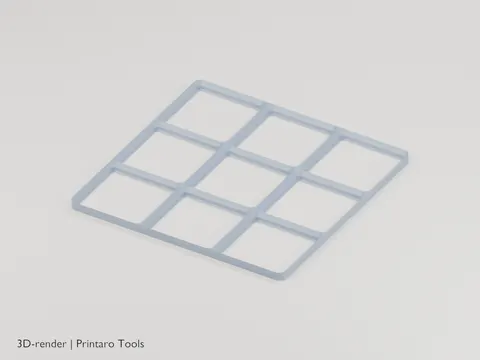
Gridfinity Baseplate
The grid your Gridfinity bins sit in
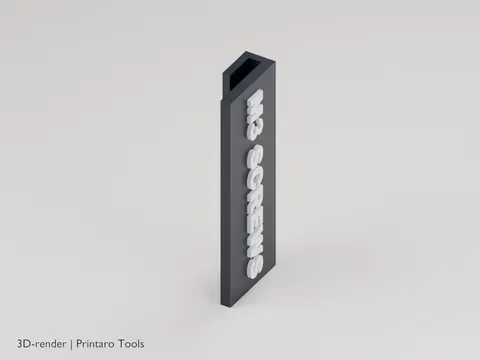
Gridfinity Label Tab
Clip-on labels for Gridfinity bins
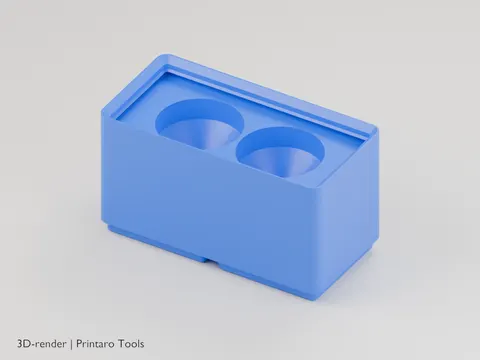
Gridfinity Screwdriver Bin
Screwdrivers stand shaft-down in stepped holes
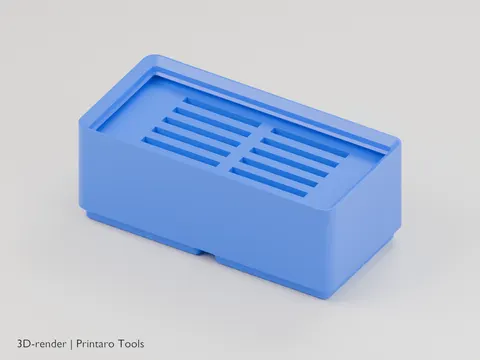
Gridfinity SD Card Bin
Standing slots for SD and microSD cards
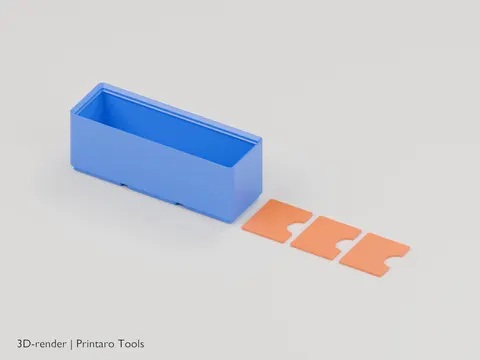
Gridfinity Divider Bin
A bin with dividers you can move
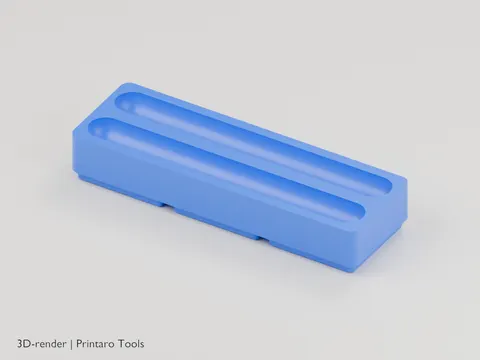
Gridfinity Pen Tray
Rounded channels for pens and small tools