Gridfinity Bin
Create custom Gridfinity bins
Gridfinity is a modular storage system by Zack Freedman: bins sit in a baseplate with a 42 mm grid, so you can move and swap them around a drawer. This generator makes bins from 1×1 to 6×6 grid units and 2 to 12 height units (7 mm each). Add dividers to split the bin into up to 6 × 4 compartments, a label shelf along the back, a finger scoop at the front, and holes for 6×2 mm magnets or screws under the feet. The bins use the standard stepped base, so they fit any Gridfinity baseplate, including baseplates from other designs. The 3D preview updates as you change settings, and the STL downloads straight away.
Examples
Examples made with this generator. These are 3D renders, not photos of prints.
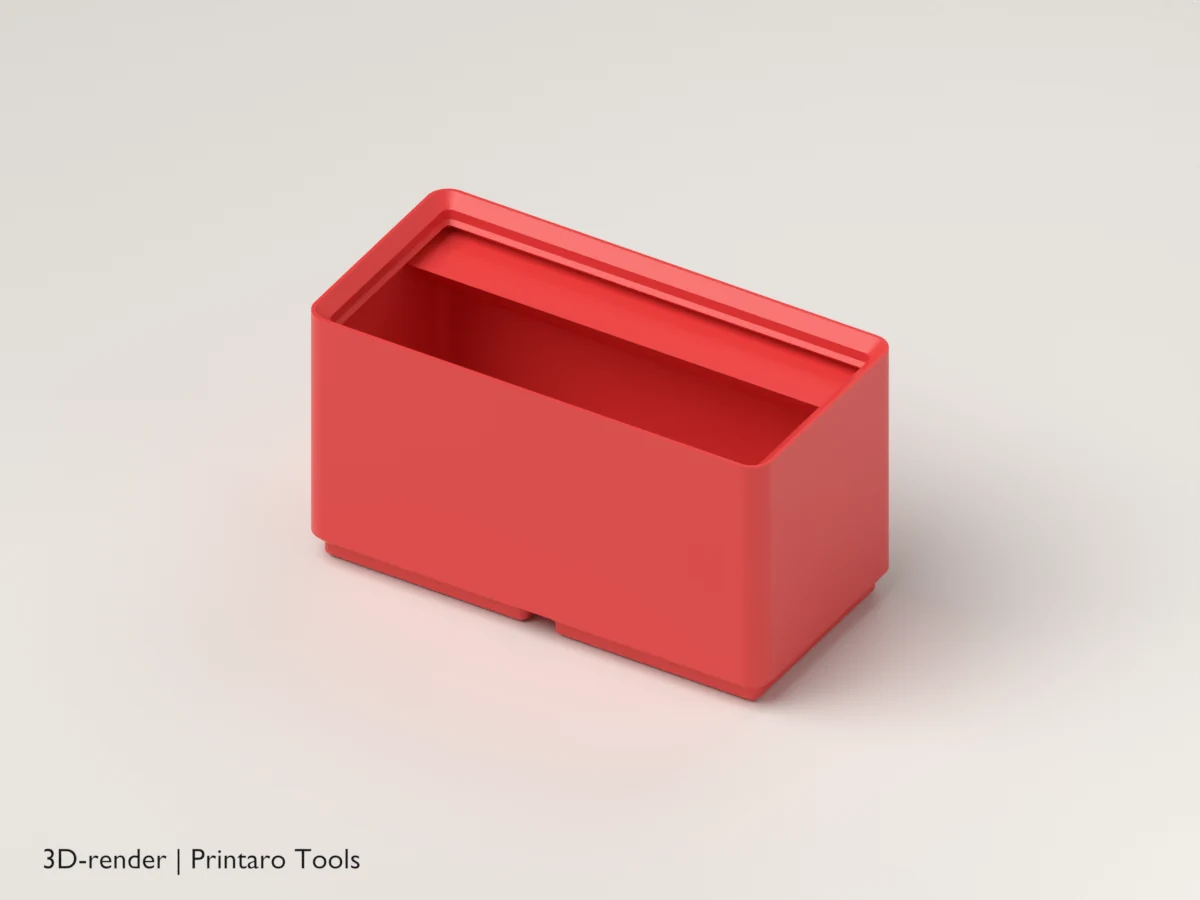
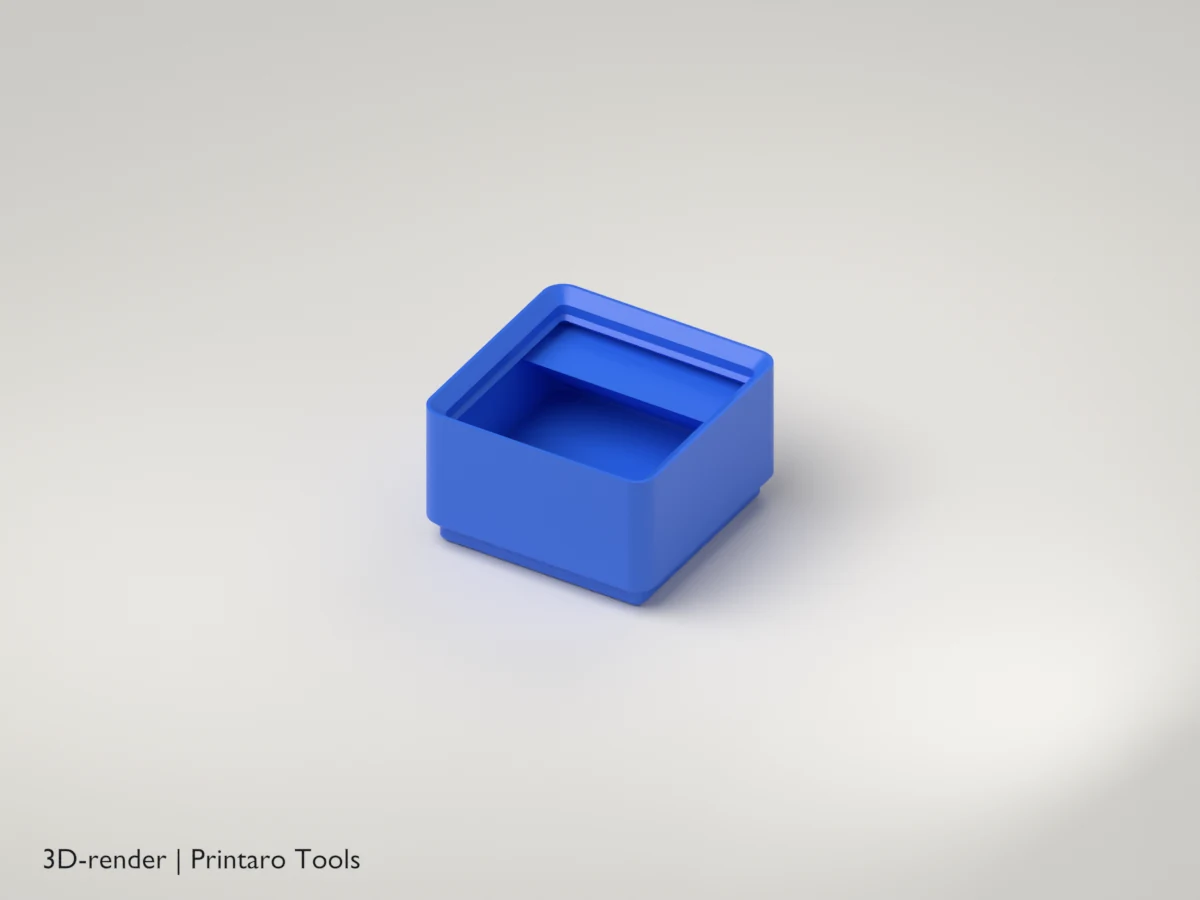
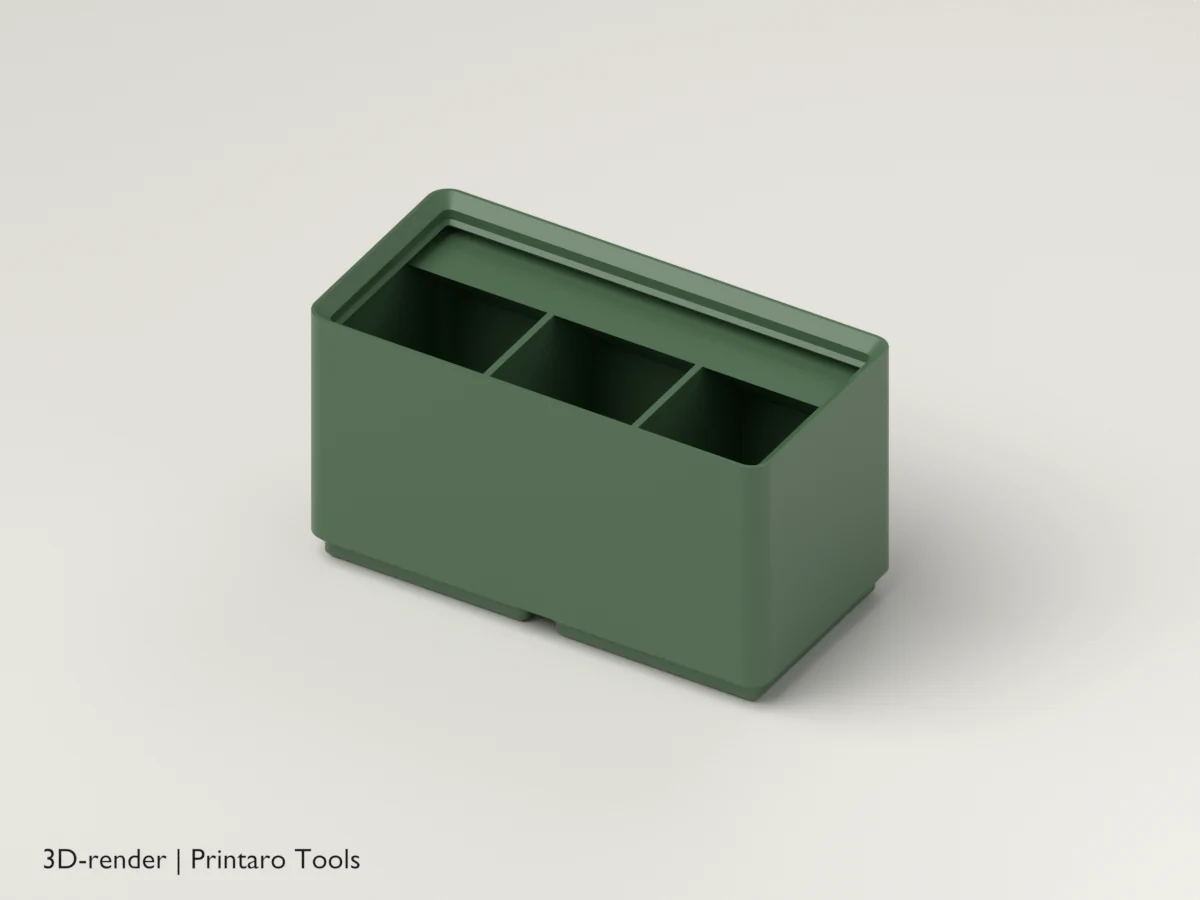
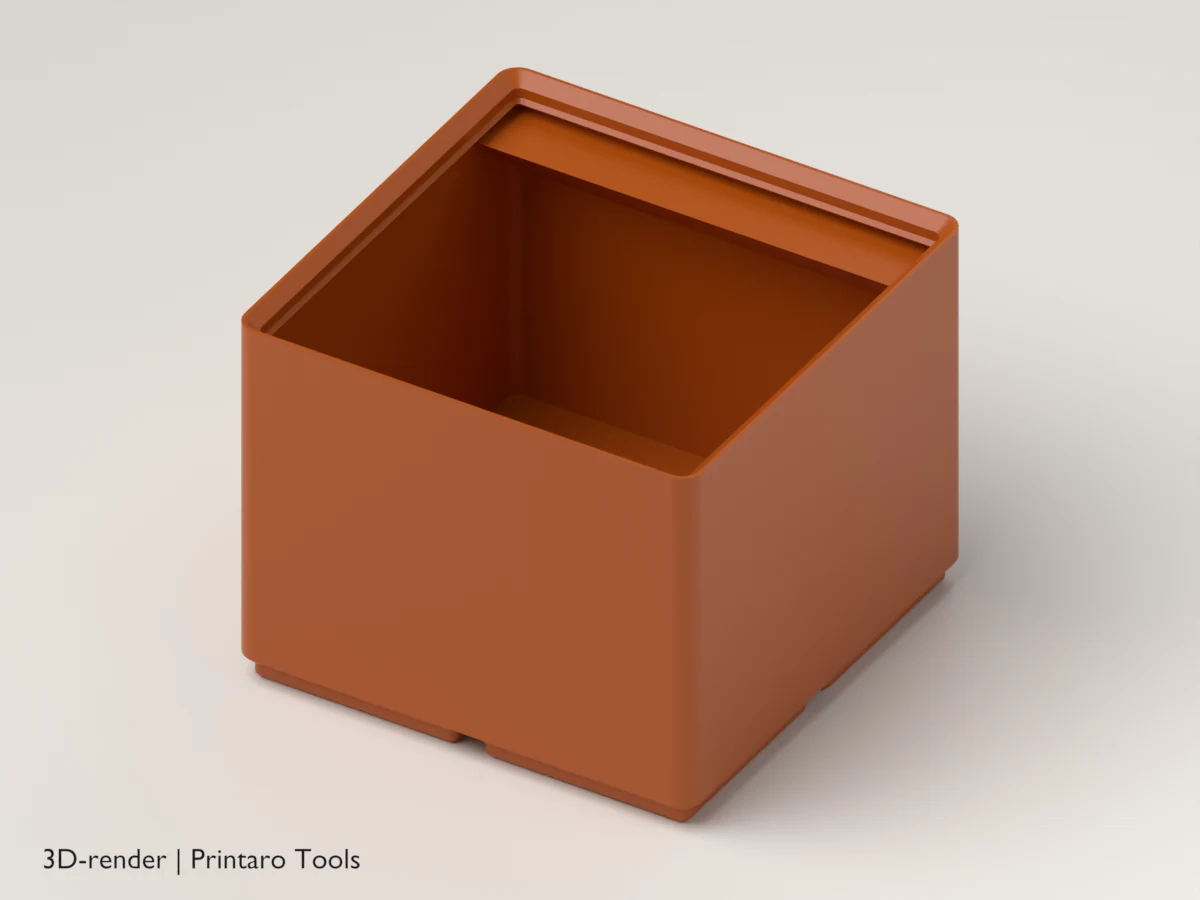
No printer?
Printaro can print this design for you. Copy the link to your design and paste it in your message, so we know exactly which settings you chose.
Want your own printer? See which Bambu Lab printer to buy.
Keep the tools free
Found this useful?
These generators are free to use. If one saved you time, a small Ko-fi donation helps pay for hosting, rendering and new tools.
About this generator
Bins for the Gridfinity storage system in any grid size and height, with stacking lip, magnet or screw holes, compartments, label shelf and scoop.
How to use
- Set the width and depth in grid units. One unit is 42 mm, so a 2×1 bin is about 84 × 42 mm.
- Choose the height in 7 mm units. 3 units suits small parts, 6 units is a common drawer height.
- Set compartments across and deep to add dividers.
- Switch on the label shelf, the finger scoop, the stacking lip, or magnet or screw holes as needed.
- Download the STL and print it upright with no supports.
Printing tips
- No supports needed: the feet, stacking lip and label shelf are shaped to print on their own.
- 0.2 mm layers, 2 walls and 15% infill are plenty for most bins. PLA works well.
- Magnet holes are 6.5 mm wide and 2.4 mm deep, for 6×2 mm magnets. Glue them in after printing.
- Wall thickness: 1.2 mm is the default. Go to 0.95 mm for lighter bins, or thicker for bins that carry heavy tools.
- Print one small bin first and check the fit in your baseplate before printing a whole drawer.
Helpful guides
Part of a project
- Sort a messy drawer: Measure the drawer once, then fill it with dividers, trays and bins that fit.
Frequently asked questions
Will these bins fit my Gridfinity baseplate?
Yes. They use the standard 42 mm grid, 7 mm height units and the stepped base profile, with 0.5 mm clearance, so they fit standard baseplates from this site and from other Gridfinity designs.
What are the outside dimensions of a bin?
Width and depth are the number of units × 42 mm minus 0.5 mm, so a 2×3 bin is 83.5 × 125.5 mm. The height is the height units × 7 mm, plus 4.4 mm for the stacking lip. A 6-unit bin with a lip is about 46 mm tall.
How much space is inside?
Inside width is the outside width minus two walls (2.4 mm with the default 1.2 mm wall). The floor sits about 6 mm above the bottom of the feet. With a stacking lip, the usable depth is about height units × 7 − 8 mm, so a 6-unit bin is about 34 mm deep inside; without a lip it is about 2 mm more.
What is the stacking lip for?
The lip at the top has the same shape as a baseplate cell, so another bin can stand on top of this one. It also holds a Gridfinity lid. Switch it off for a little more room inside or a plain top edge.
Do I need magnets or screws?
No. Bins sit firmly in a baseplate without them. Magnets help when a drawer is opened hard or the case is carried around; use them in a baseplate with magnet holes too. Screw holes are 3 mm wide and 6 mm deep.
Can I make half-size bins or bins with custom cut-outs?
Not with this generator: sizes go in whole grid units and the inside is open or divided into compartments. For specific items there are separate Gridfinity tools for bits, hex keys, batteries, SD cards, sockets, screwdrivers and pens.
Related tools
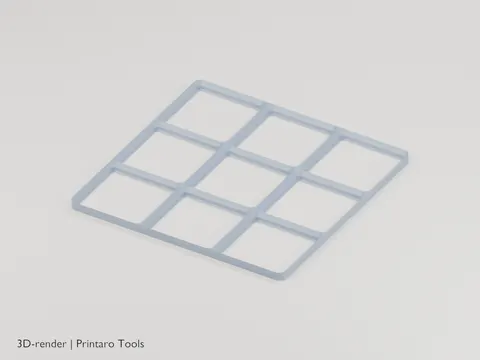
Gridfinity Baseplate
The grid your Gridfinity bins sit in
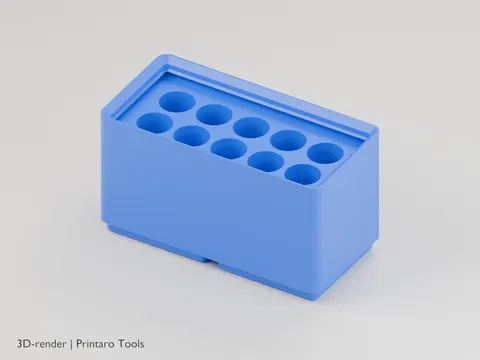
Gridfinity Hole Bin
Bins with holes for pens, tools and brushes
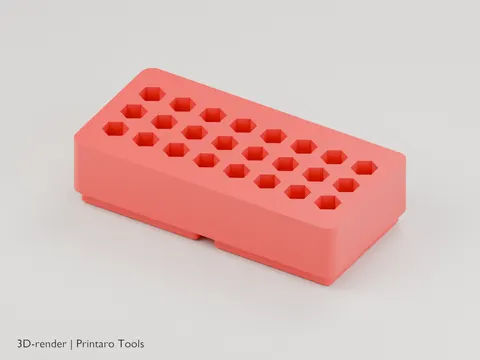
Gridfinity Bit Holder
Bins for 1/4" screwdriver bits
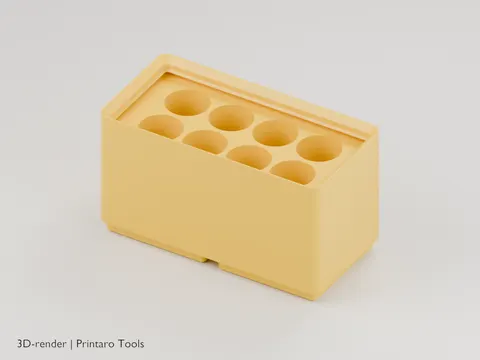
Gridfinity Battery Bin
Gridfinity storage for batteries
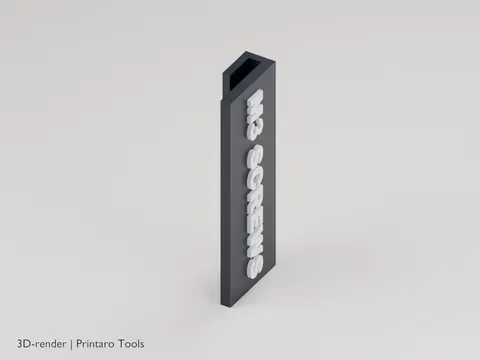
Gridfinity Label Tab
Clip-on labels for Gridfinity bins
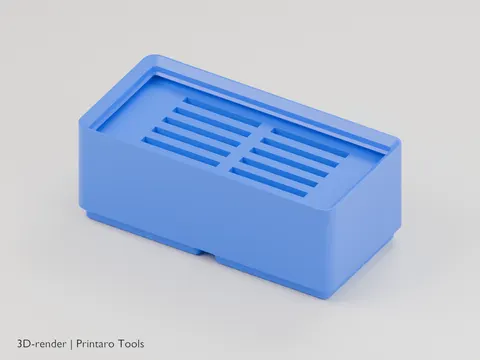
Gridfinity SD Card Bin
Standing slots for SD and microSD cards