Embossed Label Maker
Label-maker style strips with raised letters
Type your text and get a label in the style of an old embossing label maker: letters on a strip from 9 to 24 mm high, raised or engraved, with rounded, square or notched ends. The length follows the text. Download a two-color 3MF or an STL and stick it on drawers, jars or shelves.
One solid body, no colors. Works with every slicer.
Examples
Examples made with this generator. These are 3D renders, not photos of prints.
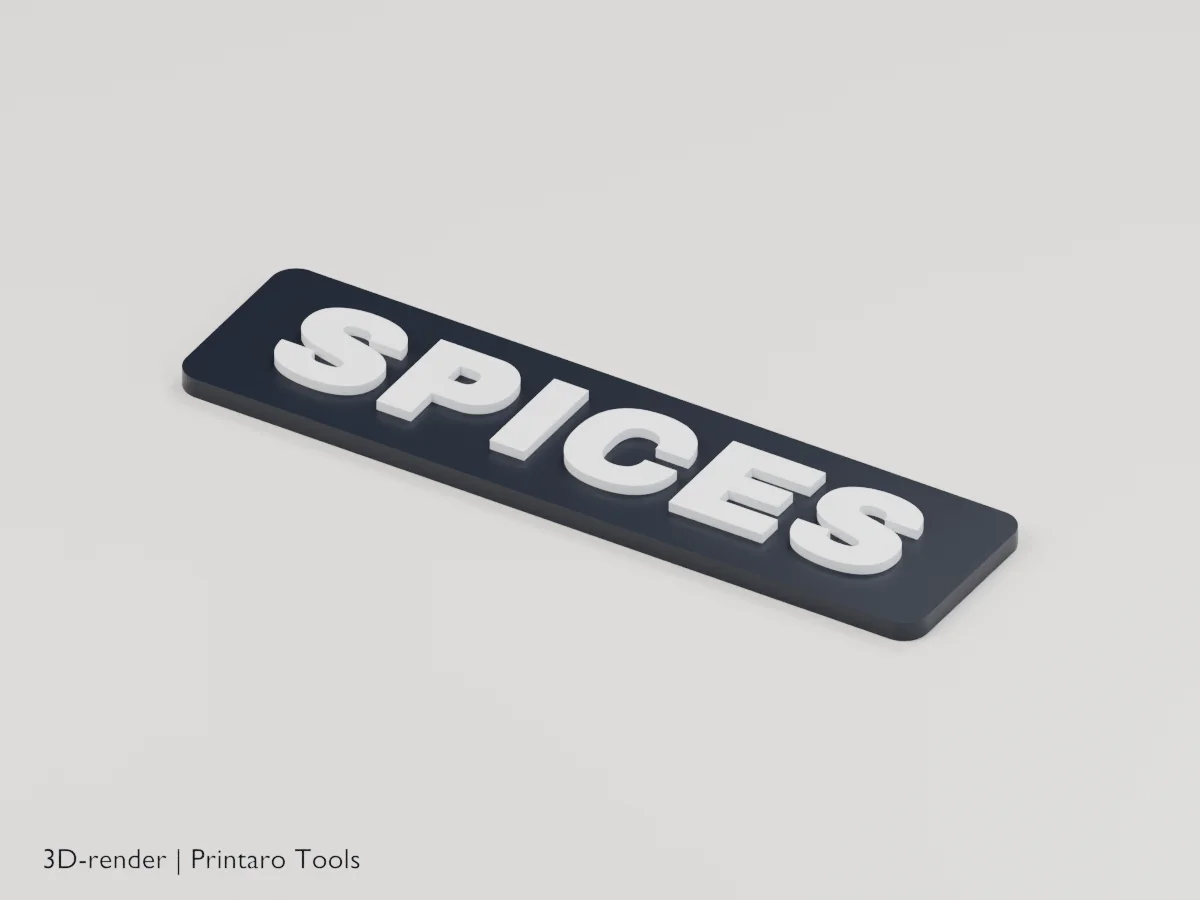
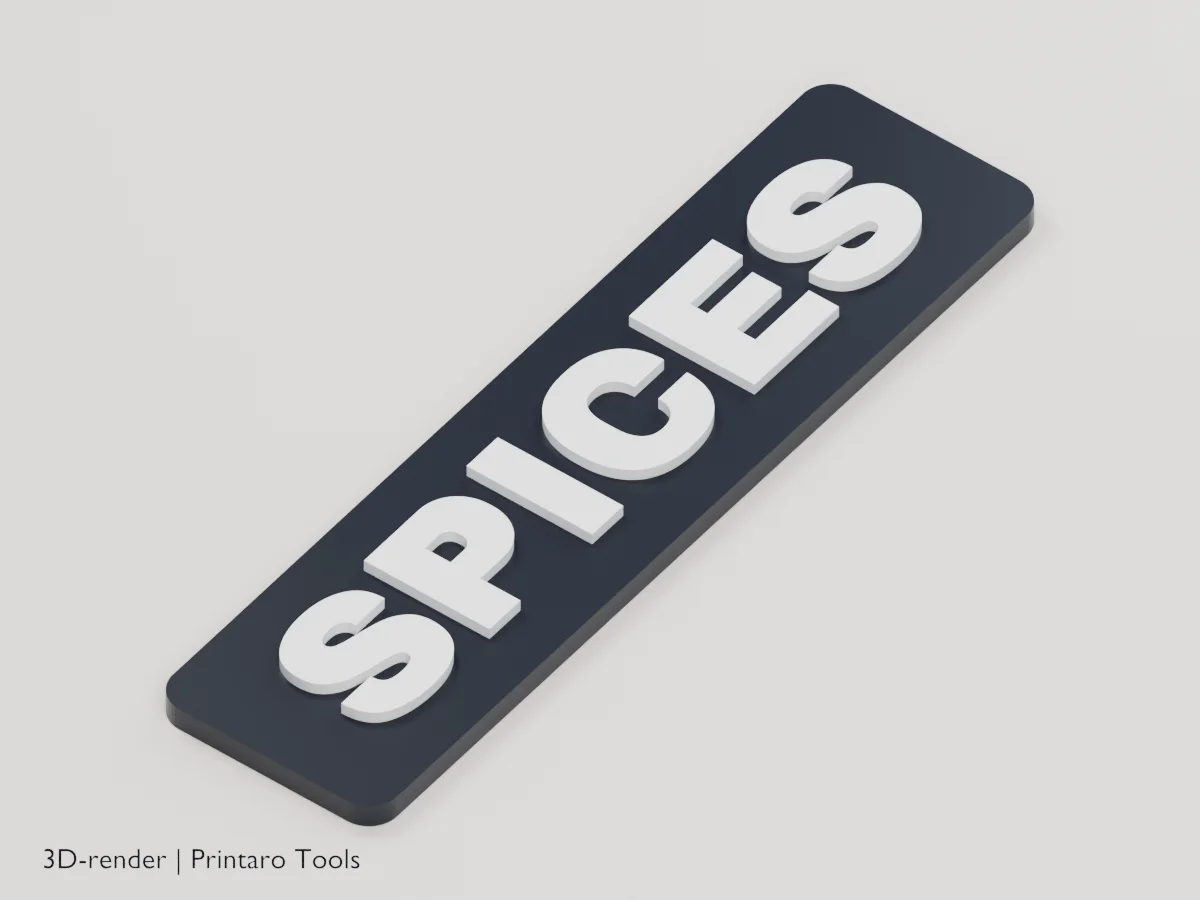
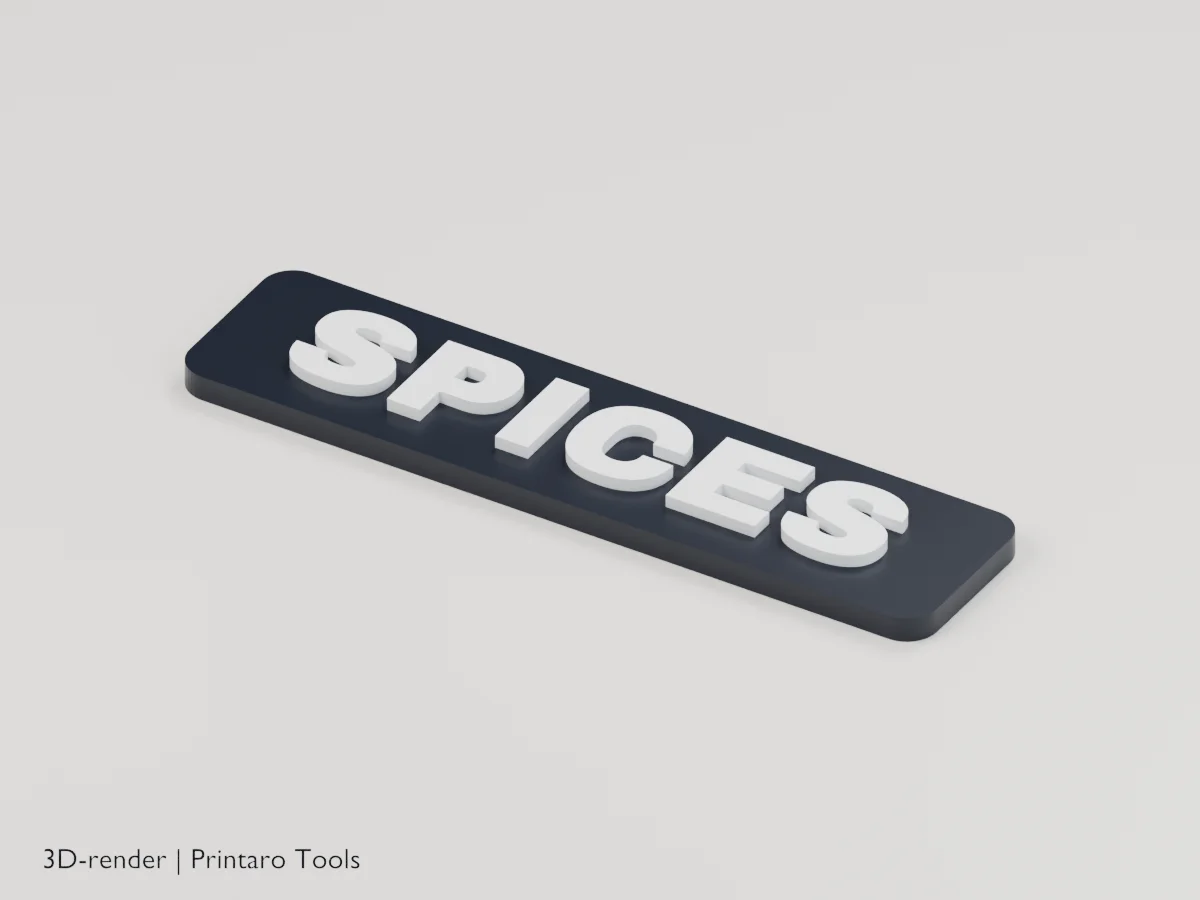
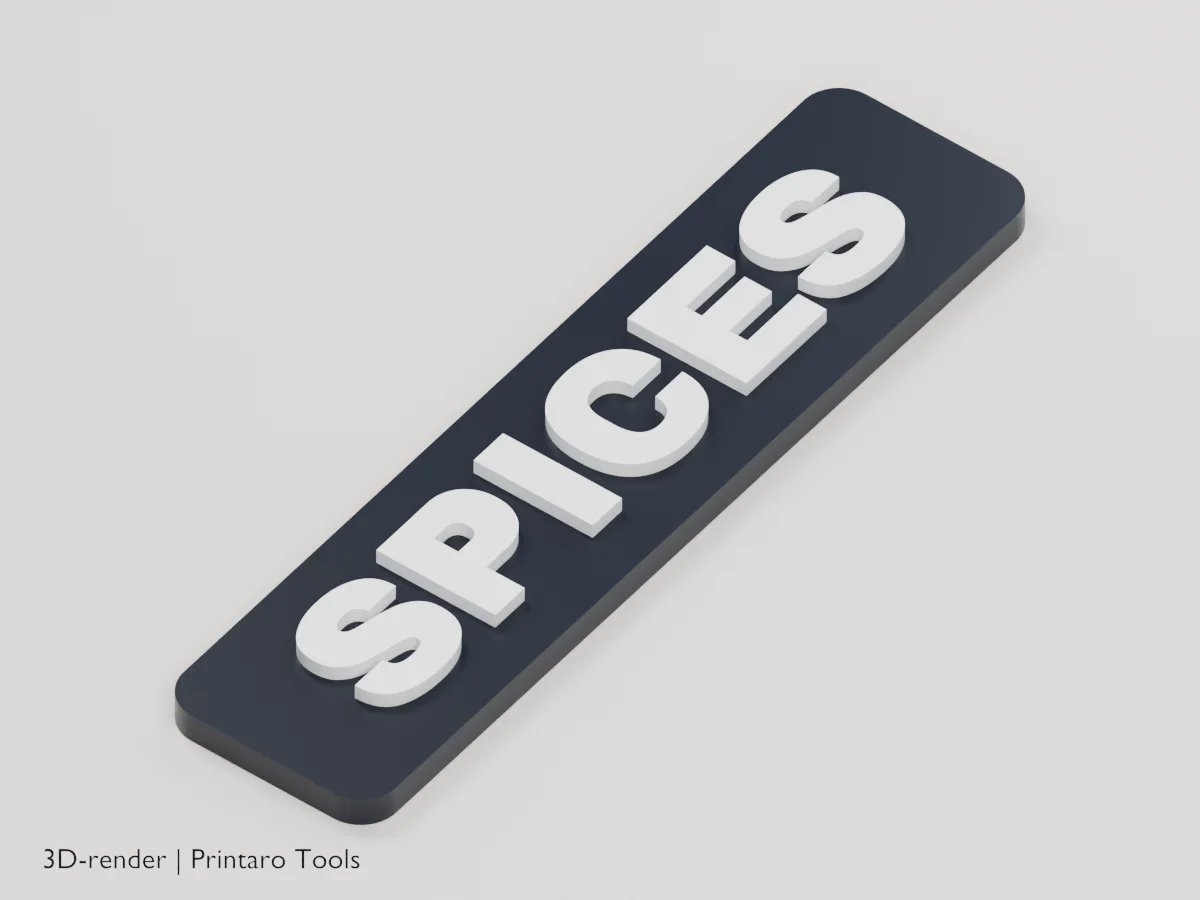
No printer?
Printaro can print this design for you. Copy the link to your design and paste it in your message, so we know exactly which settings you chose.
Want your own printer? See which Bambu Lab printer to buy.
Keep the tools free
Found this useful?
These generators are free to use. If one saved you time, a small Ko-fi donation helps pay for hosting, rendering and new tools.
About this generator
A label in the style of an embossing label maker: raised letters on a tape strip whose length follows the text.
How to use
- Type the label.
- Pick the height.
- Print flat and stick it on with double-sided tape.
How the size works
- Height sets the tape height (9 to 24 mm). The letters get at most about 58% of it: on the default 12 mm tape, up to about 7 mm.
- The length is not a setting: it follows the text (up to 30 characters) plus the End margin on both sides.
- Ends: rounded, square or notched like a cut label-maker strip.
- Thickness is the tape itself, 1 to 2.4 mm. Engraved letters must leave at least 0.6 mm underneath.
Two colors
The 3MF has two parts, the tape and the text, each with its own filament slot. With one nozzle, download the STL and change filament at the tape thickness, where raised letters start. Long text on a tall label gets long: set "Bed size" under the preview to check it fits.
Printing tips
- Black tape with white letters is the classic look.
- Use 0.12 mm layers for small letters.
Helpful guides
Frequently asked questions
How long will the label be?
The length follows the text, plus the end margin on both sides.
How do I attach it?
With double-sided tape. Black tape with white letters gives the classic label-maker look.
How do I make an embossed label with a 3D printer?
Type the text, pick a font, the height of the strip and the ends, and download the file. The two-color 3MF puts the tape and the letters on separate colors for an AMS or a filament change; the STL is one piece you can paint. Stick it on with double-sided tape.
Related tools

Beach Club Sign
An art deco beach club sign with a sunburst, waves and palm trees

Controller Stand
A desk stand for one or two game controllers with your gamer tag

Neon Name Sign
A name in neon-style tubes with a glow, on a dark backing

Retro License Plate Sign
A US-style license plate sign with your own text and a motif

Synthwave Sunset
An 80s sunset scene with palm trees, a grid floor and your own text

Wanted Poster
A wanted poster with a star level, a name, a crime and a reward