Cable Label
Snap-on flags to label your cables
Which plug is the router? Label every cable with a snap-on flag sized for its diameter.
One solid body, no colors. Works with every slicer.
Examples
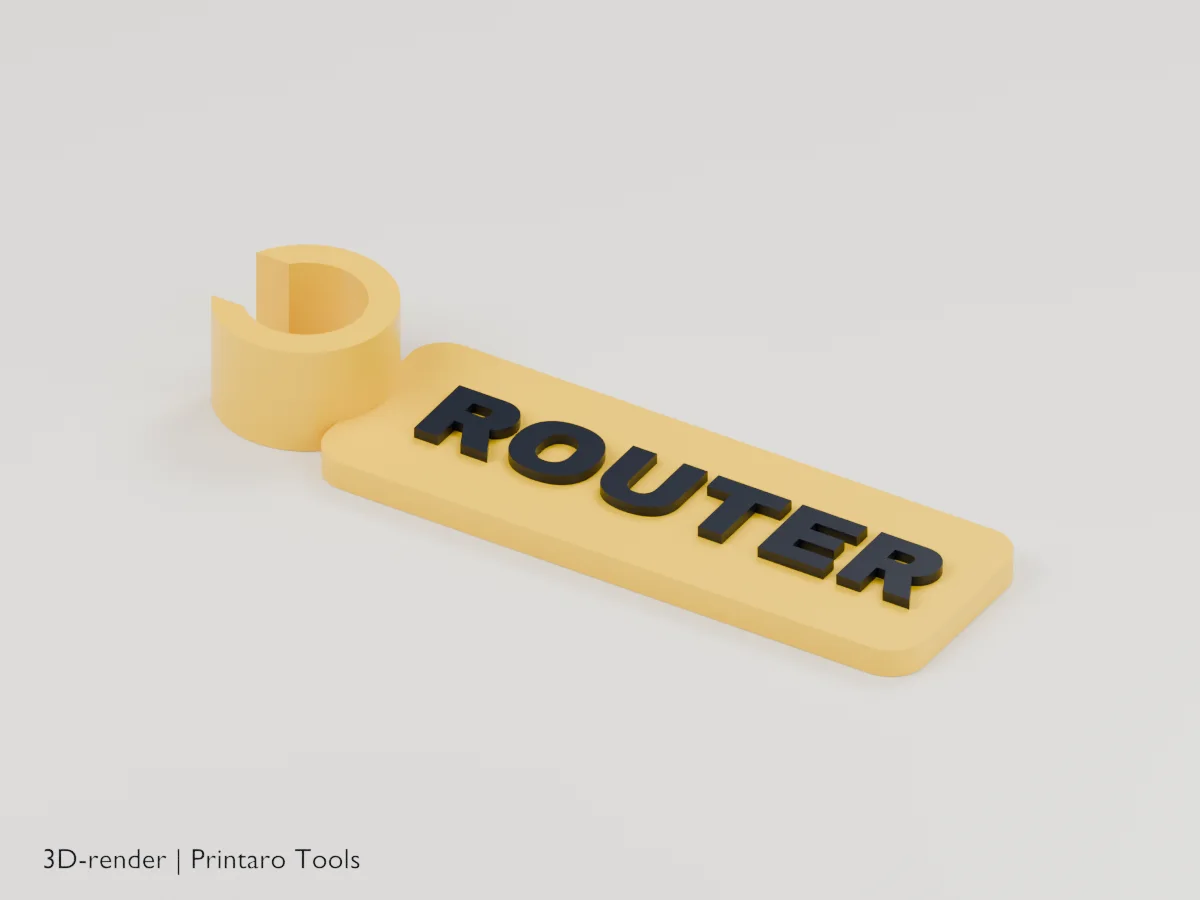
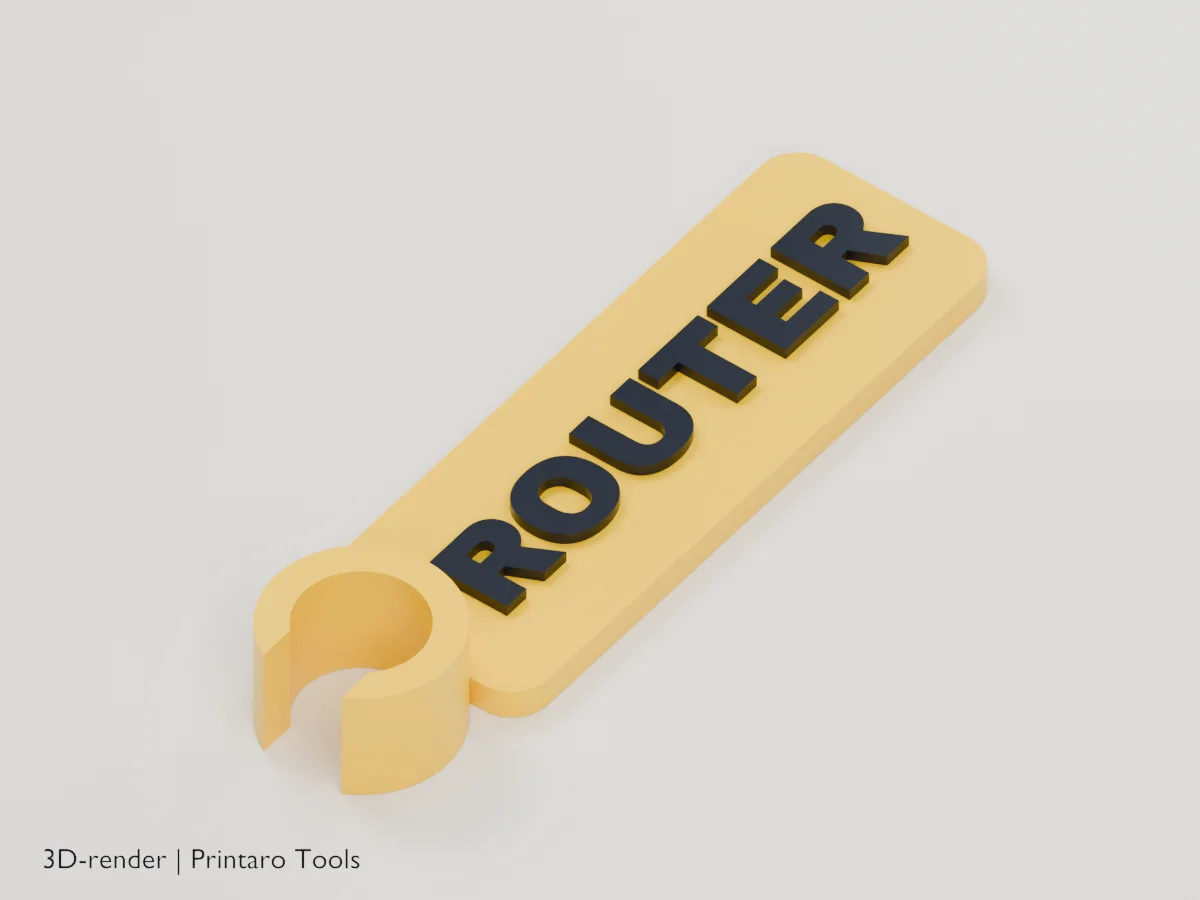
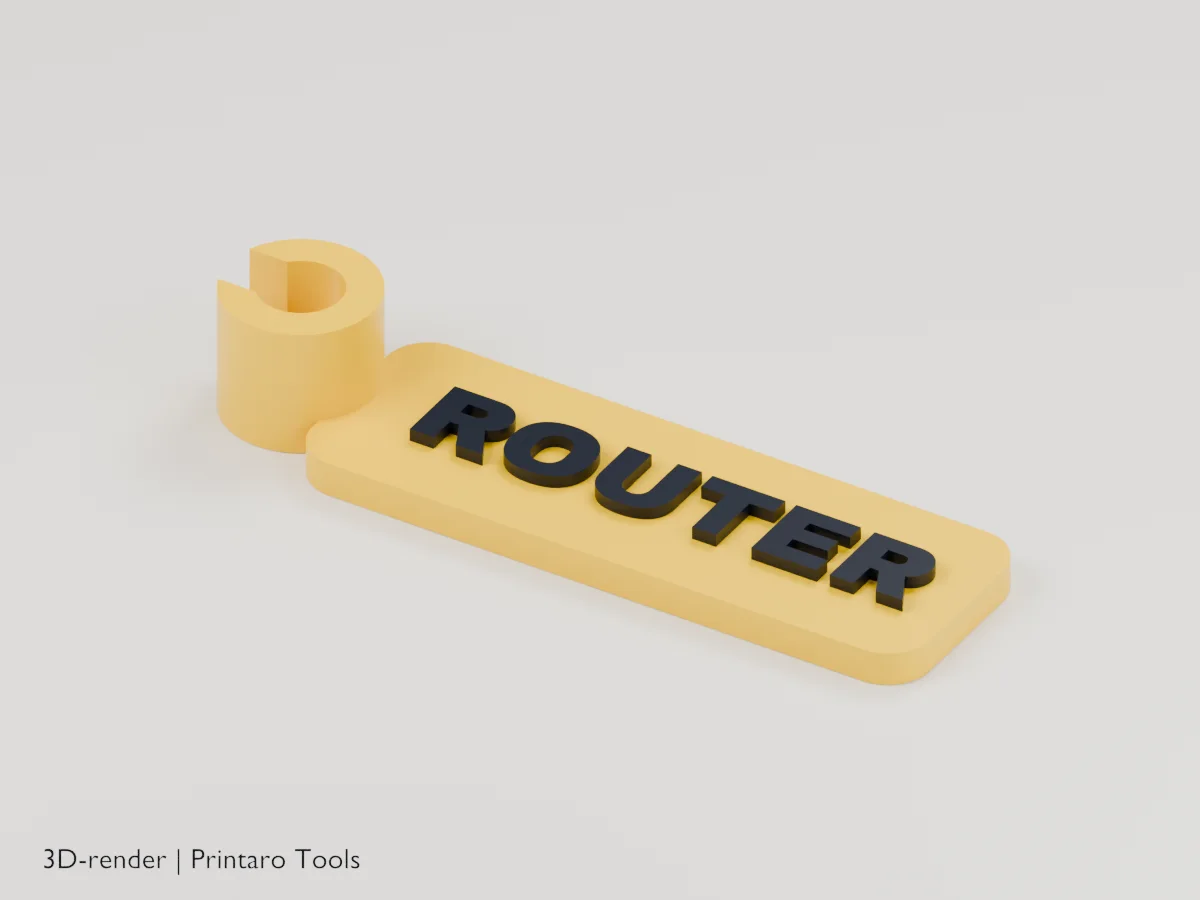
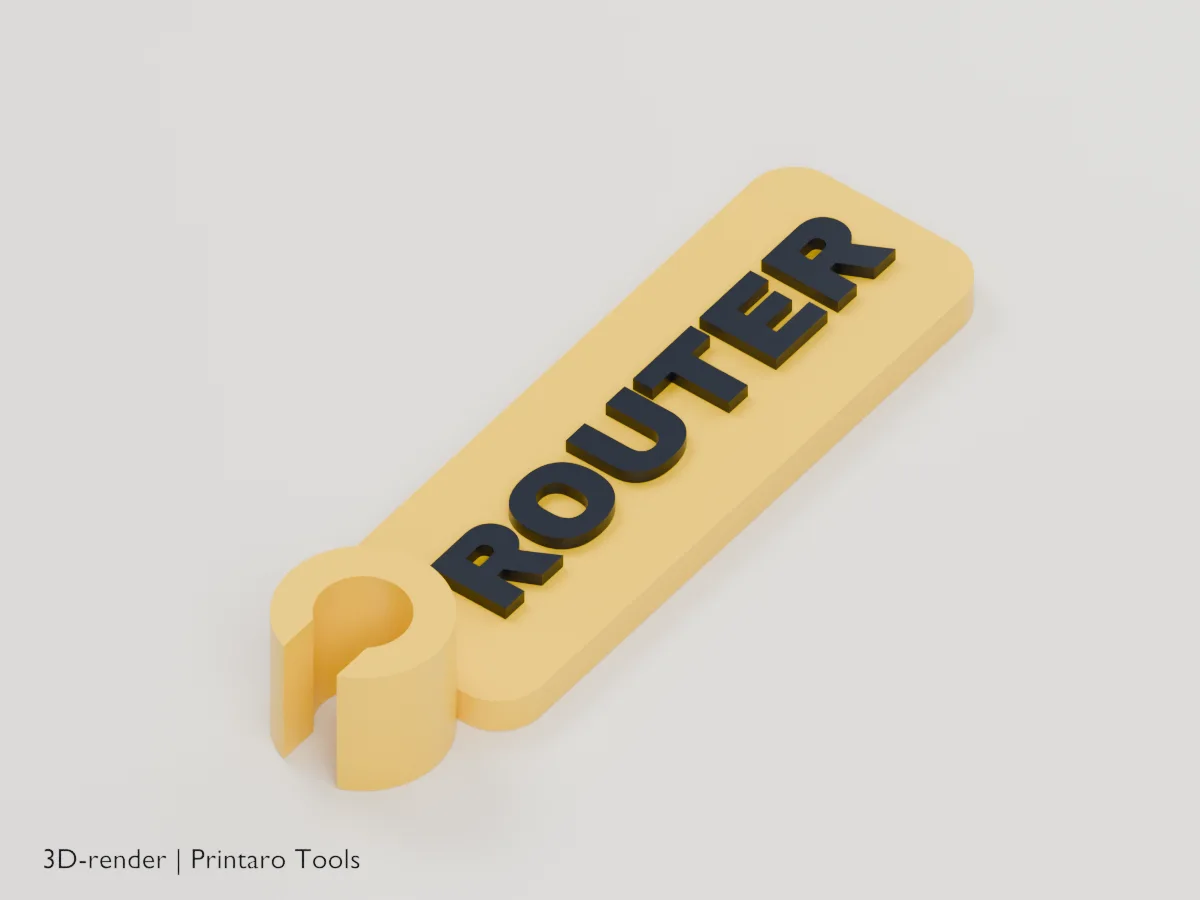
Examples made with this generator. These are 3D renders, not photos of prints.
No printer?
Printaro can print this design for you. Copy the link to your design and paste it in your message, so we know exactly which settings you chose.
Want your own printer? See which Bambu Lab printer to buy.
Keep the tools free
Found this useful?
These generators are free to use. If one saved you time, a small Ko-fi donation helps pay for hosting, rendering and new tools.
About this generator
A small flag with text that snaps onto a cable: know which plug is which behind the TV or desk.
How to use
- Measure the cable diameter.
- Type the label text.
- Print several and snap them on.
Fitting the clip
The clip is 0.3 mm wider than the cable, with an opening of 72% of the cable diameter, so the cable has to squeeze in. It is sized for round cables. Flat cables, and cables with a thick braid, need a test first. Measure each kind of cable you have, since a USB cable and a power cable can differ by several millimeters.
Making it readable
The text is fitted to the flag, minus a margin. A 35 mm flag leaves about 29 mm, so 14 characters come out only about 2 mm wide each. Short names and the Long flag preset read better. Bold fonts hold up best at this size.
Colors
The 3MF prints the letters in a second color. A filament swap above the flag also changes the rest of the clip above that height, which is fine, but it means a two-tone clip. A different flag color per device is often clearer than text alone.
Printing tips
- Print a batch in different colors for each device.
- PETG clips survive more snapping on and off.
Helpful guides
Part of a project
- Tidy the cables on your desk: Clips, channels and labels that get cables off the floor and out of sight.
Frequently asked questions
It doesn't snap on.
Measure the cable again: the clip fits a cable within about ±0.3 mm.
How do I tell many cables apart?
Print each label in its own color, for example one per device, as well as with its own text.
Related tools
Equipment / Valve Tag
Tags for valves, cables and machines
Spice Jar Label
Curved clip-on labels for jars
Embossed Tape Label
Label-maker style strips with raised letters
Switch & Socket Label
Labels for light switches and sockets
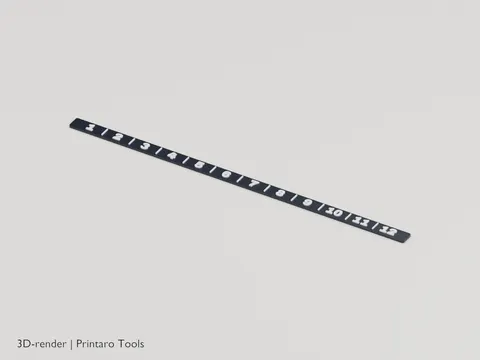
Patch Panel Label
Numbered label strips for network ports
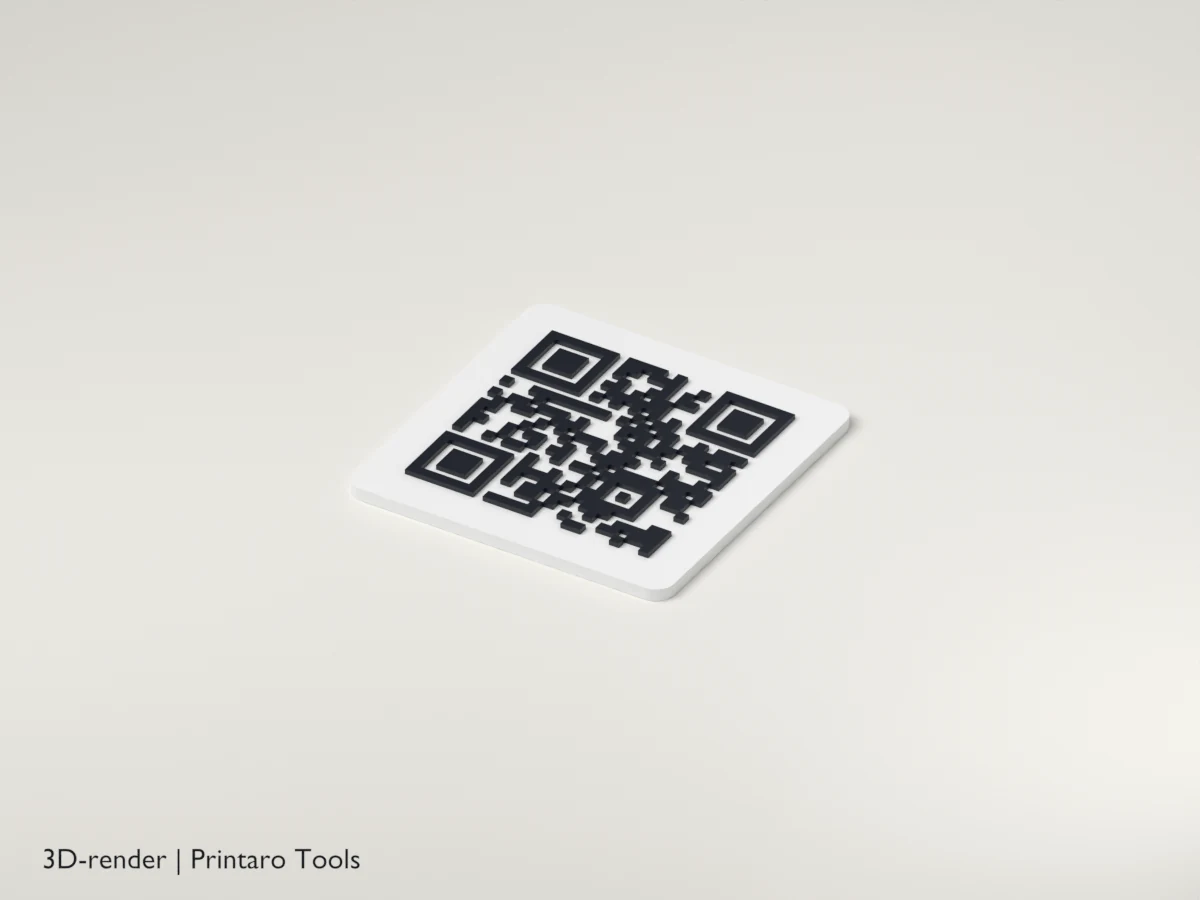
QR Code
A printed QR code for a link, WiFi or any short text