Remote Control Holder
Pockets for every remote
Never dig through the sofa cushions for the remote again.
Examples
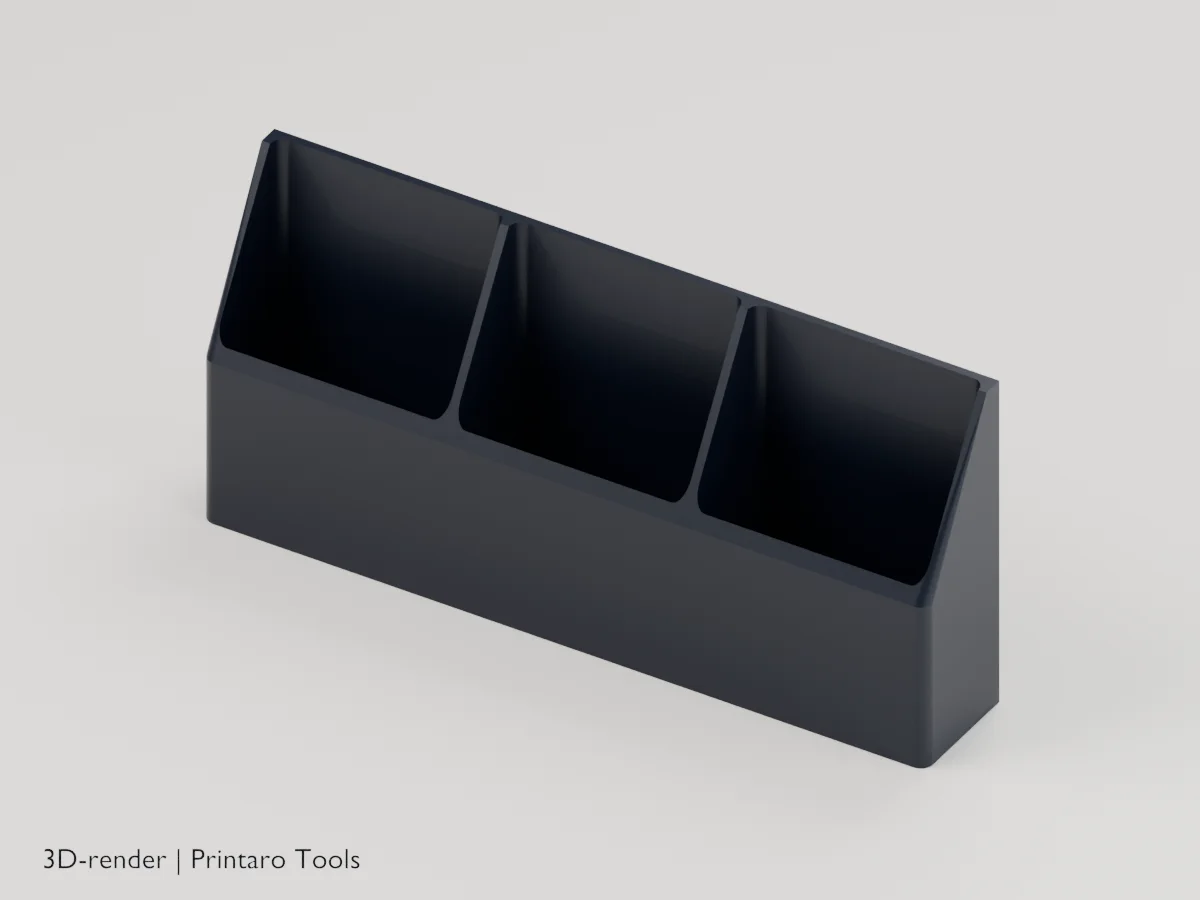
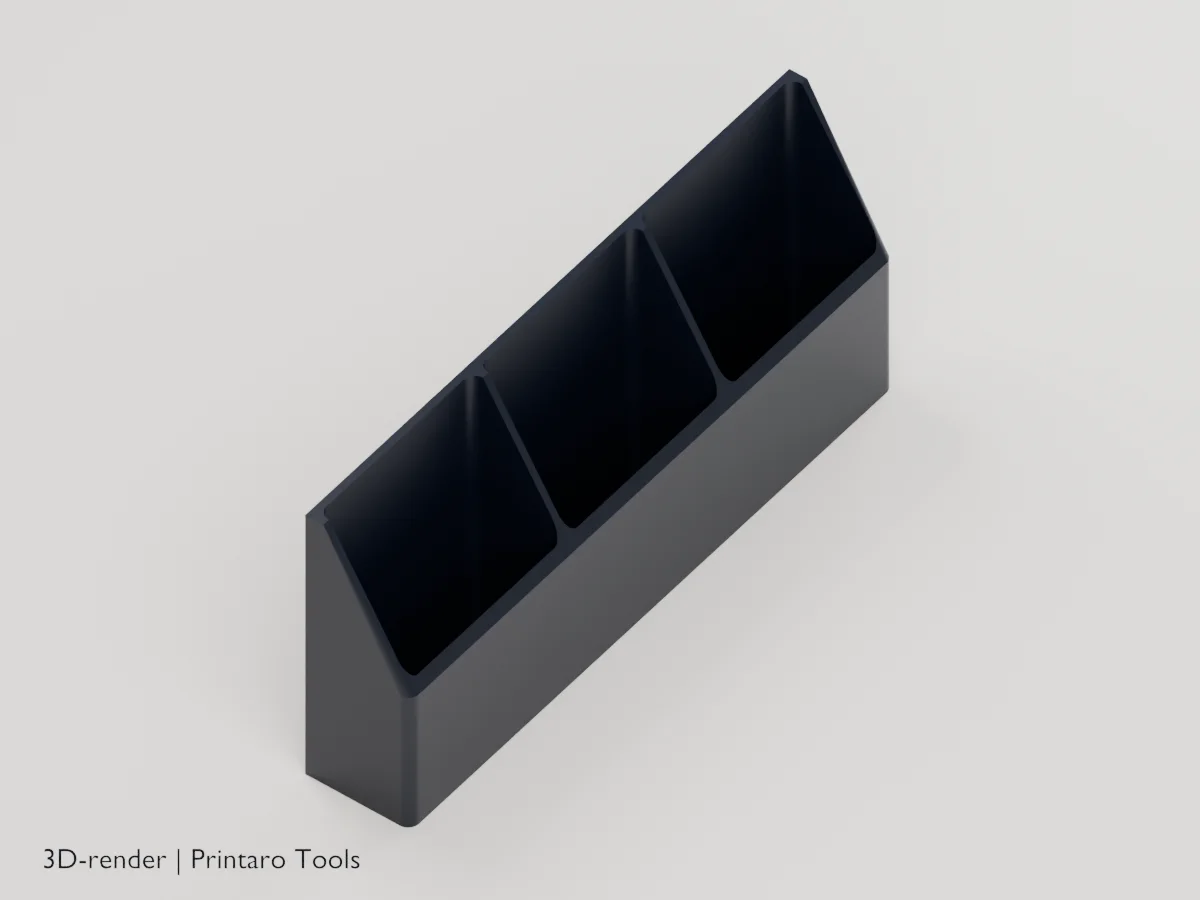
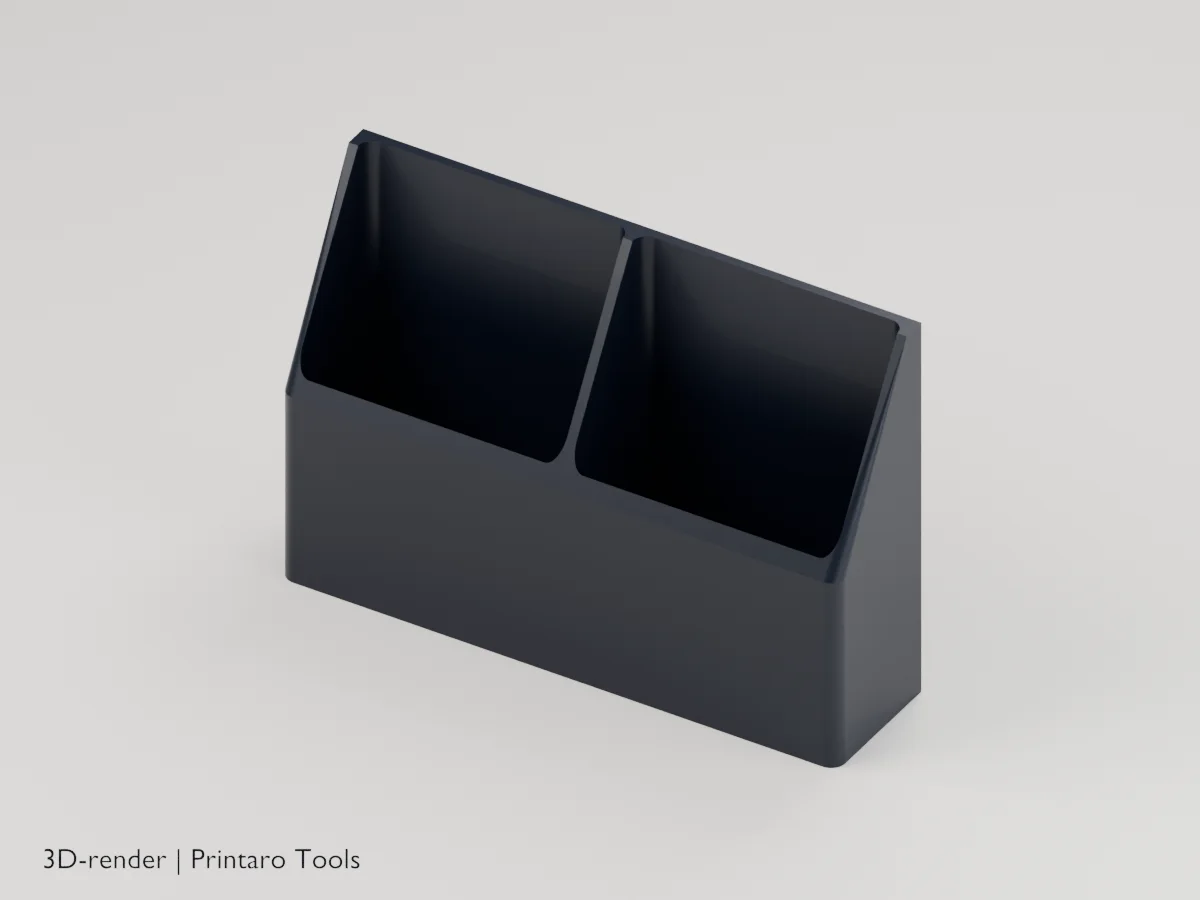
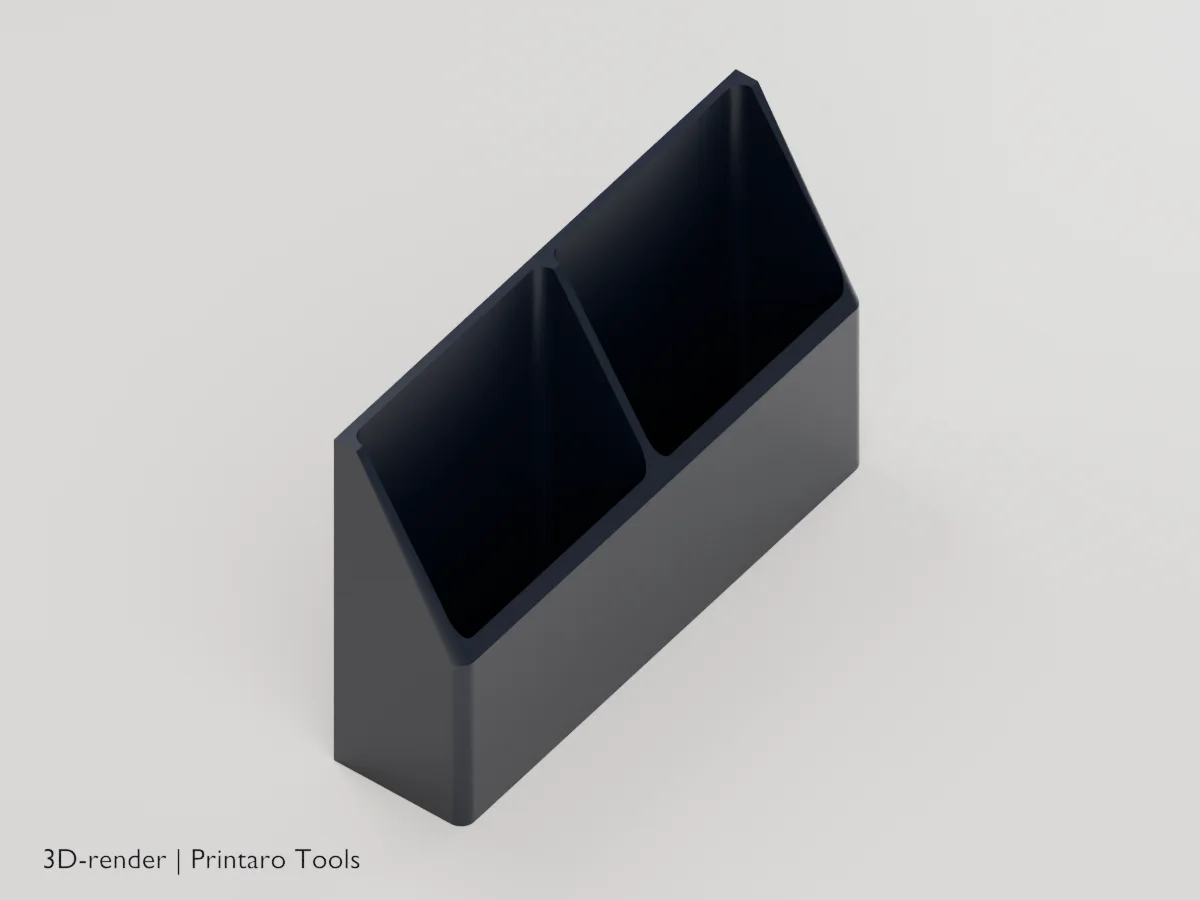
Examples made with this generator. These are 3D renders, not photos of prints.
No printer?
Printaro can print this design for you. Copy the link to your design and paste it in your message, so we know exactly which settings you chose.
Want your own printer? See which Bambu Lab printer to buy.
Keep the tools free
Found this useful?
These generators are free to use. If one saved you time, a small Ko-fi donation helps pay for hosting, rendering and new tools.
About this generator
A holder with a pocket for each remote control, on the table or screwed to the wall. The low front shows which is which.
How to use
- Measure your widest remote.
- Set the number of pockets.
- Print upright as exported.
Measuring your remotes
Measure the widest and thickest remote you own, and add a few millimeters. All the pockets are the same size, so the largest remote decides. Pocket width goes up to 80 mm and depth up to 40 mm.
Height and front
Front height is a share of the back: at 80 mm and 50%, the front is 40 mm tall. A lower front shows more of each remote. A higher front holds short remotes better. If your remotes are much longer than the holder is tall, raise Height so they don't tip it forward.
Size and placement
- Width is remotes × (pocket width + wall) + wall. Three 55 mm pockets come to 173 mm, and six 80 mm pockets to 494 mm, more than a printer can fit in one piece. Print two holders in that case.
- Table: it stands on a 2 mm floor. Felt pads stop it sliding.
- Wall: two 4 mm countersunk holes at 20% and 80% of the width, high in the back wall. Use wall plugs. Raise Wall thickness if you want more material around the screws.
Printing tips
- Add felt pads underneath so it doesn't slide.
- For the wall version, use two screws and wall plugs.
Helpful guides
Frequently asked questions
Will my remotes fit?
Measure your widest and thickest remote and set Pocket width and Pocket depth a few millimeters larger.
How do I hang it on the wall?
Choose Wall under Placement and use two screws with wall plugs.
Related tools
Battery Holder
Storage blocks for AA, AAA, 18650 and more
SD Card Holder
Desk holder for SD, microSD and USB sticks
Board Game Insert
A tray for cards and tokens in a game box
Hole Saw Organizer
A post for every hole saw, with the size engraved
Nozzle Storage Block
A labeled hole for every spare nozzle
Printer Tool Holder
Scraper, pliers and keys on your printer frame